Template details
Hexo Theme Wanghu
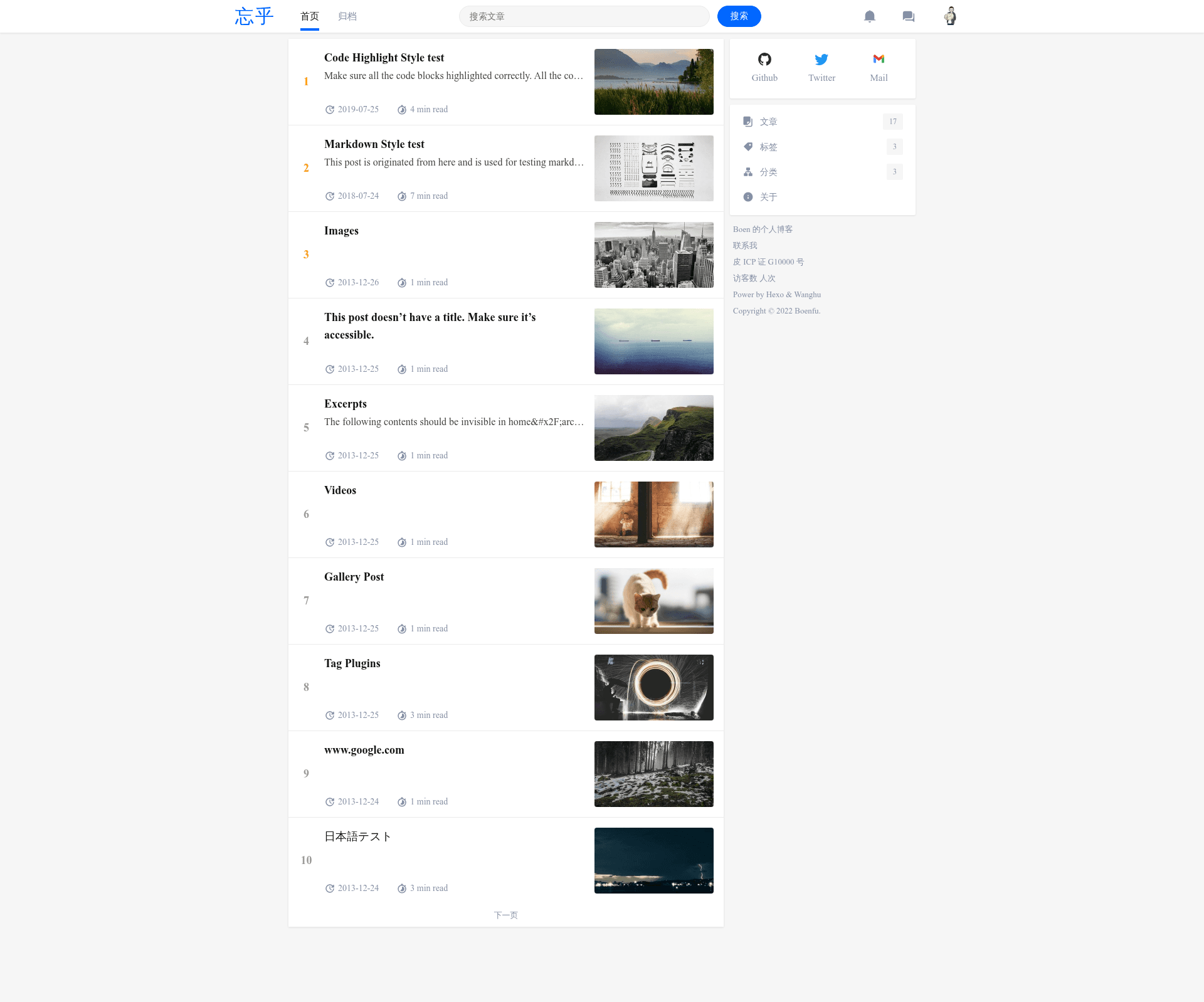
A Zhihu-style Hexo blog theme with a built-in unit test site for verifying theme compliance.
About this template
Hexo Theme Wanghu is a Hexo blog theme that mirrors the visual style of Zhihu (知乎), the Chinese Q&A platform, and ships with a unit test site for validating Hexo theme compliance.
What is Hexo Theme Wanghu?
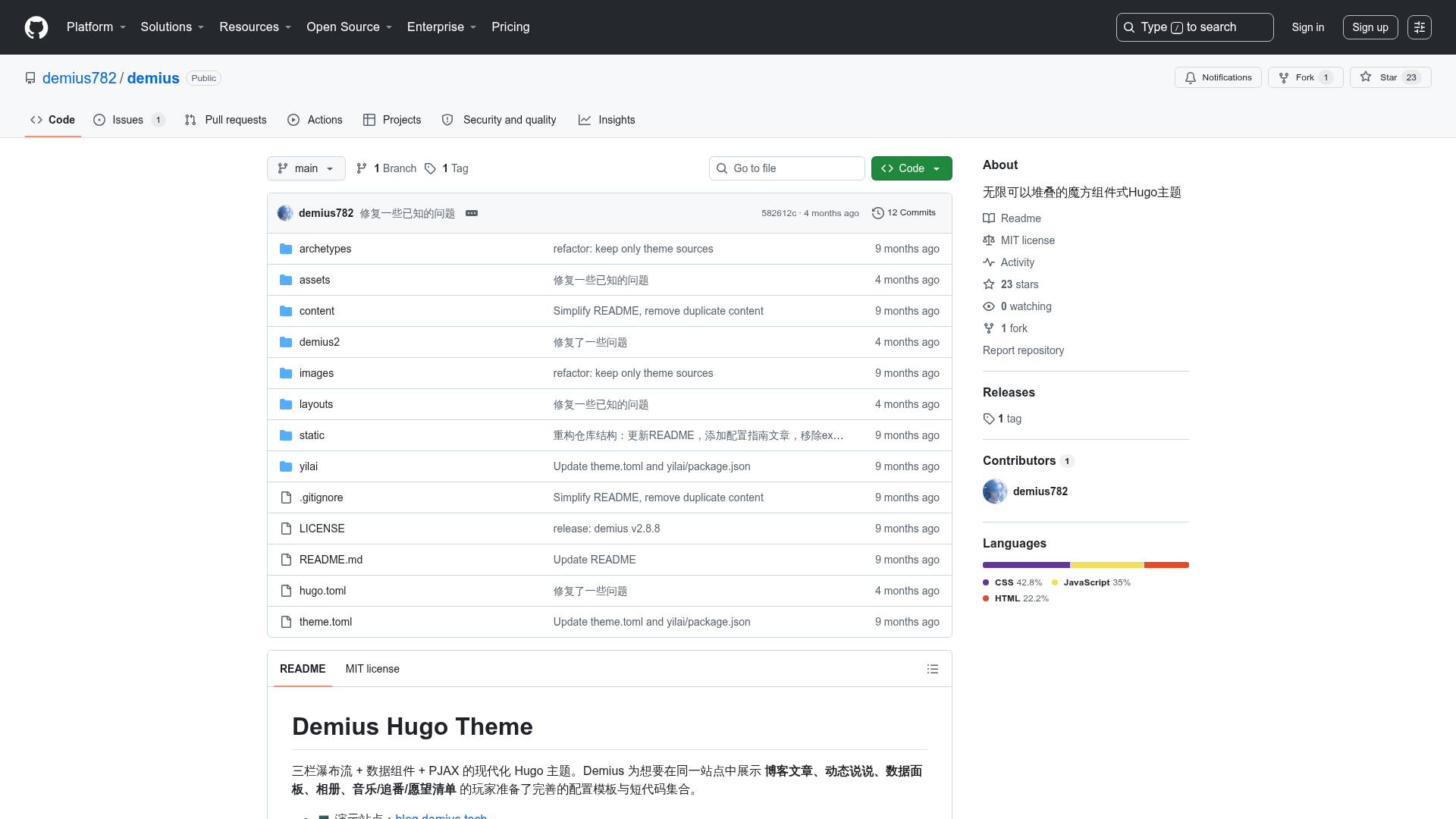
Hexo Theme Wanghu is a theme for the Hexo static site generator designed to give personal blogs the look and feel of Zhihu (知乎), a Chinese question-and-answer platform. The theme takes Markdown posts and Hexo configuration as input and outputs a static blog styled after Zhihu's layout, typography, and color scheme. It is maintained as a public GitHub repository with 2 stars, and the repository's source tags list Hexo, Stylus, and Markdown as the technologies used. The repository also includes a dummy Hexo site for theme unit testing, following the official hexo-theme-unit-test checklist, so developers can verify the theme before publishing it.
Key Features
- Zhihu-inspired design — The theme reproduces the Zhihu (知乎) aesthetic, distinguishing it from generic Hexo themes.
- Stylus-based styling — Styles are authored in Stylus, a CSS preprocessor, per the repository's source tags.
- Excerpt index pages — The unit test site checks that the index page shows only post excerpts, preferably with a "Read More" link.
- Pagination support — The included test site validates that Hexo's built-in pagination works with the theme's index and archive templates.
- Post categories and tags — The test checklist verifies that post templates display category and tag metadata.
- Disqus comment integration — The unit test site requires Disqus comment support to pass.
- Photo and link layouts — The theme is expected to support Hexo's photo and link post layouts.
- Fragment caching — The test site checks for use of Hexo's
fragment_cachehelper to improve render performance.
Who should use Hexo Theme Wanghu?
- Hexo bloggers who want a Zhihu-like look without building a theme from scratch.
- Chinese-speaking writers who want a familiar Zhihu-style reading experience for their personal blog.
- Hexo theme developers who need a baseline theme and a unit test site to check compliance with Hexo best practices.
What can you do with Hexo Theme Wanghu?
- Create a Zhihu-styled blog — Set up a Hexo site with this theme, write posts in Markdown, and publish a blog styled after Zhihu's interface.
- Validate a Hexo theme — Run the included unit test site with the theme installed, then test every checklist item (DOCTYPE, UTF-8, favicon, excerpts, pagination, comments, RSS autodiscovery) before releasing a theme.
- Learn Hexo theme development — Use the unit test checklist as a practical reference for what a standard Hexo theme must support.
How does Hexo Theme Wanghu work?
The repository provides a complete dummy Hexo site for theme testing. After cloning the repository, you install the theme you want to test, change the theme setting in _config.yml, and start the Hexo server to inspect styles. The README lists the exact checklist items to verify, from the head section (DOCTYPE, UTF-8 charset, titles, favicon) through index, post, performance, and optional features like responsive design, i18n, and RSS autodiscovery.
Pros and cons
Pros
- Open-source and cloneable from GitHub.
- Includes a ready-made unit test site aligned with Hexo's official test theme.
- Uses Stylus for maintainable, preprocessed CSS.
Cons
- Very small user base — the repository has only 2 stars on GitHub.
- The README focuses on the unit test site, not on the theme's own usage or customization documentation.
FAQ
Is Hexo Theme Wanghu free?
The theme is available as a public GitHub repository and can be cloned freely. No license or pricing information appears in the repository content, so treat it as open-source code without a stated license.
What does Hexo Theme Wanghu look like?
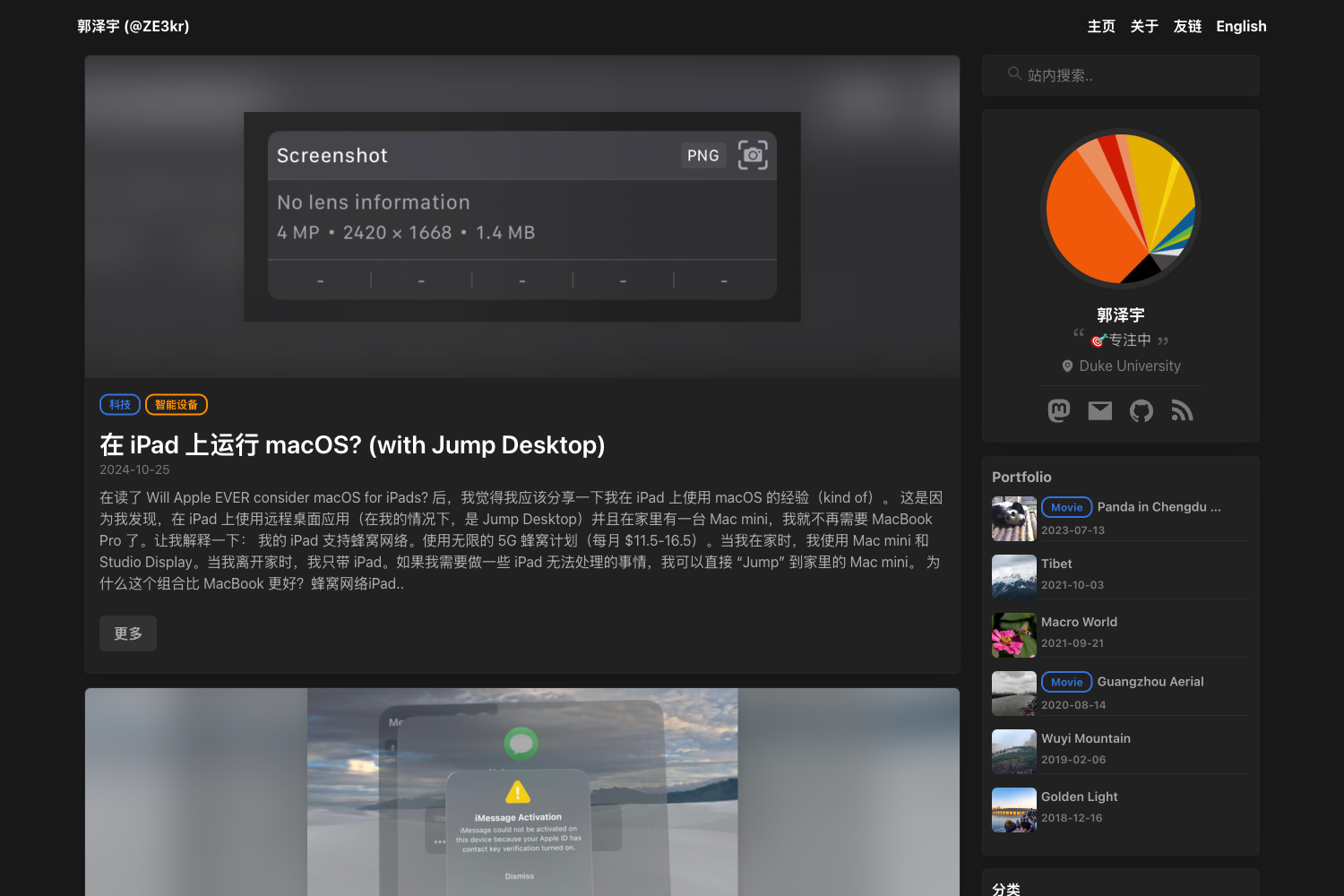
It is a Zhihu (知乎) theme, meaning it recreates the look of the Chinese Q&A platform—likely familiar white cards, blue accents, and Zhihu-style typography—though no screenshots are included in the repository.
Does it support comments?
The unit test checklist requires Disqus comment support, so the theme includes Disqus integration to pass the test.
How do I install it?
Clone the repository, copy the theme into your Hexo site's themes folder, and set the theme option in _config.yml to the theme's name. Then run hexo server to preview it.
Can I use it for a non-blog site?
It's built as a blog theme for Hexo, so it's best suited for personal blogs and similar content sites. The unit test site checks standard blog features like post excerpts, categories, tags, and pagination.