Template details
Hexo Theme Zhl
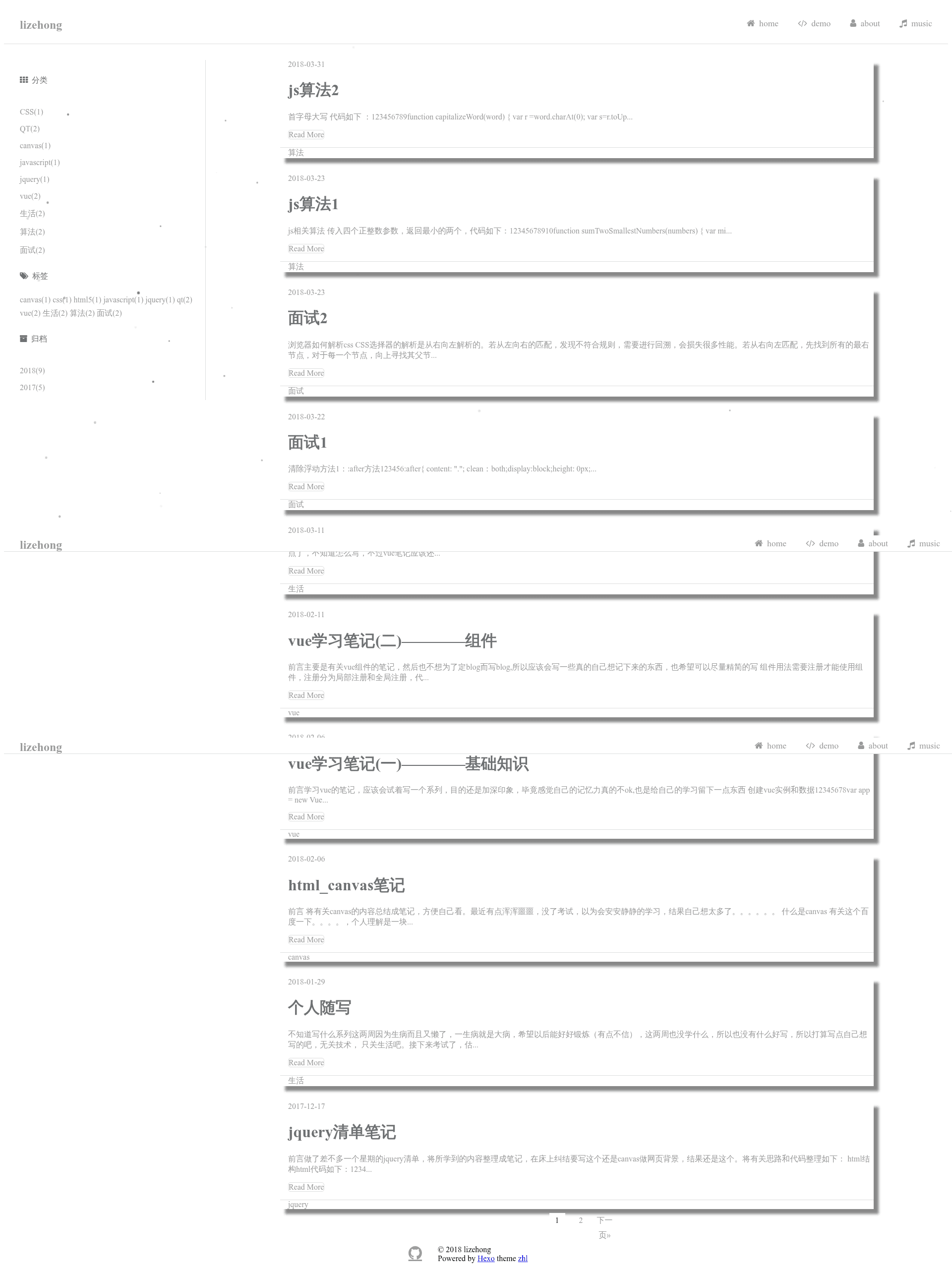
A minimalist Hexo blog theme (no longer maintained) built on Hexo 3.0+ with EJS and Stylus.
About this template
hexo-theme-zhl is a minimalist Hexo blog theme built for Hexo 3.0+ that uses EJS templates and Stylus styles to generate lightweight static blog pages without any JavaScript framework dependencies.
What is hexo-theme-zhl?
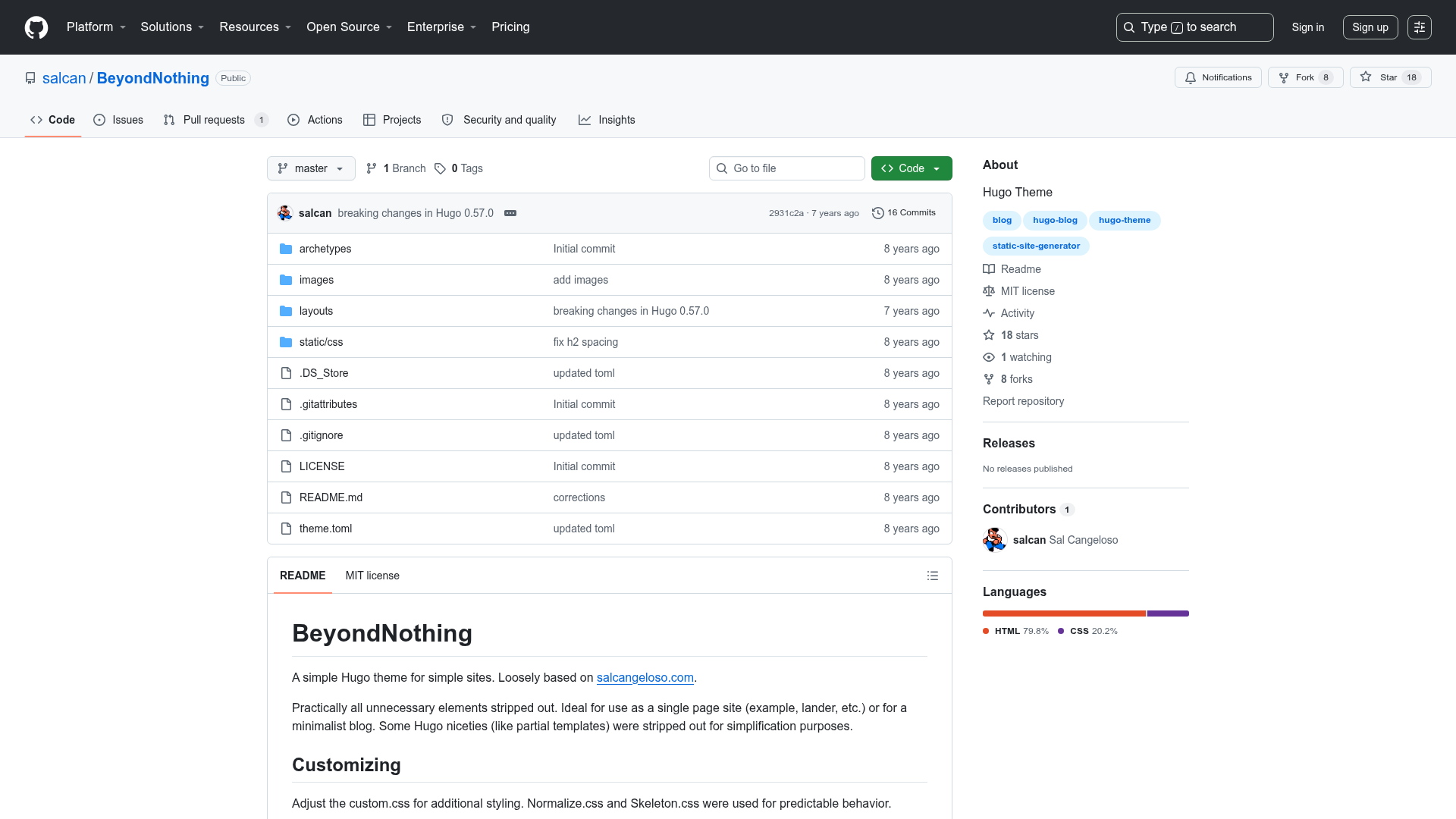
hexo-theme-zhl is an open-source Hexo theme designed for personal blogs and simple content sites. It takes Markdown posts processed by Hexo and renders them into static HTML using EJS templates, with styling written in Stylus. The theme runs on Hexo 3.0+ and is intended to be easy to understand, use, and extend. It was published on GitHub by lizehongss and is no longer actively maintained.
Key Features
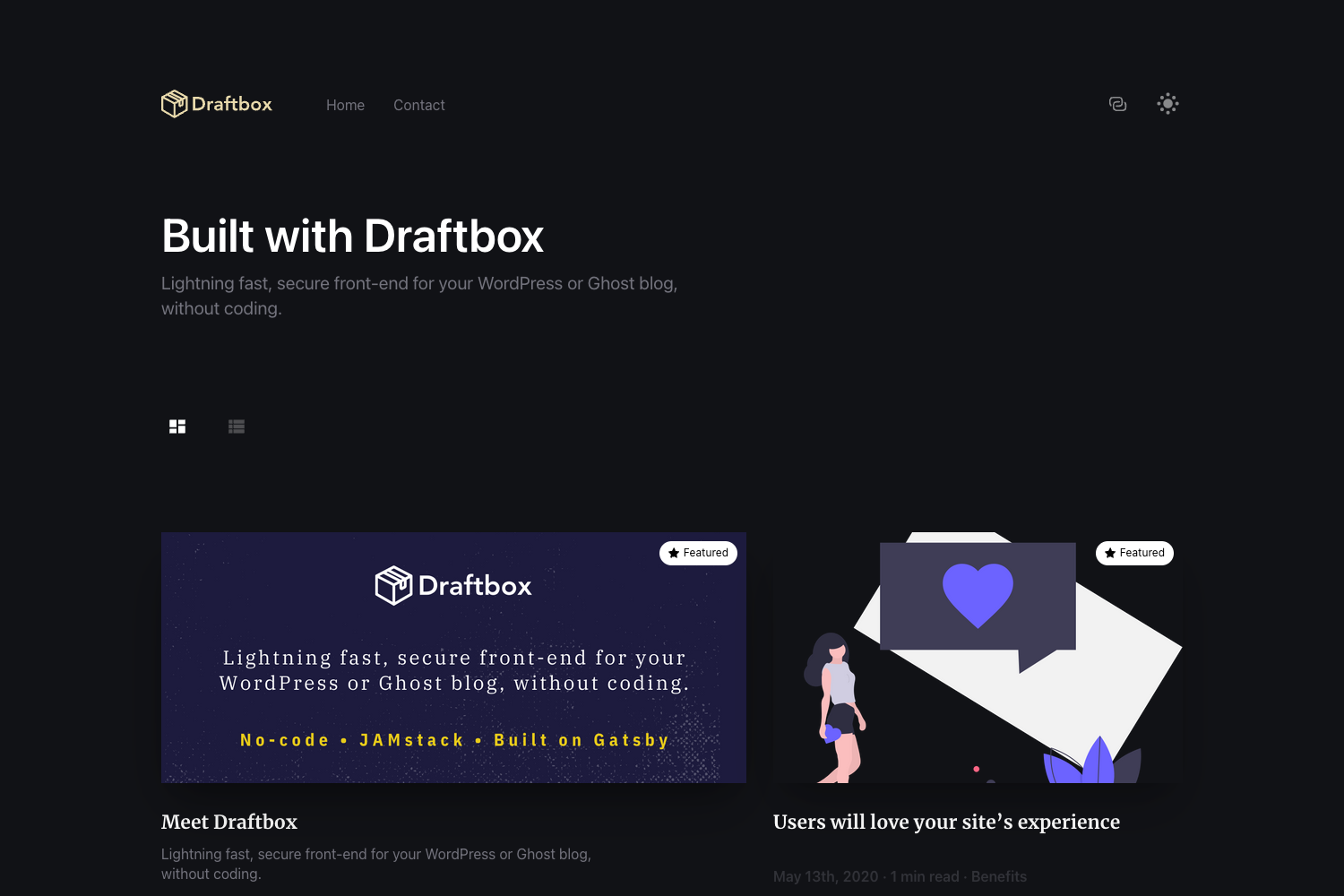
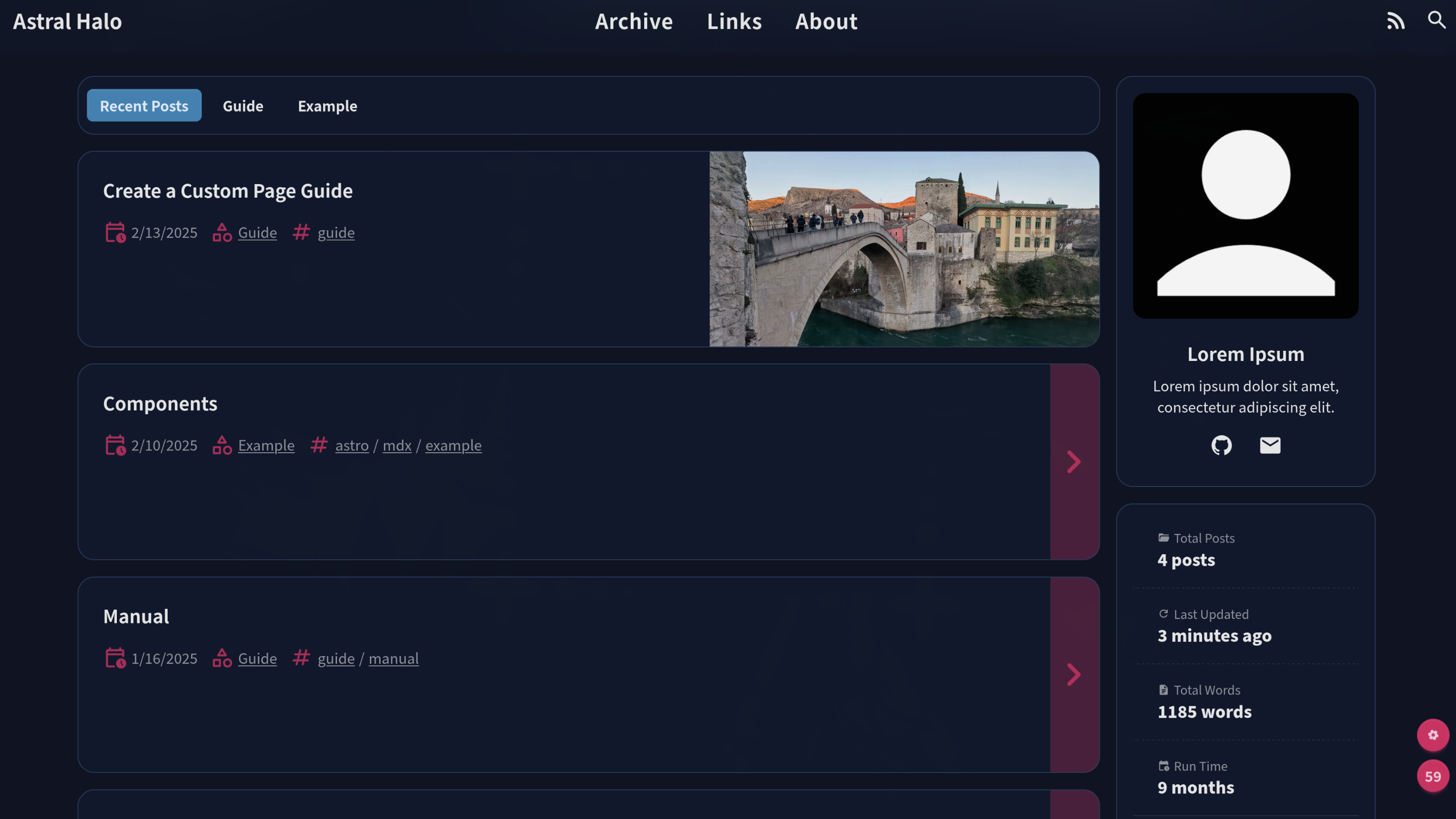
- Minimalist layout — A clean, content-focused design with no decorative clutter, suited for text-heavy blogs.
- Native JavaScript only — All client-side scripting uses plain JavaScript, with no jQuery or other JS libraries, keeping page weight low.
- Modern browser support — The theme targets IE10 and modern browsers, letting developers use contemporary CSS and JS features safely.
- Changeable background — The webpage background can be customized through the theme configuration file, allowing personalization without code edits.
- Hexo 3.0+ compatibility — Works with Hexo 3.2.0 and later, and integrates with official generators for archive, category, index, and tag pages.
- EJS templating — Templates are written in Embedded JavaScript, making them approachable for developers familiar with plain JS.
- Stylus styling — Stylesheets are authored in the Stylus preprocessor, offering variables and mixins before compiling to CSS.
- Easy extension — The codebase is compact, making it straightforward to add new layouts or modify existing ones.
Who is it for?
- Personal bloggers looking for a fast, minimal theme to present written content without extra dependencies.
- Hexo users who want a simple base theme to customize for their own site.
- Developers who dislike jQuery can use this theme because it relies entirely on native JavaScript.
What can you do with hexo-theme-zhl?
- Launch a blog quickly: Download the theme, place it in the themes directory, configure _config.yml, and run
hexo gto generate a static site. - Personalize the background: Adjust the background setting in the theme configuration to match your brand or aesthetic.
- Extend functionality: Add custom EJS partials or Stylus rules to introduce new layouts, widgets, or styles.
- Learn Hexo theme development: Use the simple code as a study example for building your own Hexo themes.
How does hexo-theme-zhl work?
- Install Hexo and set up a hexo site with
hexo init. - Download the theme as a zip or via git clone into the
themes/zhlfolder. - Edit the theme's
_config.ymlto set site-specific options. - Run
hexo clean && hexo generate && hexo serverto preview locally on port 4000.
Pros and cons
Pros:
- Released under the MIT license, free to use and modify.
- No JavaScript frameworks, resulting in fast loading.
- Simple code structure, friendly for learning and extending.
Cons:
- The project is no longer maintained, so issues and feature requests may not be addressed.
- Search, comment, and portfolio page features are missing and listed in the TODO.
- Does not support Internet Explorer 9 or older browsers.
Pricing
Free and open source under the MIT license.
Alternatives
- hexo-theme-landscape — The default Hexo theme referenced in this repository's credits, usable as an alternative base for a Hexo blog.
FAQ
Is hexo-theme-zhl free?
Yes, the theme is released under the MIT license, so you are free to use, modify, and distribute it without charge.
Does hexo-theme-zhl support search or comments?
No. Search functionality and comment integration are listed in the project's TODO and were never implemented. Since the theme is no longer maintained, these features are unlikely to be added.
What browsers are supported?
The theme is built for modern browsers and Internet Explorer 10 and above. IE9 and older are not supported, as noted in the README.
How do I customize the background?
Background customization is performed through the theme's configuration file, _config.yml. The README lists this as a built-in feature but does not specify the exact setting name, so you may need to inspect the theme source for the relevant option.
What Hexo version is required?
The theme requires Hexo 3.0 or higher. The repository's dependency list specifies hexo version ^3.2.0, so it works with Hexo 3.2.x and later.