Template details
Hexo Theme I
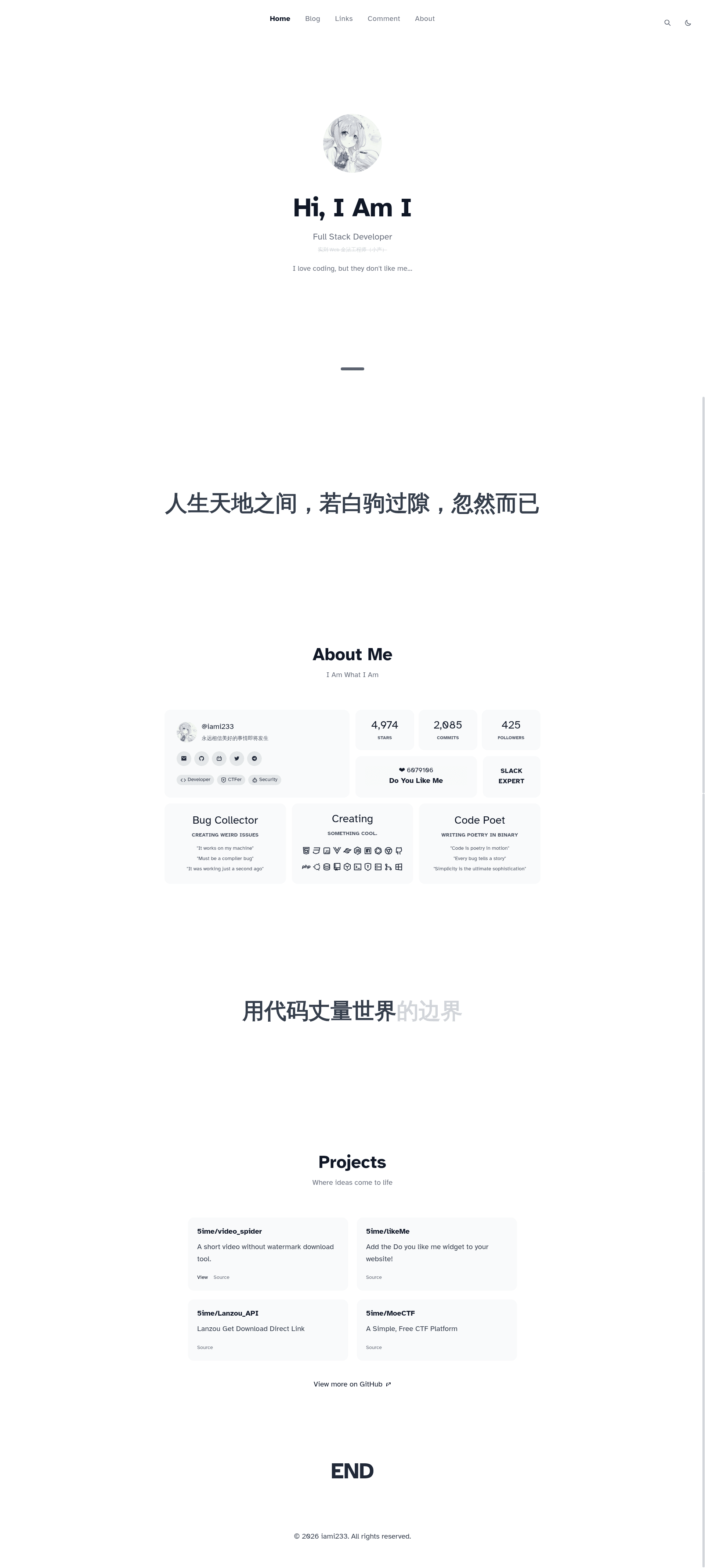
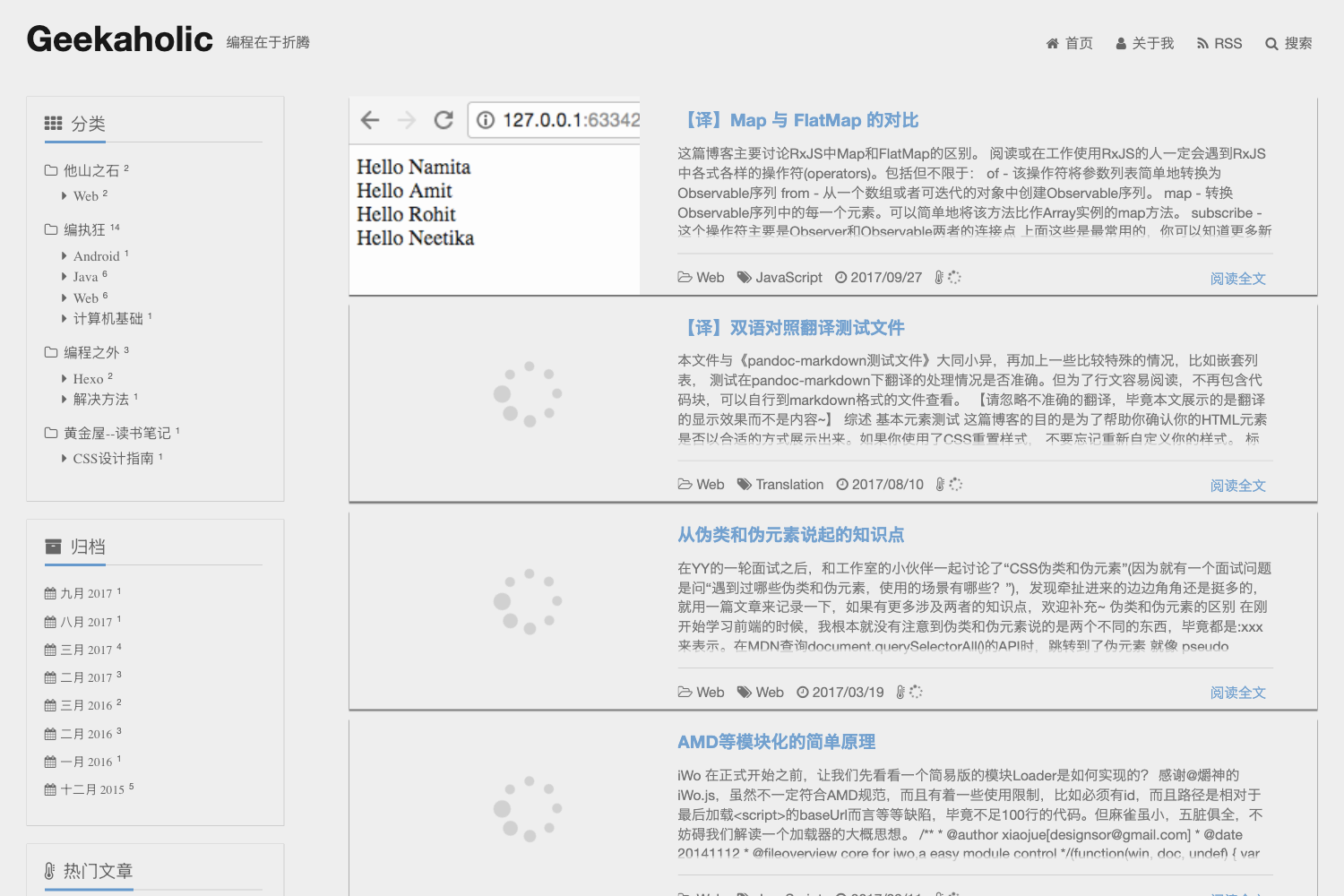
A personal Hexo blog theme forked from nexmoe and Ayakashi, adding random anime covers and extended Valine configuration.
About this template
Hexo Theme I is a customized Hexo blog theme forked from nexmoe/hexo-theme-nexmoe and SaigyoujiYuyuko233/Saigyou_Ayakashi-HexoTheme, built for personal blogs that want anime-style covers and extended comment controls.
What is Hexo Theme I?
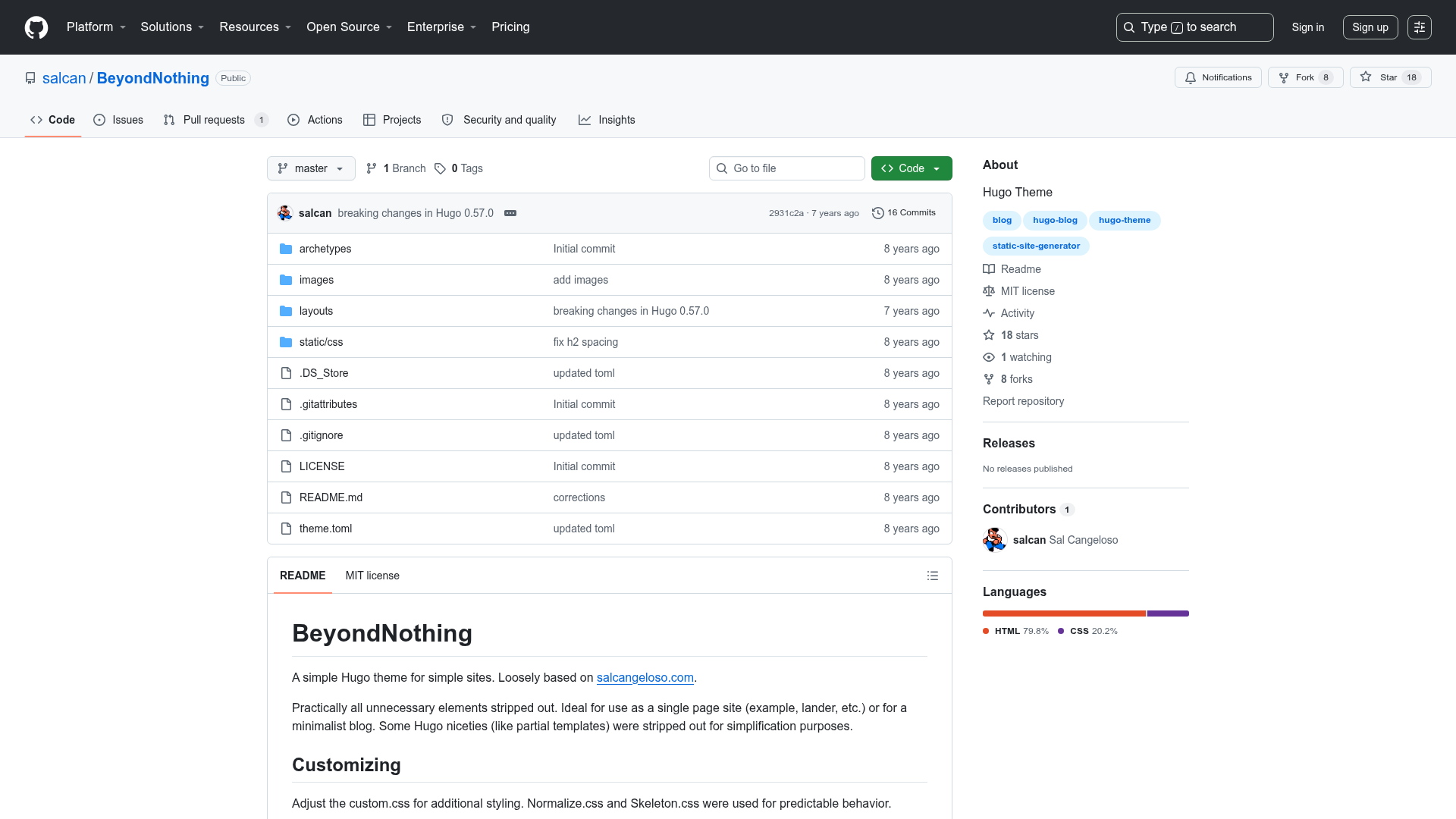
Hexo Theme I is a Hexo static-site theme that merges the design of two upstream themes into a personal "博客自用主题" (personal-use blog theme). It runs on Hexo, the Node.js-based static site generator, and outputs a blog with an archive page, tag layout, and a random anime cover image system. The repository has 20 stars, and its changelog shows it actively syncs with the latest Dev branches of both source themes.
Key Features
- Random anime cover image — The theme displays a random anime illustration as the cover, giving each page visit a different look instead of a fixed banner.
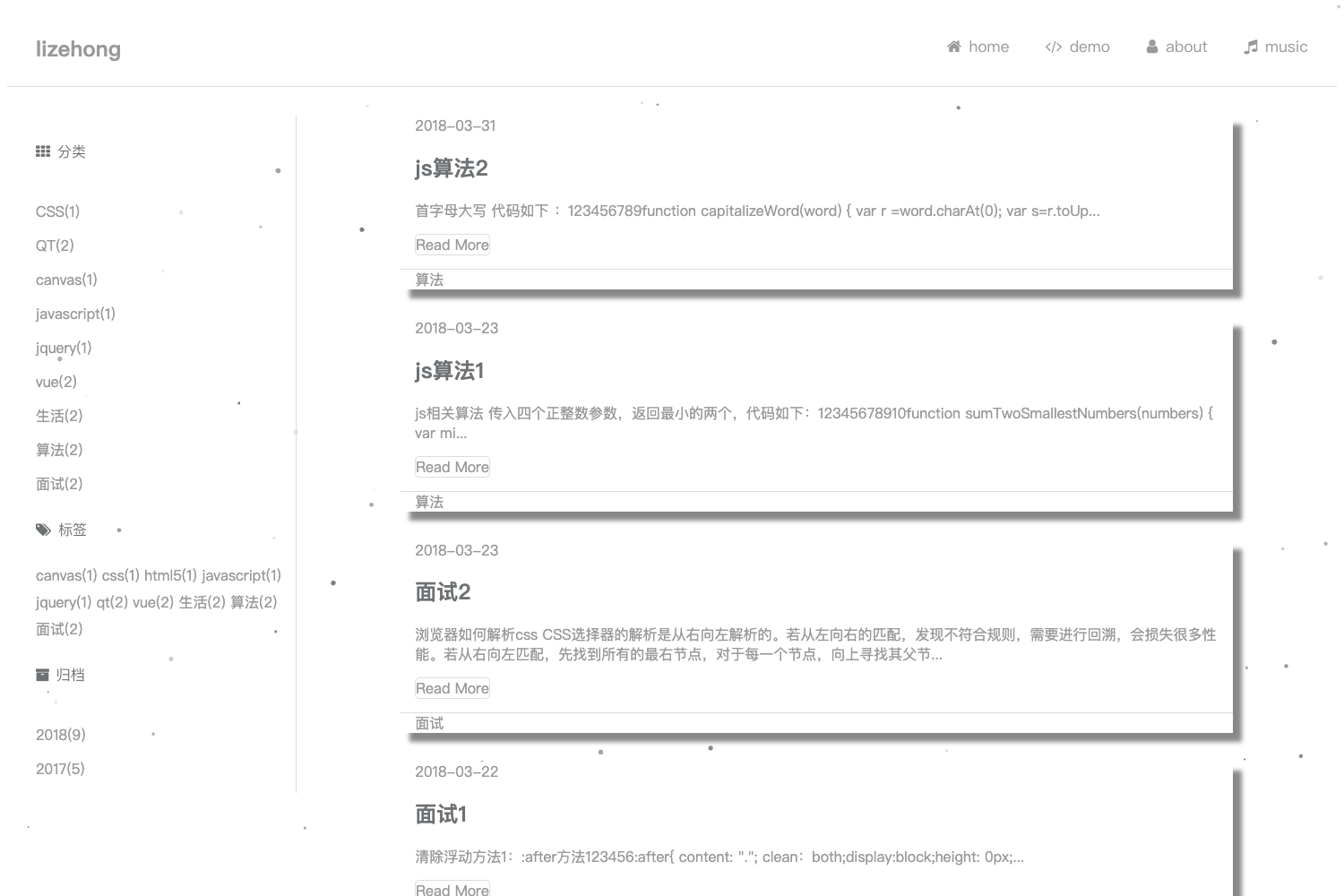
- Archive page tag height limit — On the archive page, tag elements are capped to a maximum height, preventing uneven stretching in the layout.
- Extended Valine configuration — Built-in Valine comment settings are expanded, allowing users to tune more comment options from the theme config rather than editing code.
- Likeme component extension — The "Likeme" interactive component is extended, adding new behavior to the original like-button element.
- Dev version synchronization — The theme tracks the development branches of both upstream themes, pulling in the newest features and fixes.
- I Am I configuration sync — The theme synchronizes settings from the "I Am I" setup, keeping related configuration aligned.
Who is it for?
- Anime-friendly bloggers — They get a ready-made Hexo theme with random anime artwork and a clean archive layout.
- Hexo users who want enhanced comments — They can use the extended Valine configuration without writing custom comment code.
- Theme maintainers — They can fork this theme and benefit from the upstream Dev sync process.
What can you do with Hexo Theme I?
- Launch a personal blog — Install it as your Hexo theme to publish posts with a random cover image and a tag-limited archive page.
- Customize Valine comments — Use the expanded config to tune comment behavior, such as enabling notifications or setting a custom avatar source.
- Track upstream changes — Follow the Dev version sync to keep your blog theme current with the latest upstream commits.
Alternatives
- NexT — A popular Hexo theme with a simple, modular design, unlike the anime-focused style of Hexo Theme I.
- nexmoe/hexo-theme-nexmoe — The upstream theme whose design this fork builds upon.
- SaigyoujiYuyuko233/Saigyou_Ayakashi-HexoTheme — The other upstream theme merged into this project.
FAQ
Is Hexo Theme I free?
Yes, it is an open-source theme hosted on GitHub. The repository metadata shows a personal-use description, and no license is stated in the visible content. You can clone it and use it for your own blog.
How do I install Hexo Theme I?
Clone or download the repository into your Hexo themes directory, then set theme: hexo-theme-i (or the actual folder name) in your site's _config.yml. The theme requires a working Hexo installation.
Does Hexo Theme I support Valine comments?
Yes, it includes an extended Valine configuration. The changelog specifically mentions "扩展 Valine 内置配置" (extended Valine built-in configuration), so you can customize comment settings from the theme's configuration file.
Can I keep the theme updated?
Yes, the changelog shows a "同步最新 Dev 版本" (sync latest Dev version) step, meaning the author tracks the development branches of the upstream themes. If you fork the repo, you can pull those updates.