Template details
Himalaya
Parse HTML into JSON with a synchronous JavaScript library.
About this template
Himalaya is a JavaScript library that parses HTML into a JSON abstract syntax tree, giving developers a synchronous way to convert web page markup into structured data for processing in Node.js and browsers.
What is Himalaya?
Himalaya is a synchronous HTML-to-JSON parser. It takes an HTML string as input and returns a JSON array of nodes, where element nodes contain a type, tagName, attributes (as an array of key-value pairs), and children. The parser runs in Node.js and in browsers via a standalone script or a bundler, and it is published on npm. The source is hosted on GitHub at andrejewski/himalaya, where the project has over 900 stars.
Key Features
- Synchronous API — the parse function returns the JSON AST directly, with no callbacks or promises.
- Handles malformed HTML — closes unclosed tags, ignores extra closing tags, and correctly processes void elements like img and meta.
- Preserves whitespace — text node content is kept exactly as written, including leading and trailing spaces.
- Position tracking — pass includePositions: true in the configuration to get start and end indices, line, and column for every node.
- Ignores script, style, and template contents — the parser skips parsing the inner text of these tags.
- Stringify support — the stringify function converts the JSON AST back into an HTML string.
- Cross-platform compatible — loads as window.himalaya in the browser and bundles with Browserify and Webpack.
Who is it for?
- Web developers — parse fetched HTML into a JSON AST for data extraction, transformation, or debugging.
- Scraping tool builders — convert downloaded web pages into structured data for mining content and links.
- Testers and automation engineers — inspect page structure by converting HTML to a neutral, JSON-based representation.
- Library authors — embed Himalaya in tools that need a lightweight HTML-to-JSON converter.
What can you do with Himalaya?
- Web scraping: feed an HTTP response into parse and traverse the resulting AST to extract links, images, and text.
- HTML email processing: convert email template HTML into JSON for server-side content manipulation.
- Static site generation: use Himalaya to analyze or transform HTML snippets before final output.
- Visual regression testing: snapshot page HTML, convert it to JSON, and compare structures across builds.
How does Himalaya work?
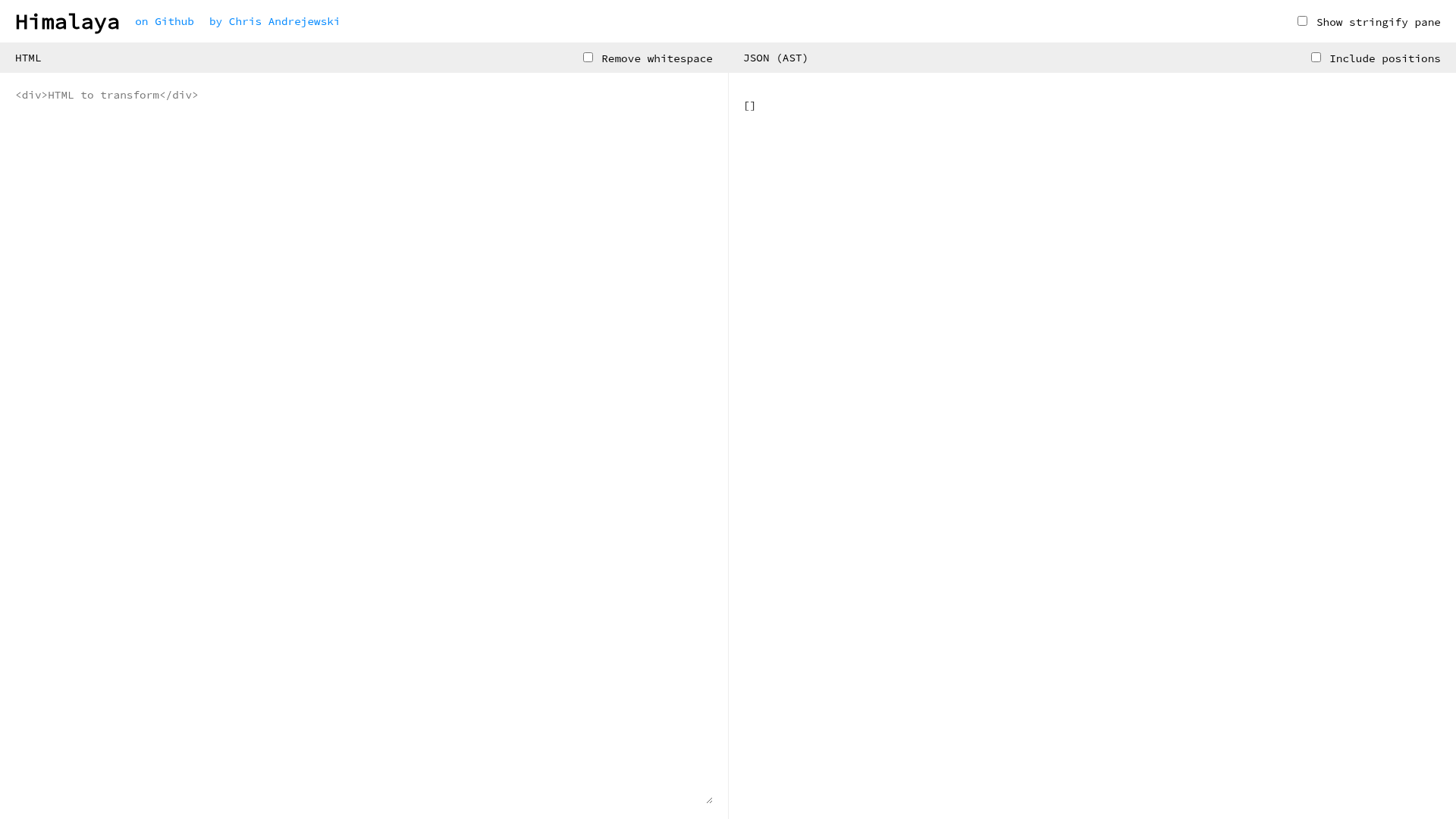
The parse function reads an HTML string, tokenizes it, and builds a tree of nodes according to the documented AST specification. To include source positions, spread parseDefaults and set includePositions to true in the second argument. The online playground at andrejewski.github.io/himalaya lets you test the parser interactively.
Pros and cons
Pros
- Synchronous and dependency-free — simple to integrate.
- Preserves whitespace and malformed markup details for accurate representation.
- Includes a stringify function for round-tripping.
Cons
- Whitespace text nodes are preserved by default, so many use cases require post-processing to strip them.
- The parser does not parse the inner contents of script, style, or template tags.
- No streaming support; the entire HTML string must be provided at once.
Pricing
Himalaya is free and open source. It is available as an npm package, and the full source code is published on GitHub.
Alternatives
- cheerio — a Node.js library that parses HTML with a jQuery-like API for traversal and manipulation.
- jsdom — a full browser DOM implementation for Node.js that supports JavaScript execution.
- parse5 — a spec-compliant HTML parser that builds a DOM tree and is used by many tools.
FAQ
What does Himalaya do?
Himalaya converts an HTML string into a JSON array of nodes representing the document structure. Each element includes its tag name, attributes, and child nodes, making the output easy to work with in JavaScript.
Is Himalaya free?
Yes, Himalaya is a free open-source package distributed through npm. You can install it with npm install himalaya or load the browser build directly in a script tag.
Does Himalaya preserve whitespace?
Yes, by default all whitespace text nodes are preserved exactly as they appear in the input. To remove whitespace, post-process the JSON output; the readme includes an example script for this.
How do I include line, column, and index positions in the output?
Call parse with a configuration object that spreads parseDefaults and adds includePositions: true. Each node will then have a position property with start and end objects containing index, line, and column.
Can I convert the JSON back to HTML?
Yes, Himalaya's stringify function accepts the JSON AST and returns an HTML string. This is useful for modifying the parsed structure and then rebuilding the markup.