Template details
HTML CSS Examples
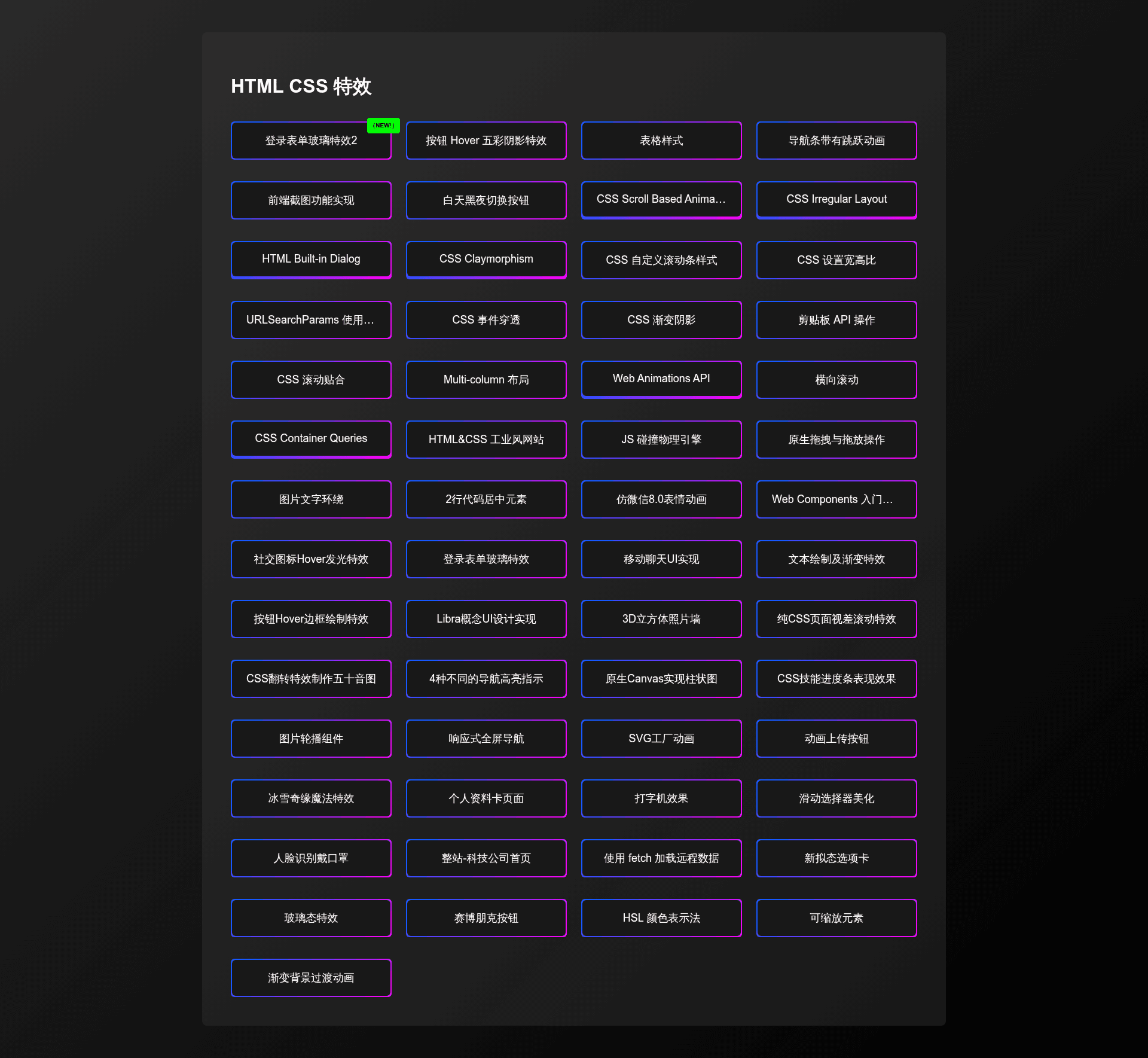
A collection of HTML and CSS examples, including effects and UIs.
About this template
HTML CSS Examples is a publicly available GitHub repository that gathers hand-written HTML and CSS effects and UI snippets from the Bilibili channel 峰华前端工程师 into a single browseable collection.
What is HTML CSS Examples?
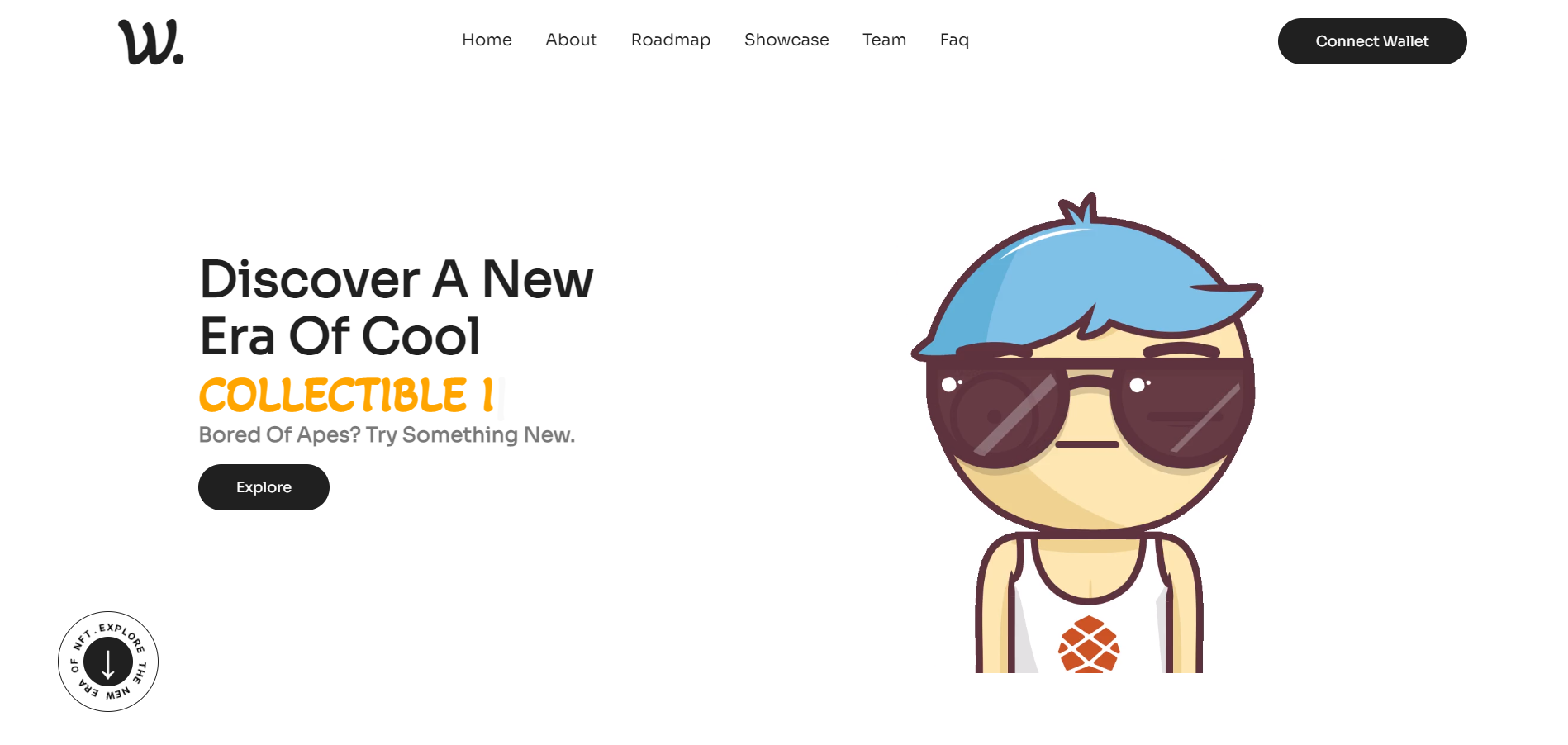
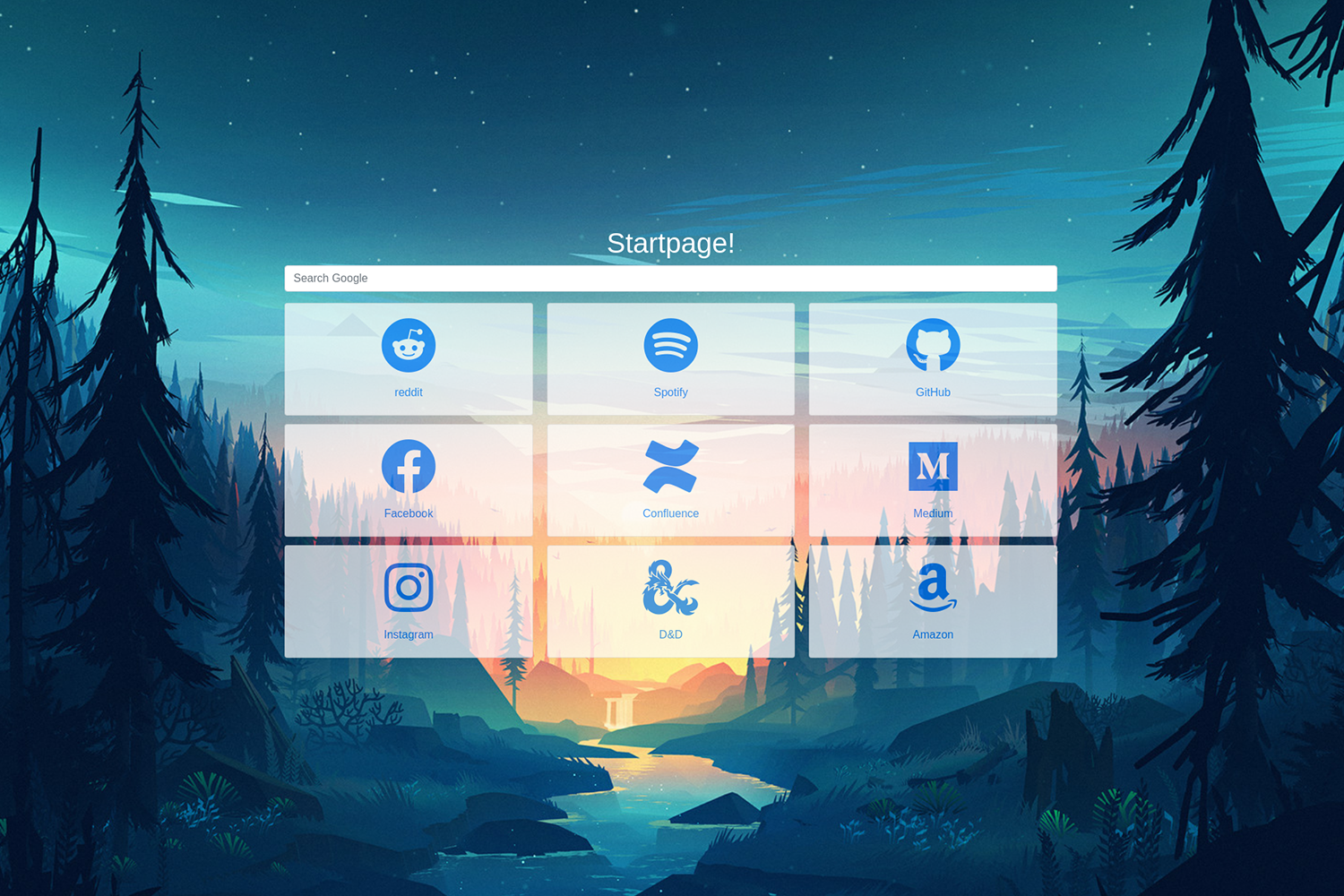
HTML CSS Examples is a collection of source code for HTML and CSS effects, maintained by the Bilibili educator 峰华前端工程师 (zxuqian). Each effect lives in its own folder under the repository and can be opened directly in a browser. The repository also publishes a live demo on GitHub Pages at https://zxuqian.github.io/html-css-examples/. The examples cover CSS and SVG animation, shadows, glowing and glass effects, responsive layout, a typewriter effect, face recognition, 3D transformations, and native canvas drawing, among other topics.
What makes HTML CSS Examples stand out?
The repository is organized as a set of self-contained projects, which makes it both a learning aid and a code cheatsheet. Its distinguishing traits include:
- Folder-based examples — Every example is separated into its own directory with the HTML and CSS source files, numbered and structured consistently with the others, so you can pick out a single effect without wading through unrelated code.
- Effects and UIs — The collection includes visual effect techniques such as shadows, glowing, glassmorphism, 3D transformations, and a typewriter effect, as well as UI-focused demos like responsive layouts.
- Interactive demo page — A live demo is hosted on GitHub Pages, letting you see each example rendered in the browser before copying the code.
- React-powered demo index — The demo page is built by compiling
src/index.jsinto/index.js, which renders React components that list and display the examples. - Face recognition example — One of the demos integrates face recognition capabilities, showing how to combine HTML/CSS with a JavaScript recognition library.
- Native canvas demos — Examples use the HTML canvas element directly for drawing and animation.
- Contribution workflow — The README defines a step-by-step process for adding new examples: fork, create a
feature/branch, structure the project, runyarn run watchornpm run watch, update the example list, and submit a pull request. - Bilingual usability — Although the video narration and code comments are primarily in Chinese, the README states the repository can be used effectively without knowing Chinese, since the critical code is readable.
Who should use HTML CSS Examples?
- Front-end learners — They can study the source code of each effect to see how specific CSS properties and SVG elements create animations, shadows, and layout behavior, then modify the code to experiment.
- UI developers — They can treat the repository as a cheatsheet, copying a single effect folder as a starting point for a button, loader, hero section, or responsive component.
- Tutorial viewers — People following the 峰华前端工程师 videos on Bilibili can use the repository to access the exact code shown in the tutorials and run it locally.
- Contributors — Developers who want to share their own HTML/CSS experiments can follow the contributing guide to add their examples to the collection and potentially have them featured in future videos.
What can you do with HTML CSS Examples?
- Front-end learners: Find an effect like the typewriter or glass effect, open its folder, and modify the CSS to understand how the technique works.
- UI developers: Grab a ready-made glowing or shadow effect and adapt it into a real project, saving time on prototyping.
- Tutorial presenters: Use the examples as visual references or starting points for creating your own educational content.
- Contributors: Add your own HTML/CSS example by following the outlined pull-request process and get it included in the public collection.
How does HTML CSS Examples work?
To use the collection, browse the folders in the repository, each containing an HTML file and resources that can be opened in any modern browser. To view the aggregated demo page, visit the GitHub Pages site. For contributing, the README guides you to fork the repo, create a branch starting with feature/, structure your project like the existing ones, run yarn run watch or npm run watch to compile the demo index, update src/index.js to add your entry with newItem set to true, and submit a PR.
Pros and cons
- Pros: The repository is freely accessible on GitHub, covers a wide range of aesthetic effects, provides a live demo, and has a defined contribution process for community additions.
- Cons: The video narration and many code comments are in Chinese, which can make explanations harder to follow for non-Chinese speakers, though the code itself is still usable.
FAQ
Is HTML CSS Examples free?
Yes, the repository is publicly available on GitHub and does not require payment. Anyone can browse the examples, copy the code, and contribute new examples according to the contributing guidelines.
What effects are included in HTML CSS Examples?
The collection includes CSS/SVG animation, shadows, glowing and glass effects, responsive layout, a typewriter effect, face recognition, 3D transformations, and native canvas examples. The README also notes that more examples are added over time through contributions.
Can I use the repository without knowing Chinese?
Yes. The README explicitly says you can use the repository without knowing Chinese; just read the critical parts. The code itself is language-neutral, and the examples are self-contained HTML and CSS files.
How can I contribute my own HTML/CSS example?
Fork the repository, create a new branch starting with feature/, structure your project according to existing examples, run the watch script to compile the demo index, update src/index.js to add your example name and link to the uis array with newItem set to true, then test and submit a pull request.
Where is the online demo?
The online demo is hosted on GitHub Pages at https://zxuqian.github.io/html-css-examples/, where all the examples are rendered in the browser.