Template details
Nuxt Starter
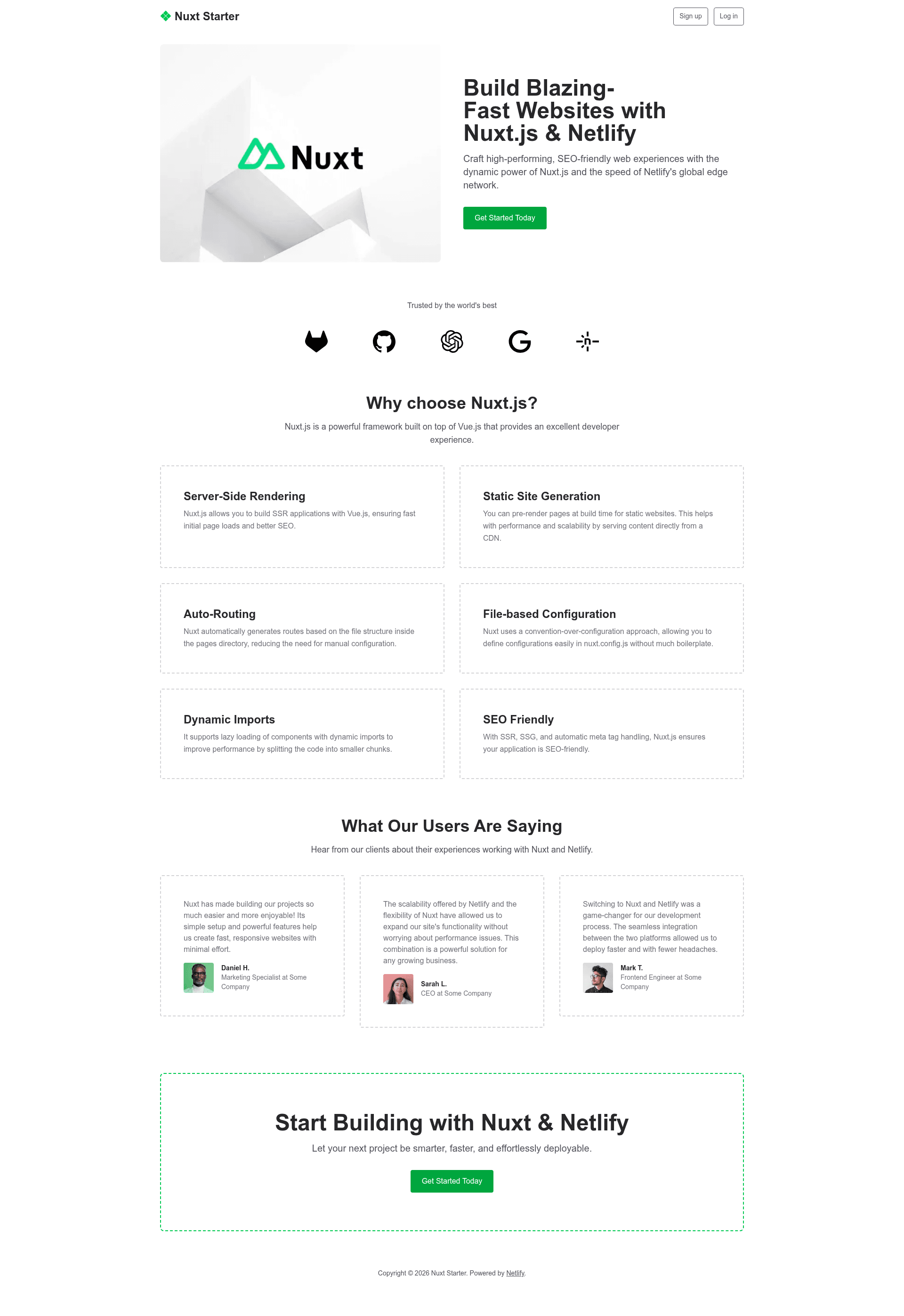
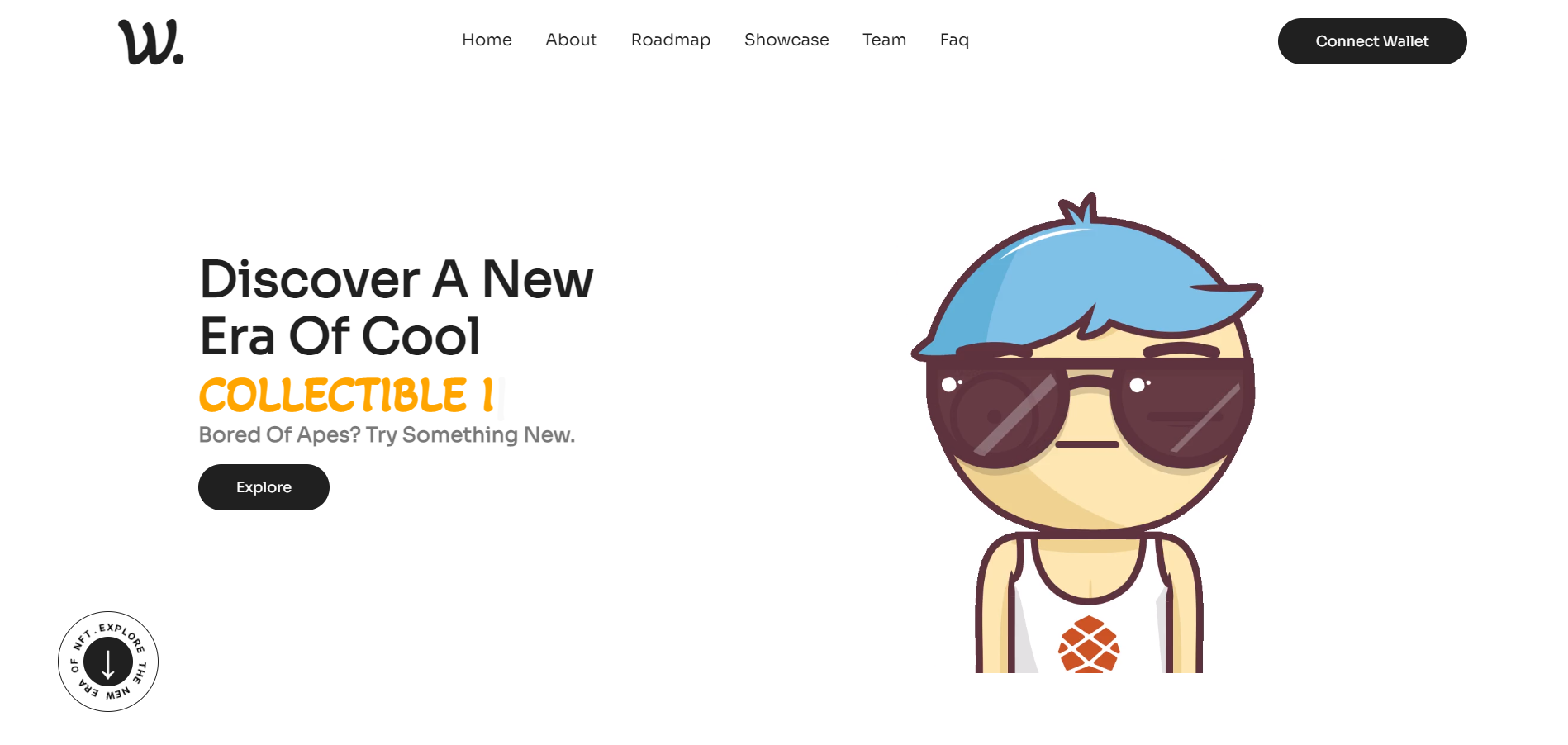
Minimal template for quick landing pages, built with Nuxt and Tailwind CSS.
About this template
Nuxt Starter is a minimal boilerplate template from Netlify for creating quick landing pages, built with Nuxt and Tailwind CSS.
What is Nuxt Starter?
Nuxt Starter is a starter template from Netlify that gives you a pre-configured Nuxt project for building a landing page site. It includes Tailwind CSS, Nuxt Image, and Nuxt Icon so you can start with styling and image handling already wired up. The page's feature list says "Nuxt 4 with Vue 3," while another section cites Nuxt v3.x, so the version reference varies. The template is structured for Netlify deployment and includes a one-click deploy button that creates a new repository and sets it up for hosting.
Key Features
- Nuxt 4 with Vue 3 — The feature list highlights Nuxt 4 with Vue 3, while another page section references Nuxt v3.x, giving you a Vue-based framework with Node.js support.
- Tailwind CSS v4.x — Styling uses Tailwind CSS v4.x, so you can write utility-first classes directly in your Vue components.
- Nuxt Image — Nuxt Image is pre-configured for optimized image handling, so you don't have to set up image optimization yourself.
- Nuxt Icon — Nuxt Icon is pre-configured for easy icon integration with a component-based approach.
- Fully responsive design — The template is fully responsive and adapts to common screen sizes.
- One-click Netlify deployment — The README includes a deploy button that creates a new repo and automatically configures deployment on Netlify.
- Structured project folders — The template ships with
data/for JSON content,components/,layouts/,pages/,public/, andassets/so you know where to put files.
Who is it for?
- Developers — who want a ready-to-run Nuxt and Tailwind setup without manually configuring modules like Nuxt Image and Nuxt Icon.
- Indie founders — who need a simple landing page to promote an idea and want to deploy it to Netlify with the one-click button.
- Netlify users — who are already using Netlify and want a template that matches Netlify's Nuxt documentation and support forums.
Use cases
- Launch a product landing page: customize the sample content in the
data/JSON file and adjust components to present a product with a clean layout. - Prototype a Nuxt app: use the preconfigured folder structure and build commands to start a larger project instead of setting up Nuxt from scratch.
- Create a personal site: replace the default content and styling to make a simple personal landing page with responsive design.
How does it work?
To work locally, install Node.js v20.9 or later, then run npm install to install dependencies. Use npm run dev for hot reload at localhost:3000, npm run build for a production build, npm run generate to produce a static project, and npm run preview to preview the production build. For deployment, click the deploy button on the README, which creates a new repo and triggers a Netlify build.
FAQ
Is Nuxt Starter free?
Nuxt Starter is a public template from Netlify, and the page does not mention any pricing or paid tiers. You can use it by clicking the deploy button or by cloning the repository from GitHub.
What Node.js version do I need?
The template lists Node.js v20.9+ as the only prerequisite. If you want to manage multiple Node versions, the optional nvm tool is suggested in the README.
Does Nuxt Starter include a blog or e-commerce?
No. It is explicitly a minimal template for quick landing pages. The project structure includes only pages/, components/, layouts/, and data/ for JSON content, with no blog engine, CMS, or payment integration.
Can I deploy Nuxt Starter to platforms other than Netlify?
The README focuses on Netlify deployment and provides a one-click deploy button. Since the template is a standard Nuxt app, you can also build and host it on other platforms, but that is not documented in the template itself.