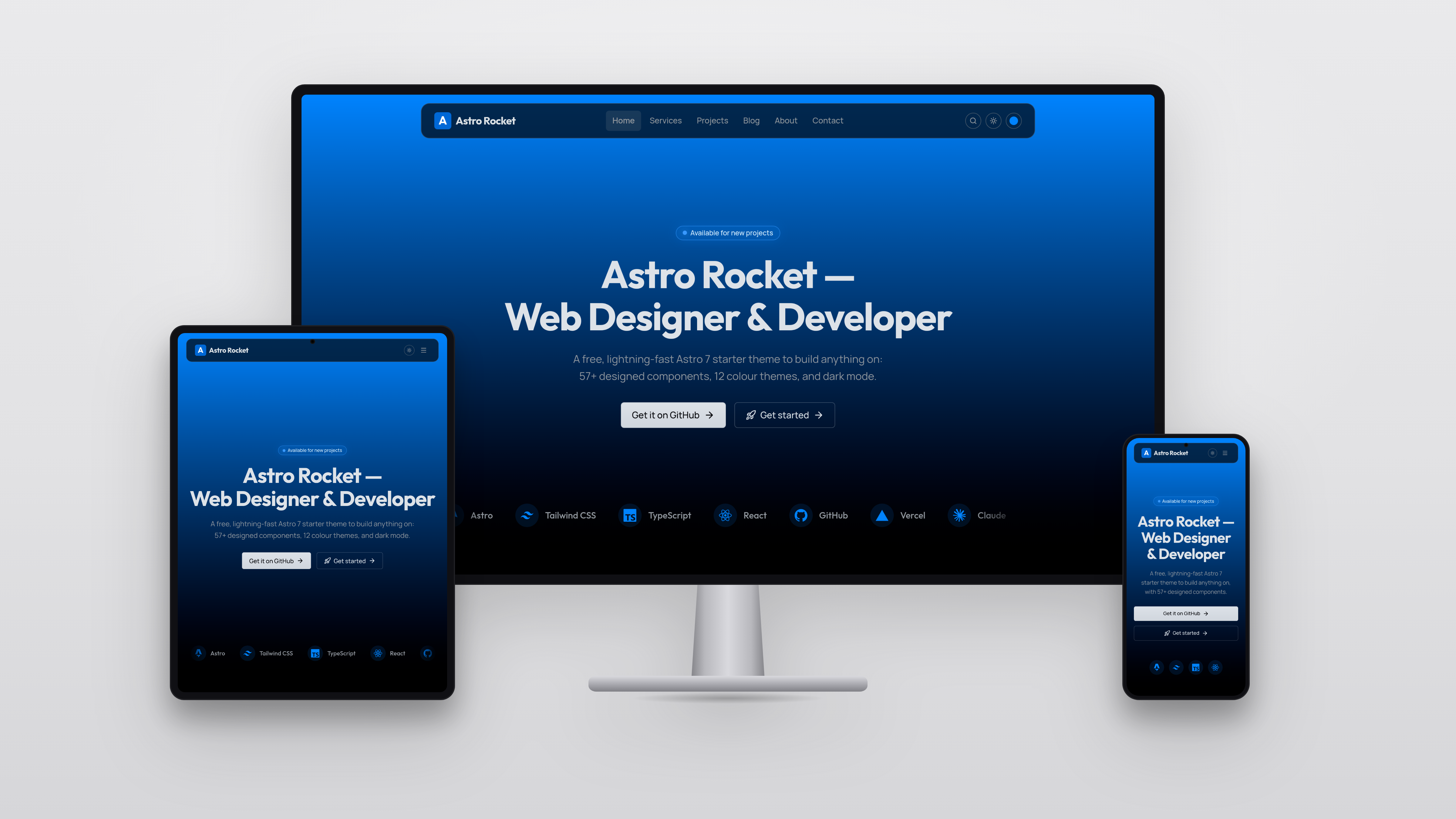
Template details
HTML Resume Template
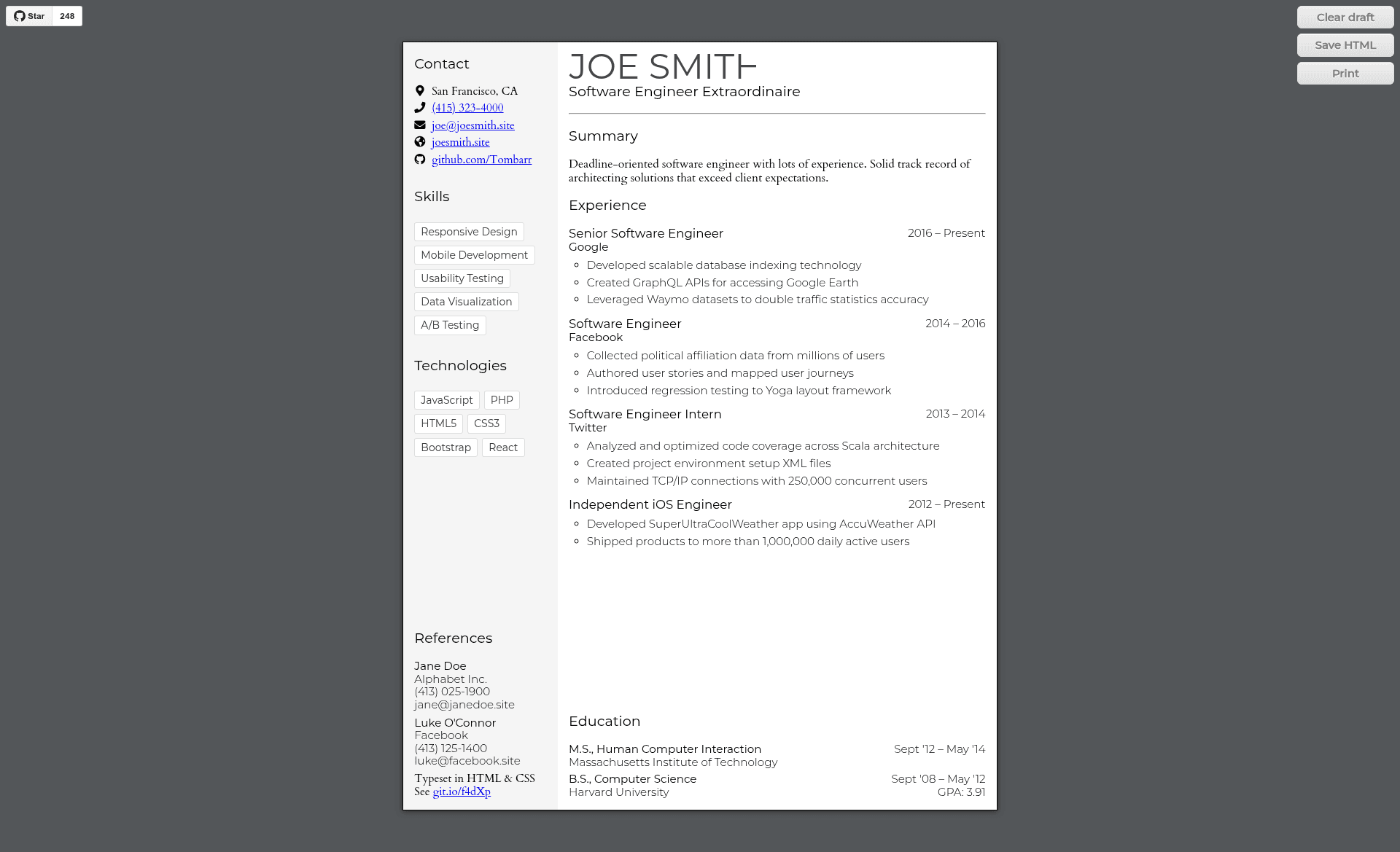
Editable resume template built with HTML, CSS, and JS. Built by and for software engineers and web developers.
About this template
HTML Resume Template is a free, open-source, single-page resume template built with plain HTML, CSS, and JavaScript that lets you edit your resume directly in the browser and export it as a PDF.
What is HTML Resume Template?
It is a single-page resume template that runs entirely in the browser: you open index.html, edit the text inline, and your changes are saved automatically to localStorage. The project was created by Tom Barrasso and is hosted on GitHub with a live demo at tombarr.github.io/html-resume-template. It uses no package managers or build tools—dependencies such as normalize.css, Google Fonts, and Font Awesome icons are loaded via CDN links.
Key Features
- In-browser editing — The entire page is marked editable with document.designMode, so you can click on any text and type changes immediately without opening a code editor.
- Automatic local save — Every edit is stored in your browser's localStorage and persists after a page refresh; no server communication or sync is involved.
- Keyboard formatting — In most browsers, Command or Ctrl + B makes text bold and Command or Ctrl + I makes it italic.
- Flexible returns — Shift+Enter inserts a line break within the same element, while Enter append list items contextually when focused after the last character.
- Fully customizable CSS — Layout and style can be entirely rewritten by editing the CSS, similar to the approach used by CSS Zen Garden, so the template can become a starting point for your own design.
- Print/PDF export — Because it is a single HTML page, you can use the browser's print dialog to save a PDF copy of your resume.
- Modern browser features — The code relies on flexbox, custom properties, and the template element, so it targets modern browsers (tested on Chrome 67 and Firefox 61 on macOS 10.13.5).
Who is it for?
- Software engineers and web developers who want a clean, code-based resume that can be version-controlled and customized with CSS.
- Job seekers who want an editable resume that can be filled out in the browser and exported to PDF without installing software.
- Developers learning front-end who want a small, complete example of designMode, localStorage, flexbox, and custom properties in practice.
What can you do with it?
- Update your resume anytime: Open the live demo or local file, click on any section, and type—changes are kept in your browser, so you can refresh and continue.
- Create a custom design: Replace the CSS to change layout, colors, fonts, and spacing to match your personal brand or a specific job application.
- Save as PDF: Use your browser's print-to-PDF feature to generate a clean, single-page resume file for online applications.
- Learn from the source: Study how a small project integrates CDN dependencies, document.designMode, and localStorage without any build step.
How does it work?
Open index.html (or the live demo) and the resume content loads. Because document.designMode is enabled, the page is immediately editable: click any text and start typing. Changes are automatically saved to localStorage, so refreshing the page preserves your work. Use Shift+Enter for line breaks, Enter to add list items, and Command or Ctrl + B/I for bold and italic, then print to PDF.
Frequently asked questions
Is this template free?
Yes, it is an open-source project on GitHub, so it is free to use, modify, and distribute.
Can I use it without knowing how to code?
Basic text editing is possible for anyone: just click and type. But changing the layout and styling requires editing the HTML and CSS files.
Does it send my data anywhere?
No. The application does not communicate or sync with a server; all data is saved locally in your browser. Saving may fail if localStorage is disabled.
What browsers are supported?
It was tested on Chrome 67 and Firefox 61 on macOS 10.13.5. Because it uses flexbox, custom properties, and other modern features, it is intended for modern browsers.