Template details
Hugo Bulma
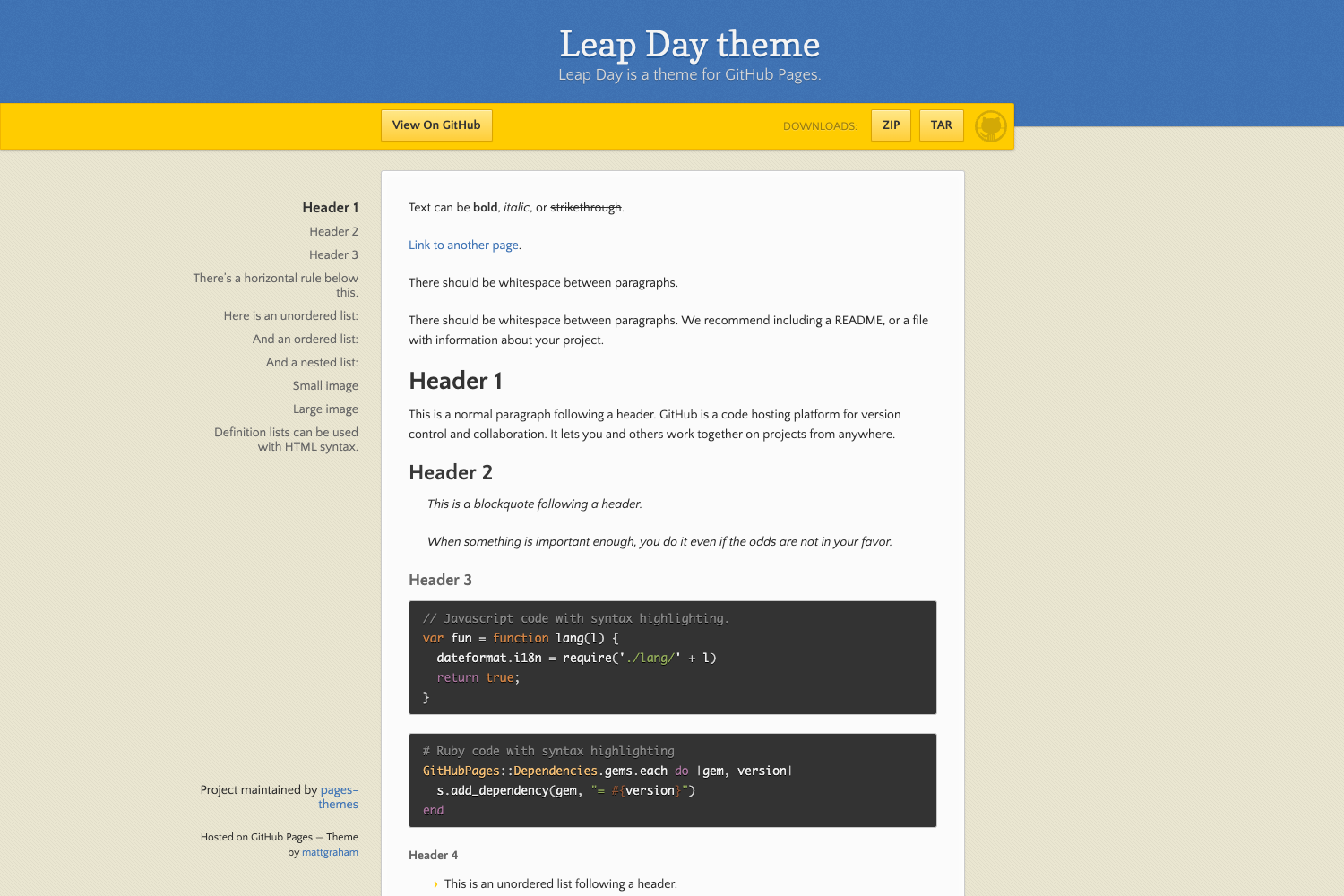
A responsive Hugo theme combining a traditional blog with a landing page, built with the Bulma CSS framework.
About this template
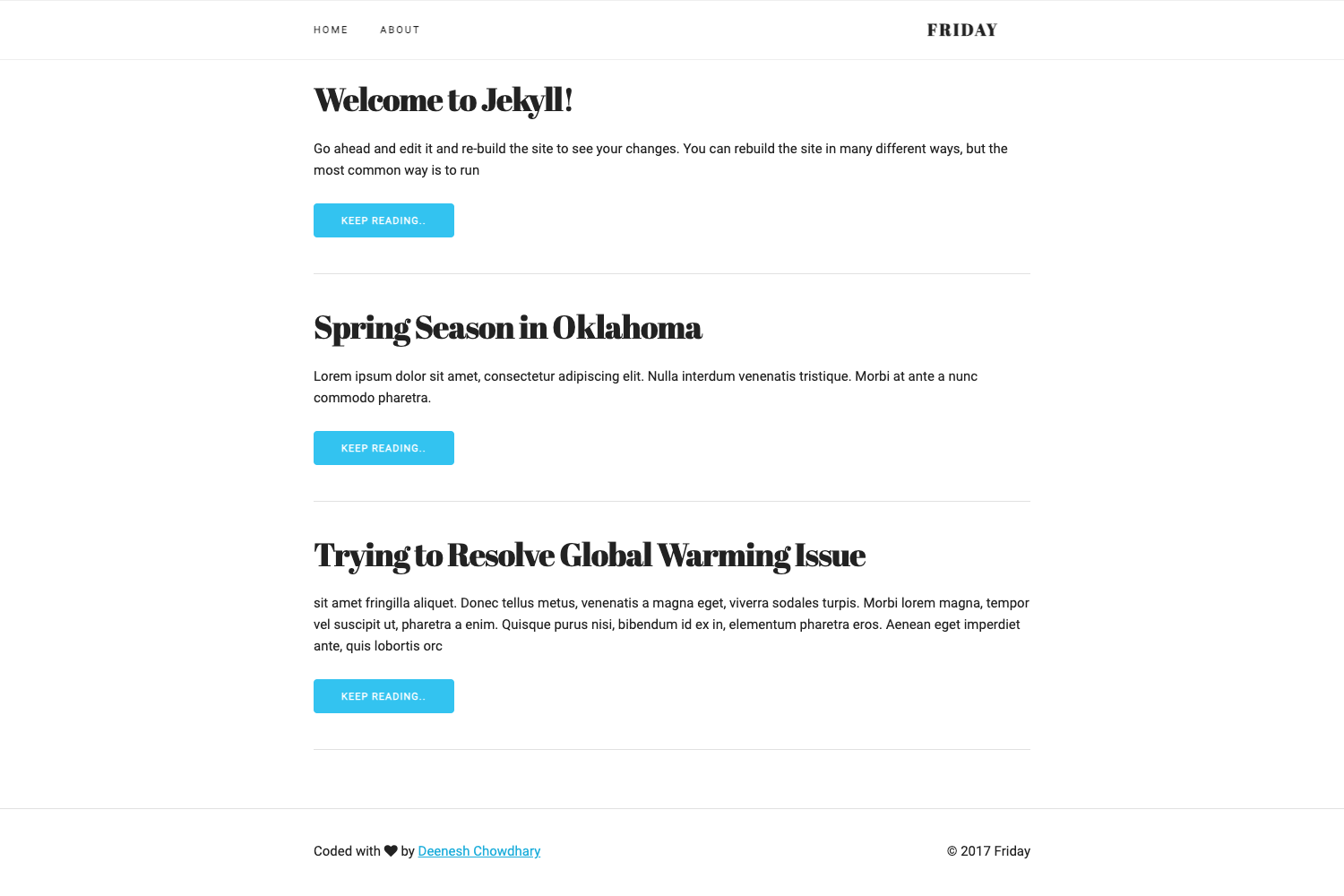
Bulma is a mobile-first, responsive Hugo theme that mixes a traditional blog with a landing page, built on the Bulma CSS framework and designed to bootstrap a frontend.
What is Bulma?
Bulma is an open-source Hugo theme created by Mohamed JEBLI and distributed on GitHub. It takes Markdown content and a config.toml file as input and produces a static website styled with Bulma CSS, combining a blog layout with landing page components. The theme runs on Hugo, is designed for posts organized under posts/, and provides an example site in the exampleSite folder as a starting point. It is licensed under MIT.
Key Features
- Mobile-first and responsive design — every element is optimized for vertical reading and adapts across mobile, tablet, and desktop.
- Google Analytics and Disqus — both integrate through Hugo's internal async templates, with no extra JavaScript configuration required.
- SEO and metadata — includes OpenGraph support, Schema.org structured data, webmaster verification for Google, Bing, Alexa, and Yandex, plus per-page index blocking via
noindexfront matter. - Related posts and reading time — displays related content to increase page views and shows estimated reading time and last-modified timestamps on each post.
- Table of contents and syntax highlighting — includes an accessible TOC and code highlighting using Atom's
darkandlightthemes, plus Clipboard.js for copying code blocks. - Intelligent lazy loading — uses lazysizes to defer images and iframes via
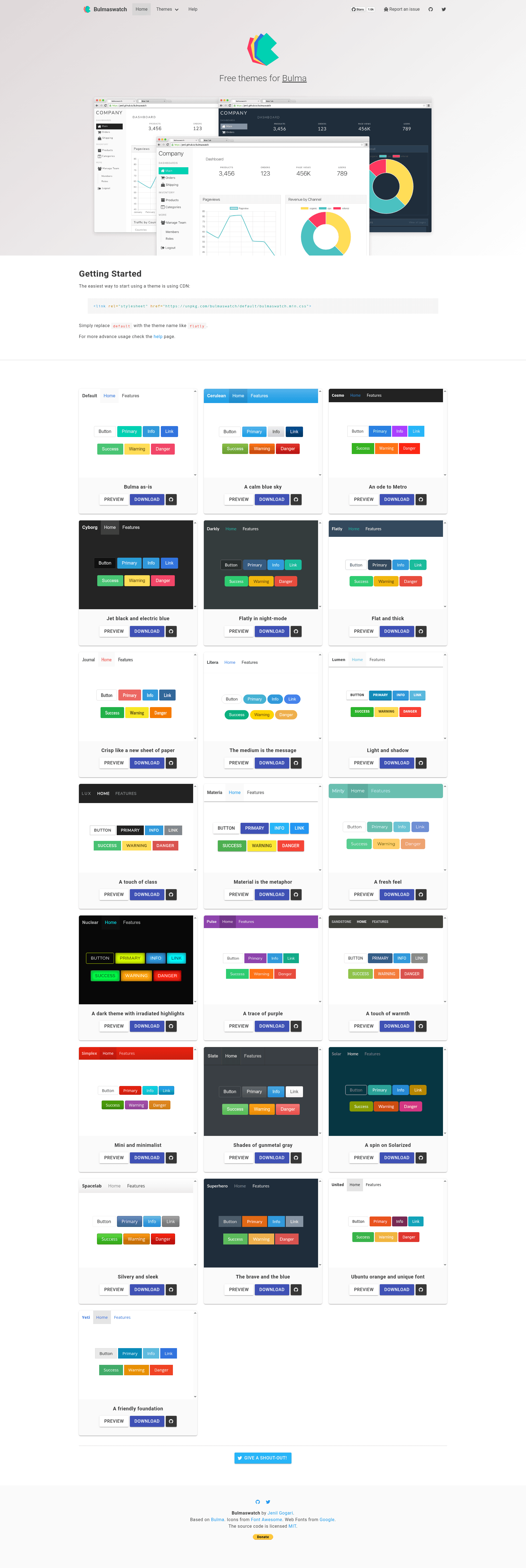
data-srcattributes; if no lazy content exists on the page, the feature automatically deactivates. - Configurable theme variants — supports 20 Bulmaswatch variants (such as
journal,cyborg, andflatly) selected with thetheme_variantsetting inconfig.toml. - Section menu and block templates — uses Hugo's "Section Menu for Lazy Bloggers" for navigation, and provides block templates for extending layouts.
Who is it for?
- Personal bloggers — publish Markdown posts under
posts/and get a mobile-first blog with reading time, related posts, comments, and syntax-highlighted code. - Developers bootstrapping a Hugo site — use the included example site and archetypes to start quickly, then customize layouts via block templates.
- SEO-conscious site owners — control search appearance with OpenGraph, Schema.org, webmaster verification, and
noindex_kindsfor sections and taxonomies.
What can you do with Bulma?
- Publish blog posts — create new posts with
hugo new posts/my-post.mdand get a list page sorted by year, with rich metadata including categories, tags, author, and word count. - Customize styling — add your own CSS in
layouts/static/css/style.cssor editcustom.cssin the theme, and switch the entire look with any of the 20 Bulmaswatch theme variants. - Enable lazy loading — add
class="lazyload"and adata-srcordata-srcsetattribute to images or iframes to defer loading and reduce initial page weight.
How does Bulma work?
To install, clone the repository into your Hugo site's themes folder, copy the archetypes and config.toml from the exampleSite directory, then run hugo server -w to preview at localhost:1313. The theme automatically generates navigation from the SectionPagesMenu setting and applies SEO and lazy-loading features based on content structure.
Alternatives
- After Dark — a Hugo theme that Bulma credits for its base templates and core features.
FAQ
Is Bulma free?
Yes. Bulma is open source and distributed under the MIT license, so it is free to use and modify for personal or commercial projects.
How do I install Bulma?
Clone https://github.com/jeblister/bulma into the themes directory of your Hugo site, copy the example archetypes and config.toml from exampleSite, then run hugo server -w to start a local development server.
How do I change the theme variant?
Set the theme_variant variable in your config.toml to one of the 20 supported Bulmaswatch variants, such as journal or cyborg. The theme will load that CSS variant instead of the default Bulma styling.
How do I enable lazy loading?
Add the lazyload class together with a data-src and/or data-srcset attribute to your image or iframe HTML elements. The theme uses lazysizes to defer these resources, and the feature automatically disables if no lazy content is detected.