Template details
Hexo Theme Yun
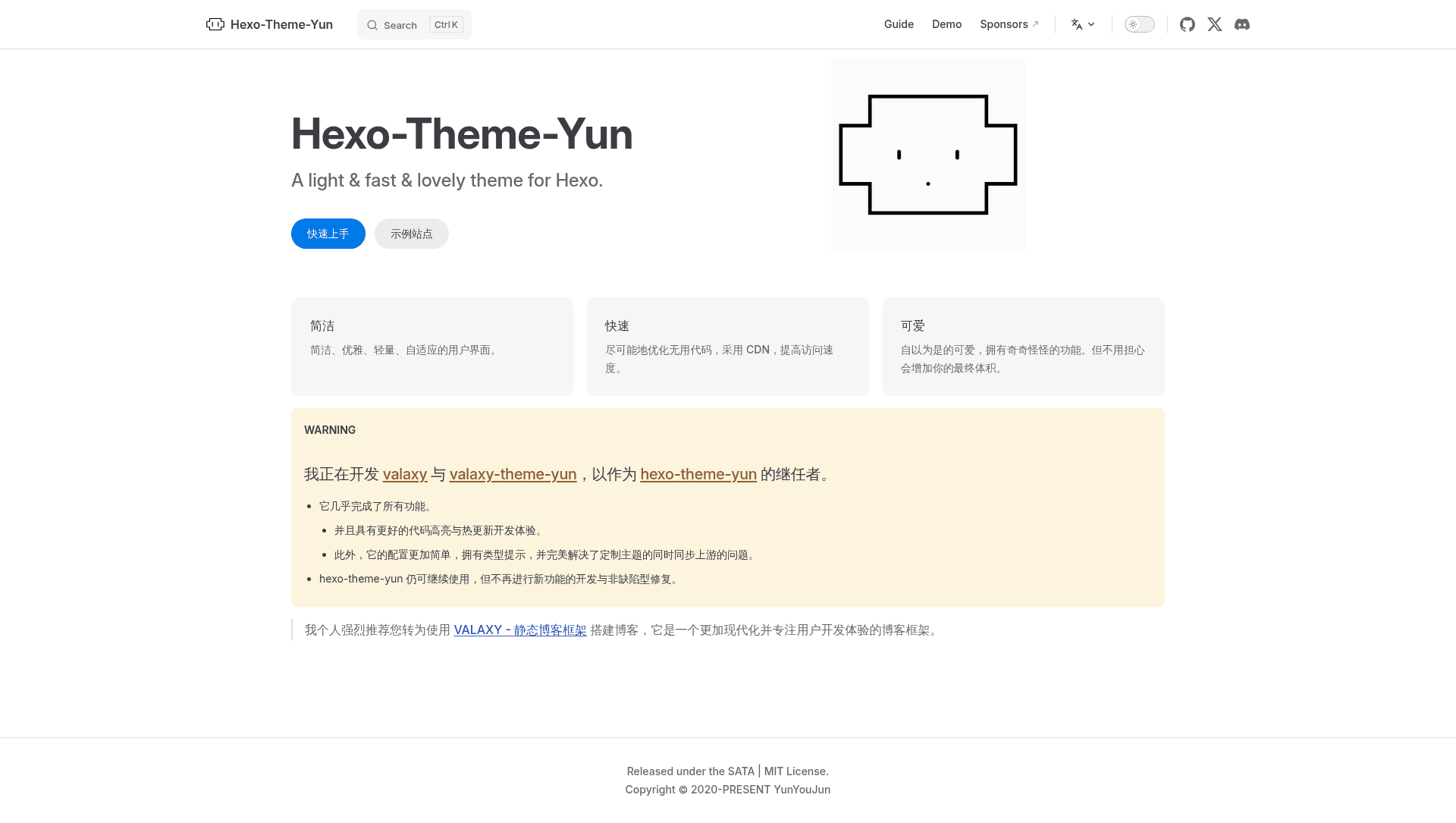
A light & fast & lovely theme for Hexo. 一个对可爱自以为是的 Hexo 主题。
About this template
Hexo Theme Yun is a light, fast, and lovely blogging theme for the Hexo static site generator, created by YunYouJun, that transforms Markdown posts into a personalized static blog with a cloud-inspired design.
What is Hexo Theme Yun?
Hexo Theme Yun is a blog theme for Hexo, the Node.js static site generator. It takes Markdown content as input and generates a static website with a clean, cute aesthetic. The theme is developed by YunYouJun and distributed on npm as hexo-theme-yun. It requires the hexo-render-pug and hexo-renderer-stylus packages to render templates and styles. The project is currently in maintenance mode, with the author focusing on valaxy-theme-yun as its successor.
Key Features
- Light & fast performance — The theme is optimized for speed, with a "light & fast & lovely" tagline and a minimal footprint.
- Separate config file — All theme settings live in
_config.yun.yml, keeping the main Hexo config clean. - Pug + Stylus stack — Templates use Pug for markup and Stylus for CSS, giving developers modular and programmable styling.
- npm installation — Install or upgrade with
npm install hexo-theme-yun@latest; since v1.8.x, git clone is no longer recommended. - Extensive demo sites — The README showcases dozens of example blogs using the theme, with more listed in the documentation.
- SATA License — A free license that asks users to star the repository as a condition of use.
- Full documentation — Detailed setup and configuration guides are available at yun.yunyoujun.cn, including Chinese and English versions.
Who is it for?
- Hexo bloggers — who want a lightweight, fast blog with a distinctive, cute look.
- Developers — who prefer to customize themes using Pug and Stylus rather than plain HTML/CSS.
- Personal site owners — who need a simple, elegant blog with minimal setup and no JavaScript-heavy framework.
What can you do with Hexo Theme Yun?
- Personal bloggers: publish Markdown posts, create pages, and build a static blog that deploys anywhere.
- Theme customizers: override the default Pug templates and Stylus styles to create a unique design.
- Chinese-speaking users: follow the Chinese documentation and get support from the author's community.
How does Hexo Theme Yun work?
- Install the theme via npm and the required pug/stylus renderers.
- Set
theme: yunin your root_config.yml. - Create
_config.yun.ymlto configure theme options. - Run
hexo generateto produce the static site.
Pros and cons
- Pros: lightweight and fast; simple npm-based installation and upgrades; large community of demo sites.
- Cons: the theme is now in maintenance mode; new development has moved to valaxy-theme-yun.
FAQ
Is Hexo Theme Yun free?
Yes, Hexo Theme Yun is free to use under the SATA License. The license requires you to star the GitHub repository before using the theme.
How do I install Hexo Theme Yun?
Run npm install hexo-theme-yun@latest in your Hexo folder, then set theme: yun in the root config and create a _config.yun.yml file for theme options.
Is Hexo Theme Yun still maintained?
The theme is in maintenance mode. The developer is building valaxy and valaxy-theme-yun as the successor, which aims to fix current issues with better code highlighting and hot update experiences.
What renderers does Hexo Theme Yun need?
The theme requires hexo-render-pug and hexo-renderer-stylus. If you don't have them installed, add them with npm.