Template details
Hugo Cuisine Book
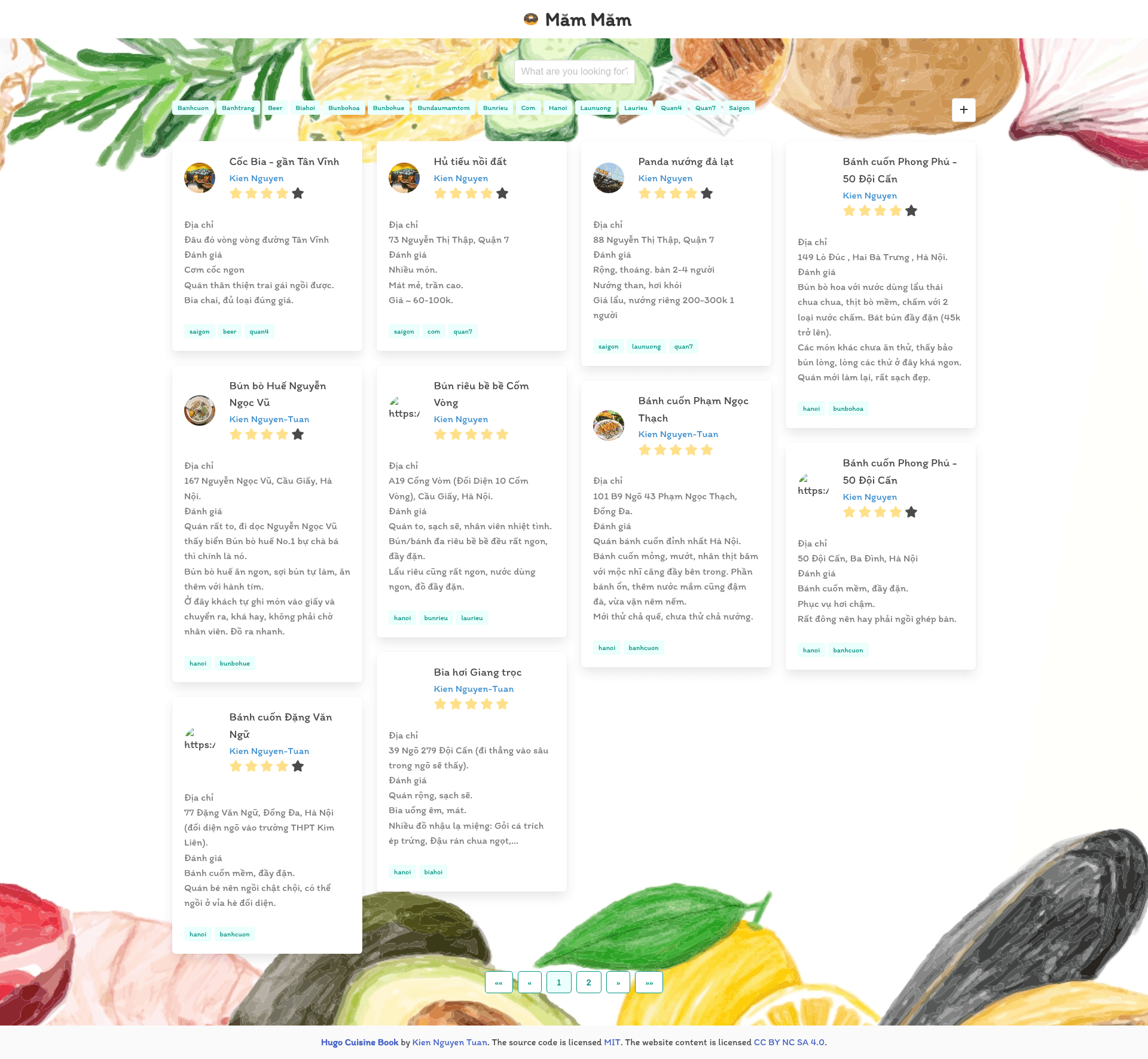
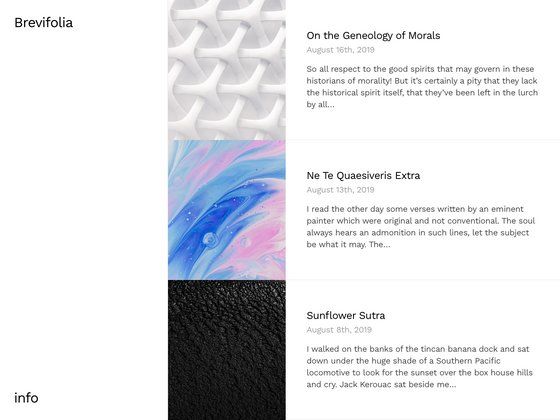
A simple Hugo theme for recipe and cuisine websites with configurable author, logo, and Disqus comments.
About this template
Hugo Cuisine Book is a minimal Hugo theme for building recipe and cuisine websites, generating static blog pages from Markdown content via the Hugo static site generator.
What is Hugo Cuisine Book?
Hugo Cuisine Book is a simple open-source Hugo theme designed for recipe and food-focused websites. It takes Markdown content files and Hugo site configuration as input and produces a static HTML blog-style site with header navigation, author info, and optional Disqus comments. The theme runs on Hugo extended version 0.128.0 or higher and is maintained by ntk148v on GitHub, inspired by the Recipe-Book theme.
Key Features
- Hugo module and git submodule installation — install it either as a git submodule (
git submodule add https://github.com/ntk148v/hugo-cuisine-book themes/cuisine-book) or as a Hugo module via the[module]config section. - Customizable site parameters — set author, description, logo, and enable Git-based edit/add links via
config.tomlparams likeauthor,logo,comment,repo,editpath, andnewpath. - Disqus comment support — enable an optional comments template on pages by setting
comment = true; the default partial uses Disqus and can be overridden inlayouts/partials/comments.html. - SCSS customization — override or extend the theme's styles by editing
assets/_custom.scssand change the default font viaassets/_fonts.scss. - Favicon override — replace the default favicon by placing your own
static/favicon.png. - Edit and add links — when
repoandeditpath/newpathare configured, the theme adds links to edit or create new content directly on the source repository.
Who is it for?
- Food bloggers and home cooks: publish recipes and cooking notes as Markdown posts on a personal Hugo site.
- Hobbyist web developers: want a lightweight, hackable Hugo theme with straightforward SCSS customization and no build-step beyond Hugo itself.
- Open-source contributors: can use the GitHub integration (edit/add links) to manage site content in a repository and accept pull requests.
What can you do with Hugo Cuisine Book?
- Publish a cooking blog: organize recipes, ingredient lists, and step-by-step instructions into a static site with fast load times.
- Create a personal recipe collection: use front matter and custom params to display an author bio, a logo, and an optional comment section on each page.
- Customize the design: alter the page background by adding a background image to
static/and referencing it inassets/_custom.scss.
How does the theme work?
Hugo Cuisine Book works like any Hugo theme: you create Markdown content in a Hugo site, set theme = "cuisine-book" in config.toml, and run hugo server --minify to build a static site. For installation, either add the repository as a git submodule in the themes directory or import it as a Hugo module using hugo mod init and a [module] config entry. The current version requires Hugo extended (0.128.0+).
FAQ
Does Hugo Cuisine Book work with any Hugo version?
No, it requires Hugo extended version 0.128.0 or higher, as stated in the requirements section.
Can I install it as a Hugo module?
Yes, in addition to a git submodule, the theme can be imported as a Hugo module by adding its GitHub path to the [module] section of config.toml and running hugo mod get -u.
How do I change the site's background?
Add a background image to the static/ folder (for example background.png) and then add a CSS rule in assets/_custom.scss like body { background-image: url('background.png'); }.