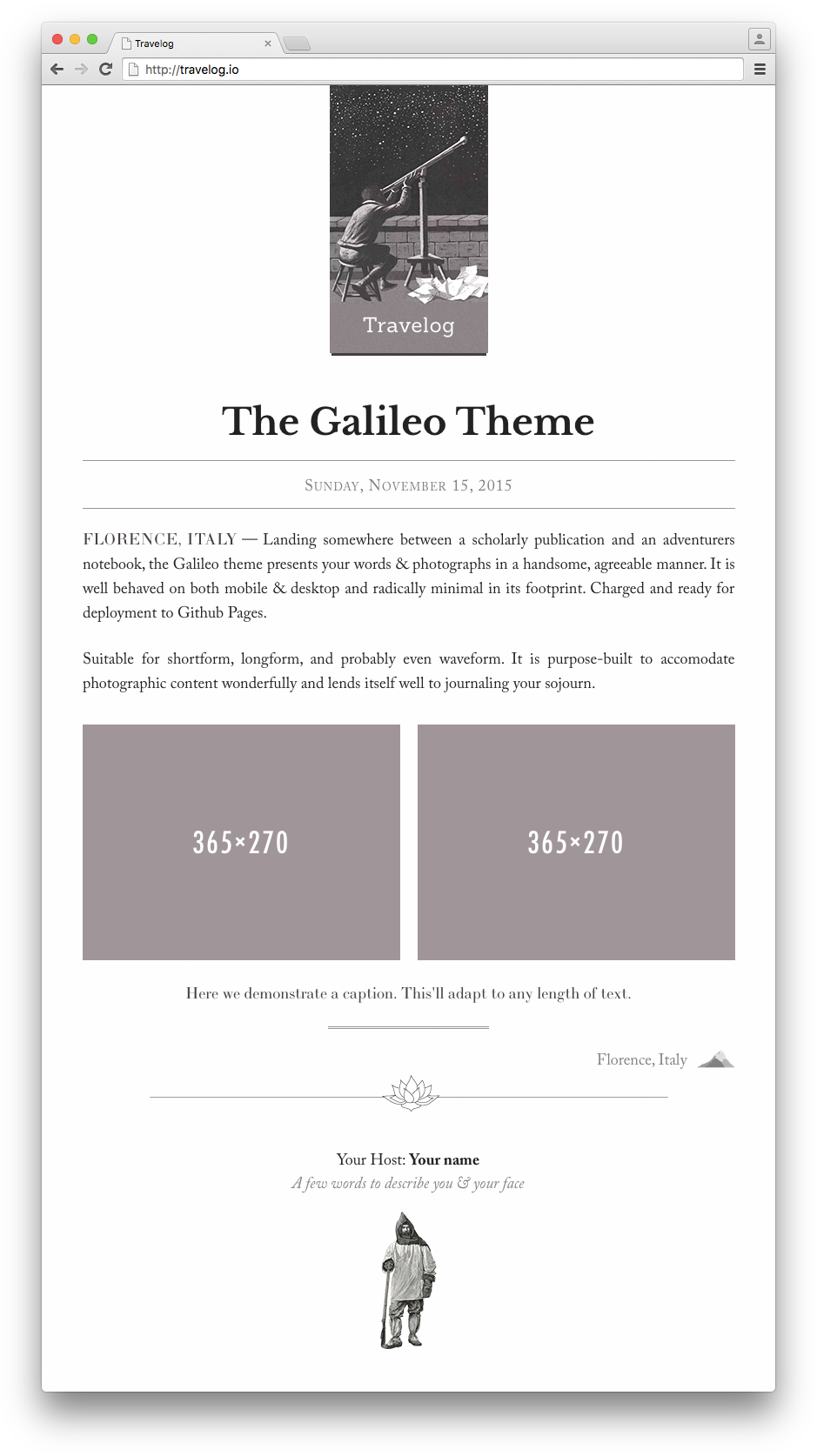
Template details
JSdev Astro Theme
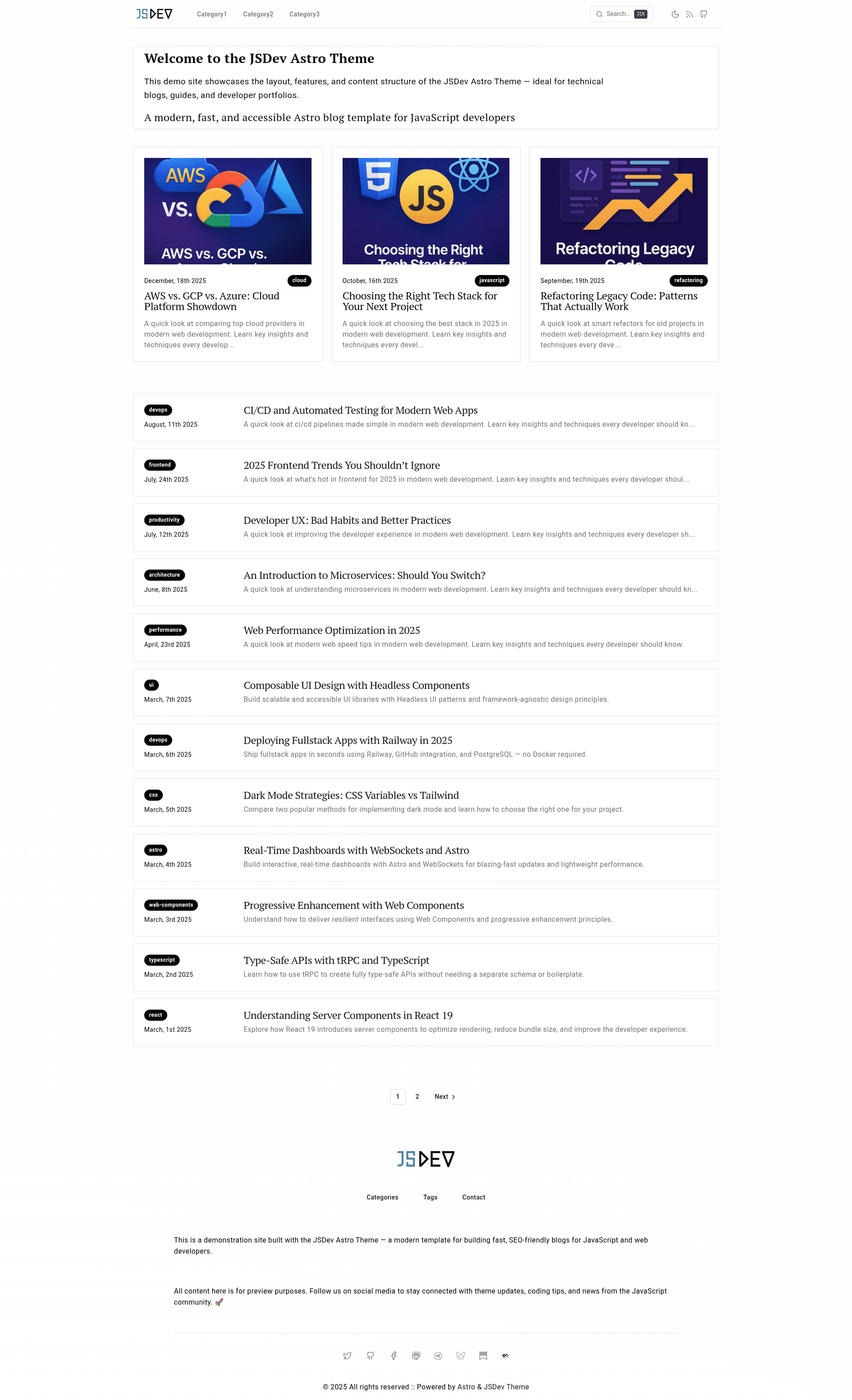
An open-source Astro + TypeScript blog theme with MDX support, built-in search, SEO, and static pagination.
About this template
JSdev Astro Theme is an open-source, MIT-licensed Astro + TypeScript blog template with MDX and SEO support, built to publish fast, statically rendered content to any JAMstack host.
What is JSdev Astro Theme?
JSdev Astro Theme is a minimal blog starter built on the Astro framework with TypeScript and MDX. It takes Markdown or MDX blog posts as input and generates a static site with pages, tag archives, search, and RSS output. The theme is maintained by JSDev.Space and is the actual template behind that site, so it is production-tested and ready to deploy.
Key Features
- Astro-powered static rendering — the site builds to plain HTML with no runtime JavaScript overhead, which keeps pages fast and scores well on performance checks.
- MDX support — blog posts live in
src/content/blog/as.mdxfiles, so you can embed React components inside Markdown content. - Built-in search — a fast, keyboard-accessible search with fuzzy matching that opens with Cmd/Ctrl+K and filters all posts live.
- SEO ready — includes meta tags, OpenGraph support, robots.txt, and an RSS feed out of the box.
- Dark/light theme — a clean minimal design with a toggleable dark mode, plus mobile-first responsive layout.
- Organized project structure — source files are separated into
app/,components/,content/,pages/, andshared/directories for easy maintenance. - Built-in pagination — static pagination for the home page at
/blog/and tag pages at/blog/tags/[tag]/, with automatic numbered page generation.
Who should use JSdev Astro Theme?
- Technical bloggers and developers — write posts in MDX and deploy to Netlify, Vercel, or Cloudflare Pages with minimal configuration.
- Indie writers and newsletter authors — publish a clean, typography-focused blog without managing a database or CMS.
- Open-source maintainers — use it for a project blog or changelog, taking advantage of the MIT license and zero cost.
What can you do with JSdev Astro Theme?
- Publish MDX blog posts — drop a file into
src/content/blog/with frontmatter for title, description, date, tags, and image, and the post appears on the site with SEO defaults. - Customize site metadata — edit
src/app/config/site.tsto set your site name, description, and default images. - Organize by tags and categories — modify
src/shared/config/category.helpers.tsto define tag metadata, and paginated tag pages are generated automatically. - Deploy to modern static hosts — a
netlify.tomlis included, and thedist/output works on Vercel and Cloudflare Pages.
How does JSdev Astro Theme work?
The template uses Astro's static renderer. You run npm install and then npm dev for a local development server. Write your posts as MDX files under src/content/blog/, run npm build to generate a static dist/ directory, and deploy that folder to your host. The build process automatically generates index pages, tag archives, and RSS.
Pricing
JSdev Astro Theme is free and open-source under the MIT license. No paid tier or premium features are listed.
FAQ
Is JSdev Astro Theme free?
Yes, the theme is distributed under the MIT license and is completely free to use, modify, and deploy, including for commercial projects.
How do I add a new blog post?
Create an .mdx file in src/content/blog/ and add frontmatter with title, description, date, tags, and an optional image field. The post is picked up automatically on the next build.
How do I change the site name and description?
Edit src/app/config/site.ts, which centralizes site metadata and default images used throughout the template.
Which platforms can I deploy to?
The theme ships with a netlify.toml for Netlify, and the dist/ output works on Vercel and Cloudflare Pages. All three are static host-compatible.
Does the search support keyboard shortcuts?
Yes, the built-in search opens with Cmd/Ctrl+K and includes fuzzy matching for live filtering across all posts.