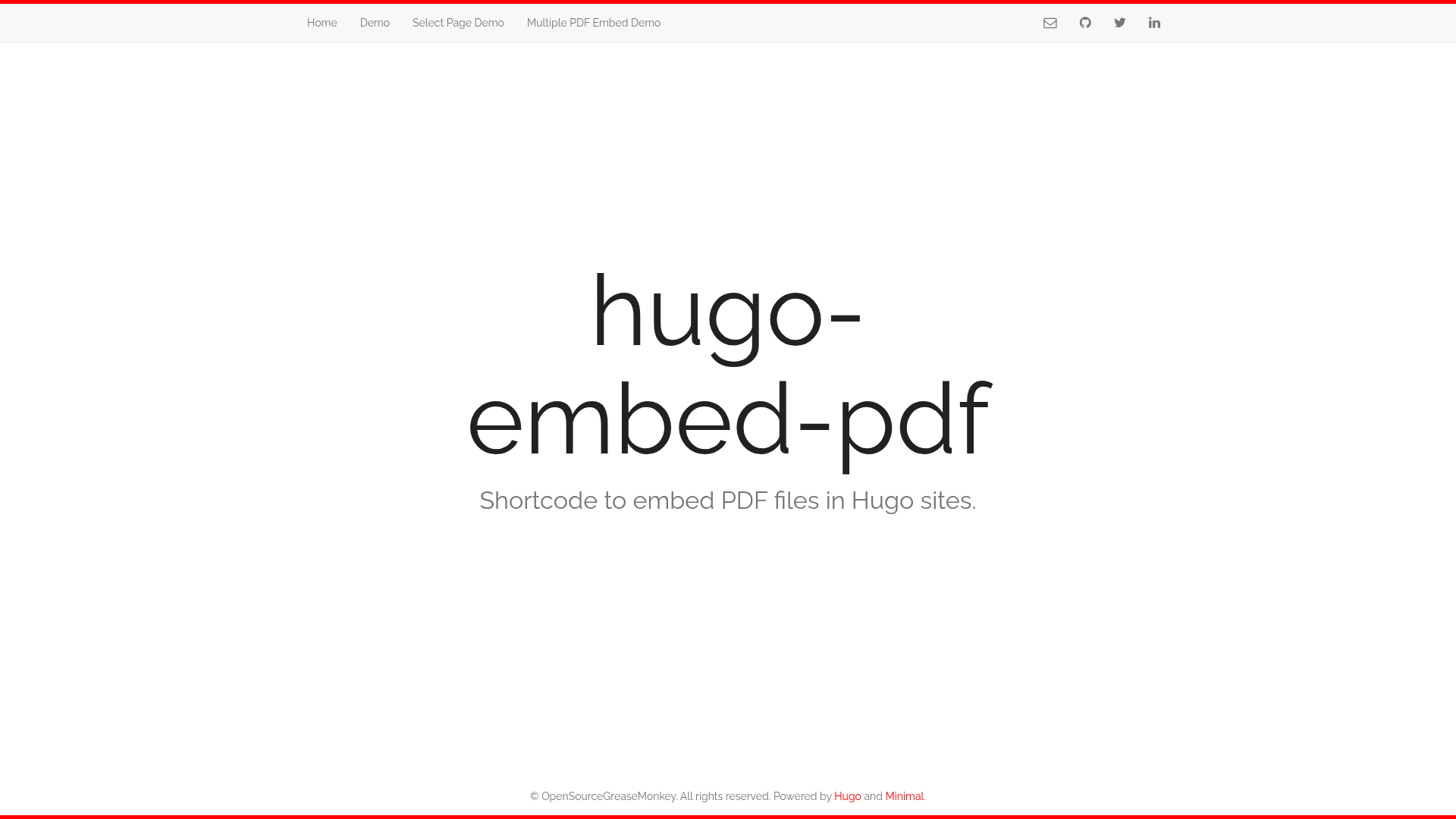
Template details
Hugo Embed PDF Shortcode
A Hugo shortcode that embeds PDF files in pages using Mozilla's PDF.js library.
About this template
Hugo Embed PDF Shortcode is a Hugo shortcode that renders a PDF file inline in any markdown page of a Hugo-based website. It takes a relative URL pointing to a local PDF file and outputs an embeddable PDF viewer built with Mozilla's PDF.js library, letting visitors read the document without leaving the page. The shortcode is developed by Anvith KS and distributed under the MIT license.
What is Hugo Embed PDF Shortcode?
Hugo Embed PDF Shortcode is a shortcode for the Hugo static site generator that allows you to embed a PDF document directly into a markdown page. It uses Mozilla's PDF.js library to render the PDF in the visitor's browser, with no additional plugins. The shortcode accepts a few parameters to control pagination, page startup, and the loading spinner, and it can be installed either as a Git submodule or by copying the shortcode and PDF.js files into your Hugo project.
Key Features
- PDF.js rendering — Uses Mozilla's PDF.js version 3.4.120 loaded from a CDN to render PDF files directly in the browser, so users don't need a separate PDF viewer or plugin.
- Simple shortcode syntax — Add the shortcode to any markdown page with a single
urlparameter; e.g.{{< embed-pdf url="./path/to/file.pdf" >}}. - Configurable presentation — Supports three optional parameters:
hidePaginator(boolean, hides pagination controls),renderPageNum(integer, opens on a specified page number), andhideLoader(boolean, hides the loading spinner). - Two installation methods — Install as a Git submodule in your Hugo themes directory, or clone the repository and copy the shortcode and
static/js/pdf-jsfiles into your website. - Self-hostable PDF.js — The README documents how to replace the CDN script with a local copy of PDF.js by editing the
embed-pdf.htmlfile and updating the worker path. - MIT licensed — The project is free to use, modify, and redistribute under the permissive MIT license.
Who is it for?
- Hugo website developers who need to publish PDF documents such as manuals, brochures, or academic papers directly within a content page instead of linking to a separate file.
- Technical documentation writers who maintain Hugo-based documentation sites and want to embed specification sheets, user guides, or API references inline.
- Portfolio and blog owners who want to display resumes, case studies, or magazine-style PDFs while keeping the visitor on the same page.
What can you do with Hugo Embed PDF Shortcode?
- Display a PDF on a Hugo page: Place the shortcode with a relative
urlparameter in any markdown file, and the PDF viewer will appear at that exact spot. - Control the initial page: Use
renderPageNum="5"to open a long document on page 5 on first load, which is useful for multi-page reports. - Simplify single-page PDFs: Set
hidePaginator="true"to hide pagination controls for a one-page handout, andhideLoader="true"to suppress the spinner for small, quick-loading files.
How does it work?
The shortcode outputs an HTML container plus script tags that load PDF.js from a CDN. When a visitor opens the page, PDF.js fetches the PDF file specified by the url parameter, renders it onto a canvas, and displays pagination controls. The worker script is configured via pdfjsLib.GlobalWorkerOptions.workerSrc to support rendering in a background thread. The page also documents how to switch from the CDN to a self-hosted copy of PDF.js.
FAQ
Does the shortcode work on remote PDF files?
Currently it supports local file embed. If you provide an absolute URL from a remote server, that server must be configured with the correct CORS headers, otherwise the browser will block the PDF request.
Which PDF.js version is used?
The current version loads pdfjs-dist@3.4.120 from a CDN (https://cdn.jsdelivr.net/npm/pdfjs-dist@3.4.120/build/pdf.min.js). The README includes instructions to replace the CDN script with a local copy by editing the embed-pdf.html file.
Can I hide the pagination and loading spinner?
Yes. Set hidePaginator="true" to remove pagination controls and hideLoader="true" to hide the loading spinner while the document loads.
Is Hugo Embed PDF Shortcode free?
Yes, the project is released under the MIT license, so it can be used, modified, and redistributed without cost.
What are the parameters for the shortcode?
The shortcode accepts four parameters: a required url that points to the PDF file, and three optional parameters — hidePaginator, renderPageNum, and hideLoader.
You can try a live example of the shortcode at the online demo: https://hugo-embed-pdf.netlify.app/.