Template details
Elog
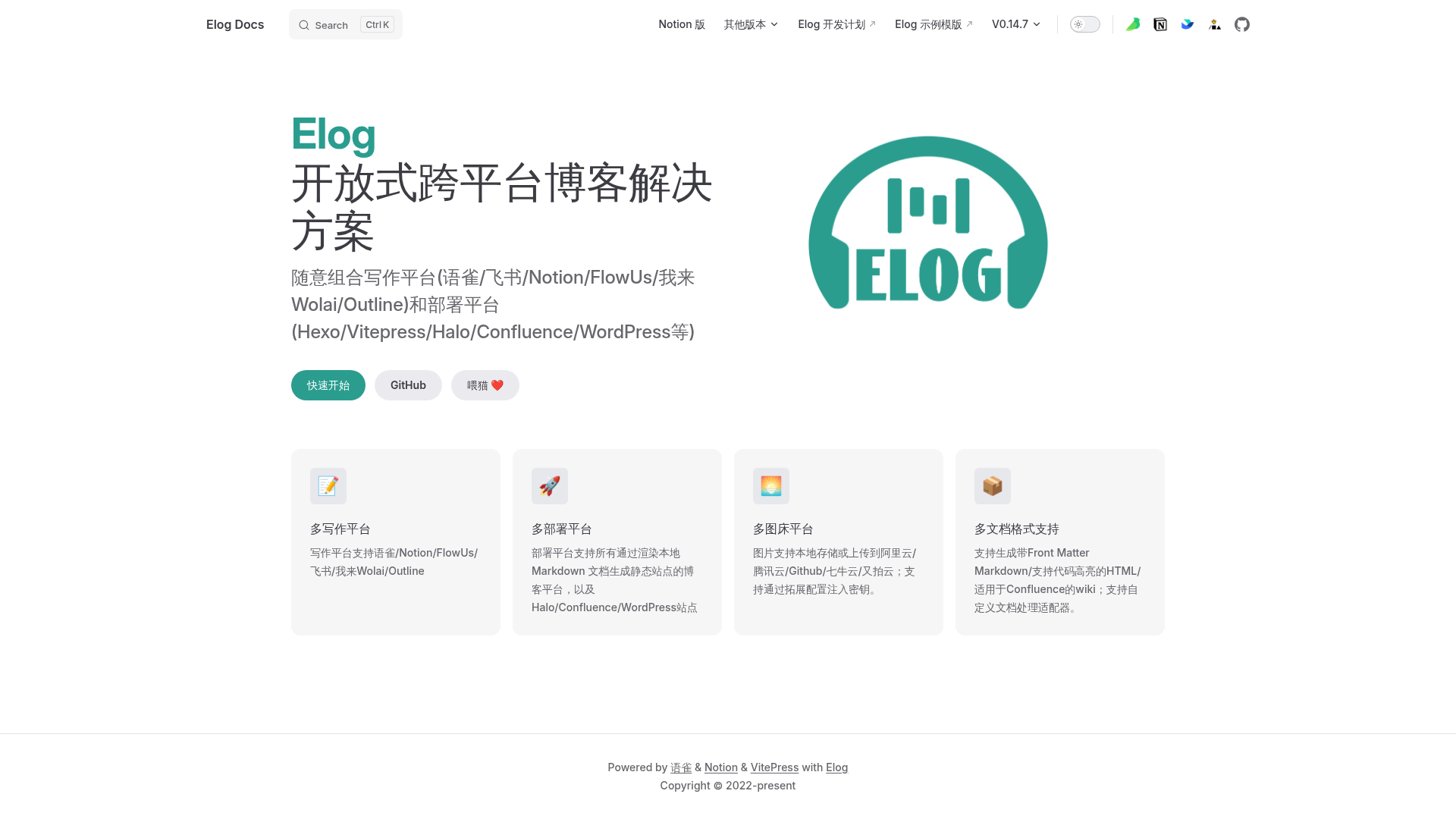
Open-source CLI that syncs Markdown from Yuque, Notion, FlowUs, Feishu, and Wolai to blog platforms like Hexo, Vitepress, Hugo, and WordPress.
About this template
Elog is an open-source command-line tool that syncs Markdown documents from writing platforms such as Yuque, Notion, FlowUs, and Feishu to blog platforms including Hexo, Vitepress, Hugo, Docusaurus, Docz, Halo, Confluence, and WordPress.
What is Elog?
Elog solves the cross-platform blog problem by letting you keep writing in the editor you prefer and publish to the blog framework you want. It takes Markdown documents from writing platforms like Yuque, Notion, FlowUs, Feishu, and Wolai as input, and produces formatted Markdown files with optional Front Matter that target blog platforms can render. The tool is distributed as the npm package @elog/cli and maintained by LetTTGACO on GitHub. It can be run locally or inside CI pipelines such as GitHub Actions to automate content syncing.
Key Features
- Multi-platform writing support — Imports documents from Yuque, Notion, FlowUs, Feishu cloud docs, and Wolai (我来).
- Wide blog platform compatibility — Generates Markdown that works with Hexo, Vitepress, Hugo, Docusaurus, Docz, Halo, Confluence, WordPress, and any static site generator that renders Markdown from a directory.
- Image hosting integration — Before generating Markdown, Elog scans document images and uploads them to a configured image host (local storage, Tencent Cloud COS, Aliyun OSS, GitHub, Qiniu, Upyun), then replaces the image links, solving hotlink protection issues from Notion and Yuque.
- Custom plugin system — Supports custom document processing adapters and custom image hosting plugins, with community plugins for Cloudflare R2 and Backblaze B2.
- Front Matter generation — Emits Markdown with Front Matter metadata, ready for static site generators.
- Out-of-the-box starters — Provides ready-made templates for Notion+Hexo, Yuque+Hexo, Yuque+Vitepress, FlowUs+Halo, and Notion+Halo on GitHub, each with GitHub Actions workflows and Vercel deployment.
Who is it for?
- Bloggers who write in Notion or Yuque — They can keep using their favorite editor and automatically generate Markdown for Hexo, Vitepress, or Hugo static sites.
- Documentation teams using Feishu or FlowUs — They can publish internal docs to a public Vitepress or Docusaurus site without manual copy-paste, with images automatically uploaded to cloud storage.
- Developers maintaining WordPress or Halo sites — They can push content from Notion or FlowUs directly into these CMS platforms via Elog, instead of writing in the CMS editor.
- Automation-minded users — They can run Elog inside GitHub Actions and deploy the generated site to Vercel, Netlify, or GitHub Pages, as demonstrated by the many best-practice links on the project page.
What can you do with Elog?
- Indie bloggers: Write posts in Notion and have Elog convert them to Markdown for a Hexo blog deployed on Vercel, using the Notion-Hexo starter template.
- Technical writers: Sync a Yuque knowledge base to a Vitepress documentation site with images stored on Aliyun OSS, following the Yuque-Vitepress solution.
- Community managers: Publish content from FlowUs to a Halo blog using the FlowUs-Halo template and GitHub Actions.
- Content backups: Use Elog purely as a batch Markdown export tool to back up Notion or Yuque documents to a Git repository, as shown by the Notion-Action-MD example.
How does Elog work?
Elog runs as a CLI command that reads your configured writing platform, fetches the document content, scans for images, uploads them to an image host if configured, and then writes Markdown files (with Front Matter) to a local directory. The generated files can then be processed by your blog framework like Hexo or Vitepress. The official docs at elog.1874.cool cover installation and configuration details.
Alternatives
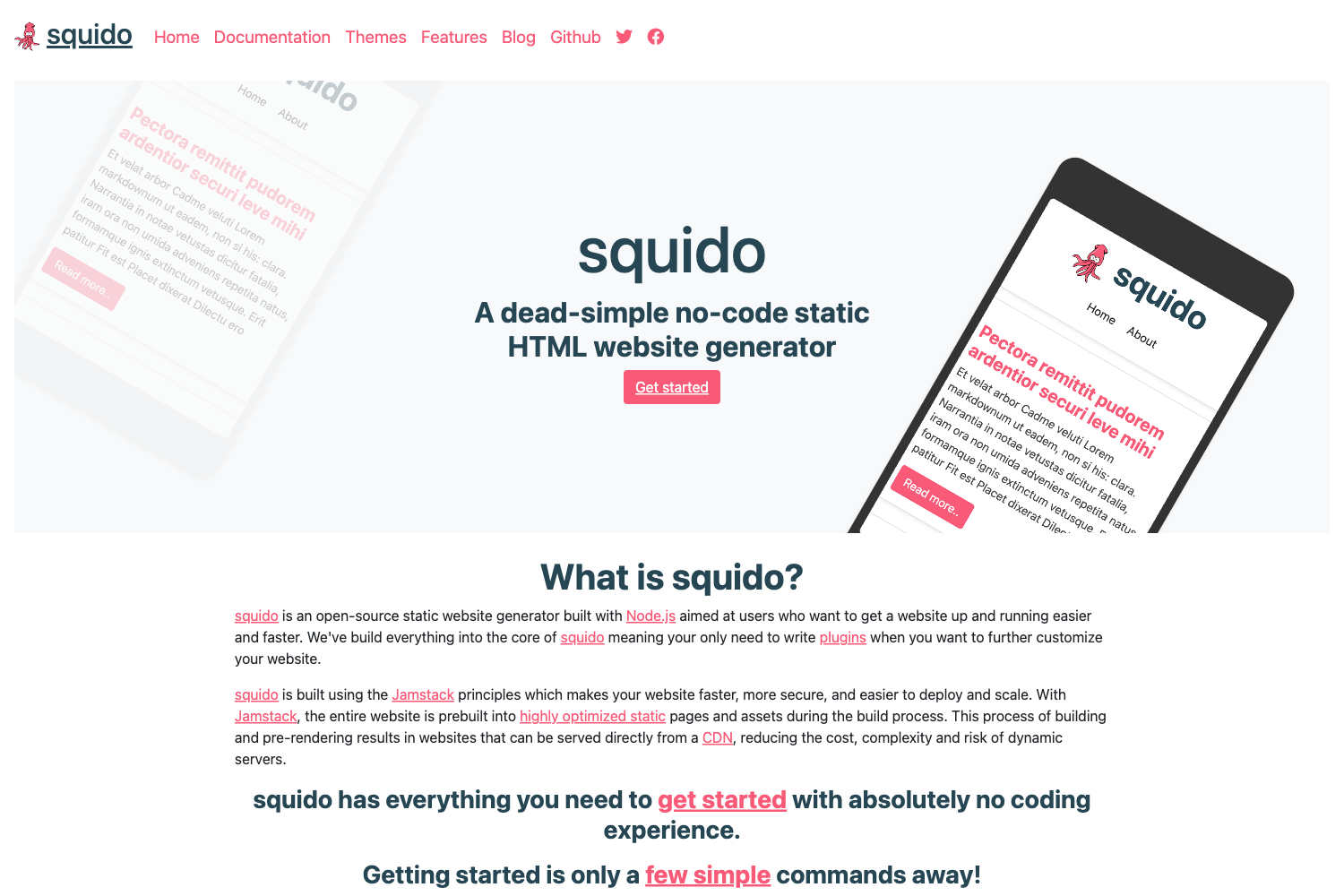
- NotionNext — A static blog solution using NextJS and the Notion API that supports more Notion rich text formats and offers zero-server deployment.
FAQ
Is Elog free?
Elog is an open-source project, so the tool itself is free to use. You can inspect the source code on GitHub and contribute via pull requests. Costs you may incur are only from third-party services you choose, such as image hosting or deployment platforms.
What writing platforms does Elog support?
Elog supports Notion, Yuque, FlowUs, Feishu cloud docs, and Wolai (我来) as writing platforms. These cover both international and Chinese-language documentation services.
What blog platforms does Elog work with?
Elog generates Markdown files that work with Hexo, Vitepress, Hugo, Docusaurus, Docz, Halo, Confluence, and WordPress. It also supports any static site generator that renders Markdown placed in a directory.
How do I solve image hotlinking issues?
Elog includes a built-in image hosting step that uploads document images to local storage, Tencent Cloud COS, Aliyun OSS, GitHub, Qiniu, or Upyun before writing the Markdown. This prevents broken images caused by hotlink protection from Notion and Yuque.
Where can I find ready-made integration examples?
The project page lists several out-of-the-box templates on GitHub, including Notion+Hexo, Yuque+Hexo, Yuque+Vitepress, FlowUs+Halo, and Notion+Halo. Each template includes a GitHub Actions workflow to automate syncing and deployment.