Template details
Hugo HT
A simple, MIT-licensed Hugo theme for building multilingual personal blogs.
About this template
Hugo HT is a Hugo theme for building multilingual personal blogs, released under the MIT License and built on Yihui Xie's hugo-xmin theme.
What is Hugo HT?
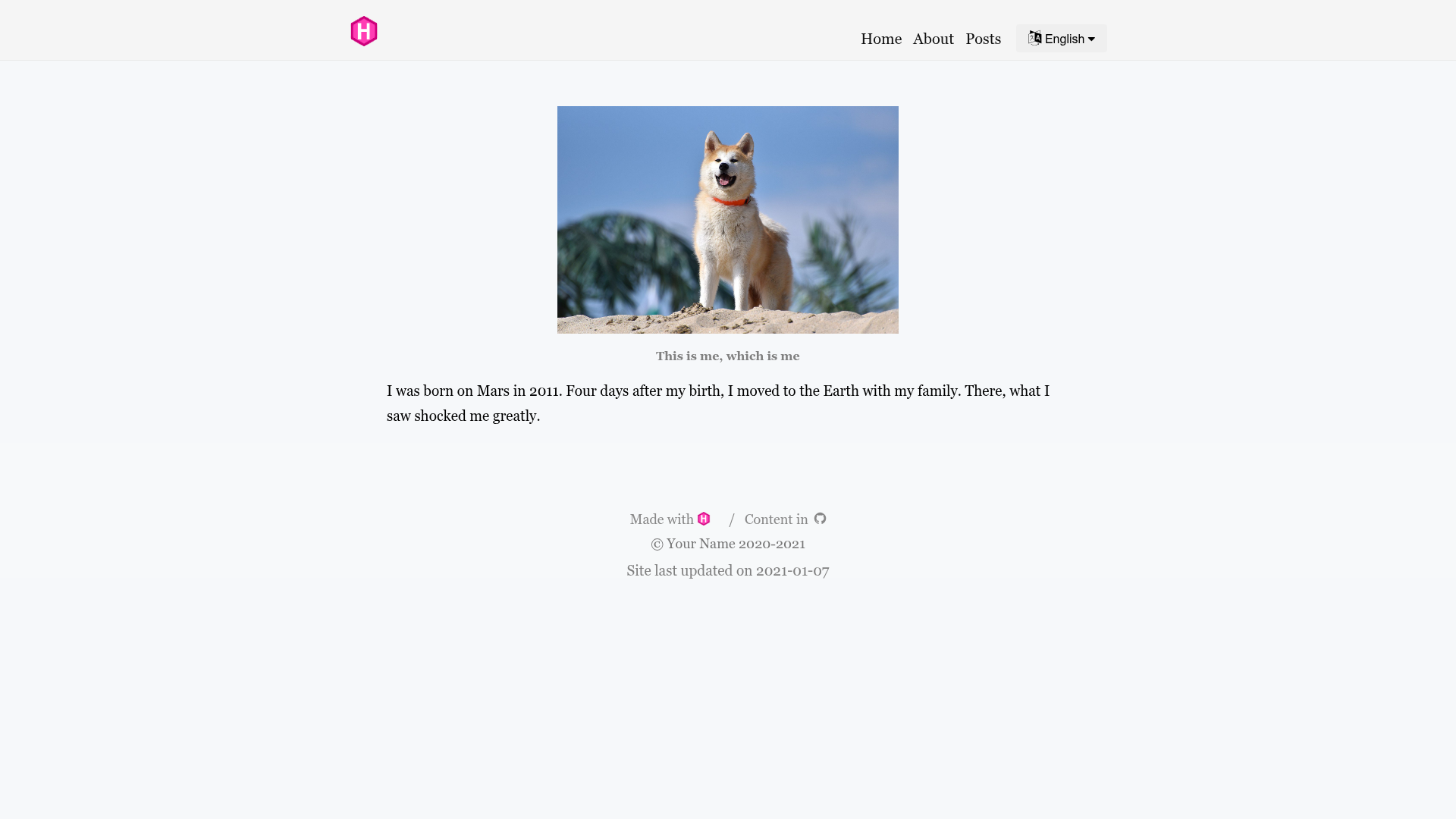
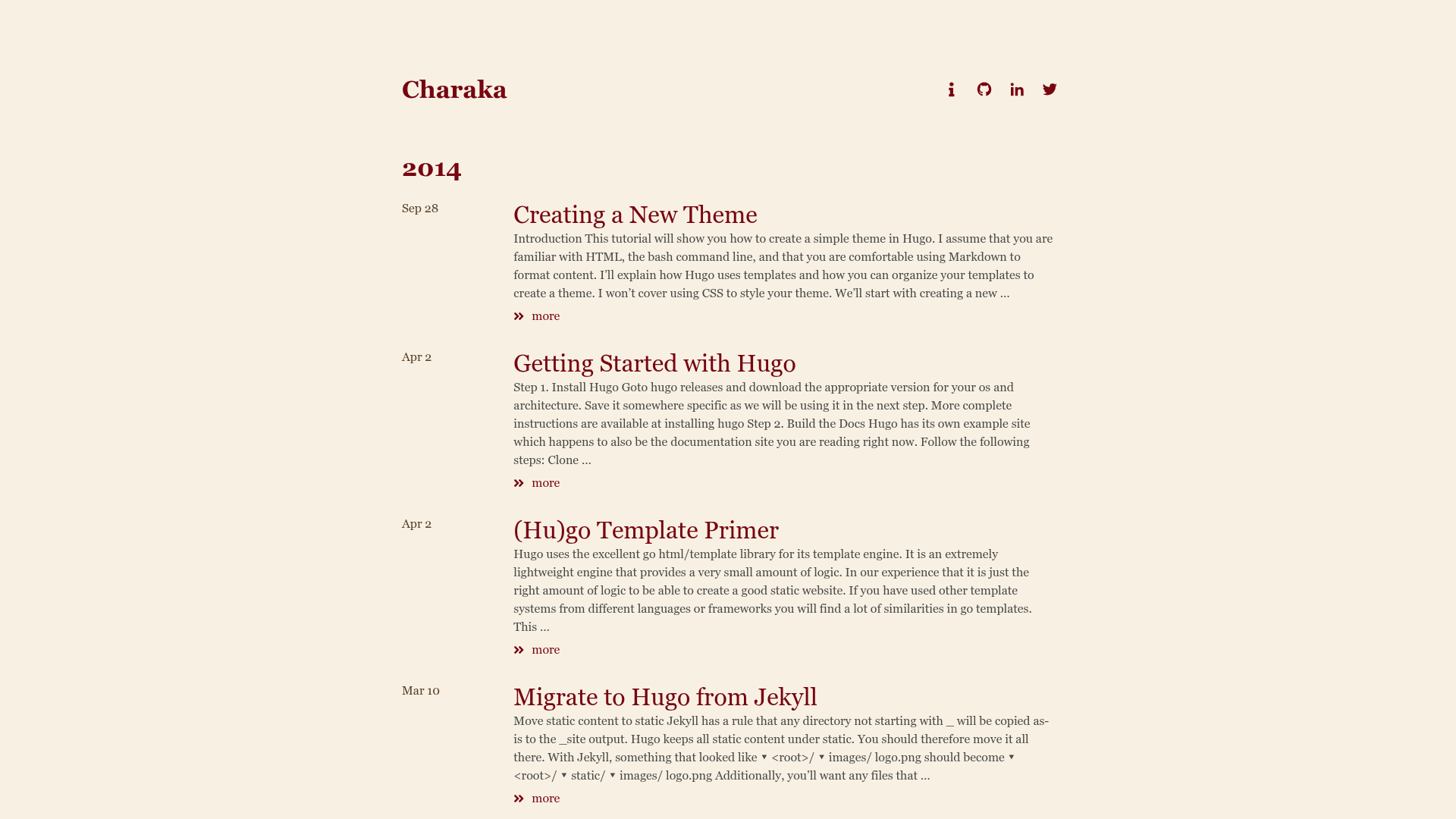
Hugo HT is a static site theme for the Hugo framework, created by GitHub user hongtaoh. It takes Markdown content from Hugo's content directory and renders a static multilingual blog with a table of contents and custom block styling. The theme includes an example site, an i18n folder for language strings, and a config.toml that controls the site's baseURL, GitHub repository links, and translation defaults. The project is available on GitHub at hongtaoh/hugo-ht.
Key Features
- Multilingual support — the theme ships with an i18n folder; you edit translation files there to add or change the languages of navigation, footer, and other UI strings, making the same blog serve multiple languages.
- Based on hugo-xmin — inherits the minimal, content-focused layout of Yihui Xie's hugo-xmin, so the theme stays lightweight and fast to load.
- Example site included — the exampleSite directory provides a complete set of content, archetypes, and configuration; copying it into a new Hugo project gives you a working blog immediately.
- Live demo on Vercel — the README links to a deployed example at hugo-ht-example.vercel.app, letting you preview the default design before installing.
- Table of contents — post pages include a table of contents whose styling is borrowed from Zachary Betz's personal blog.
- Custom blocks — based on the CSS of RStudio's Bookdown, the theme offers styled block elements that can be used for notes, warnings, or callouts in posts.
- Design credits — the navigation bar and footer text styles come from Lithium, and body text typography follows typo.css by xiangming.
- Simple installation — the README provides exact commands for both git clone and git submodule installation, plus instructions for updating a submodule.
Who is it for?
- Multilingual bloggers — writers who publish in two or more languages and want a Hugo theme that supports i18n without extra configuration beyond the i18n folder.
- Hugo beginners — newcomers who need a minimal, documented starting point; the README links to a Chinese-language website-building tutorial by the author.
- Customizers — developers who prefer to heavily modify a theme; cloning the repo instead of using a submodule is recommended so personal changes are not lost on update.
What can you do with Hugo HT?
- Launch a multilingual blog: set up content in multiple languages, configure the i18n files, and publish to a static host such as Vercel or GitHub Pages.
- Customize the configuration: edit baseURL, and the USERNAME/REPONAME parameters under githubRepo in config.toml to point the site's links to your own GitHub repository.
- Learn from a minimal theme: study how hugo-ht combines elements from hugo-xmin, Lithium, typo.css, and Bookdown CSS to understand common Hugo theme patterns.
How does Hugo HT work?
Installation starts by either cloning the repository or adding it as a git submodule in the themes folder. After that, you copy the contents of exampleSite, the archetypes folder, and the config.toml into your Hugo project root. The README lists several commands, and it explains that the submodule method keeps you connected to updates, while git clone is better if you plan to make many style changes.
FAQ
Is Hugo HT free?
Yes, the theme's source code is available under the MIT License, so you can use it for personal or commercial projects, modify it, and redistribute it.
Does Hugo HT support multiple languages?
Yes. The theme includes an i18n folder where translation files live. To use another language, you edit or add translation files in that folder and set the site's default language in config.toml.
How do I install Hugo HT?
Run git clone https://github.com/hongtaoh/hugo-ht inside your Hugo project's themes directory, or add it as a git submodule with git submodule add. Then copy the exampleSite files and config.toml as described in the README.
Will my customizations be lost when I update a submodule?
Yes. If you installed via git submodule and later pull the latest version, changes you made to the theme files may be overwritten. The README recommends git clone if you are not familiar with Git or plan to customize heavily.
Where can I see a live example?
The README links to a Vercel-hosted example at hugo-ht-example.vercel.app, which shows the default appearance of the theme.