Template details
Static Blogs with Keystone
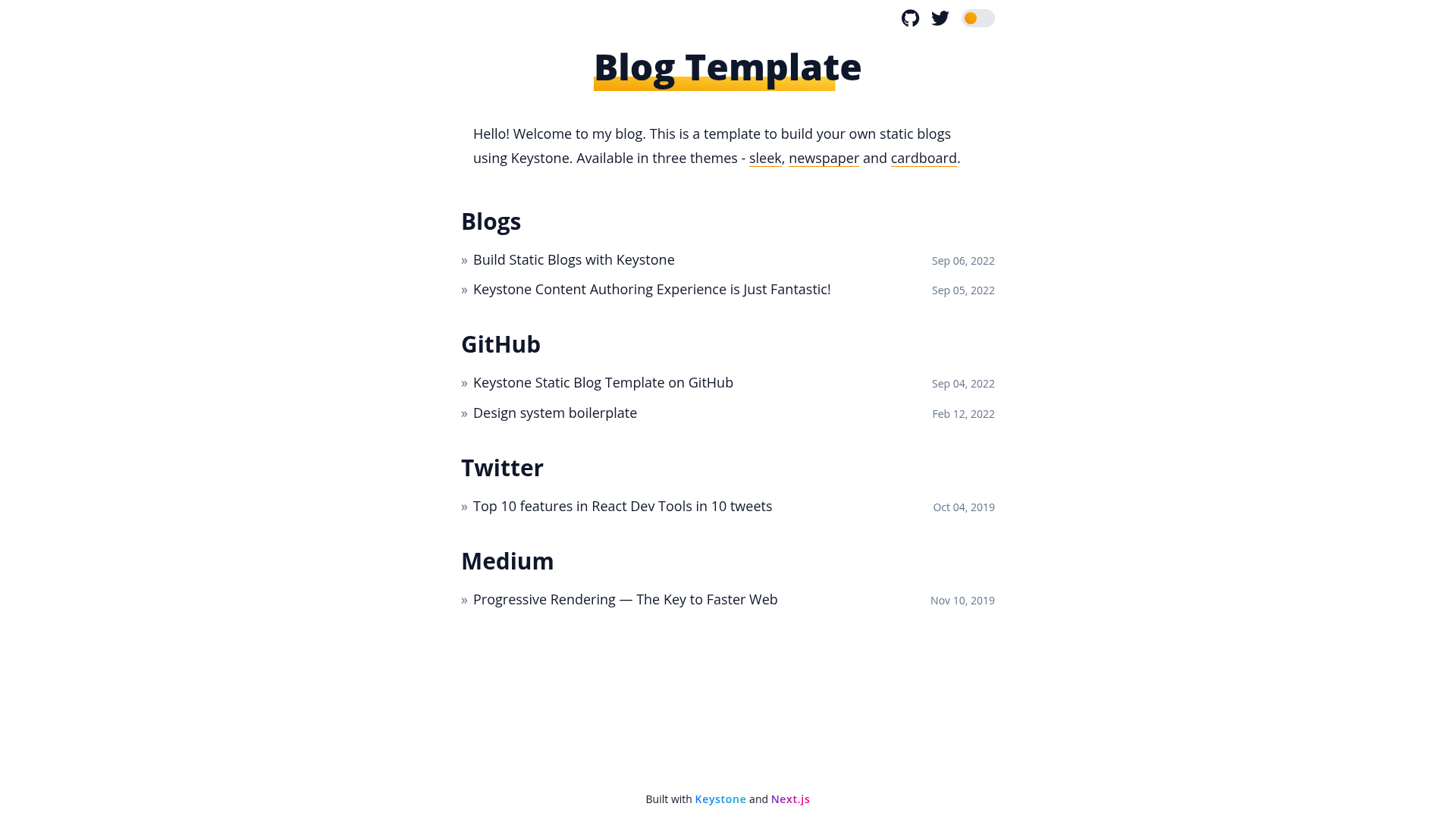
Starter template to statically generate blog websites with Next.js and Keystone.
About this template
Static Blogs with Keystone is a starter template for building statically generated blog websites with Next.js as the frontend and Keystone as the content server, using a file-based SQLite database so no external database hosting is required.
What is Static Blogs with Keystone?
Static Blogs with Keystone is a GitHub template that pairs a Next.js frontend with a Keystone content server to produce fully static blog websites at build time. It takes content authored in Keystone's admin dashboard (stored in a local SQLite file) and outputs a static HTML export in blog-sleek/out, which can be hosted on any static web host. The template is created by Dinesh Pandiyan and is distributed under the MIT license.
What makes Static Blogs with Keystone stand out?
- Zero-configuration SQLite database — Content is stored in a file-system SQLite database that can be committed to the repo, avoiding database hosting, configuration, and maintenance.
- Build-time static generation — The blog is generated using Next.js static HTML export, and content is fetched from a locally running Keystone server during build.
- Keystone document editor — A visual editor with pre-built custom components: hero image, custom blockquote, tweet embeds, YouTube embeds, callouts, and syntax-highlighted code blocks.
- Admin dashboard — Author posts, manage publish/unpublish status, and edit SEO metadata for each post in Keystone's admin UI.
- Content model with Posts and Links — Create blog posts or link to external articles from the Keystone dashboard.
- Monorepo workspace — The project splits the Keystone server (
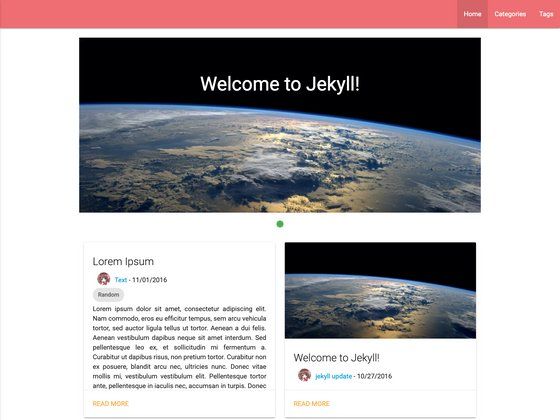
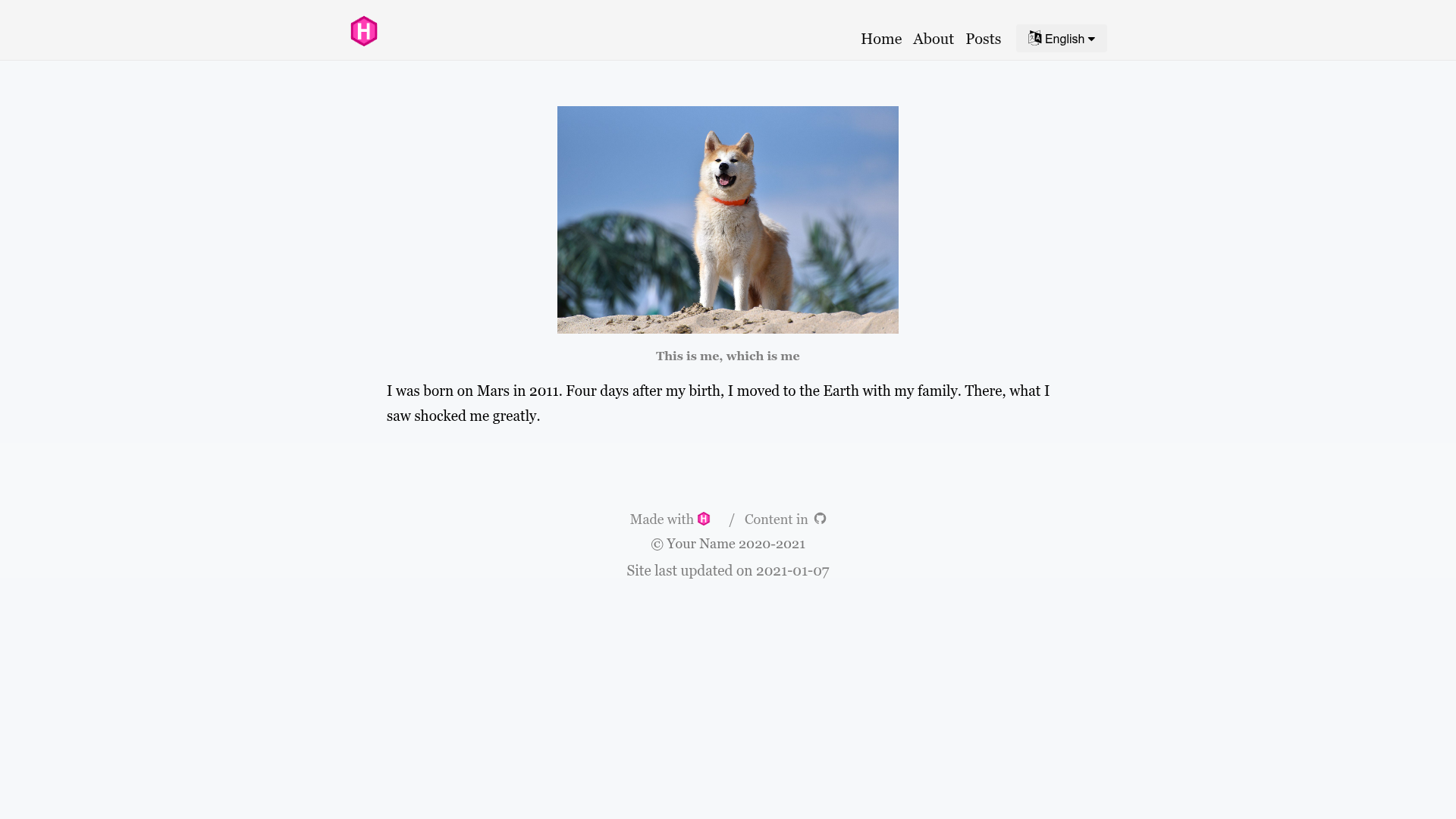
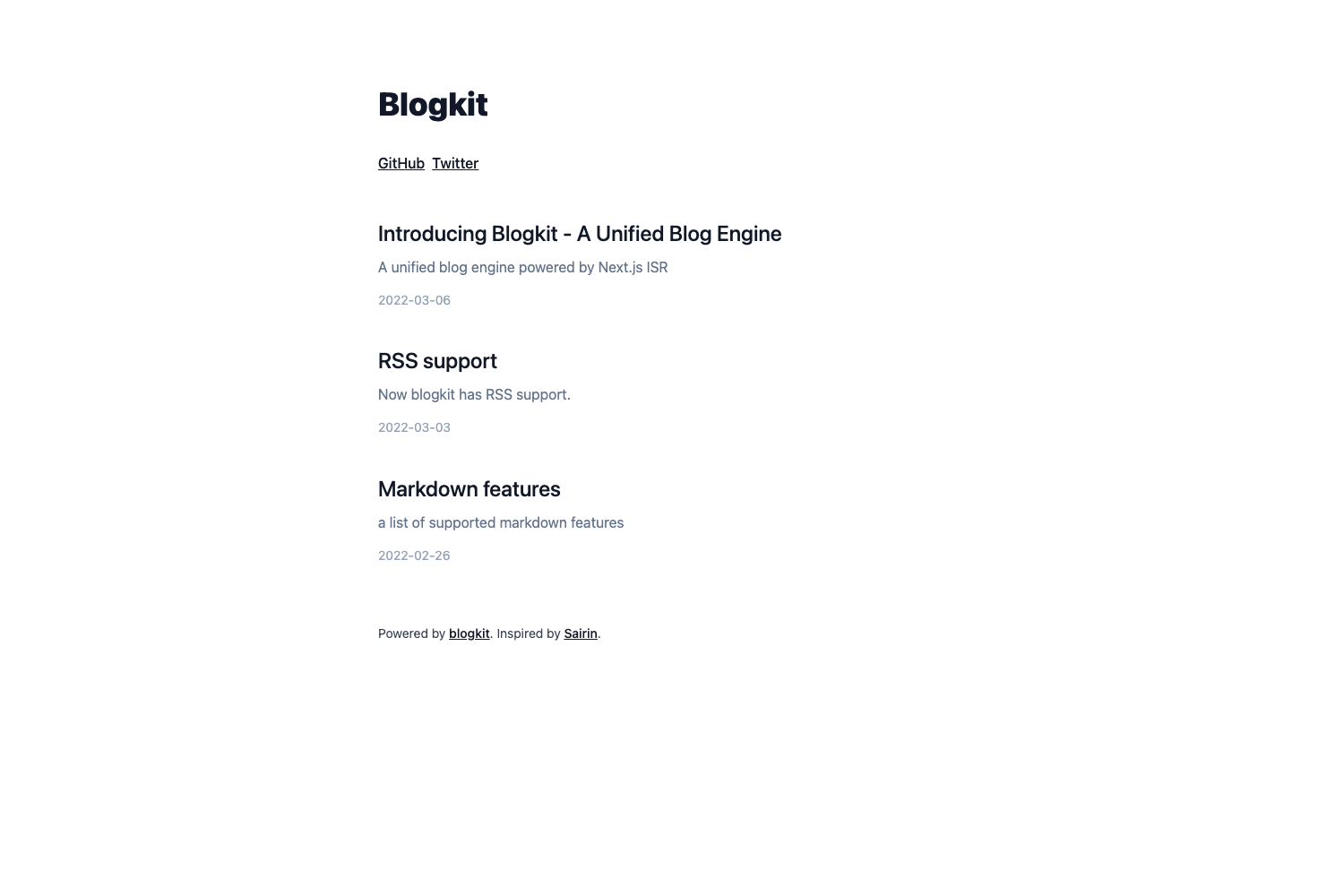
keystone-server) and the Next.js theme (blog-sleek) into separate workspaces, and the template supports multipleblog-{theme}variants. - Tailwind configuration-based theme — Styling is built with Tailwind's configuration theme, making it straightforward to extend or customise.
- Automated Netlify deployment — Ships with GitHub Actions workflows that build the site on each push and deploy it to Netlify using a personal access token and site ID.
Who is this template for?
- Developers who want a CMS-style workflow for static blogs — They can author content visually in Keystone's admin dashboard and still end up with fully static HTML files.
- Bloggers who need custom content components — Instead of hunting for MDX plugins, they can write React components (hero images, YouTube embeds, callouts) and use them in Keystone's document field.
- Teams wanting to commit content to a repo — The SQLite database travels with the code, so the entire blog (code and content) lives in one Git repository for versioning.
Use cases
- Personal blogs: Create a personal blog with a visual authoring experience, then commit and deploy the static export to Netlify, Vercel, Cloudflare Pages, Fastly, or AWS S3.
- Technical blogs with rich formatting: Use syntax-highlighted code blocks, callouts, and custom blockquotes for developer documentation.
- Content-heavy sites with embeds: Embed tweets and YouTube videos directly in post content without needing a separate plugin system.
- GitHub-Actions-automated publishing: Push changes to the main branch and let the included workflow rebuild and redeploy the site to Netlify automatically.
How does Static Blogs with Keystone work?
Run yarn at the project root to install dependencies, then yarn dev to start the Keystone server on http://localhost:3000 and the sleek template on http://localhost:8000. Content is authored in the Keystone admin dashboard at http://localhost:3000. When ready, keep the Keystone server running and run yarn export in the Next.js app to generate the site into blog-sleek/out; run yarn serve to preview the exported files locally. For CI builds, yarn export:docker runs the build inside a Docker container.
FAQ
Is Static Blogs with Keystone free?
The template is open source under the MIT license, so it is free to use, modify, and deploy. The repository itself is public on GitHub and can be forked or used as a template.
Does it require a hosted database?
No. The template uses Keystone's SQLite support, so all content is stored in a local file that can be committed along with your code. This means you don't need to set up or maintain a database server.
What custom content components are included?
The template ships with components for hero images, custom blockquotes, tweet embeds, YouTube embeds, callouts, and syntax-highlighted code blocks. You can add more React components and use them in the Keystone document editor.
Can I deploy anywhere other than Netlify?
Yes. The generated site is just HTML, JS, and CSS files in blog-sleek/out, so it can be hosted on Netlify, Vercel, Cloudflare Pages, Fastly, AWS S3, or any other static file host. The included GitHub Actions workflow targets Netlify specifically.
Why is Docker needed for CI builds?
Because the build fetches content from a locally running Keystone server, the build process needs a server running. Docker wraps the build so it can run in CI environments, but not all CI providers support Docker (for example, Netlify does not). The template includes a Docker command yarn export:docker and a GitHub Actions workflow that builds on GitHub's CI and deploys to Netlify.