Template details
Astro Dracula Blog
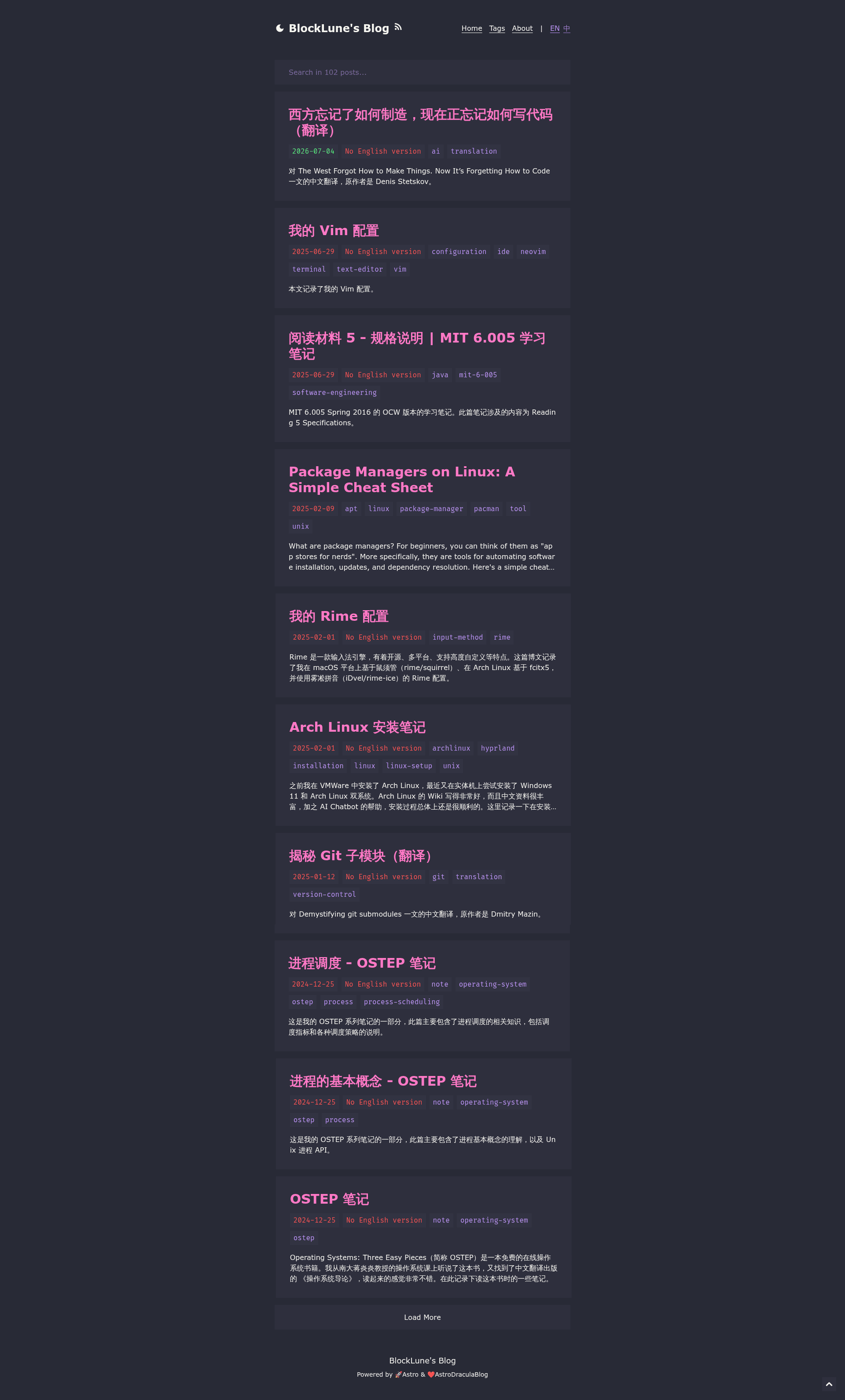
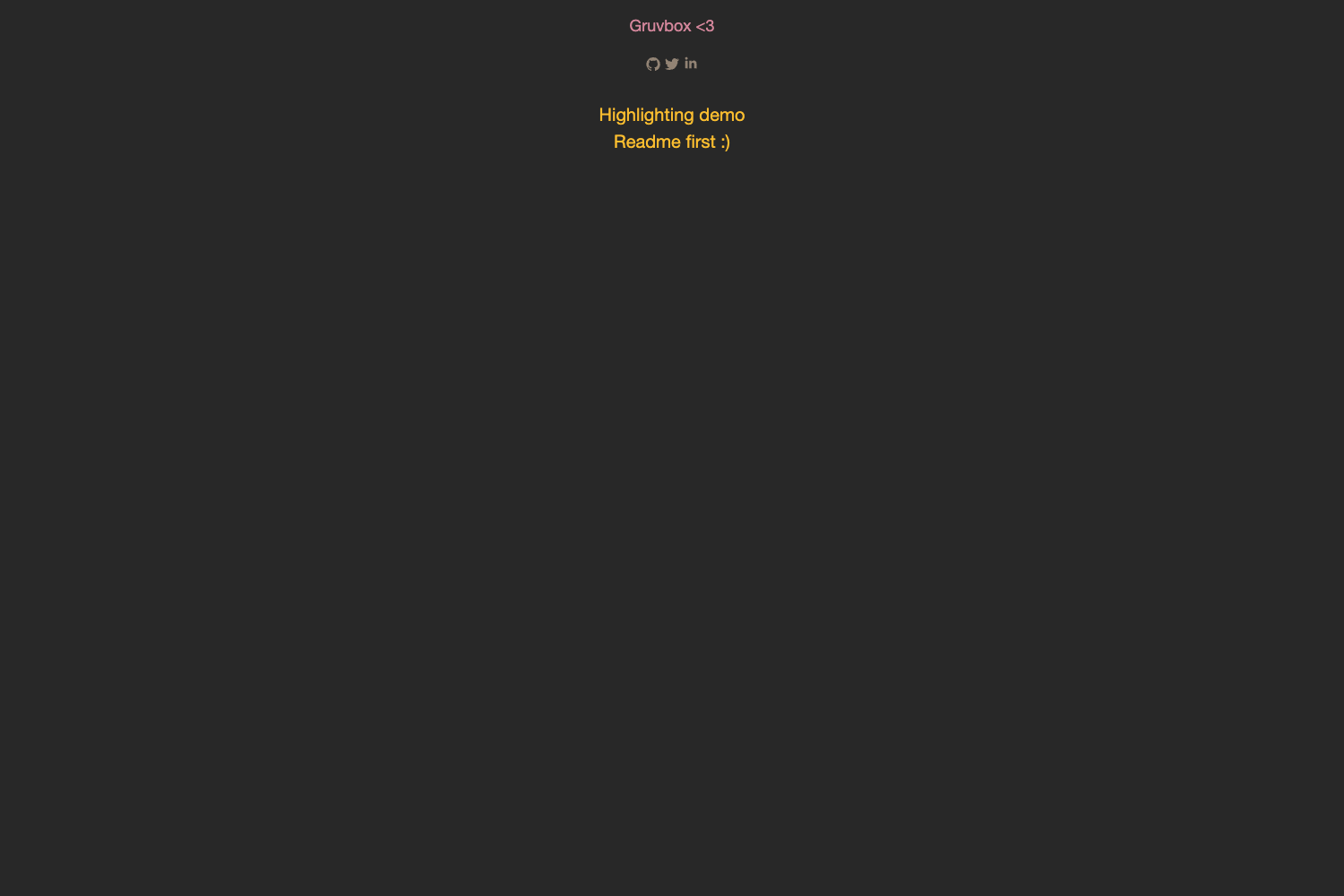
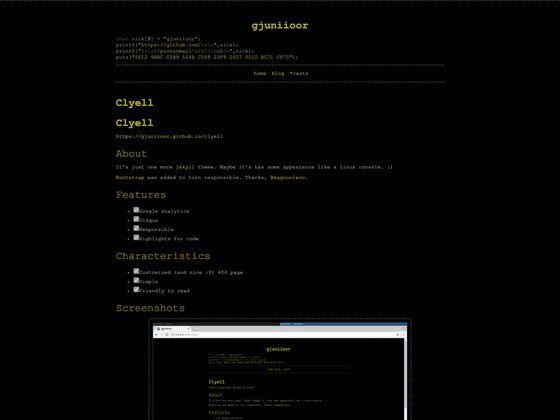
A fast and simple blog system with Dracula theme built with Astro v5.
About this template
Astro Dracula Blog is a free, MIT-licensed blog template built on Astro v5 that produces a fast, Dracula-themed static blog with built-in Chinese and English i18n, fuzzy search, KaTeX math rendering, RSS, sitemap, and LLM-friendly llms.txt generation.
What is Astro Dracula Blog?
Astro Dracula Blog is a blog starter kit that turns Markdown posts written in its content collections into a static site styled with the Dracula color scheme. It runs on Astro v5 with React components and Tailwind CSS, and it is maintained as the fourth iteration of a personal blog system by the developer blocklune. The template outputs a complete blog: post listings, about pages, per-post tables of contents, and Open Graph images, and it supports both English and Chinese out of the box.
Key Features
- Astro v5 + React — The template is built on Astro v5 with React components, letting you write posts as Markdown in content collections and output static HTML.
- Dracula theme — A color scheme inspired by Dracula across the UI, with customization points in
src/components/style/prose.astro,src/styles/global.css, andtailwind.config.mjs. - Fuzzy search — Client-side fuzzy search powered by fuse.js, so visitors can search the site without a backend.
- i18n support — Ships with Chinese (
zh) and English (en) locales, defaulting to English; corresponding posts in each language folder share the same filename. - KaTeX math rendering — Renders mathematical formulas on posts via KaTeX, with no external CDN configuration described.
- Dynamic Open Graph images — Generates Open Graph images for posts, and each post's frontmatter can set a custom
ogImageUrl. - Sitemap, RSS & SEO — Includes sitemap and RSS feed generation plus SEO-friendly meta tags and Open Graph output.
- MIT license with per-post customization — The project is MIT-licensed, and each post can define its own
licenseandlicenseLinkin frontmatter, or usenoneto disable the license display.
Who is it for?
This template suits developers who want a fast, hand-customizable blog on Astro without the weight of a framework like Hexo. It also fits bilingual writers who publish in both Chinese and English, because the content structure and i18n are already wired up. Technical bloggers who write mathematics or need code-heavy posts get KaTeX rendering and a table of contents out of the box.
What can you do with it?
- Personal tech bloggers: set up a Dracula-styled blog with Markdown posts, RSS, and sitemap, deployable to static hosts like Netlify (the template includes a
public/_redirectsfile). - Bilingual authors: publish the same post in Chinese and English by placing files with the same name in
src/content/posts/enandsrc/content/posts/zh; the site serves the matching language version. - LLM/SEO-focused sites: automatically get
llms.txt, Open Graph images, and SEO meta tags so search crawlers and AI tools can index the content.
How does it work?
Install dependencies with pnpm install, then run pnpm dev to preview locally. You configure site-wide options — including Umami analytics and search engine verification — in src/config.ts, and write posts as Markdown or MDX files under src/content/posts with frontmatter for title, tags, date, and license. Build the static site with pnpm build, then use pnpm preview to test the production output.
FAQ
Is Astro Dracula Blog free?
Yes, the template is released under the MIT License. You can use it for personal or commercial projects, and the README asks that you keep the project's license information and, if possible, a link to the repository when you reuse the about page text.
Does Astro Dracula Blog support multi-language?
Yes, it supports Chinese and English. English is the default language; to make Chinese the default, change defaultLang in src/utils/i18n.ts and adjust the public/_redirects rules to redirect the root path to /zh/.
How do I create a new post?
Run pnpm new "Post Title" to generate a new post, or create a Markdown file manually in the appropriate language folder under src/content/posts. The frontmatter supports title, tags, date, updated, license, licenseLink, and ogImageUrl.
Can I customize the color scheme?
Yes. The Dracula theme is configurable by editing src/components/style/prose.astro, src/styles/global.css, and tailwind.config.mjs.
Does the template include analytics?
The template supports Umami analytics; you can enable it by configuring the Umami settings in src/config.ts after you have your own Umami instance or account.