Template details
Hugo Neso Theme
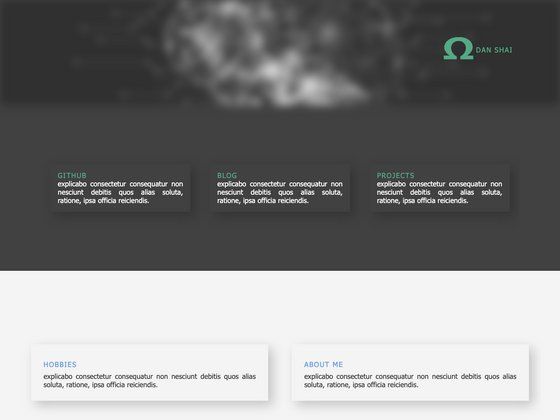
Minimal responsive Hugo theme with light/dark mode, Tailwind CSS 4, and built-in Fuse.js search.
About this template
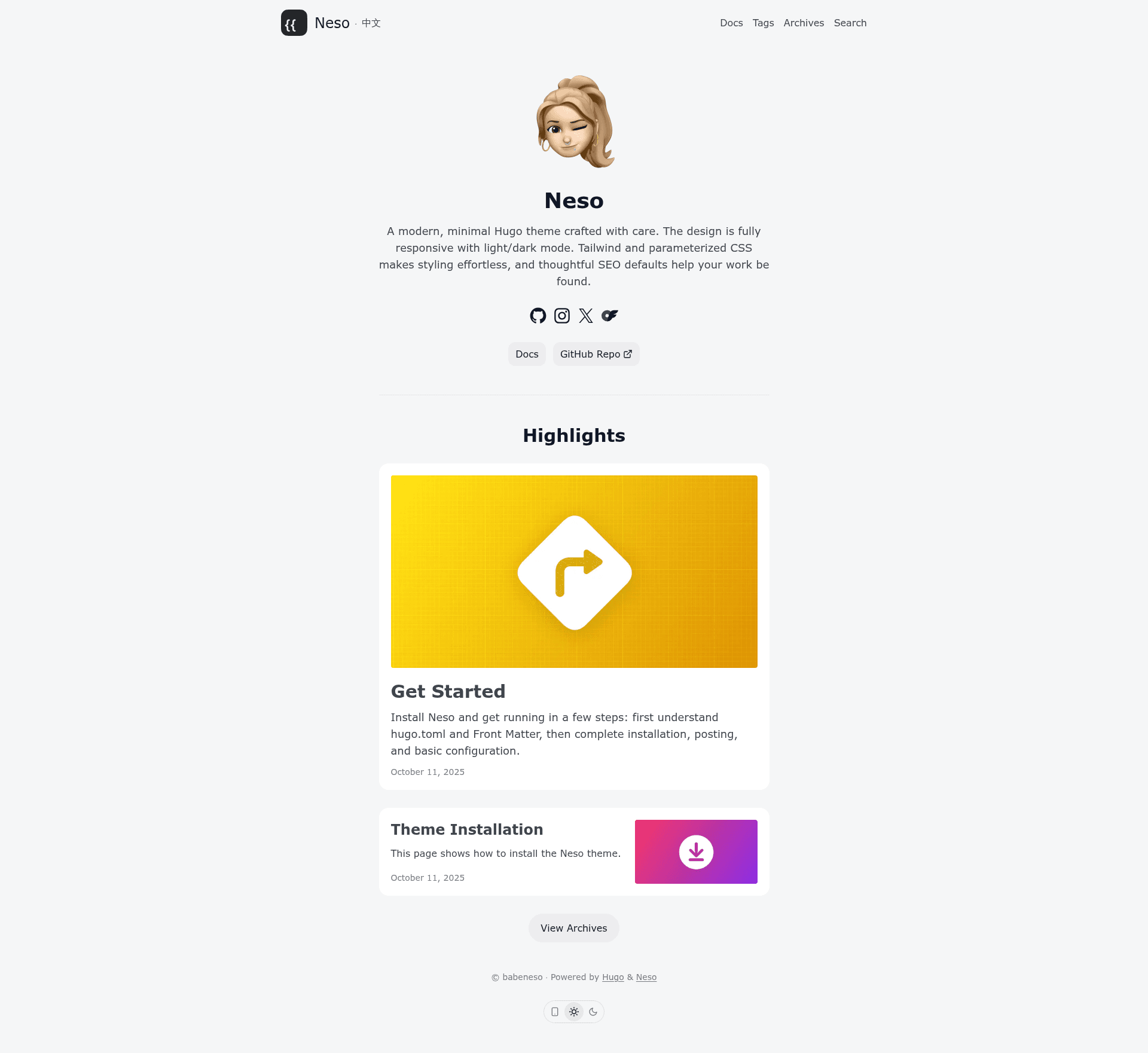
Hugo Neso is a minimal, responsive Hugo theme for building blogs and personal websites, with built-in Tailwind CSS 4 styling, light/dark mode, and Fuse.js-powered search.
What is Hugo Neso?
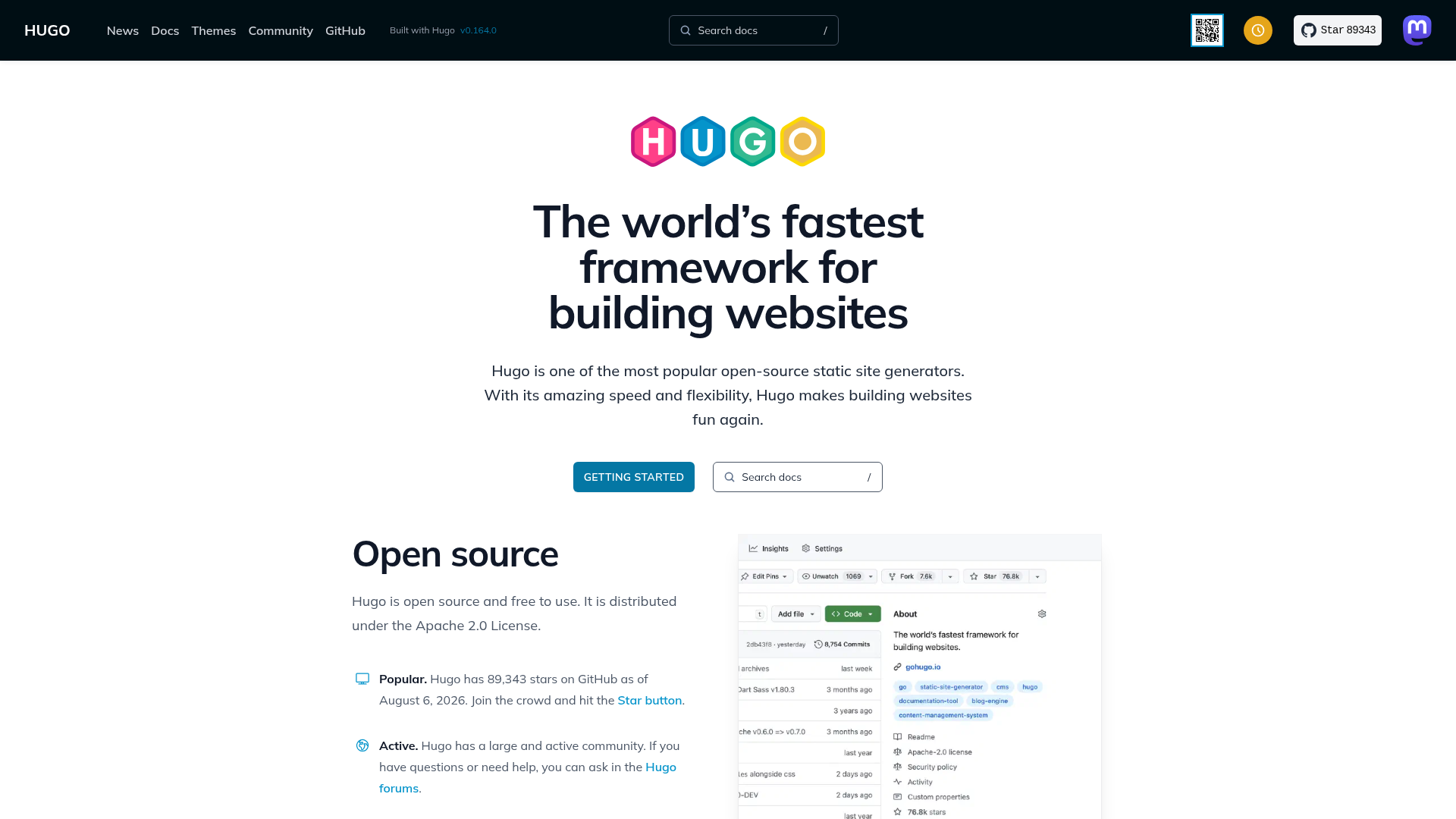
Hugo Neso is a Hugo theme derived from PaperMod, designed for static site generation with Hugo v0.150.0 or later. It takes a Hugo site's content and produces a fully responsive front end with three configurable home layouts, SEO metadata, and a polished reading experience. The theme is maintained by babeneso on GitHub and is available as a repository with a live demo site that doubles as documentation.
What makes Hugo Neso stand out?
- Tailwind CSS 4 integration — The theme bundles Tailwind CSS 4 with a refined Typography (Prose) setup, so you can style content with utility classes and preconfigured typography.
- Light/dark mode without JavaScript — The theme switches between light and dark themes based on the user's system preference, and it still works even when JavaScript is disabled.
- Three home layouts — Choose between Profile, Intro, and Fully Custom layouts to build a personal landing page, blog front page, or a fully customized homepage.
- Built-in search — Fuse.js is included for client-side full-text search across your posts and pages.
- SEO and structured data — The theme prewires Open Graph images, X (Twitter) Cards, and JSON-LD structured data to improve search engine visibility.
- RTL and accessibility support — Direction-aware icons render correctly in right-to-left locales, and the theme includes thoughtful accessibility defaults.
- Code blocks with copy-to-clipboard — Code displays in readable, polished blocks with a one-click copy button.
Who is Hugo Neso for?
- Bloggers — Want a lightweight, fast blog theme that looks good in both light and dark mode and includes client-side search without external services.
- Personal website owners — Need a Profile or Intro homepage layout to present a short bio, social links, and recent posts.
- Developers who customize Hugo themes — Prefer a Tailwind-based codebase with parameterized CSS design tokens and a file structure matching Hugo's new template system, making modifications straightforward.
- Multilingual and RTL audiences — The theme supports RTL locales and includes a Traditional Chinese version of the demo and documentation.
What can you do with Hugo Neso?
- Personal bloggers: Publish markdown posts with GitHub Markdown Alert callouts and have them rendered in a styled, readable format with copyable code blocks.
- Portfolio or landing pages: Use the Profile home layout to create a personal introduction with an avatar, social icons, and a bio, then link out to your latest work.
- Documentation sites: Rely on the Archives page and Fuse.js search to help visitors find older content, and use the built-in JSON-LD to improve structured search results.
How does Hugo Neso work?
Hugo Neso is installed as a theme inside a Hugo site's themes directory. After specifying the theme in your site's configuration, you choose one of the three home layouts, and Hugo generates the static HTML pages with the theme's templates. The readme points to the demo site as the primary documentation for installation and usage.
Requirements
- The theme requires Hugo v0.150.0 or later.
Pros and cons
- Pros: Lightweight fast output, responsive design, no-JS dark mode, built-in search, SEO metadata, available on GitHub.
- Cons: Requires a recent Hugo version (v0.150.0+), which may force an upgrade for older existing sites.
Alternatives
- PaperMod — The upstream theme Hugo Neso is derived from, which offers a different visual style and its own set of features.
FAQ
Does Hugo Neso require JavaScript?
No, the light/dark mode and core layout work without JavaScript, though some features like search and copy-to-clipboard rely on JavaScript.
What Hugo version do I need?
Hugo v0.150.0 or later is required.
What home layouts come with the theme?
The theme includes three home layouts: Profile, Intro, and Fully Custom, selectable via page configuration.
Does the theme support right-to-left languages?
Yes, the theme includes direction-aware icons that render correctly in RTL locales.
Is there a demo site?
Yes, the demo site at https://babeneso.github.io/hugo-neso/ serves as both a live preview and documentation.