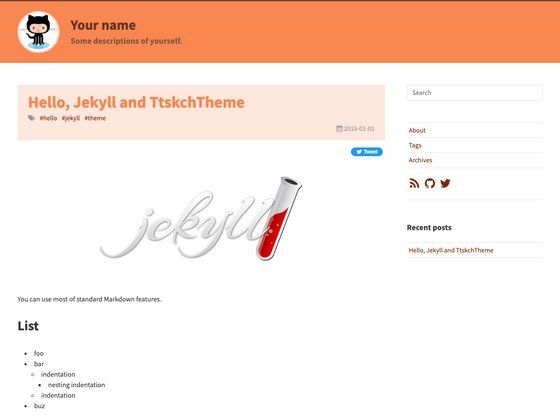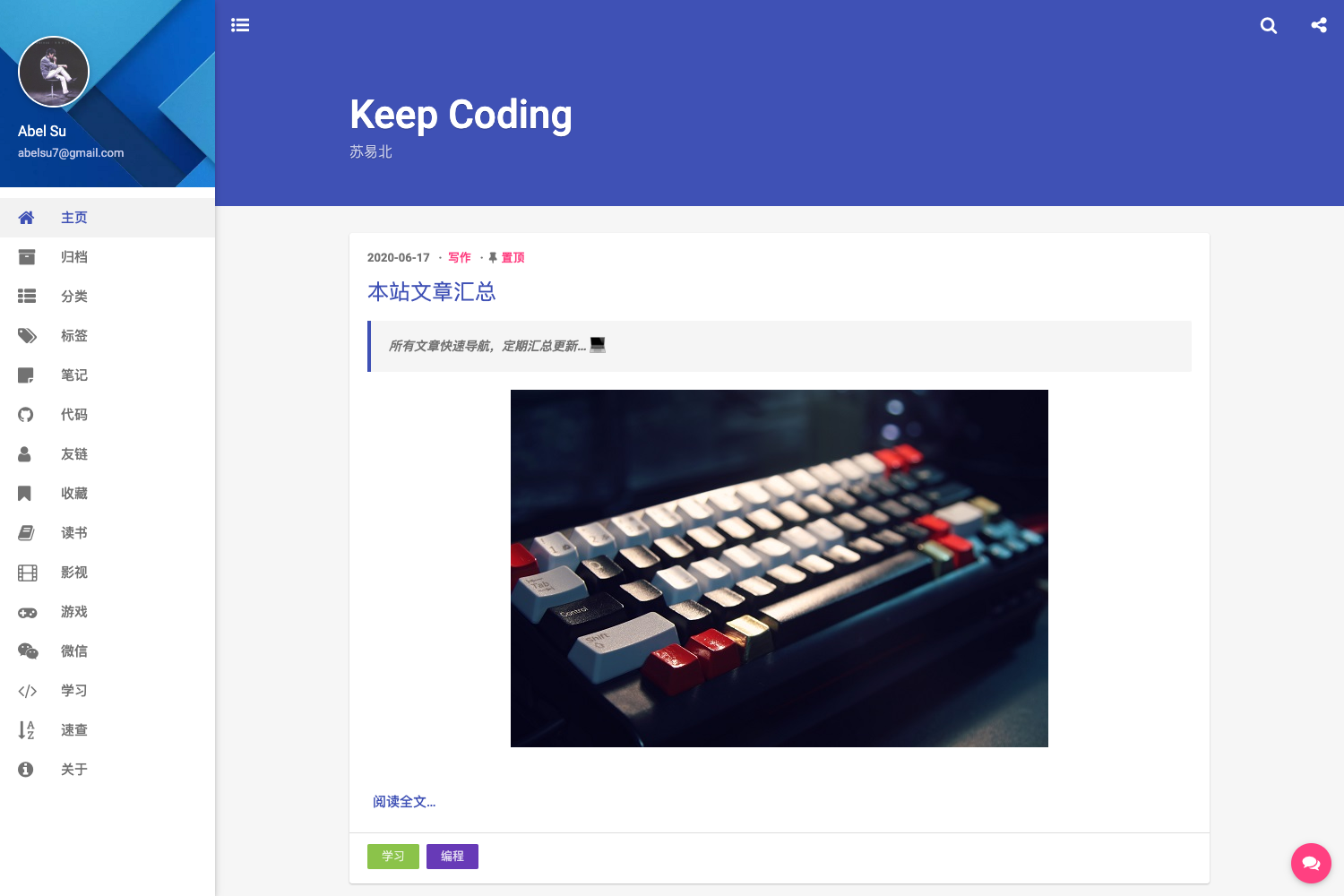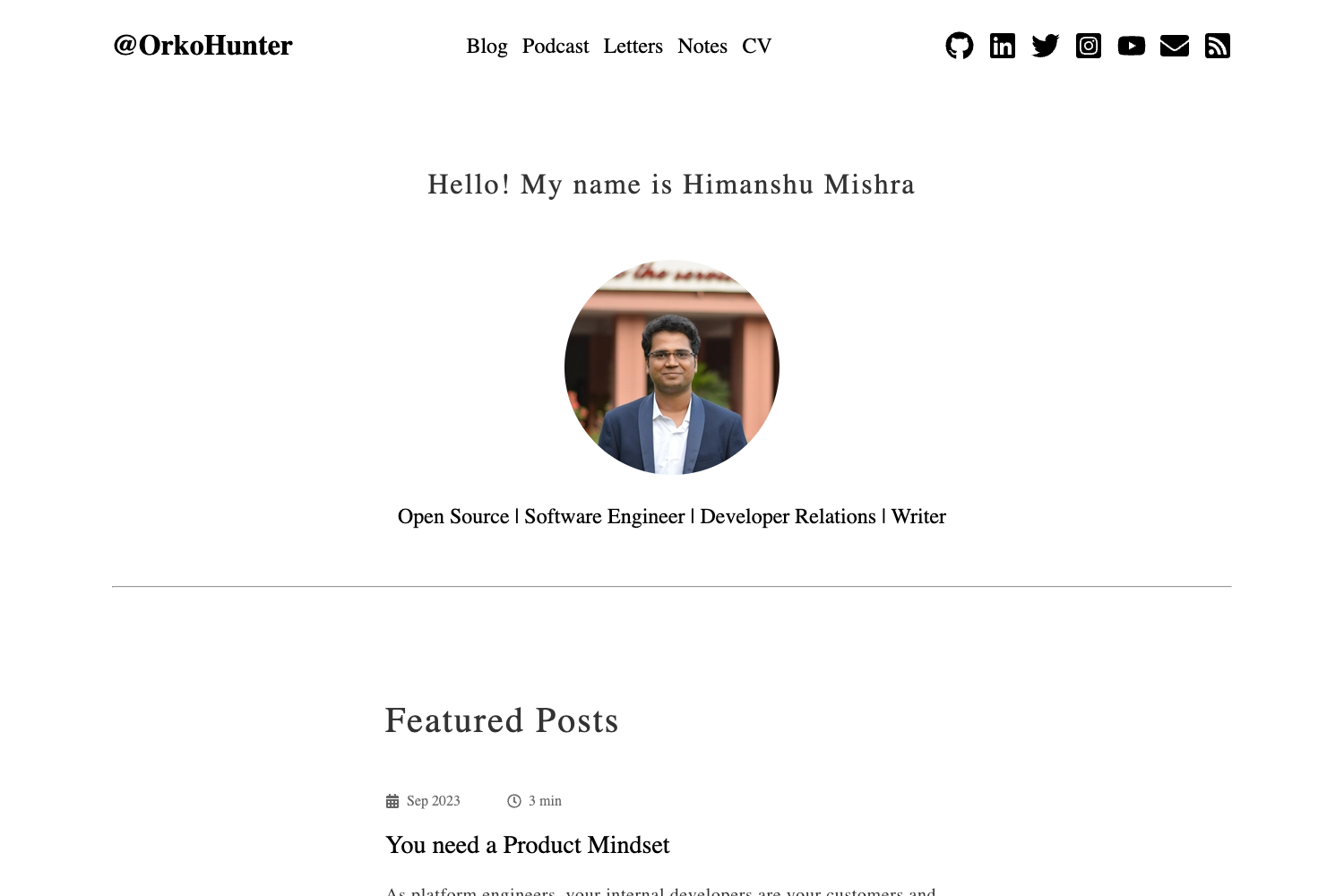
Template details
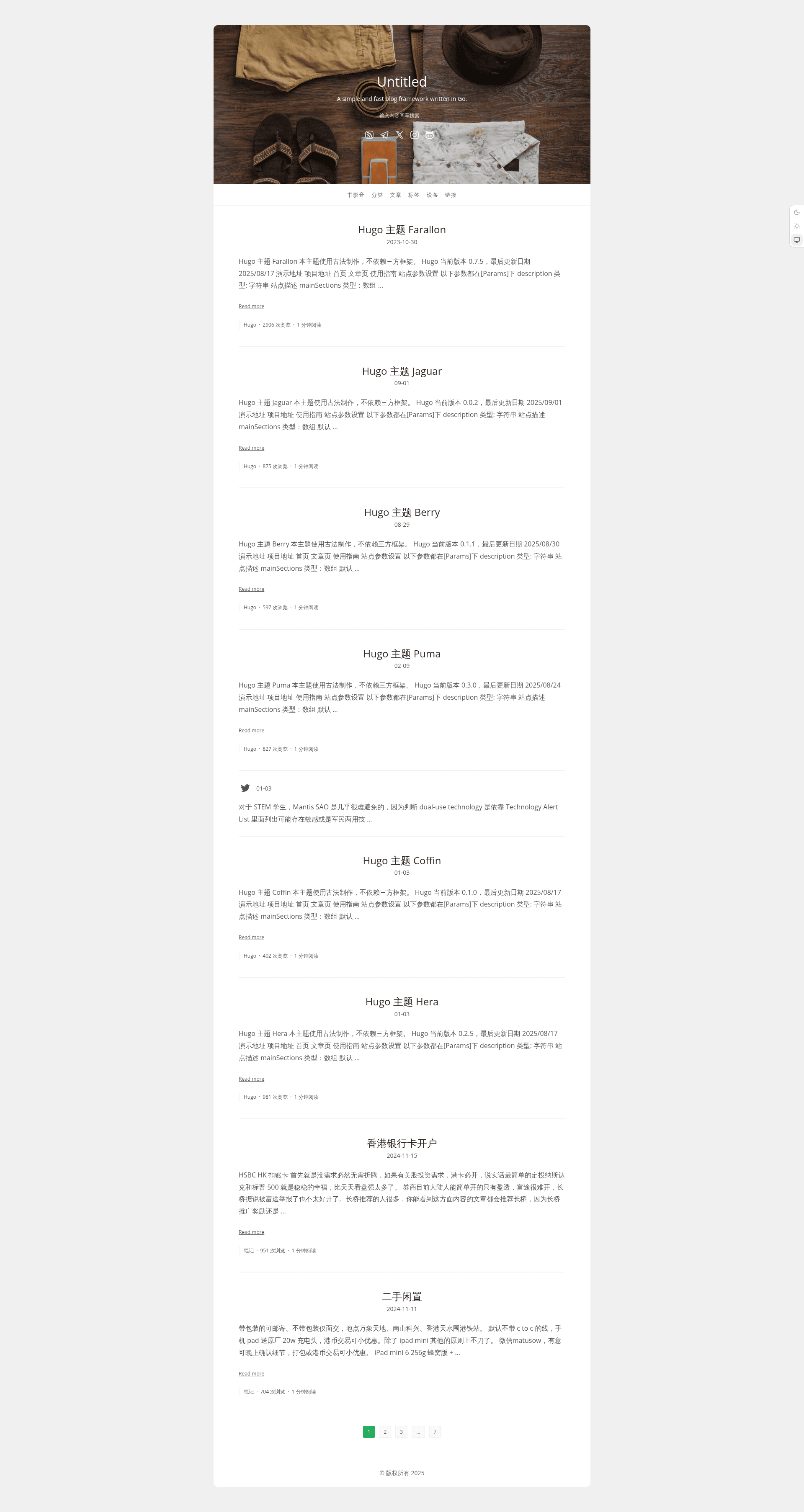
Hugo Theme Puma
A single-column Hugo theme with Cloudflare Worker support, search, post views, and related posts.
About this template
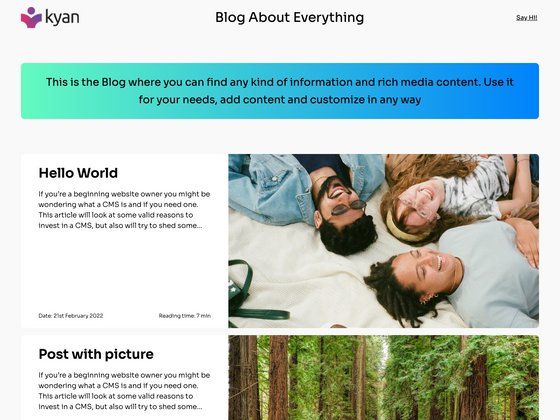
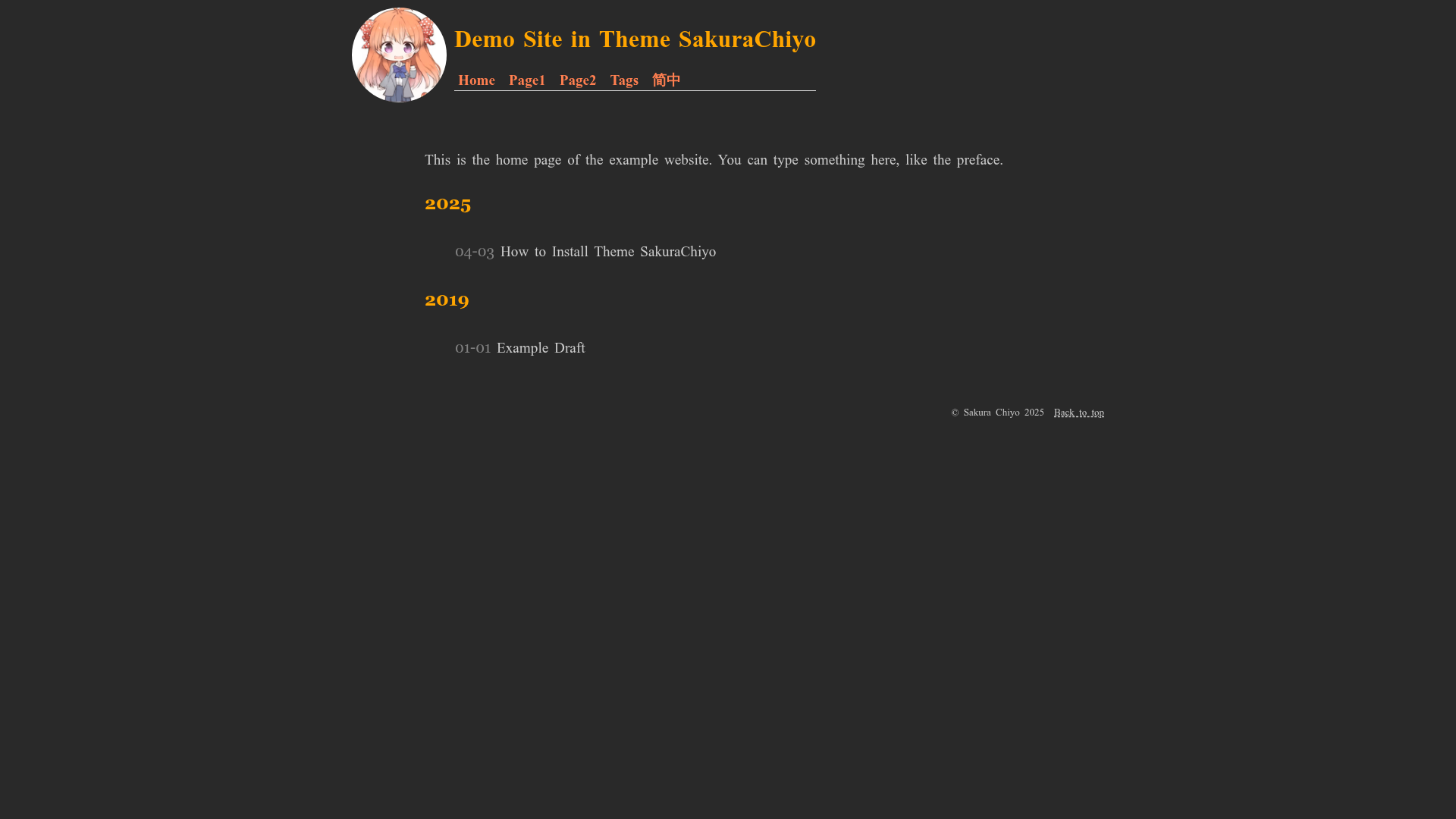
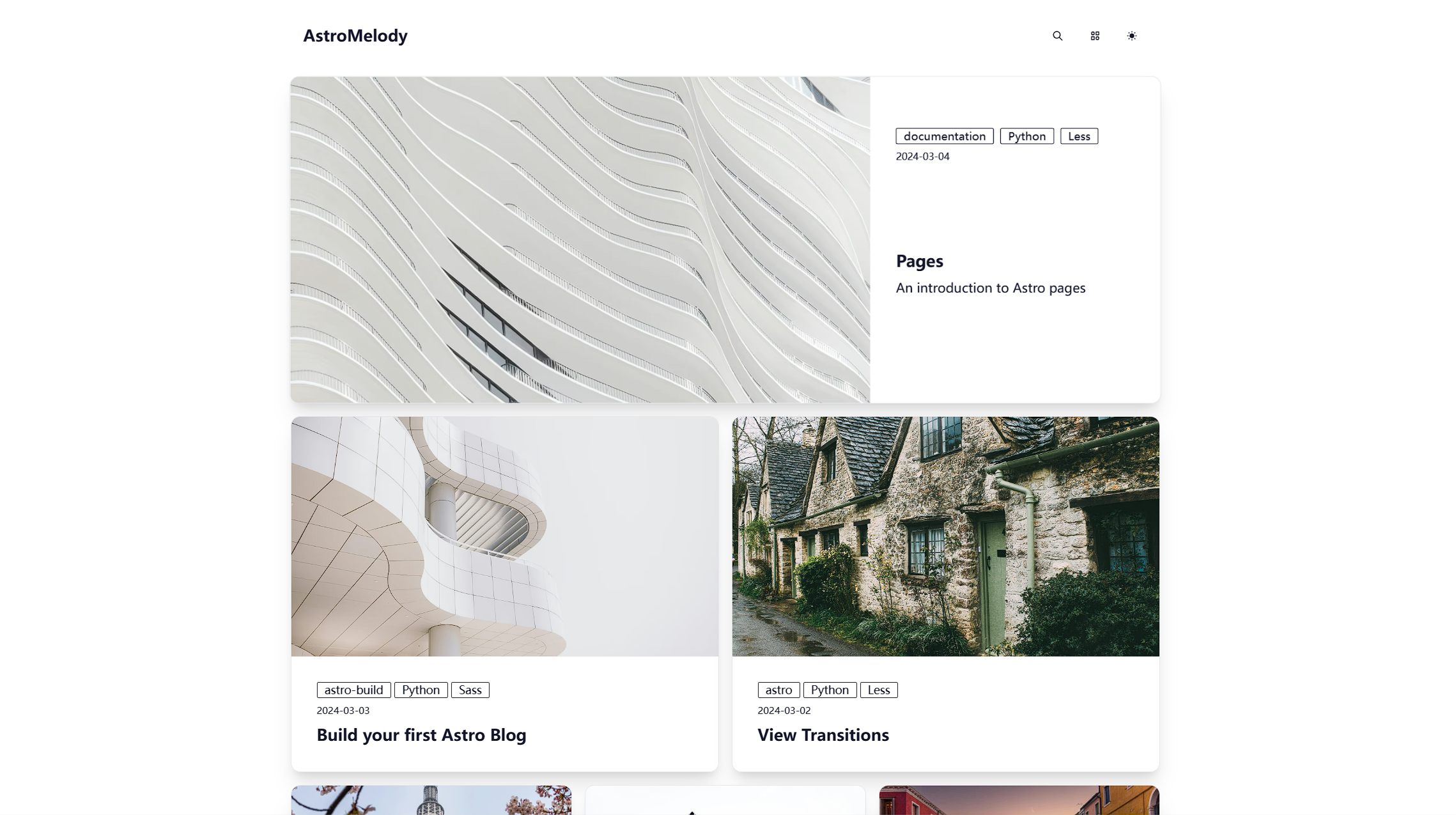
Hugo Theme Puma is a single-column Hugo theme created for personal blogs, with Cloudflare Worker support and built-in search, post views, and related posts. It is a static site theme that transforms Hugo Markdown content into a minimal, readable blog, developed by bigfa and published on GitHub at bigfa/hugo-theme-puma.
What is Hugo Theme Puma?
Hugo Theme Puma is a theme for Hugo, the static site generator, that renders content into a single-column blog layout. It is installed by adding the repository as a git submodule and setting theme = 'puma' in the Hugo config file. The theme's output is a static site that can be hosted anywhere, including Cloudflare Workers. Its release history shows active maintenance, with version 0.0.8 adding compatibility with Hugo v0.146.0.
What makes Hugo Theme Puma stand out?
- Cloudflare Worker support — The theme is built with Cloudflare Workers in mind, allowing deployment on Cloudflare's edge network for fast global response times.
- Search — A built-in search feature is included; version 0.0.7 fixed a search error, confirming the functionality.
- Post views — Added in version 0.0.6, the theme can display post view counts, a feature not common in minimal Hugo themes.
- Related posts — Version 0.0.2 introduced related posts, helping keep readers on the site by suggesting similar content.
- Custom pagination — Version 0.1.1 added custom pagination, giving users control over archive navigation.
- Author info — Since version 0.0.4, post pages can show author details, useful for multi-author blogs.
- Inset post shortcode — Version 0.0.3 introduced a shortcode for embedding a post inside another post, handy for linking related writing.
- CSS variables — The theme uses CSS variables for styling, updated in 0.0.2, making it simpler to customize colors and layout.
Who should use Hugo Theme Puma?
Bloggers who prefer a distraction-free, single-column reading experience will find the theme a good fit. Hugo developers seeking a theme with built-in search and view counters can extend it for their projects. Writers who publish long-form content can benefit from the related posts and inset post shortcode to cross-link articles. Additionally, anyone planning to deploy a blog on Cloudflare Workers can use the theme's explicit support for that platform.
What can you do with Hugo Theme Puma?
- Personal bloggers: Publish an online journal with search, post views, and author info to engage with readers.
- Technical writers: Create a documentation-style blog with related posts and inset post shortcodes to connect tutorials.
- Cloudflare Users: Deploy the static blog to Cloudflare Workers, inheriting the theme's compatibility for edge delivery.
How does Hugo Theme Puma work?
To use the theme, run git submodule add https://github.com/bigfa/hugo-theme-puma.git themes/puma in your Hugo project directory. Then add theme = 'puma' to your config.toml file. After that, write content in Markdown and build the site with Hugo. The theme handles rendering, search indexing, and view-count display without additional configuration.
FAQ
Is Hugo Theme Puma free?
Hugo Theme Puma is publicly hosted on GitHub, so you can view and download the source code without charge. However, no explicit license is mentioned in the available content, so check the repository for licensing details before redistributing.
Does Hugo Theme Puma support search?
Yes, the theme includes search functionality. Version 0.0.7 of the theme fixed a search error, which indicates that search has been a feature since at least that release.
Can I customize the theme's colors?
The theme exposes CSS variables for customization. Version 0.0.2 included an update to these CSS variables, making it possible to adjust the visual design via stylesheet variables.
What Hugo version is required?
According to the release notes, version 0.0.8 is compatible with Hugo v0.146.0. For other versions, you may need to test compatibility yourself.