
Template details
Kinetic
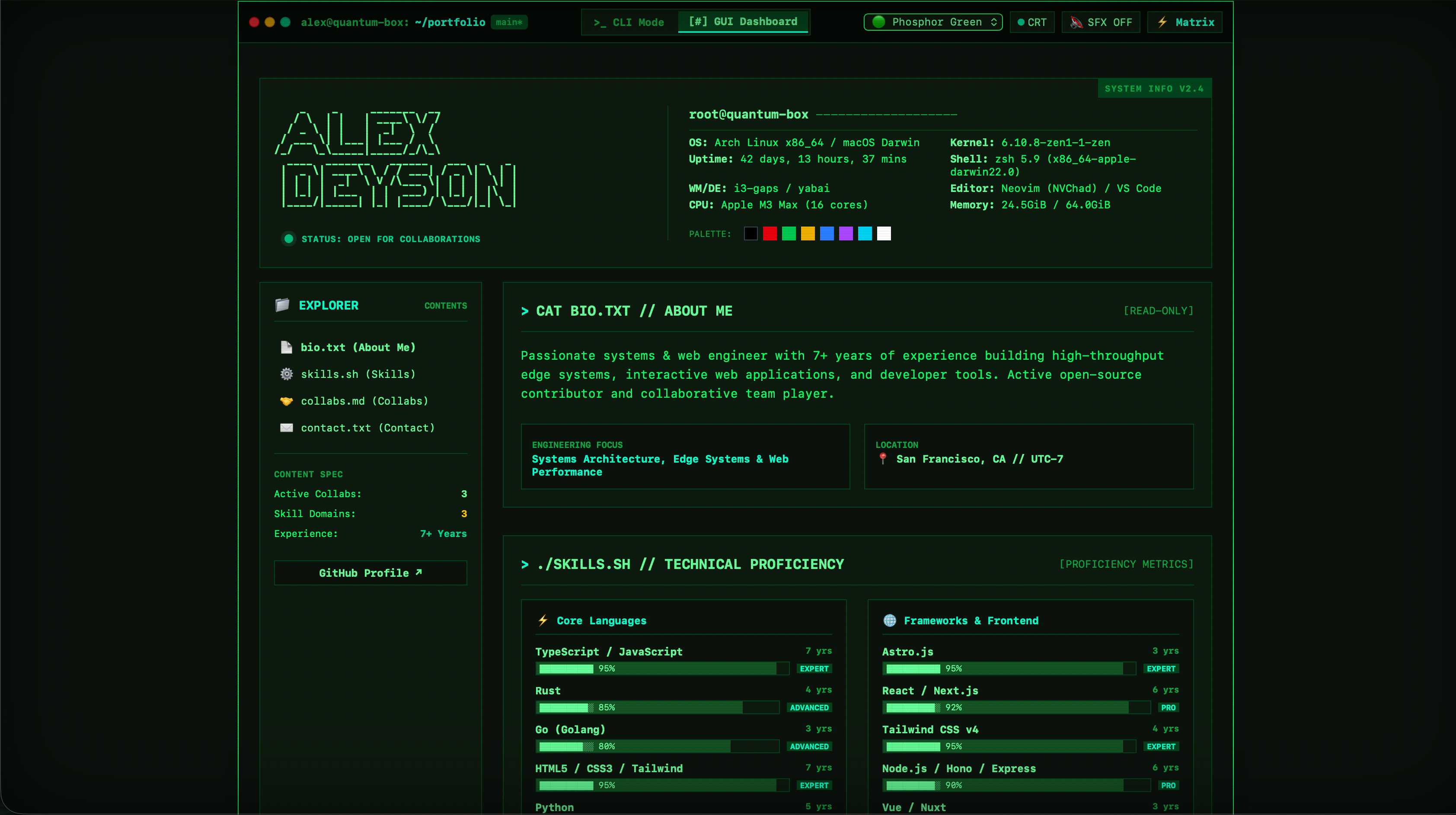
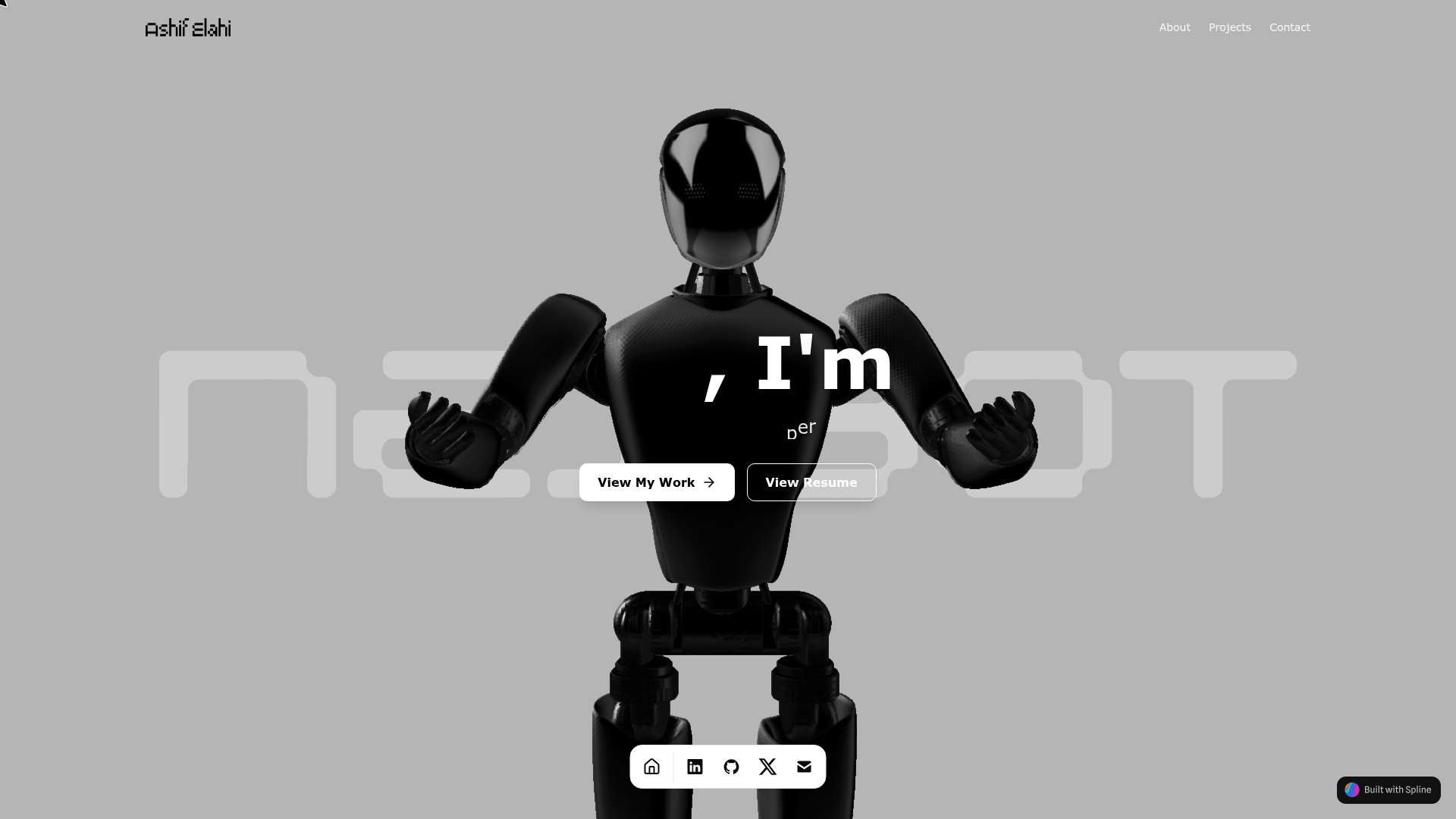
Free vanilla HTML5/CSS3/JS one-page template with interactive hero, grid accordion, and lenticular effects for portfolios and agencies.
About this template
Kinetic is a free one-page HTML5 template from TemplateMo that puts motion at the center of a portfolio site, with interactive effects like a cursor-bending hero string, a collapsing grid accordion, and a 3D lenticular image sequence.
What is Kinetic?
Kinetic is a free HTML website template designed for creative studios, interactive agencies, and portfolio sites. It takes your text and images and produces a dark, acid-yellow, fully responsive one-pager where every section reacts to the cursor or a click. The template is built in vanilla HTML5, CSS3, and JavaScript — no Bootstrap, no jQuery, no build step — so it runs on any static web host and is maintained by TemplateMo, a long-running free template directory.
Key Features
- Vanilla stack with zero dependencies — The template uses only hand-coded HTML5, CSS3, and JavaScript; there is no framework, library, or build pipeline, so you can open the files, edit the text, and upload them directly to a server.
- Elastic string hero simulation — The hero section contains a real physics string that bends toward your cursor and shoves a field of outlined boxes aside when it snaps back, all implemented in vanilla JavaScript.
- Nine-cell grid accordion — Projects are arranged in a CSS Grid matrix; clicking any cell expands it to fill the grid while the other eight collapse into strips, revealing the project photo and description.
- Lenticular 3D image effect — A single image is split into ten 3D slices that flip one by one as you sweep across them, mimicking a lenticular print.
- Scattering footer headline — Clicking the footer headline bursts it into individual glyphs; clicking again reassembles the text.
- Working email subscribe form — A functional email subscribe form ships inside the template, ready to be wired to your endpoint.
- Accessibility features — Project cells are keyboard accessible with Enter, Space, and Escape, and the template honors prefers-reduced-motion by dialing back the animation.
- Optimized assets — Eleven optimized images ship in a local images folder, so the layout works without external file hosting.
Who is it for?
- Creative studios — Present up to nine project case studies in the expanding grid accordion, with each project getting its own photo and description.
- Interactive agencies — Use the cursor-reactive hero and lenticular effect to show clients a motion-first design approach, not just a static layout.
- Independent designers and developers — Build a one-page animated portfolio that stands out on a dark theme, and extend it by editing plain HTML and CSS.
What can you do with Kinetic?
- Portfolio presentation: Showcase a selection of work in the grid accordion — each cell expands with a photo and write-up when clicked.
- Motion-forward marketing page: Add scroll-based interactivity the moment the page loads, with the bending string hero acting as a first impression.
- Rapid static hosting: Since there is no build step, you can download, edit, and upload Kinetic to any static server in a few minutes.
FAQ
Is Kinetic free?
Yes, Kinetic is 100% free to download. TemplateMo allows you to use it for both commercial and non-commercial projects, provided you keep the credit link in the footer.
Does Kinetic require Bootstrap or jQuery?
No. Kinetic is written in pure vanilla HTML5, CSS3, and JavaScript. It has no external CSS or JavaScript libraries, which keeps file sizes small and page loads fast.
Can I use Kinetic for a client project?
Yes, the license allows commercial use. You may edit the template, integrate client content, and upload the final site to your client's server.
Is Kinetic responsive on mobile?
Yes, the layout is fully responsive down to mobile, and the interactive sections degrade gracefully with prefers-reduced-motion support for users who request fewer animations.
How do I change the projects?
Each project cell is defined in the HTML markup — you replace the placeholder photo (one of the eleven images in the images folder) and the description text, and the grid automatically adapts.