Template details
i358.me
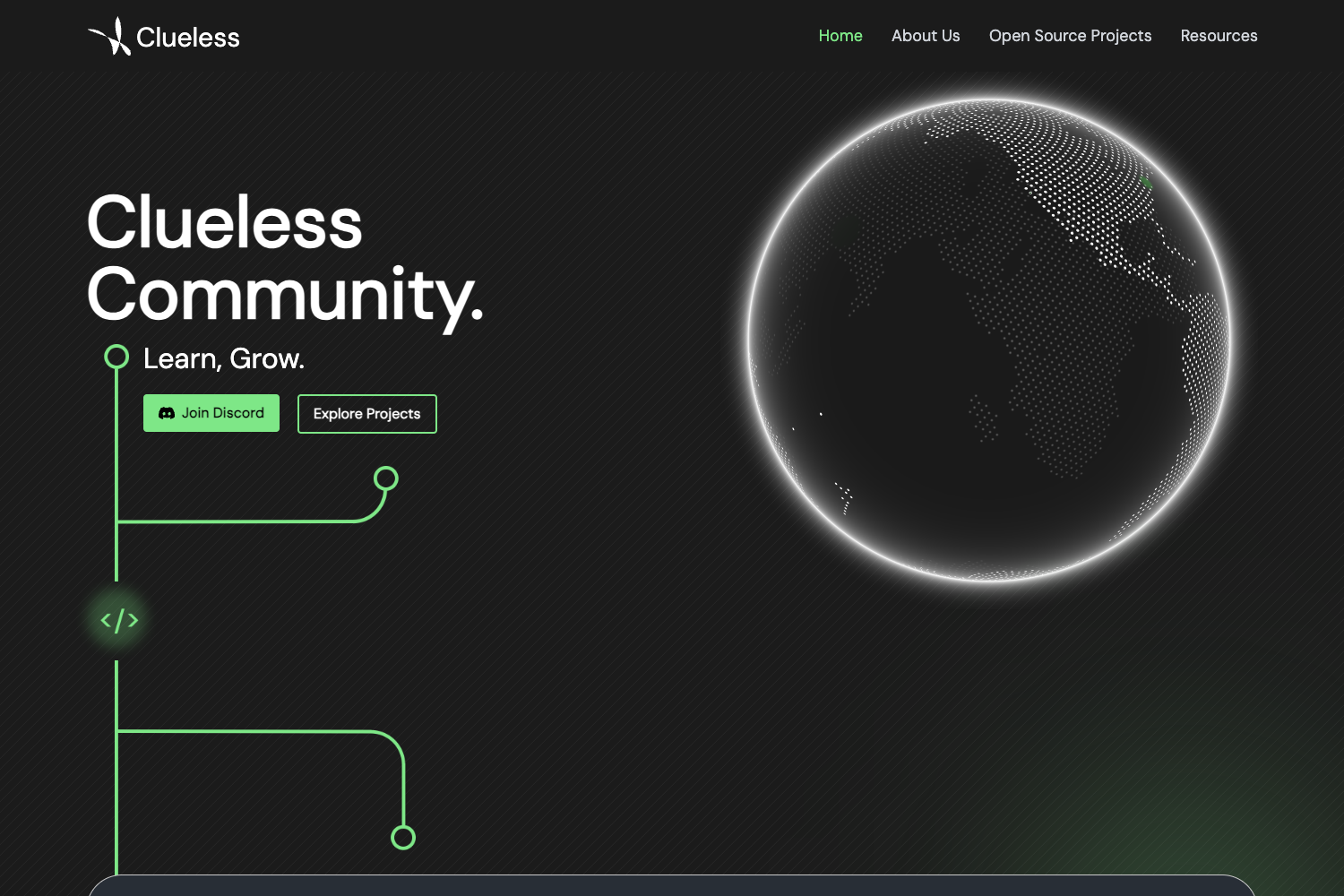
An open-source Vue.js personal portfolio template with a dark theme, JSON-based config, and static deployment.
About this template
i358.me is an open-source single-page portfolio template built with Vue.js and the Vue CLI, created to let developers present a short bio and project list on a fast, static site with a dark theme.
What is i358.me?
i358.me is a personal portfolio website template that takes its content from one JSON configuration file and outputs a static HTML build you can host anywhere. The project runs on the Vue.js framework, uses Vue CLI for scaffolding and building, and is published on GitHub by user i358 under the GPL v2 license. The README describes it as a small personal site that summarizes the author and lists their projects, with a screenshot of version 0.8.2 available in the repository.
Key Features
- Real-time status updates — The template advertises support for live status updates, making the homepage feel current without manual edits.
- Fast and low-resource — It is built as a static Vue single-page app, so it loads quickly and uses minimal server resources.
- Responsive layout — The design is compatible with other devices, so the portfolio reflows for mobile, tablet, and desktop screens.
- Single-file configuration — All personal data is edited in src/__1.json, containing keys for Discord user ID, name, bio, site name, and domain.
- Open-source license — Distributed under GPL v2, so anyone can fork the repository and use it as a starting point for their own portfolio.
- Static build output — Running npm run build creates a dist folder that can be served with the
servepackage or deployed to Netlify or Vercel using official guides linked in the README.
Who should use i358.me?
- Junior developers — Set up a clean portfolio page to showcase projects without needing to design or write a full site from scratch.
- Vue.js learners — Explore how a minimal Vue CLI project is configured, built, and exported as static files.
- Hobbyists who want a personal page — Edit the JSON config to enter a name, bio, and site domain, then deploy a personal homepage for free.
What can you do with i358.me?
- Build a portfolio quickly: Clone the repo, run npm install, edit src/__1.json with your Discord ID, name, and bio, then build the site.
- Deploy on free hosting: Follow the Netlify or Vercel guides linked in the README to publish the generated dist folder without paying for a server.
- Run it on your own machine: After building, use the command
serve -s dist -p 80to host the site locally on port 80, or use a different port as needed.
How does i358.me work?
After cloning the repository, install dependencies with npm install and edit the configuration file src/__1.json to replace the default Discord ID, name, bio, and site name. Build the project with npm run build, which outputs a static site into the dist directory. That folder is then served directly or uploaded to a static hosting provider; the README includes step-by-step deployment guides for both Netlify and Vercel.
FAQ
Is i358.me free?
Yes, i358.me is open source under the GPL v2 license, so there is no cost to use, modify, or redistribute the template. You can find the full license text on the GNU website linked from the GitHub repository.
How do I customize the site content?
Open the file src/__1.json in the repository root and edit the values for ID (your Discord user ID), NAME, BIO, SITENAME, and DOMAIN. After saving your changes, run npm run build again to regenerate the static site.
Can I deploy i358.me to Netlify or Vercel?
Yes. The README provides links to official guides for deploying a Vue site to Netlify and to Vercel. The generated dist folder is a static site, so it works well with both free-tier hosting services.
What is included in the color palette?
The README documents a dark color palette: background #181b29, text #f1f2f3, shadows #5e5f6b, and borders #e55169. These colors are visible in the project's screenshot and CSS.