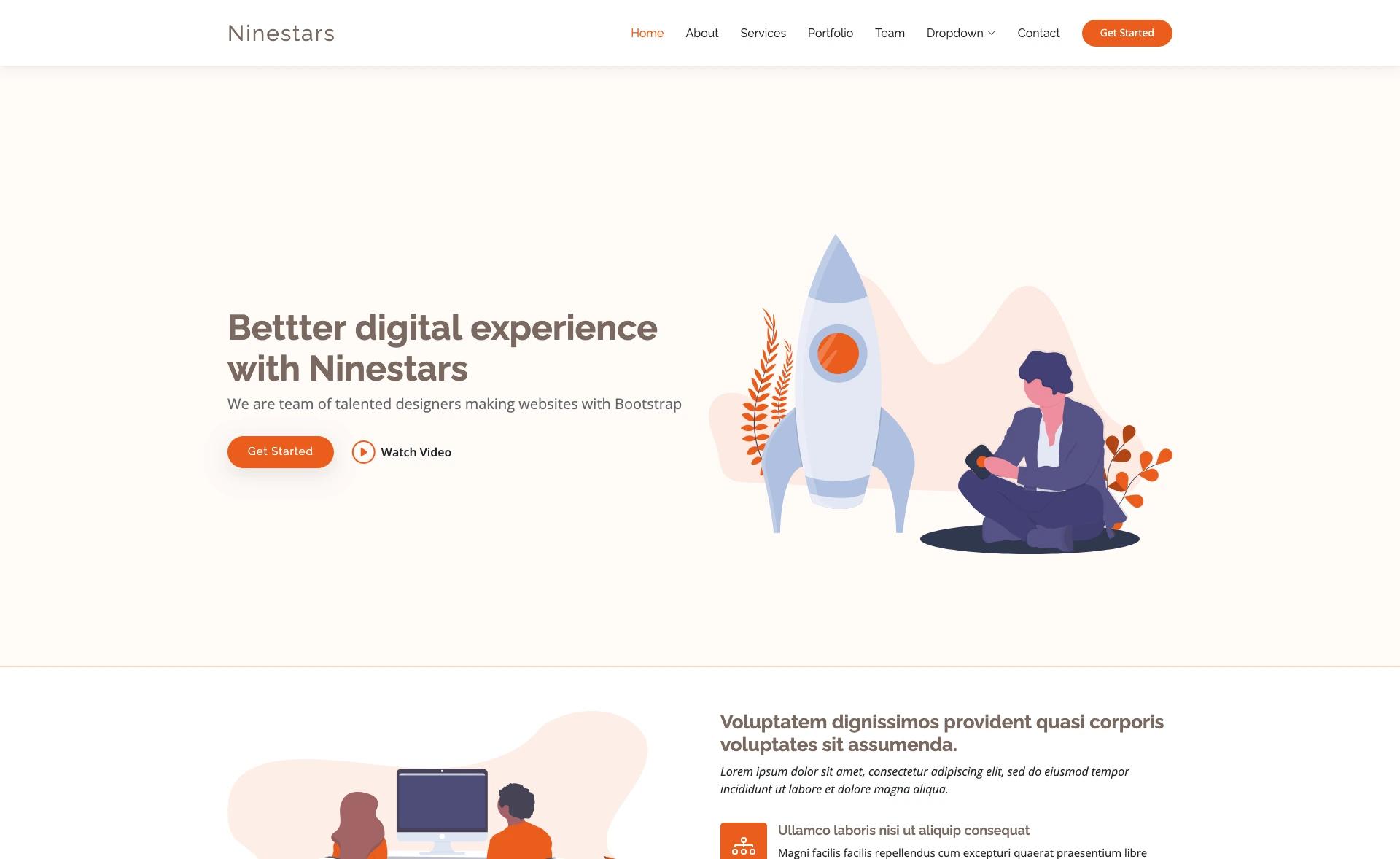
Template details
Interior Design Portfolio
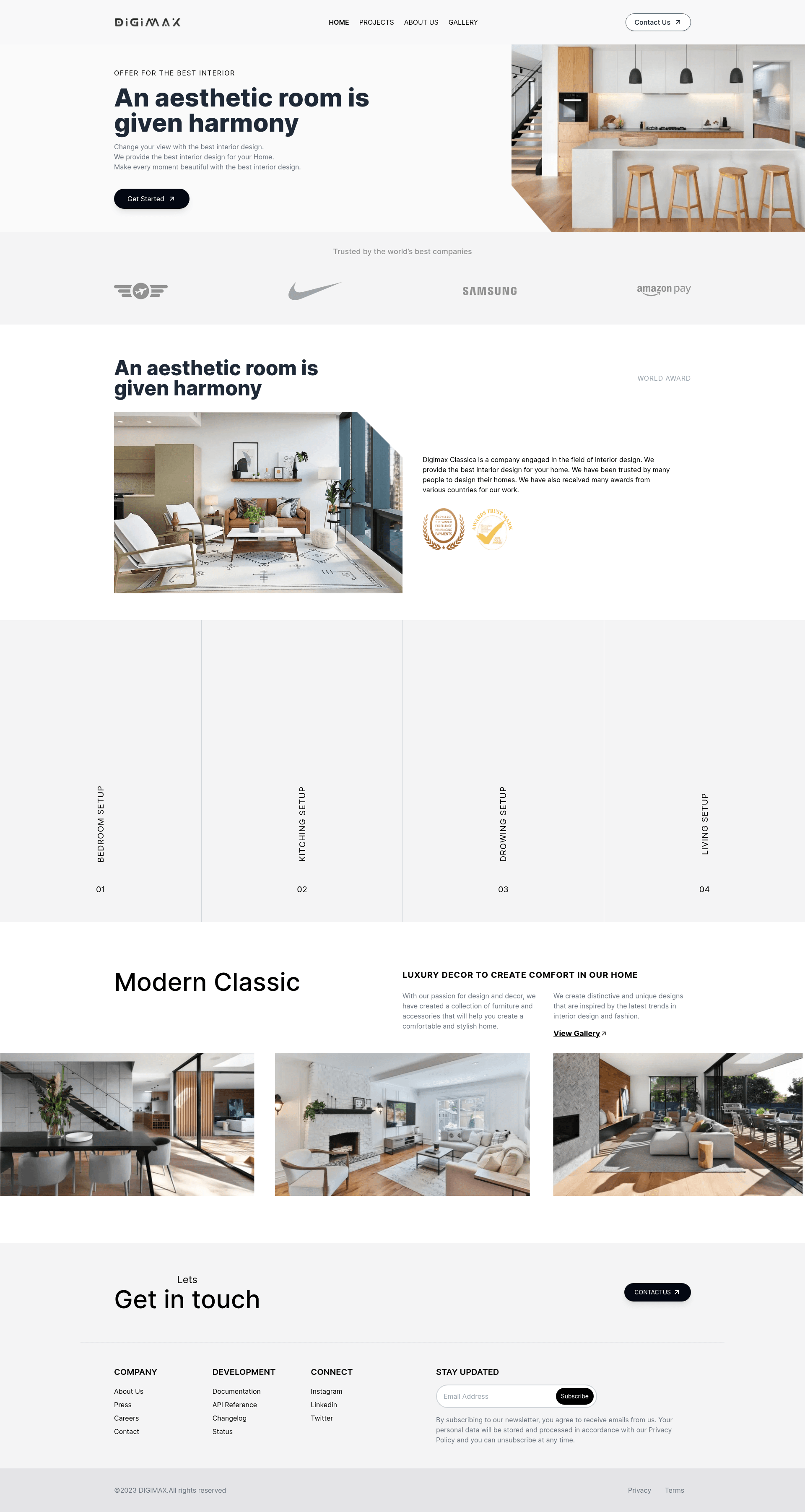
Interior design portfolio template built with Next.js, React, and Tailwind CSS, featuring a project showcase.
About this template
Interior Design Portfolio is a Next.js and React template for building a portfolio website that showcases interior design projects, styled with Tailwind CSS and deployable on Vercel.
What is Interior Design Portfolio?
This template creates a portfolio website for interior design work, using the Next.js app directory structure and a component-based React architecture. It takes project images and text descriptions as input and outputs a public-facing site where visitors can browse the featured projects. The template runs on Next.js and is set up for deployment on Vercel, the platform recommended in the create-next-app documentation.
Key Features
- Next.js app directory — Built on Next.js with the app directory, using app/page.js as the main entry point for the homepage.
- Tailwind CSS styling — Uses Tailwind CSS for utility-first styling, so you can customize layout and spacing without writing custom CSS.
- React components — Built with React, giving you a modular UI that is easy to extend or maintain.
- next/font optimization — Integrates next/font to automatically optimize and load the Inter Google Font, which reduces layout shift and improves loading performance.
- Vercel deployment — Configured for the Vercel platform, with a direct link from the readme to deploy your instance.
- Portfolio structure — Designed as an interior design portfolio with a landing page that calls on visitors to "explore our projects and get inspired."
Who is it for?
- Interior designers — Present a portfolio of completed rooms and spaces to attract residential or commercial clients.
- Design studios and agencies — Use the template to create a quick website that highlights team projects, with the option to customize sections via app/page.js.
- Web developers — Use the template as a starting point for client work; it includes the standard create-next-app developer workflow with hot reloading and the npm run dev command.
What can you do with it?
- Interior designers: Build an online portfolio that displays project photos and descriptions in a clean, modern layout, helping them win new commissions.
- Freelance decorators: Create a personal brand site that lists services and past work, without writing CSS from scratch thanks to Tailwind.
- Real estate stagers: Showcase before-and-after transformations in a format that documents each project's scope and outcome.
How does it work?
- Install dependencies and start the development server with npm run dev, or yarn dev, or pnpm dev.
- Open http://localhost:3000 in a browser to see the default page.
- Edit app/page.js to change the home page content; the page auto-updates as you save the file.
FAQ
How do I run this template locally?
Run npm run dev (or yarn dev, or pnpm dev) from the project root after installing dependencies. Then open http://localhost:3000 in your browser. The development server supports hot reloading so changes to app/page.js appear instantly.
How do I customize the template content?
Edit the app/page.js file, which is the main homepage component. The Next.js setup uses the app directory, so you can also add new pages or components inside the app folder and Next.js will handle routing.
How do I deploy this template?
The recommended path is to use the Vercel Platform, linked from the create-next-app readme. You can connect your Git repository and Vercel will automatically build and deploy the application. Next.js also documents other deployment options.
Is this template free to use?
The source is a public GitHub repository with open code, and it is based on create-next-app, which is the standard scaffold for Next.js projects. The readme does not state a license, so you should check the repository license before commercial use.
What is included in the template?
The template includes the standard create-next-app setup: a Next.js project with app/page.js, next/font integration for the Inter font, and a Tailwind CSS configuration. It also includes the portfolio design for interior design projects, as described in the repository topics.