Template details
WhatATheme
A customizable Jekyll portfolio theme with blogging support, designed for no-code setup on GitHub Pages.
About this template
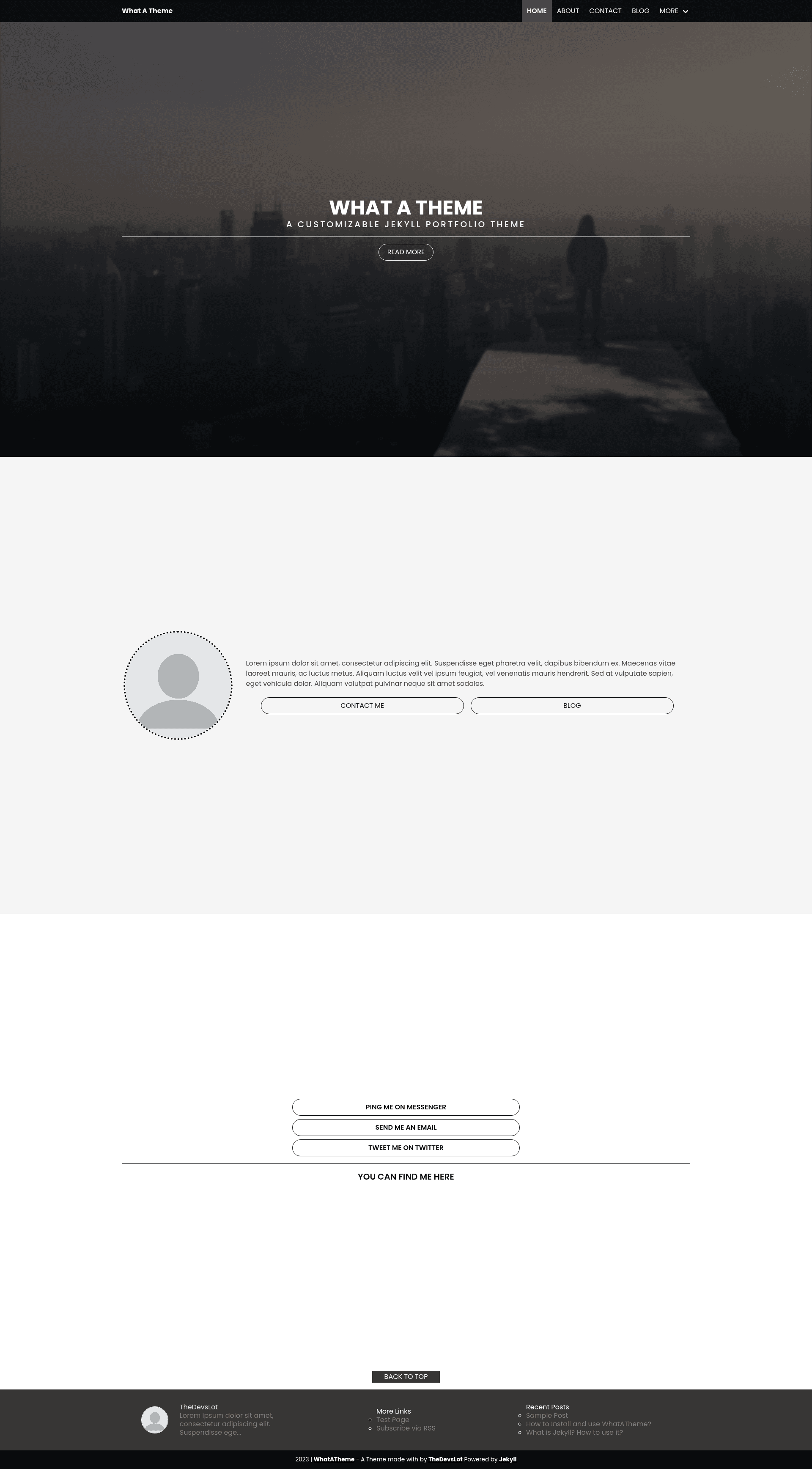
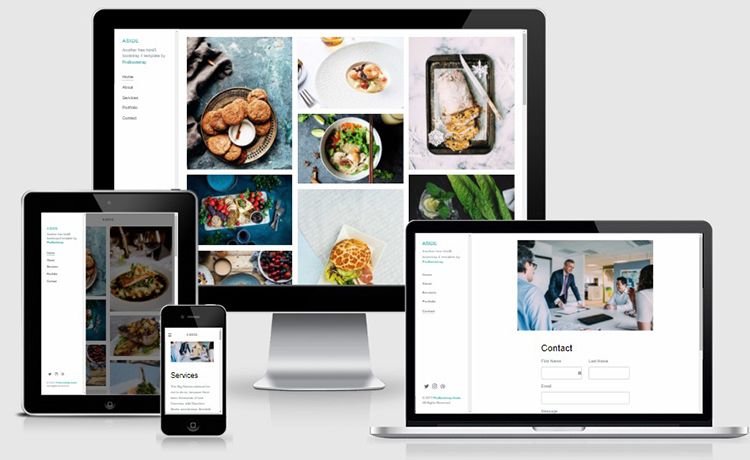
WhatATheme is a free and customizable Jekyll portfolio theme that includes a built-in blog and is designed to run easily on GitHub Pages with no coding required. This open-source template, licensed under GNU GPL v2.0, is credited to developers Sneha Omer and Harsh Trivedi and produces a responsive static portfolio site from Markdown content that you write in a Jekyll project.
What is WhatATheme?
WhatATheme is a portfolio theme built on Jekyll 4.x and Ruby, which takes as input a Jekyll site configuration and Markdown content files and outputs a fully responsive static website with a blog. It is distributed as a GitHub repository, meaning users fork or clone it and then build it locally with Bundler. The theme packs in feature integrations such as Disqus comments, Google Analytics, instant search, and a Sass-based stylesheet.
Key Features
- Free and easy setup — The repository is free and installation requires only forking or cloning, then running
bundle installandbundle exec jekyll s. - No coding required — You can configure the site by editing plain Markdown files and YAML settings, without touching HTML or Ruby.
- GitHub Pages compatible — The theme is explicitly tested to work with GitHub Pages, so it can be hosted at no cost.
- Responsive and blogging ready — The layout adapts across devices and the built-in blog supports writing posts as Markdown files.
- HTML compression — Uses Jekyll Compress HTML to output compressed HTML for faster loading.
- Minified CSS from Sass — Stylesheets are authored in Sass and minified for production.
- CMS admin support — Includes Jekyll Admin so you can manage content through a web interface rather than editing files manually.
- Instant search — Integrates Simple Jekyll Search to let visitors quickly find blog posts and portfolio items.
- Disqus integration — Adds Disqus comment threads to blog posts and other pages.
- Google Analytics support — Lets you drop in your analytics tracking ID for visitor statistics.
Who is it for?
WhatATheme suits developers, designers, freelancers, students, and bloggers who want a personal portfolio with a blog and prefer a lightweight static-site generator over a database-driven CMS. Users who need a no-code setup but still want clean, responsive templates will find it especially useful, as will anyone planning to publish on GitHub Pages. Teams working on an open-source project can also use it as a quick project landing page with a changelog via the blog.
What can you do with WhatATheme?
- Freelance designers and developers: present project case studies and a work portfolio while keeping a blog to build an audience.
- Students and recent graduates: put together a personal portfolio with an author bio section, hero image, and project highlights without writing code.
- Bloggers: publish Markdown-based posts, allow reader comments through Disqus, and measure visits with Google Analytics.
- Open-source maintainers: create a project website that is version-controlled in the same repository as the code and deployable to GitHub Pages automatically.
How does WhatATheme work?
The template is built around Jekyll, a Ruby-based static site generator. After forking and cloning the repository, you install dependencies with bundle install and preview locally with bundle exec jekyll s. Content lives in Markdown files and the site configuration in _config.yml; Jekyll compiles everything into static HTML, compresses the output, and minifies CSS during the build.
Pricing
WhatATheme is completely free. The source code is published under the GNU General Public License v2.0, so you can use, modify, and distribute it freely without paying license fees.
Alternatives
- Minimal Mistakes, a well-known Jekyll theme that offers more bespoke layout options and skin choices.
FAQ
Is WhatATheme free?
Yes, WhatATheme is open source under the GNU GPL v2.0 license. You can download, modify, and use it in personal or commercial projects without charge.
Does WhatATheme work with GitHub Pages?
Yes, the theme is explicitly compatible with GitHub Pages. You can host your responsive portfolio and blog for free by pushing its source to a GitHub repository and enabling Pages.
Do I need to know coding to set up WhatATheme?
The theme advertises no-coding-required setup. Basic steps involve forking the repository, editing Markdown and YAML configuration, and running two Bundler commands; no HTML or Ruby development is necessary for typical use.
How do I enable Disqus or Google Analytics?
Both are built into the theme. You add your Disqus shortname and Google Analytics tracking ID to the _config.yml file, and the theme automatically injects the comment threads and analytics script on the relevant pages.