Template details
Invention
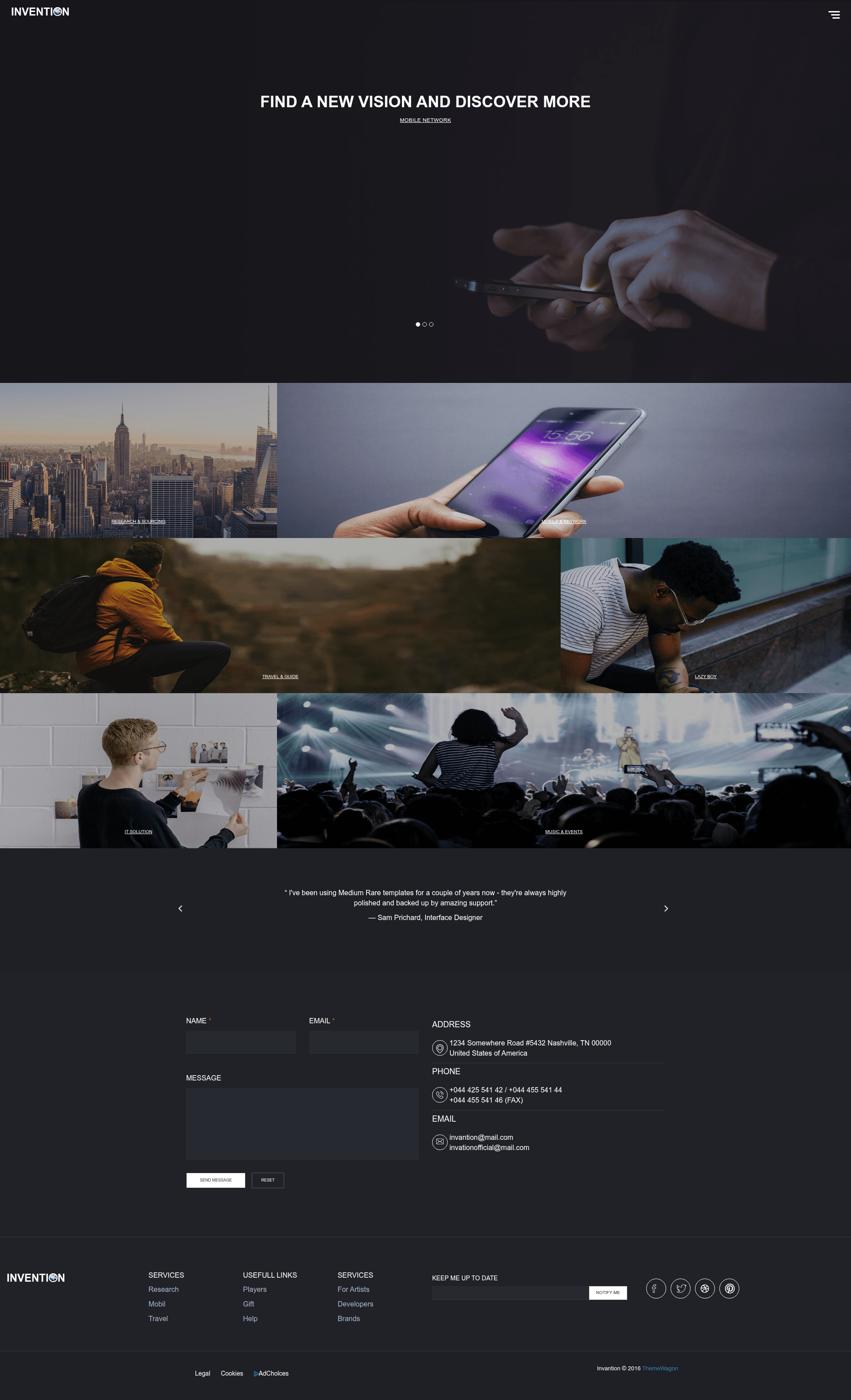
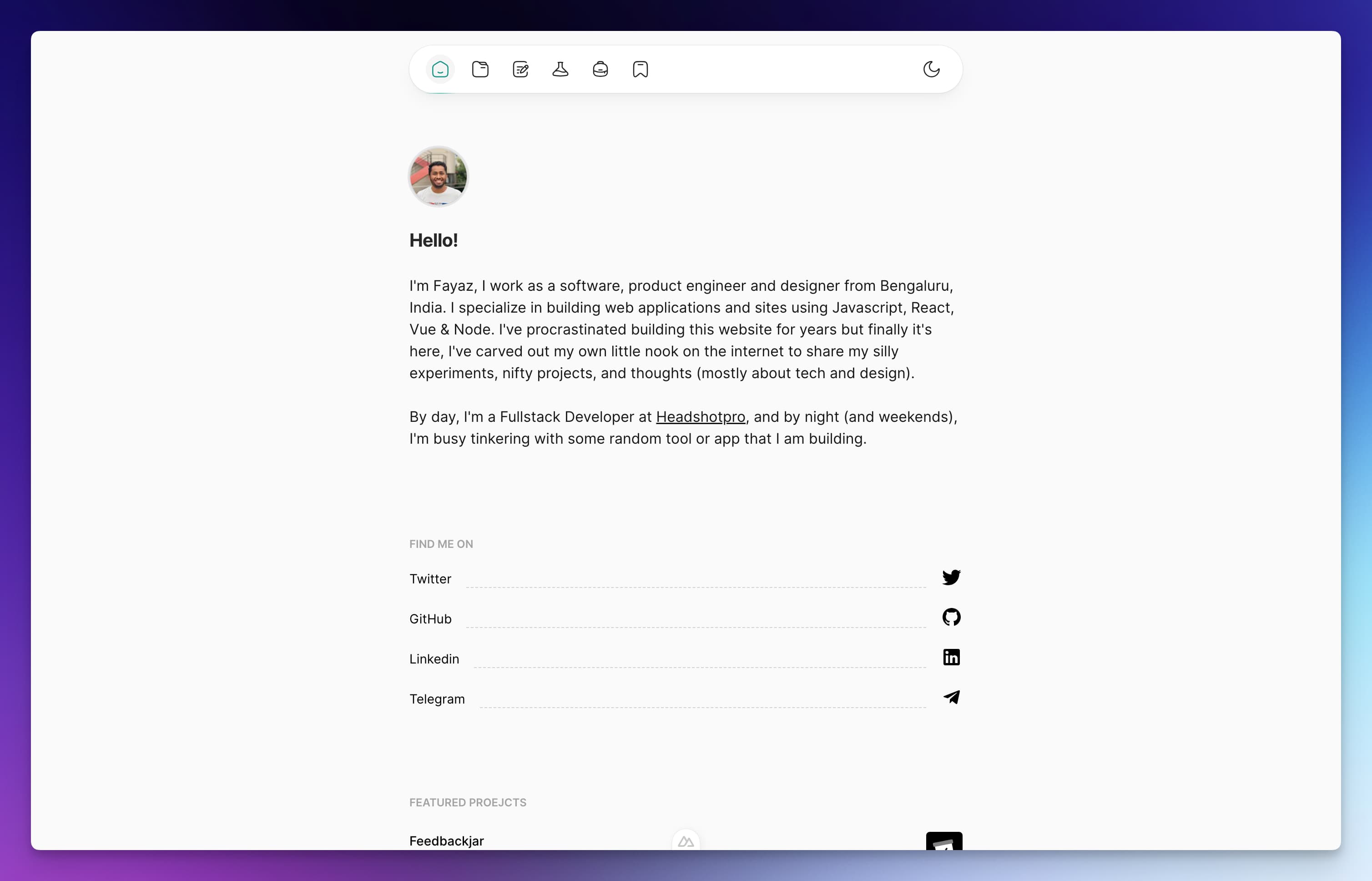
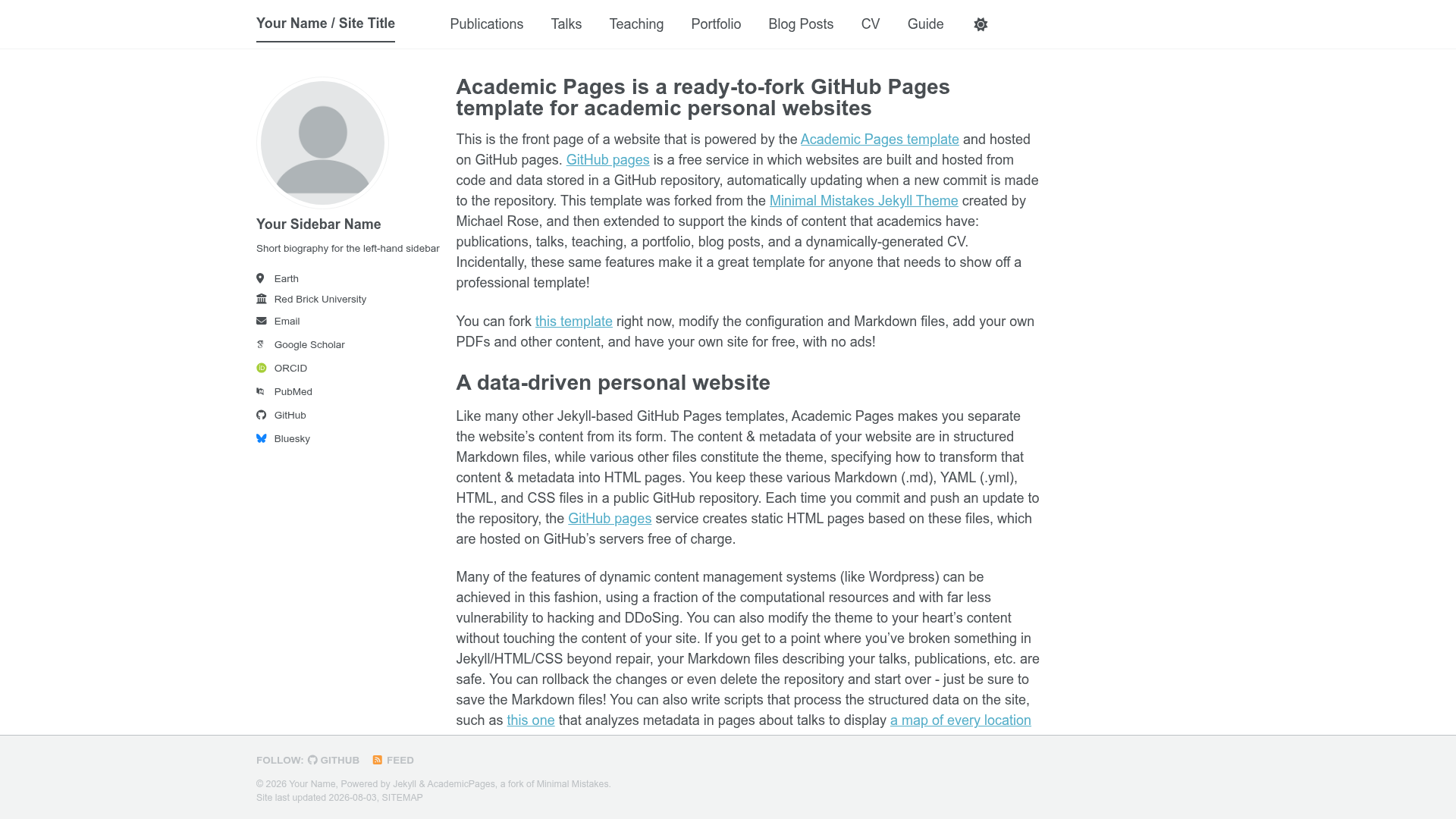
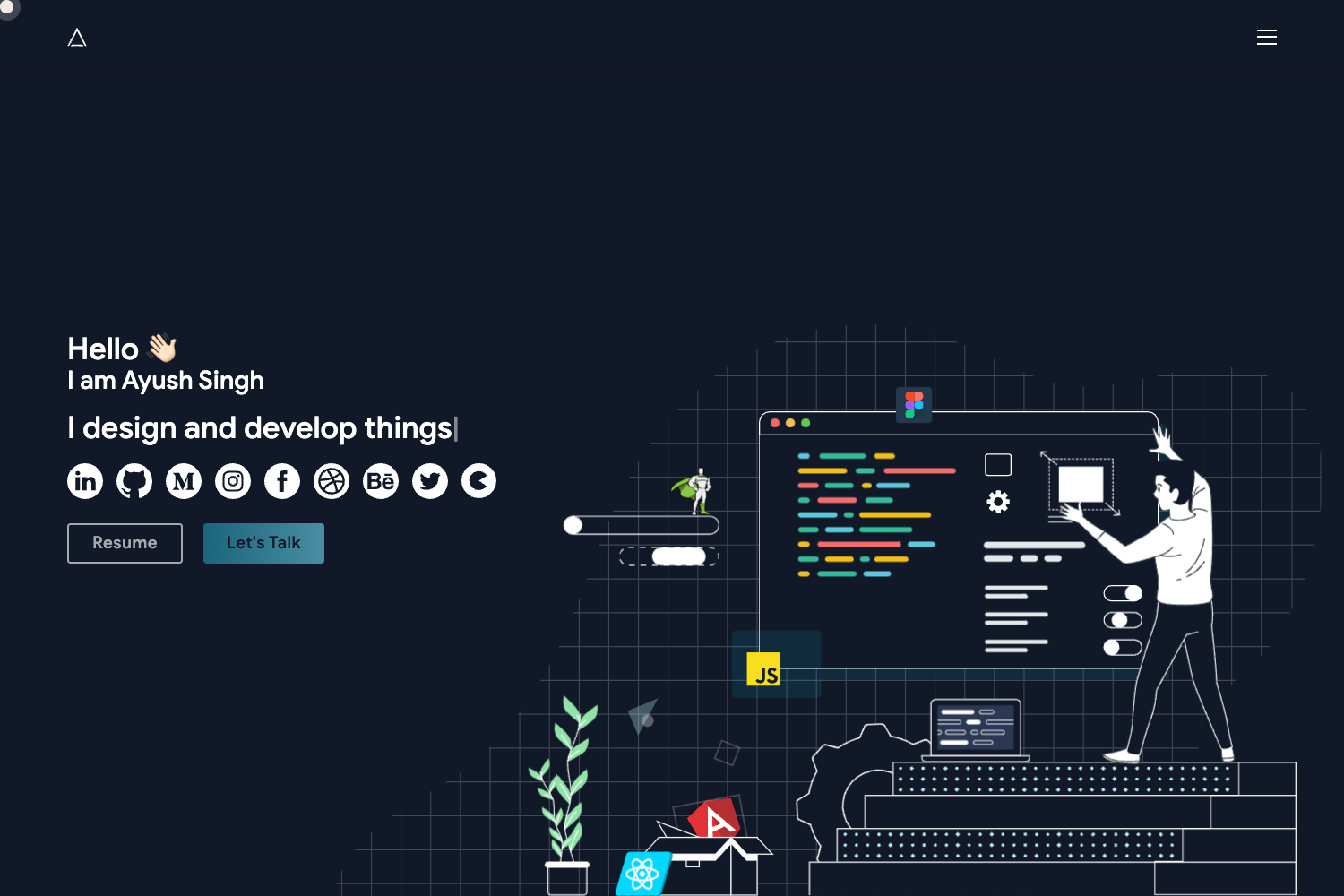
Free responsive HTML5 single-page portfolio template powered by Bootstrap 3 from Technext Limited.
About this template
Invention is a free, responsive HTML5 single-page portfolio template powered by Bootstrap 3, released by Technext Limited on ThemeWagon for showcasing personal and company work.
What is Invention?
Invention is a free static website template distributed by ThemeWagon and built by Technext Limited. It is a single-page HTML5 portfolio template that uses the Bootstrap 3 framework, FontAwesome icons, and Google Fonts. The template outputs a ready-to-host static site; you download the HTML/CSS/JS files, customize the content, and run it on any static web server. It is currently at version 1.0.0, originally released about ten years ago and updated three months ago. A live preview is available at https://themewagon.github.io/Invention/.
Key Features
- Responsive layout — Built on Bootstrap 3, pages adapt from small phone screens to large desktop monitors; the vendor says it was tested across devices and browsers.
- Single-page structure — Everything is contained on one page, ideal for portfolio and landing sites; the page tags also include “Full Width” and “On hover effect” design elements.
- SEO-friendly markup — The HTML includes semantic tags and metadata that the vendor says were specifically considered for search engine indexing.
- Clean, editable code — The source is open and cleanly formatted; a customer review highlights that developers can browse the static pages to reuse styling patterns.
- Cross-browser compatibility — Officially compatible with Chrome, Edge, Firefox, Mobile, Opera, and Safari.
- FontAwesome icons and Google Fonts — Included through the framework list, giving icon and typography support without extra libraries.
- Open source license — Free to download, allowed for commercial projects, and receives lifetime free updates according to the ThemeWagon product page.
Who should use Invention?
- Freelancers and designers — Present a visual portfolio with a clean, professional layout that highlights project examples and services.
- Startups and small businesses — Publish a single-page company site with an about section, services, and contact details without paying for a custom build.
- Web developers — Use the template as a boilerplate for client projects; as one review notes, you can quickly grab CSS and markup patterns from its static pages.
- Bloggers and personal brands — Adapt the template for a personal site because it is multipurpose and supports different content types.
What can you do with Invention?
- Create a portfolio website — Upload your project images and descriptions into the single-page layout and share the link with potential clients.
- Build a company landing page — Replace the sample content with your business info, services list, and contact details to establish an online presence.
- Learn from the code — Examine the clean HTML5 and CSS3 source to see how Bootstrap 3 components and hover effects are implemented.
- Launch a free static site — Deploy the folder to any static host such as GitHub Pages, Netlify, or your own server since it has no backend dependencies.
Pricing
Invention is free. The ThemeWagon download page lists it as open source, with permission to use in commercial projects and lifetime free updates.
FAQ
Is Invention free to use?
Yes. The template is free to download from ThemeWagon and is open source. The license allows commercial use, and the page states you get lifetime free updates whenever the author releases them.
What frameworks does Invention use?
It uses Bootstrap 3 for the responsive grid and UI components, FontAwesome for icons, and Google Fonts for typography. No JavaScript framework like React or Vue is involved — it’s plain HTML5 and CSS3 with the standard Bootstrap 3 JavaScript bundle.
Which browsers are supported?
The product page lists Chrome, Edge, Firefox, Mobile, Opera, and Safari as compatible browsers, so the template should render consistently across modern environments.
Can I use this template for a business website?
Yes. Although it is designed as a portfolio template, ThemeWagon describes it as multipurpose and suggests it for startups, blogs, online businesses, company portfolios, and personal sites.
How can I customize Invention?
Download the files and edit the static HTML pages directly. Since the code is clean and open, you can change text, images, colors, and layout by modifying the HTML and CSS, and preview changes immediately in a browser.