Template details
Spectre Pixel Theme
A Hugo portfolio theme with a timeline layout, Material Design styling, and a pixel-art style switch.
About this template
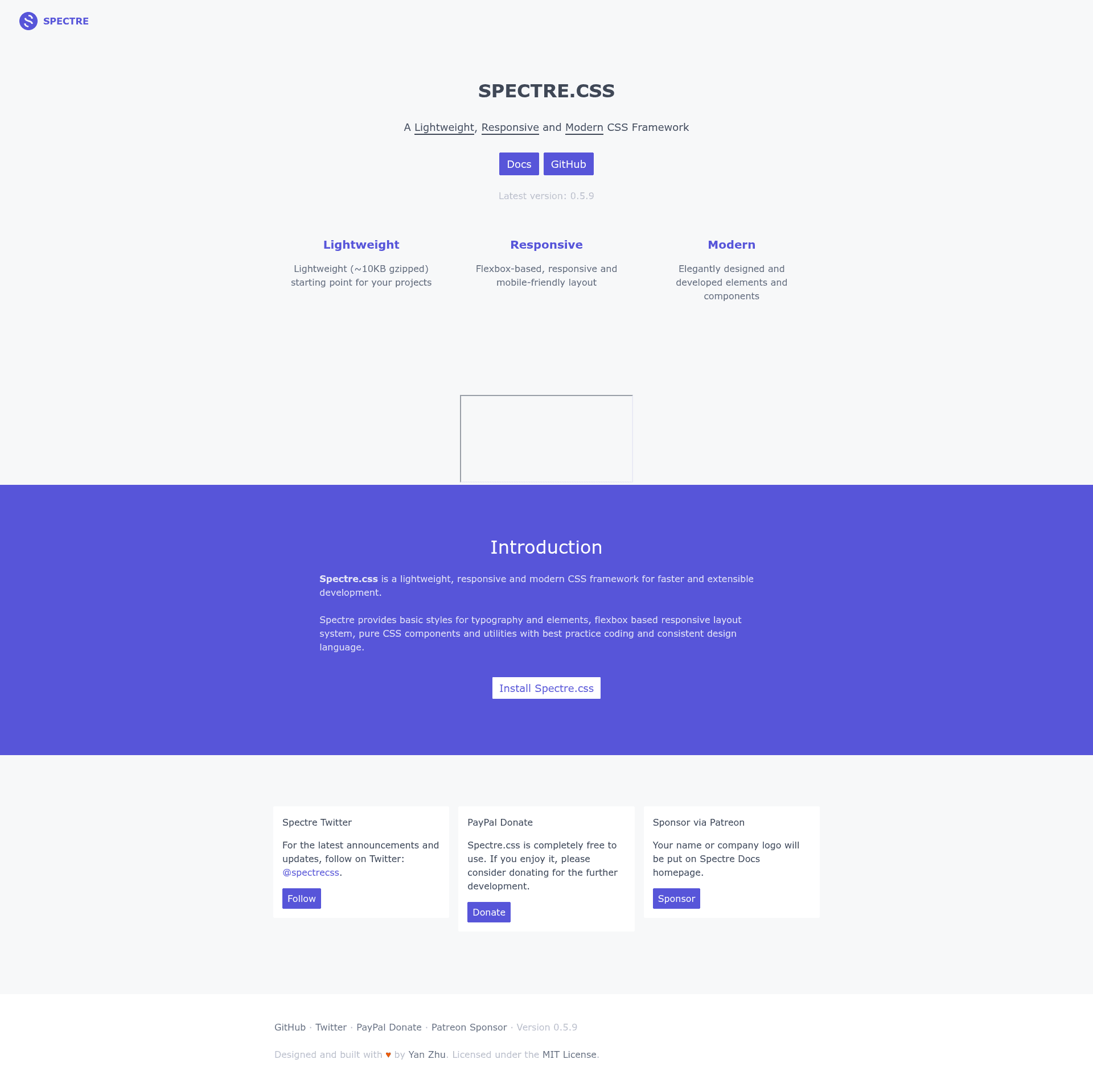
Spectre Pixel Theme is a Hugo portfolio theme that pairs a Material Design-inspired layout with SPECTRE.CSS and an optional pixel-art style toggle, built by st-wong.
What is the Spectre Pixel Theme?
Spectre Pixel Theme is an open-source Hugo theme for portfolio sites that combines a timeline layout with a Material Design aesthetic and a unique pixel-art visual switch. It takes Markdown content and a config.toml configuration as input and produces a static website through Hugo. The theme runs on the Hugo static site generator, and was inspired by the Cactus Theme and SPECTRE.CSS.
Key Features
- Timeline portfolio layout — A dedicated timeline for displaying portfolio entries, a feature borrowed from the Cactus Theme and implemented with SPECTRE.CSS components.
- Pixel style switch — A theme toggle that changes the entire site to a pixel-art aesthetic, added by the creator as a nod to the game industry.
- Material Design styling — The default appearance follows Material Design principles, moving away from the original Cactus Theme design.
- SPECTRE.CSS integration — Uses the SPECTRE.CSS framework for base styles, timeline components, and the pixel switch styles.
- Devicons skill shortcode — A built-in shortcode lets you show skill tags (e.g.
{{< tag javascript >}}) with Devicons icons, and links to tag pages that must exist in your content. - Customizable styling — Edit
static/css/style.cssto change fonts and colors; the README suggests using LOSPEC palettes for pixel-theme colors. - Example site configuration — Ships with an
exampleSitefolder containing a ready-to-copyconfig.tomland an About page (_index.md) with instructions for personalization. - MIT license — Released under the MIT license, so it is free to use, modify, and distribute.
Who is it for?
- Portfolio owners — People who want a timeline-style portfolio on a Hugo-powered site to showcase projects chronologically.
- Hugo users — Developers already working with Hugo who want a clean, Material Design-inspired theme without building from scratch.
- Game industry enthusiasts — Those who enjoy pixel art and want a playful visual switch that reflects a passion for games.
- Customizers — Users comfortable editing
config.toml, writing Markdown, and tweaking CSS to adapt the theme to their brand.
What can you do with the Spectre Pixel Theme?
- Showcase a professional portfolio — Present projects and work history on a timeline layout with a Material Design look.
- Switch to a pixel aesthetic — Toggle the pixel style to give the site a retro, game-inspired appearance.
- Display skills with icons — Use the Devicons shortcode on the About page to visually represent programming languages and tools.
- Customize colors and fonts — Edit the stylesheet to match personal branding or apply color palettes from LOSPEC for the pixel theme.
How does it work?
The README outlines six setup steps: install Hugo, create a new site with hugo new site MySite, clone the theme recursively into themes/spectre-pixel, copy and edit the example config.toml, run hugo server -t spectre-pixel for local testing, and deploy. The About page content is managed via _index.md in the content/about folder.
Pros and cons
- Pros: Free under MIT, includes an example site configuration, offers a distinctive pixel-art style switch, and uses SPECTRE.CSS for a solid base.
- Cons: The Devicons shortcode only works when corresponding tags exist in posts, otherwise it produces 404 links; avatar and pixel image paths in the CSS must be changed to absolute URLs for production.
Alternatives
- Cactus Theme — the Hugo theme that inspired Spectre Pixel's timeline layout and overall concept.
FAQ
Is the Spectre Pixel Theme free?
Yes, the theme is released under the MIT license, which means it is free to use, modify, and distribute for personal or commercial projects.
Which static site generator does it use?
It is built for Hugo, a popular open-source static site generator. The setup instructions require installing Hugo before using the theme.
How do I change the default images?
Edit the image paths in static/css/style.css — the lines url("../images/avatar.png") and url("../images/pixel.png") need to point to absolute URLs like https://YOUR_DOMAIN/images/avatar.png.
Why are my skill tags showing a 404?
The Devicons shortcode generates links to tag pages. If the tags used in the shortcode do not exist in your posts' tags, the page will return a 404. Make sure to add matching tag entries to your content.