Template details
Folio
Interactive portfolio template built with Next.js, GSAP, Tailwind, and React.
About this template
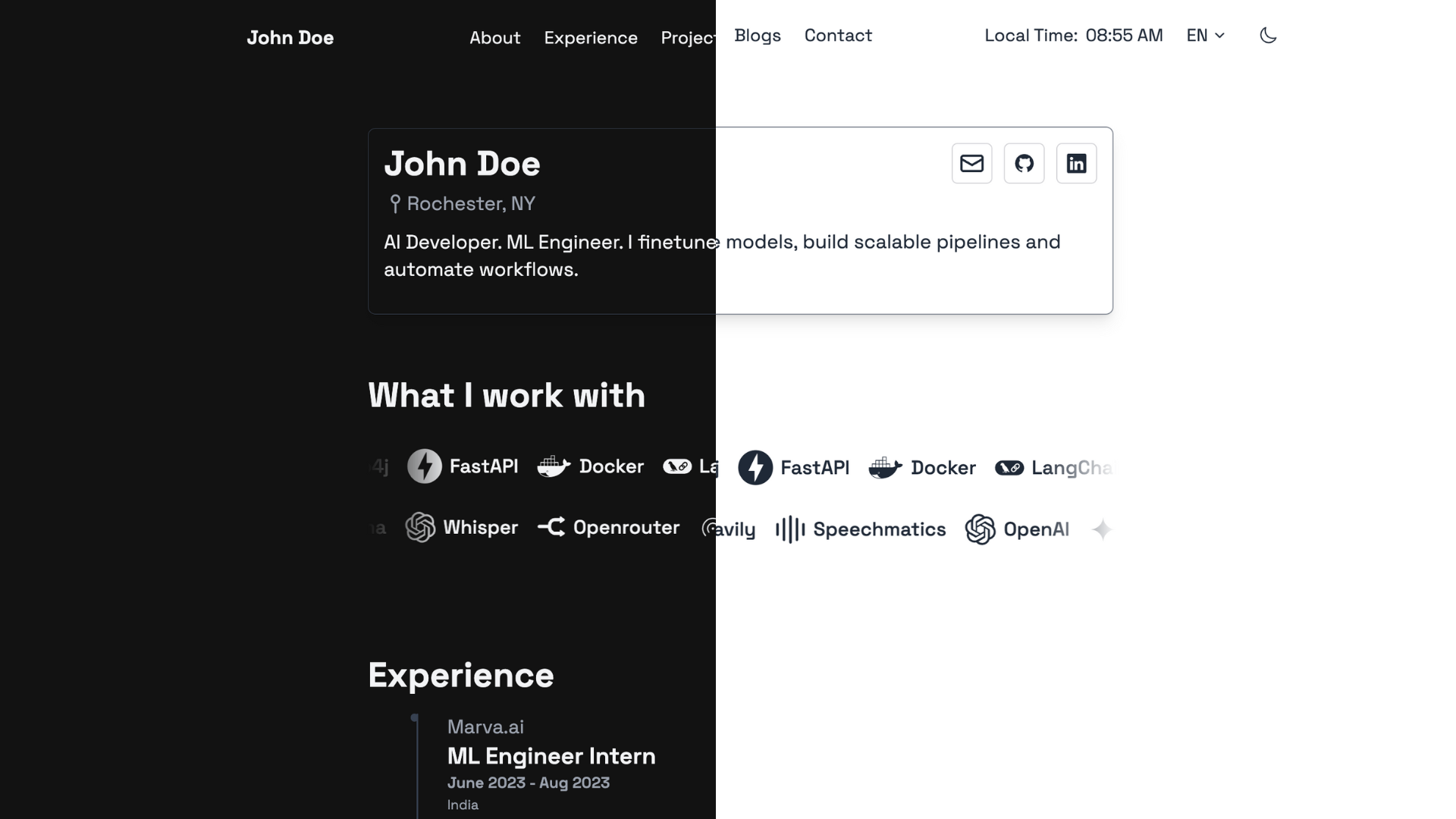
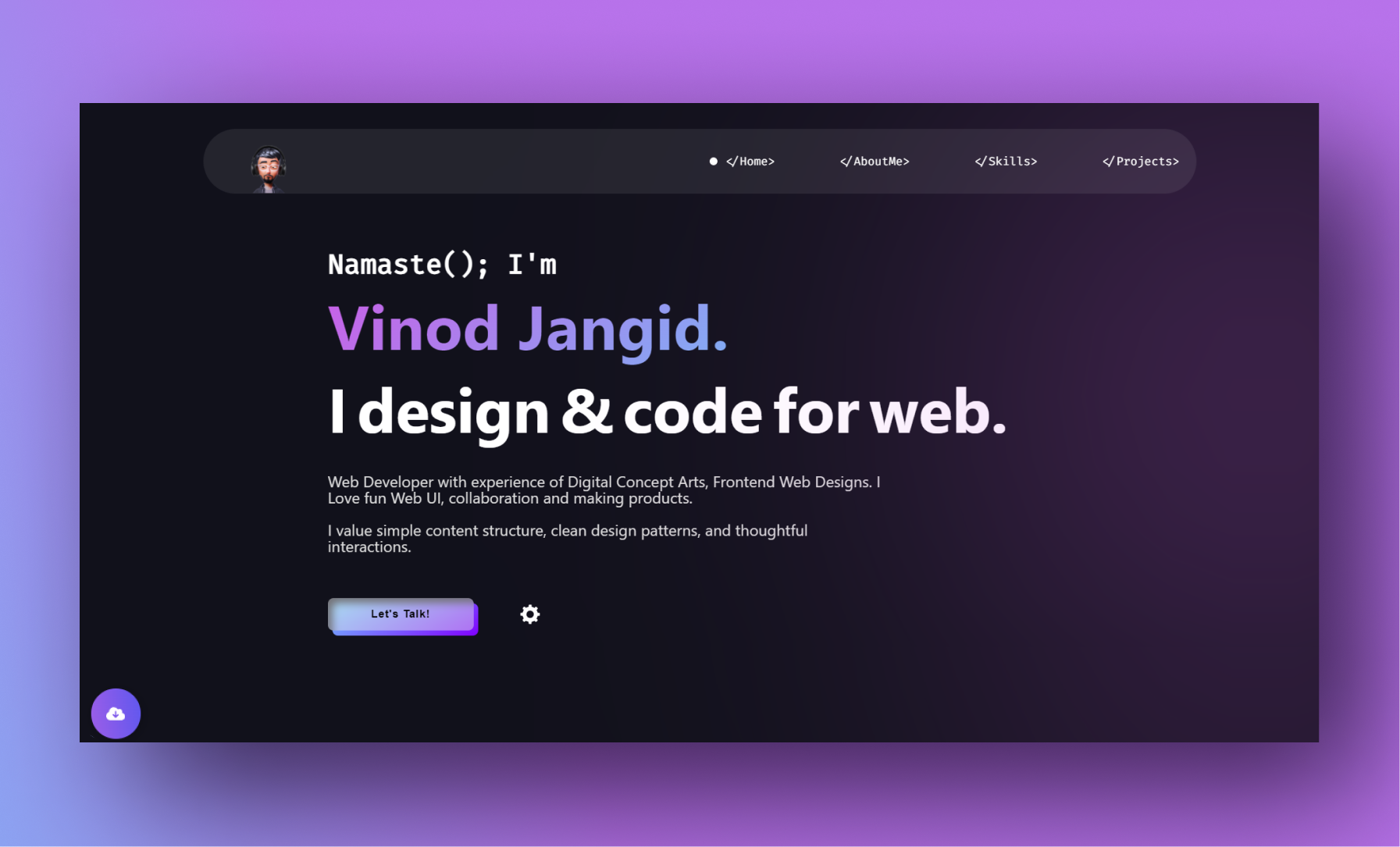
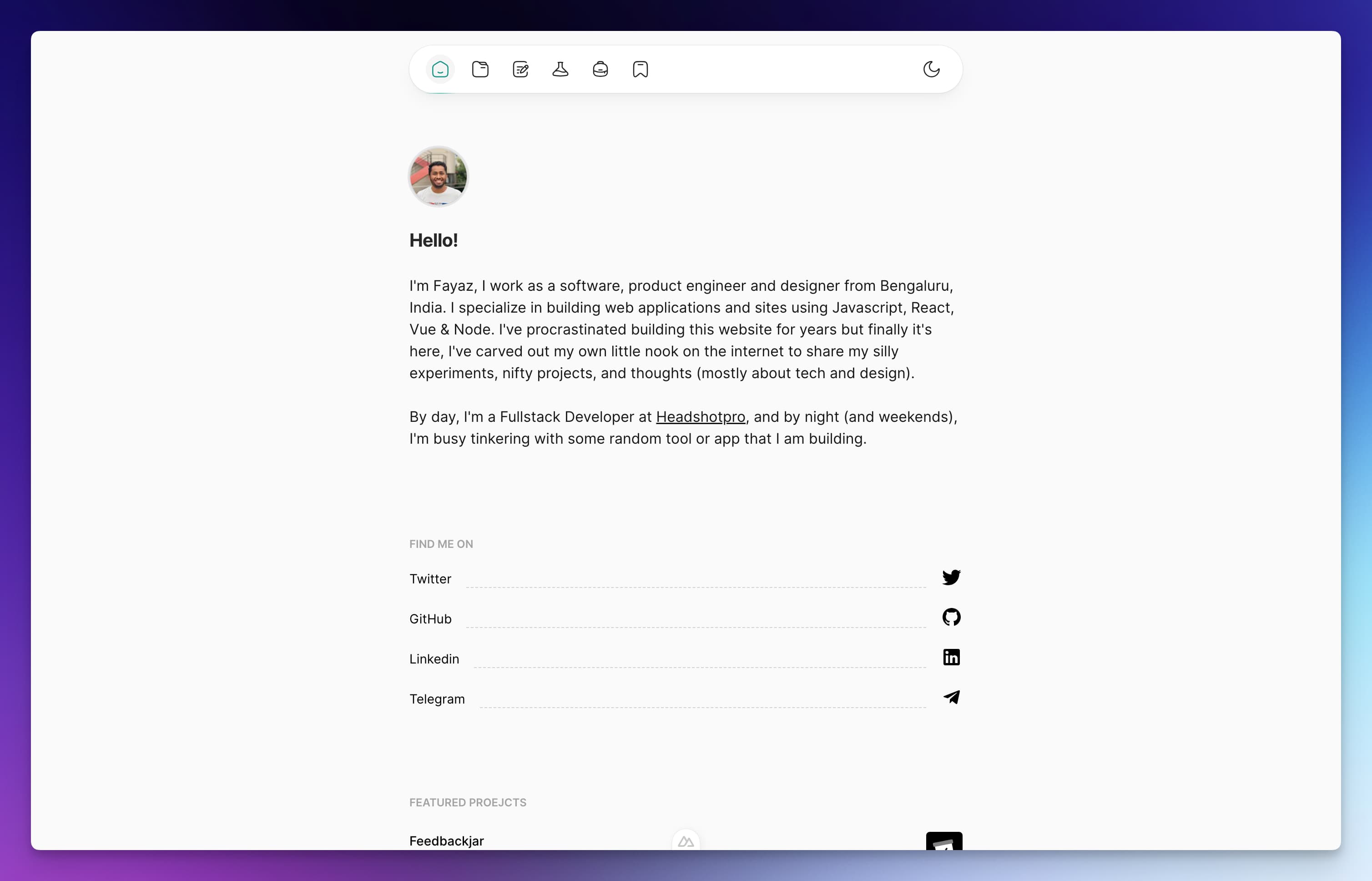
Folio is an open-source interactive portfolio template built with Next.js, GSAP, Tailwind, and React, giving developers a pre-built single-page portfolio with scroll animations, a timeline, and project cards.
What is Folio?
Folio is a portfolio website template created for the personal portfolio of the developer behind ayushsingh.co.in. It takes content such as project descriptions, experience timeline items, and profile information, and renders them as a static site using Next.js's static site generation (SSG). The template runs on any Node.js environment and is MIT-licensed, meaning it can be freely used and modified with attribution.
Key Features
- Next.js SSG — The template uses Next.js static generation, so all pages are pre-rendered into HTML at build time for fast loads and good SEO.
- GSAP scroll animations — Section scrolling, reveal animations, and the experience timeline are animated with GSAP, with repaint and re-layout optimizations done via Chrome DevTools.
- Tilt.js card interactions — Project cards use Tilt.js to respond to mouse movement with a 3D tilt effect.
- SVG timeline — The experience section is a custom timeline built with JavaScript and SVGs, animated through GSAP.
- Tailwind CSS styling — Styling is implemented with Tailwind CSS, along with SCSS and PostCSS processing (as seen in the repository's topics).
- Forked community versions — A Vue.js port named filio-vue and a modified variant called devfolio exist in the community, showing the template's adaptability.
- Simple local setup — Run
npm run devoryarn devto start the development server at http://localhost:3000.
Who is it for?
- Developers who want a portfolio with polished animations without designing from scratch, and who are comfortable editing React/Next.js components.
- Designers who need a visually rich single-page portfolio that showcases projects and timeline experience with interactions.
- Freelancers looking to deploy a portfolio quickly by forking the repo and replacing demo content.
What can you do with Folio?
- Developers: Clone the repository, install dependencies, and run the dev server to preview your own projects, skills, and experience timeline in the pre-built sections.
- Designers: Use the awwwards-inspired layout (mockups created in Figma) as a starting point and customize the Tailwind classes to match a personal brand.
- Open-source contributors: Fork the project to create a variant in another framework, as demonstrated by the community's Vue.js implementation.
How does Folio work?
The template is organized as React components that compose sections like the hero, about, projects, and experience timeline. To run it locally, clone the repository, install dependencies, and run npm run dev (or yarn dev), which starts a Next.js development server at http://localhost:3000. Changes to components and content are hot-reloaded automatically.
FAQ
Is Folio free to use?
Yes, Folio is released under the MIT license, so you can use, modify, and distribute it freely, including for commercial projects. The author requests that you include copyright headers with the author name in any forked versions.
How do I run Folio locally?
Clone the repository, install dependencies with npm install (or yarn), then run npm run dev and open http://localhost:3000 in your browser.
What technologies does Folio use?
Folio uses Next.js and React for the framework, Tailwind CSS for styling, GSAP for scroll and reveal animations, Tilt.js for card tilt effects, and SVG/JavaScript for the timeline section.
Can I customize the content?
Yes, all content is defined in React components, so you can edit the text, images, links, and timeline data directly in the source files. The styling is done with Tailwind classes, which you can modify in the component files or the global CSS.
Are there other versions of Folio?
The community has created a Vue.js implementation called filio-vue, and a modified template called devfolio with a different flavor. Both are linked in the project's README.