Template details
Zooper
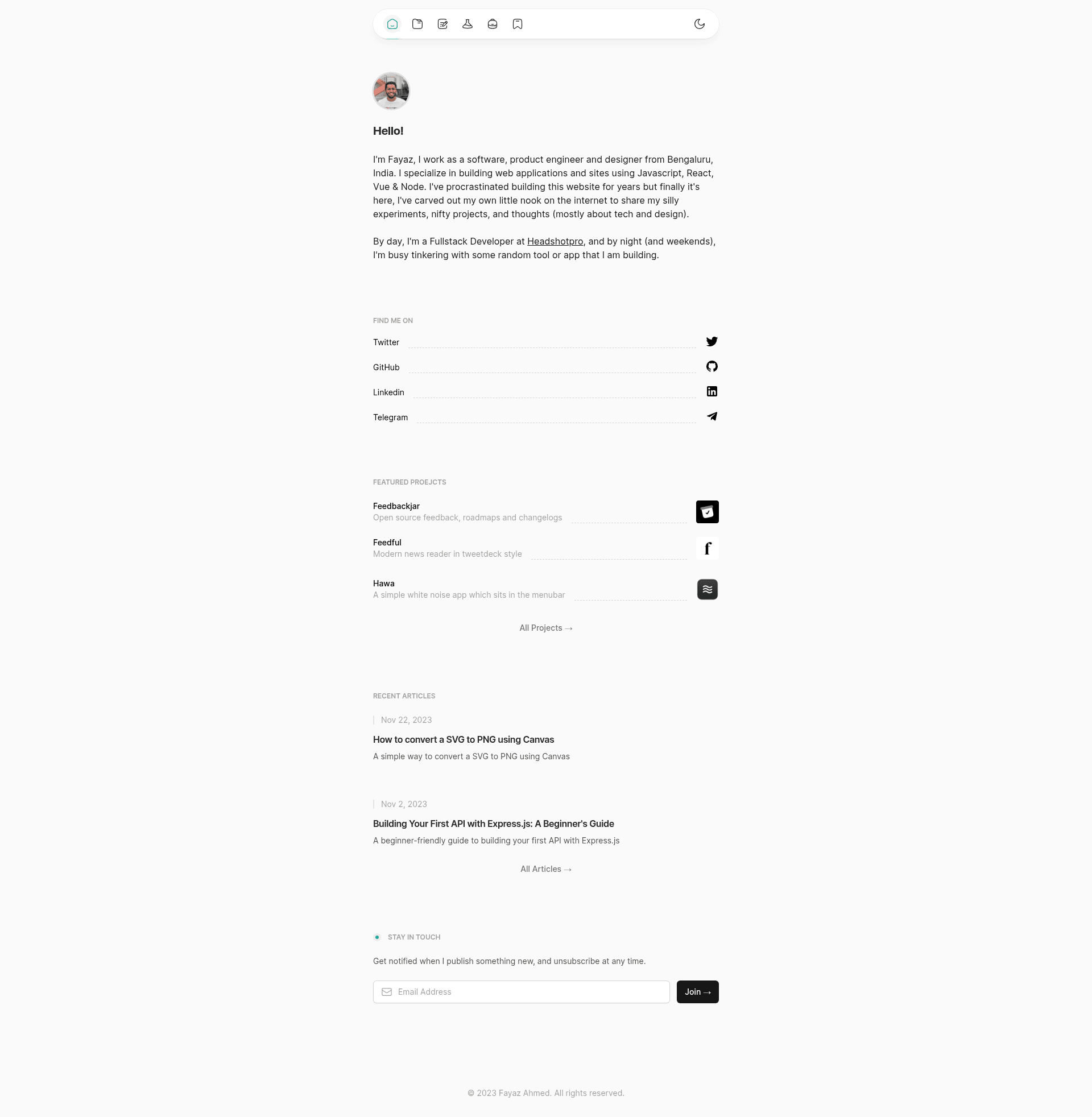
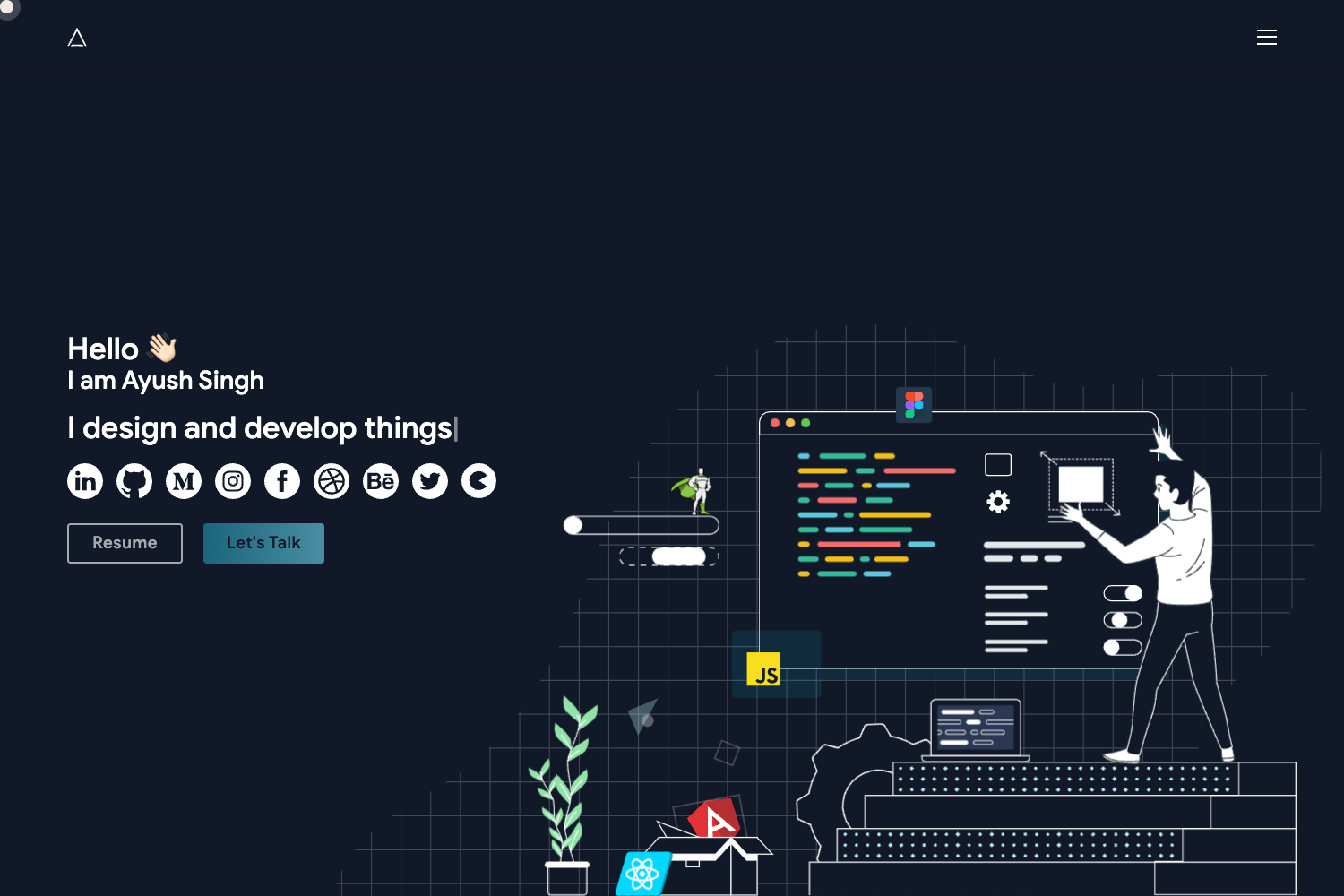
A minimal personal portfolio template built with Nuxt 3, Nuxt Content, and Tailwind CSS for developers and designers.
About this template
Zooper is a minimal personal portfolio template built with Nuxt 3, Nuxt Content, and Tailwind CSS that lets developers and designers publish a blog, showcase projects, and share bookmarks from a single static site.
What is Zooper?
Zooper is an open-source personal portfolio template built on Nuxt 3 with the Nuxt Content module for markdown-based blogging and Tailwind CSS for styling. It takes markdown content files for blog posts and project pages and renders them into a fast, SEO-friendly static website. The template runs on any platform that supports Node.js and can be deployed to static hosts like Cloudflare Pages (the live preview is at zooper.pages.dev). It is distributed as a GitHub repository with a "Use this template" button, so no maker or company is listed on the page.
Key Features
- Full-featured blog — Write posts in Markdown and have them rendered by Nuxt Content, with a built-in reading experience.
- CMS ready — The Nuxt Content module allows content to be managed from the repository or connected to a headless CMS.
- Dark mode — The template includes a light/dark theme toggle as part of its responsive design.
- Syntax highlighting — Code blocks are highlighted with Shiki JS ES, supporting multiple languages.
- Code preview playground — A built-in component lets you show runnable code previews alongside explanations.
- Uses page — A dedicated page listing the tools and gear the author uses, a common portfolio convention.
- Bookmarks — A section for curating and sharing useful links.
- Social media links — Footer and header links to social profiles are included.
The tech stack is Nuxt 3 (Vue 3), Tailwind CSS, Nuxt Content, and Shiki. The template is fully responsive and SEO friendly, with a super fast static output.
Who is it for?
- Developers who want a personal site with a blog and a projects showcase using a modern Vue-based stack.
- Freelancers who need an online portfolio with a "Uses" page and bookmarks to build authority.
- Designers who want a minimal, dark-mode-ready template with a code preview playground to present UI experiments.
What can you do with Zooper?
- Developers: Publish technical blog posts in Markdown and get syntax-highlighted code snippets with Shiki.
- Freelancers: Showcase services or past work on a portfolio page and link to social profiles.
- Designers: Create an interactive code playground to demo UI components in the browser.
How does Zooper work?
The template is a Nuxt 3 project. To start, clone the GitHub repository or click "Use this template", run yarn install to install dependencies, then yarn dev to launch a local development server. Content is added as Markdown files that Nuxt Content automatically turns into blog posts and pages; the static site can be built and deployed to any JAMstack host.
FAQ
Is Zooper free?
Yes, the repository is open source and accepts pull requests. There is no pricing or paid tier mentioned on the page.
What tech stack does Zooper use?
Zooper uses Nuxt 3 with Vue 3, Tailwind CSS, the Nuxt Content module, and Shiki JS ES for syntax highlighting. Its GitHub topics also list Nuxt Studio and Nuxt UI.
Does Zooper support comments or tags?
Not yet. Comments, tags, categories, pagination, sitemap, RSS feeds, search, and likes are listed on the roadmap but are not implemented in the current version.
How do I install and run Zooper locally?
Clone the repository or click "Use this template", then run yarn install and yarn dev to start the development server. That is the entire setup described in the README.