Template details
jack
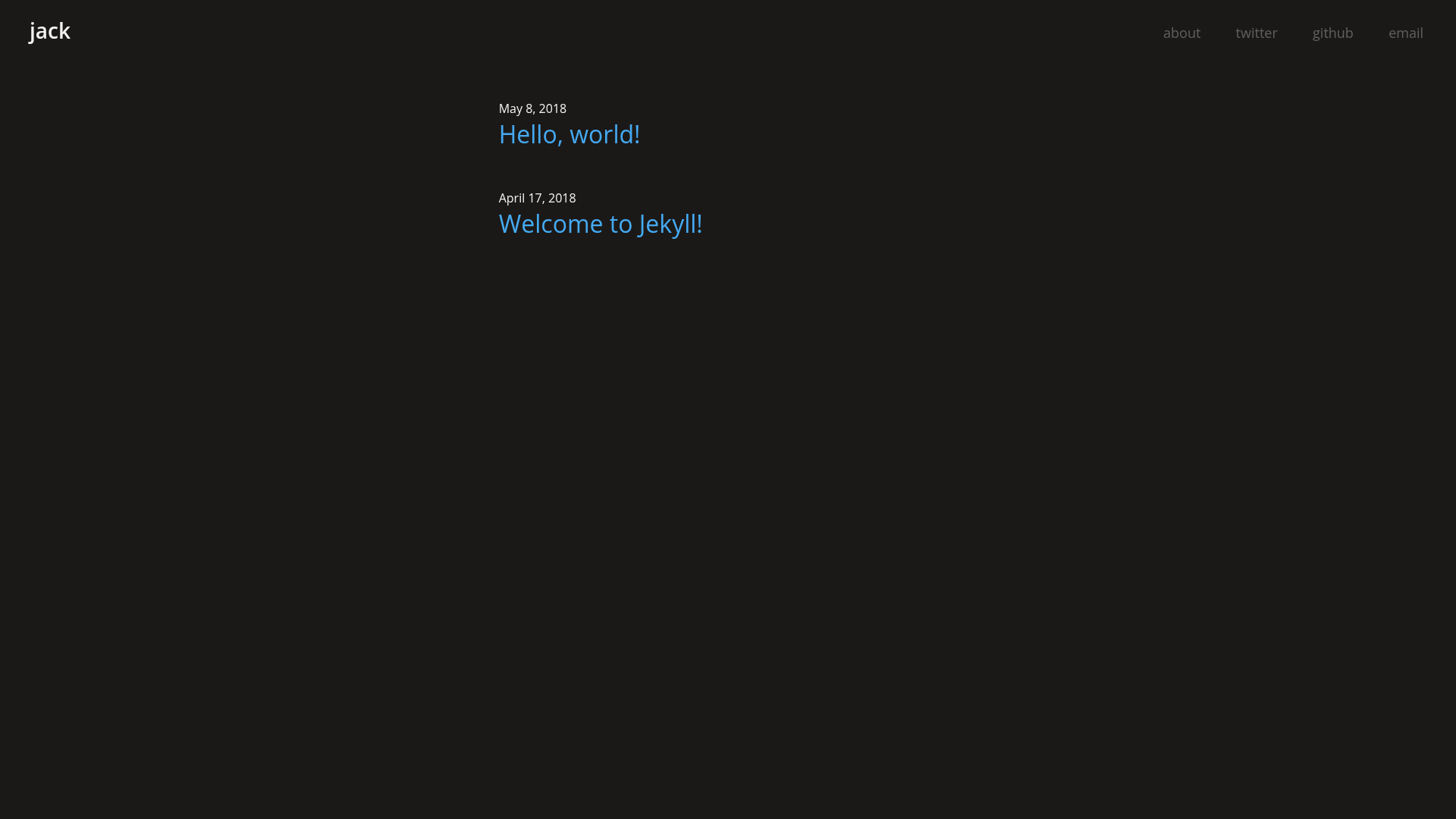
A simple, dark, and modern Jekyll theme
About this template
Jack is a minimal, dark-themed Jekyll template for static blogs, maintained on GitHub by aonemd and powered by a Webpack, ES6, and PostCSS build pipeline.
What is Jack?
Jack is a Jekyll theme for building static blogs with a dark, modern appearance. It takes Jekyll's standard Markdown posts and Liquid templates as input and generates a completely static website as output, ready for hosting on GitHub Pages or any static host. The theme is developed by aonemd and currently has 5 stars on GitHub, with a live demo available at aonemd.github.io/jack.
Key Features
- Dark theme — The entire interface uses a dark color scheme, making it suitable for night-time reading and a modern look.
- Simple design — The layout is intentionally minimal, focused on quick blogging without extra clutter.
- Mobile-first responsive layout — Styles are built mobile-first, so the theme adapts across small screens and desktop.
- Webpack, ES6, and PostCSS asset pipeline — Frontend assets are compiled with Webpack, written in ES6 JavaScript, and styled with PostCSS, giving developers a modern build toolchain.
- Rake-based build system — The theme includes Rake tasks:
rake servestarts a local server atlocalhost:4000, andrake buildcompiles the static site. - Easy configuration — All site-wide settings live in Jekyll's standard
_config.ymlfile.
Who is it for?
- Bloggers: Writers who prefer a dark, minimal design and want a Jekyll blog running on GitHub Pages with minimal setup.
- Jekyll developers: Developers who want a starter theme that already integrates Webpack, ES6, and PostCSS, saving time on asset configuration.
- Designers: Designers who want to preview a modern dark theme and modify its styles using PostCSS without touching Ruby tooling.
What can you do with Jack?
- Launch a personal blog: Add Markdown posts to the
_postsfolder, customize_config.yml, and build the site withbundle exec rake build. - Run a local preview: Use
bundle exec rake serveto view the blog atlocalhost:4000during development. - Extend the theme: Because the asset pipeline is built on Webpack, developers can add JavaScript modules and process CSS through PostCSS plugins.
How does Jack work?
The installation and workflow are described in the repository: first, install Ruby and Yarn. Then run bundle install and yarn to pull dependencies. To start a local server, execute bundle exec rake serve and open localhost:4000. After editing _config.yml, run bundle exec rake build to generate the static site. The docs/ folder is only for demonstration and can be removed.
FAQ
Is Jack free to use?
Jack is an open-source Jekyll theme hosted on GitHub under the repository's LICENSE file. You can view the license at github.com/aonemd/jack/blob/master/LICENSE.
What do I need to install Jack?
You need Ruby and Yarn installed on your system. Then run bundle install and yarn to install the required gems and Node.js packages.
How do I start a local development server?
After installing dependencies, run bundle exec rake serve. The theme's Rake task starts a Jekyll server at localhost:4000.
Can I remove the docs folder?
Yes, the repository notes that the docs/ folder is only for demonstration purposes, so it can be safely deleted from your own copy.