Template details
Jekyll Theme Superb
Simple, Tailwind CSS-based theme for Jekyll powered blogs.
About this template
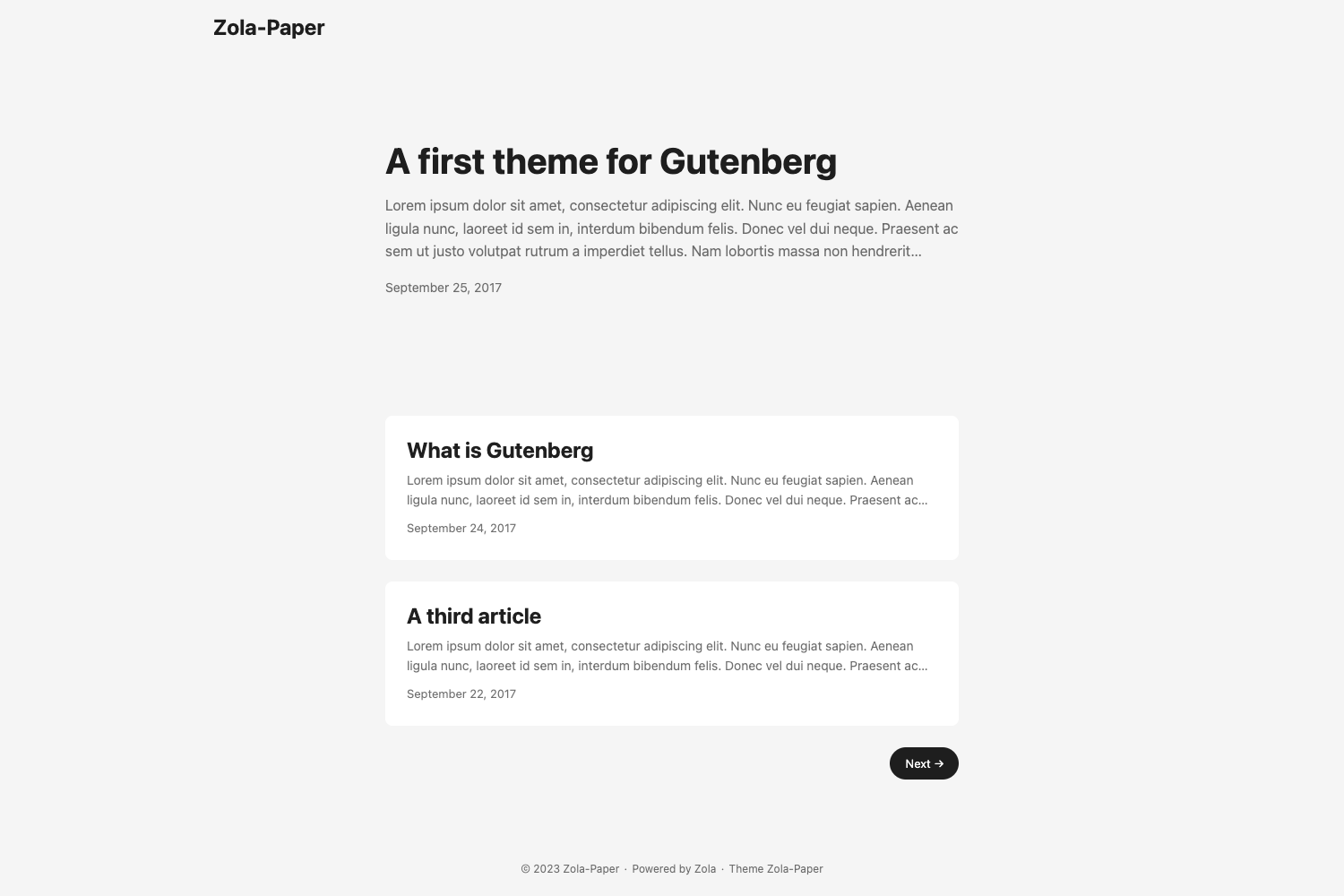
Jekyll Theme Superb is a simple, Tailwind CSS-based Jekyll theme for blogs, offering three layouts (post, index, page) and a minimal design built on simplysuperb's own Tailwind UI kit. It is distributed as a Ruby gem, licensed under MIT, with a live demo running at blog.simplysuperb.app.
What is Jekyll Theme Superb?
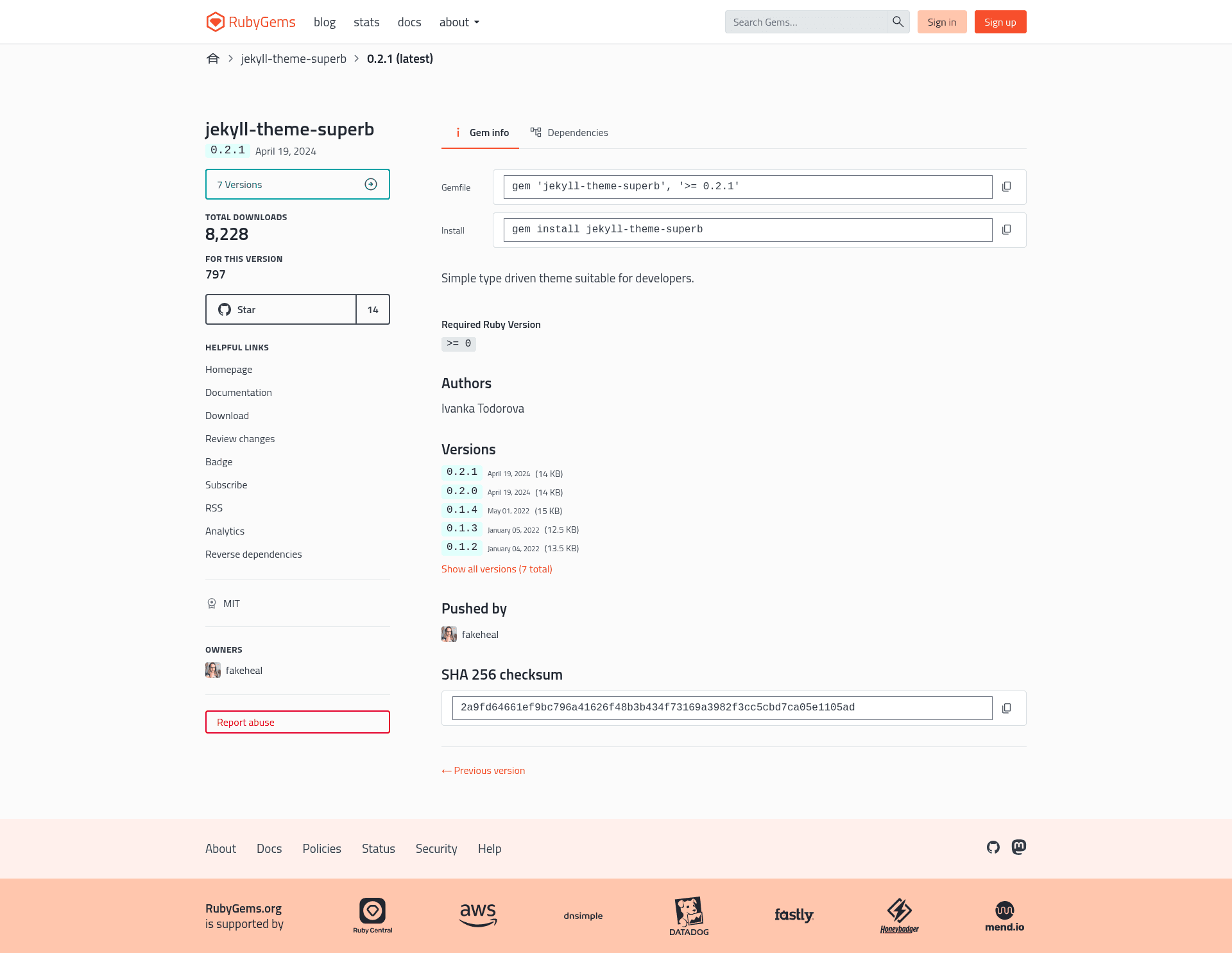
Jekyll Theme Superb is a Jekyll theme that uses Tailwind CSS via the simplysuperb-dev/ui-kit. It takes a standard Jekyll site as input and produces a styled blog with post, index, and page layouts. The theme is published as the Ruby gem jekyll-theme-superb and is maintained by simplysuperb-dev. The repository has 14 stars and lists Jekyll-theme-minimal as a related topic.
Key Features
Jekyll Theme Superb packs several features into a small gem: three ready-to-use layouts, Tailwind styling, and a configurable subtitle.
- Tailwind CSS-based design — The theme is built on simplysuperb's Tailwind CSS UI kit, so styling is handled with utility classes.
- Three built-in layouts — Includes
postfor single posts,indexfor listing all posts, andpagewith a slight variation frompost. - Customizable subtitle — Add a
subtitlekey in_config.ymlto display text next to the blog name in the top-left corner (desktop only). - Gem distribution — Install via
gem install jekyll-theme-superbor through a Gemfile entry, then settheme: jekyll-theme-superbin_config.yml. - npm-based development workflow — Run
npm run css:devfor PostCSS/Tailwind processing andnpm run jekyll:devfor the Jekyll server, optionally usingconcurrently. - MIT License — Open source and free to use, modify, and redistribute.
Who is it for?
Jekyll Theme Superb suits anyone building a Jekyll site who wants a minimal Tailwind-based design without hand-writing CSS.
- Personal bloggers — Set up a clean, modern Jekyll blog without writing custom CSS from scratch.
- Jekyll developers — Use it as a starter theme and extend the layouts and Tailwind components.
- Designers using simplysuperb's UI kit — Keep your blog visually consistent with other projects built on the same kit.
What can you do with Jekyll Theme Superb?
With the three layouts and Tailwind styling, you can launch and customize a blog entirely through Jekyll's standard workflow.
- Bloggers: launch a new Jekyll blog quickly by adding the gem and writing Markdown posts, which the
indexlayout lists and thepostlayout displays. - Developers: customize the theme's subtitle and layouts, then run the npm scripts to rebuild Tailwind styles during development.
- Open-source contributors: fork the repository on GitHub and submit bug reports or pull requests, as contributions are welcome under the Contributor Covenant.
How does Jekyll Theme Superb work?
Installation follows standard Jekyll theme practice: add the gem to your Gemfile and set the theme in _config.yml. After running bundle, the theme's layouts become available to your Jekyll site. For development, you need both Ruby and Node.js dependencies — bundle install and npm install — and you can run the PostCSS and Jekyll processes with the provided npm scripts.
FAQ
Is Jekyll Theme Superb free?
Yes, the theme is released under the MIT License, so it is free to use, modify, and distribute for personal or commercial projects.
What layouts does Jekyll Theme Superb include?
The theme includes three layouts: post for displaying a single post, index for displaying all posts, and page for standalone pages. The page layout differs slightly from post.
How do I install Jekyll Theme Superb?
Add gem "jekyll-theme-superb" to your Gemfile and set theme: jekyll-theme-superb in your _config.yml. Then run bundle in your terminal. You can also install it manually with gem install jekyll-theme-superb.
Does the theme use Tailwind CSS?
Yes, it uses Tailwind CSS through simplysuperb's UI kit. The repository includes npm scripts for running PostCSS/Tailwind processing during development.
Can I customize the blog name?
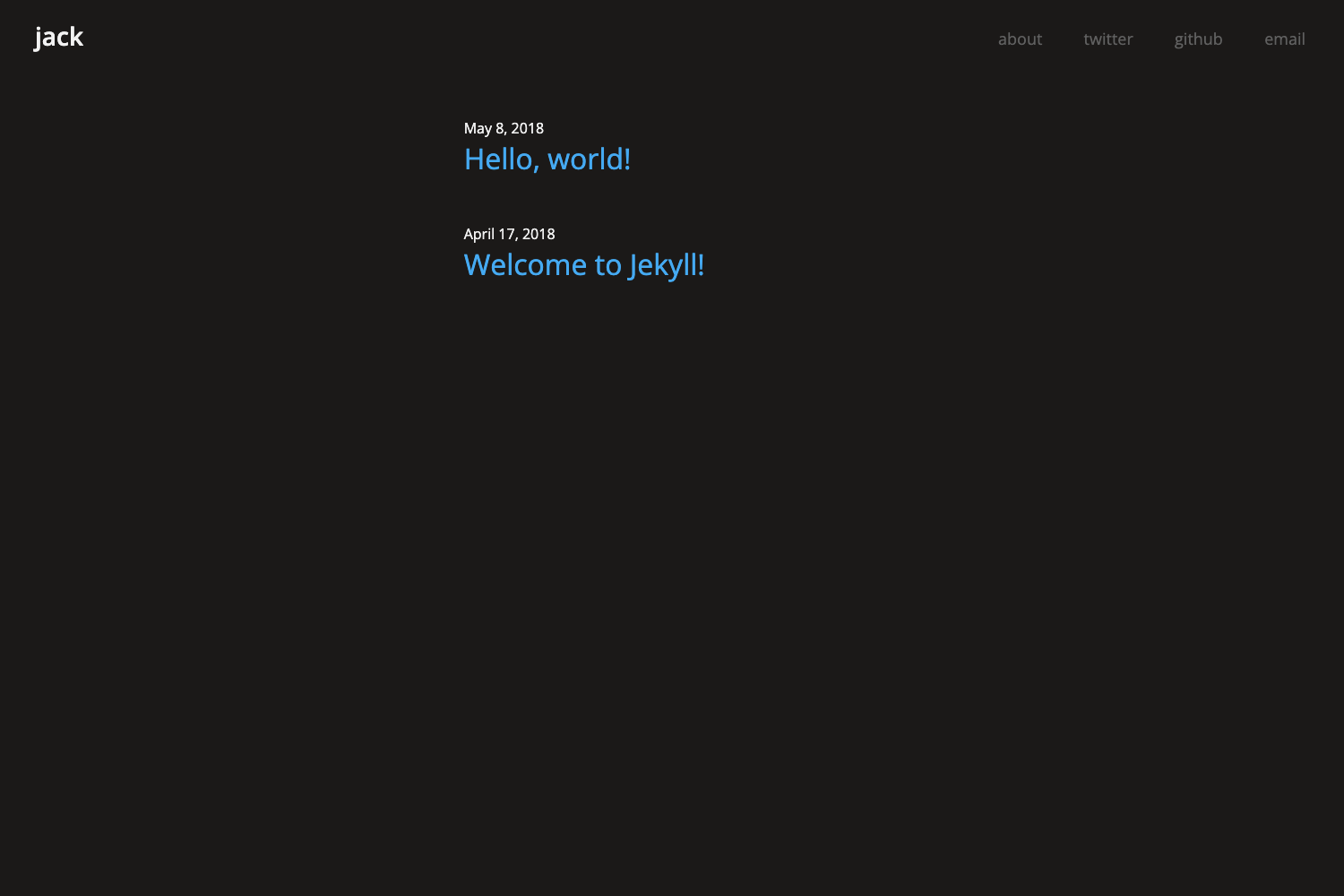
The theme shows your blog name in the top-left corner. You can also set a subtitle in _config.yml that appears next to the name, but it is only visible on desktop.