Template details
Zola-Paper
A clean Zola theme ported from Hugo-Paper with Open Graph support and dark mode.
About this template
Zola-Paper
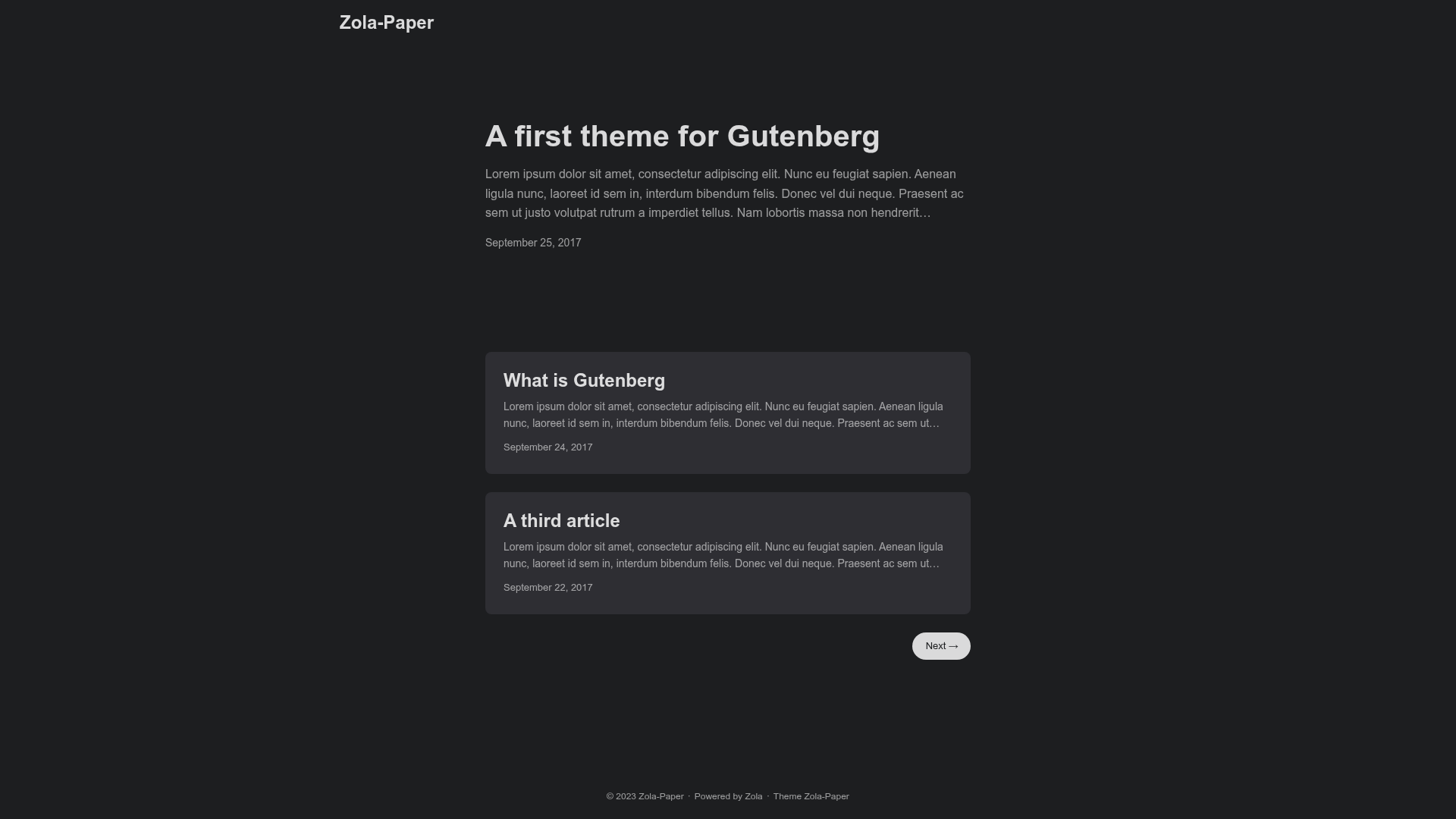
Zola-Paper is a clean, minimal blog theme for the Zola static site generator, ported from the Hugo-Paper theme with Open Graph integration and dark mode support.
What is Zola-Paper?
Zola-Paper is a theme for Zola, a fast static site generator written in Rust. It accepts Markdown content with TOML front matter and produces a static website with a single-column blog layout. The theme is a direct port of Hugo-Paper, a popular Hugo theme, with a few adjustments, and is maintained by Schoenenberg on GitHub.
Key Features
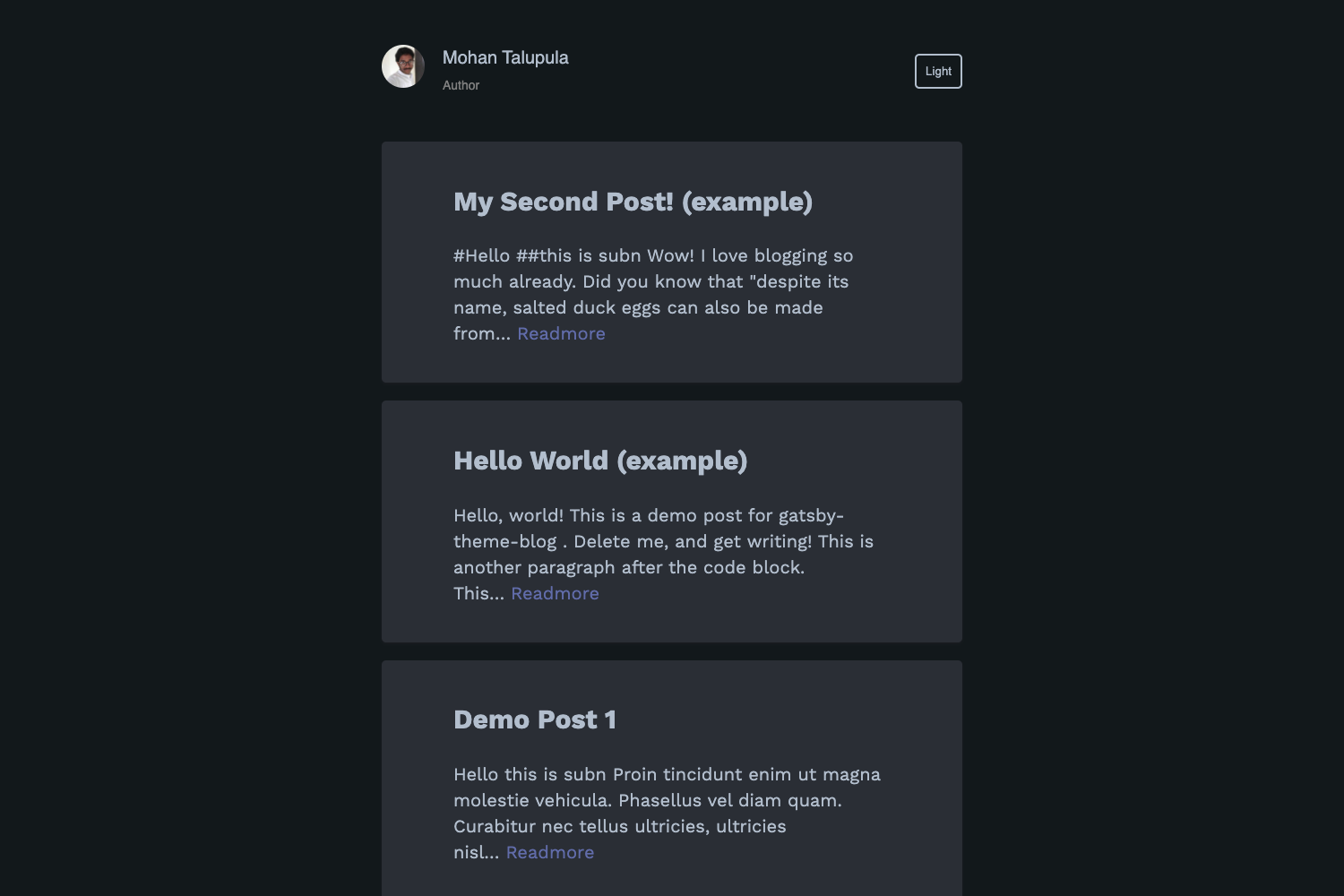
- Dark mode — The repository includes separate light and dark mode screenshots, indicating built-in support for both color schemes.
- Open Graph integration — Automatically generates Open Graph meta tags based on page context and front matter, with optional
author,author_url, andbanner_pathfields. - Content excerpts — Supports the
<!-- more -->marker to define where a summary ends and the full post begins on listing pages. - Taxonomy support — Works with Zola taxonomies such as tags, demonstrated in the example front matter with a
tagsarray. - Simple installation — Install via
git cloneorgit submodule addintothemes/zola-paper, then enable it by settingtheme = "zola-paper"inconfig.toml. - Minimal design — Inherits Hugo-Paper's clean typography and layout, focusing on readability without unnecessary widgets.
Who is it for?
- Individual bloggers who want a lightweight, fast static site with a clean reading experience and no JavaScript dependencies.
- Developers who prefer Zola's Rust-based build speed and single-binary installation over Node-based static site generators.
- Hugo users considering a migration to Zola, as the theme preserves the familiar look and front matter structure of Hugo-Paper.
What can you do with Zola-Paper?
- Writers: Publish Markdown articles with tags, author info, and a custom banner image; each post automatically gets Open Graph tags for better sharing on social platforms.
- Developers: Use the theme as a starting point for a personal site or portfolio, customizing the template files and styles to match your brand.
- Blog maintainers: Set up a site in minutes by cloning the theme and editing
config.toml, with no build pipeline beyond Zola's own command.
How does Zola-Paper work?
Enable the theme by setting theme = "zola-paper" in config.toml. Write content as Markdown files with TOML front matter; the [extra] section can include author (required), author_url, and banner_path, where banner_path is relative to the content directory. Zola builds the static site and the theme outputs Open Graph meta tags based on this context.
Alternatives
- Hugo-Paper — The original Hugo theme from which Zola-Paper is ported; it offers the same aesthetic but runs on Hugo instead of Zola.
FAQ
How do I install Zola-Paper?
Clone the repository into themes/zola-paper or add it as a git submodule, then set theme = "zola-paper" in your Zola site's config.toml. The theme requires no additional configuration to start.
Does Zola-Paper support dark mode?
Yes, the theme includes both light and dark mode screenshots in its repository, indicating it ships with a dark color scheme. The exact toggle mechanism is not documented on the page, but the theme is designed to render in both modes.
How do I set the author for a post?
Add an [extra] section to the post's front matter with an author field, which is required. You can also optionally add author_url and banner_path for Open Graph metadata.
What is the banner_path relative to?
The banner_path attribute must be a path relative to the content directory. For example, a file at content/default-banner.jpg would use banner_path = "default-banner" (assuming the extension is handled by Zola).
Can I use taxonomies with Zola-Paper?
Yes, the theme supports Zola taxonomies. The example front matter includes a [taxonomies] section with tags = ["rust", "zola", "blog"], so tagging posts works out of the box.