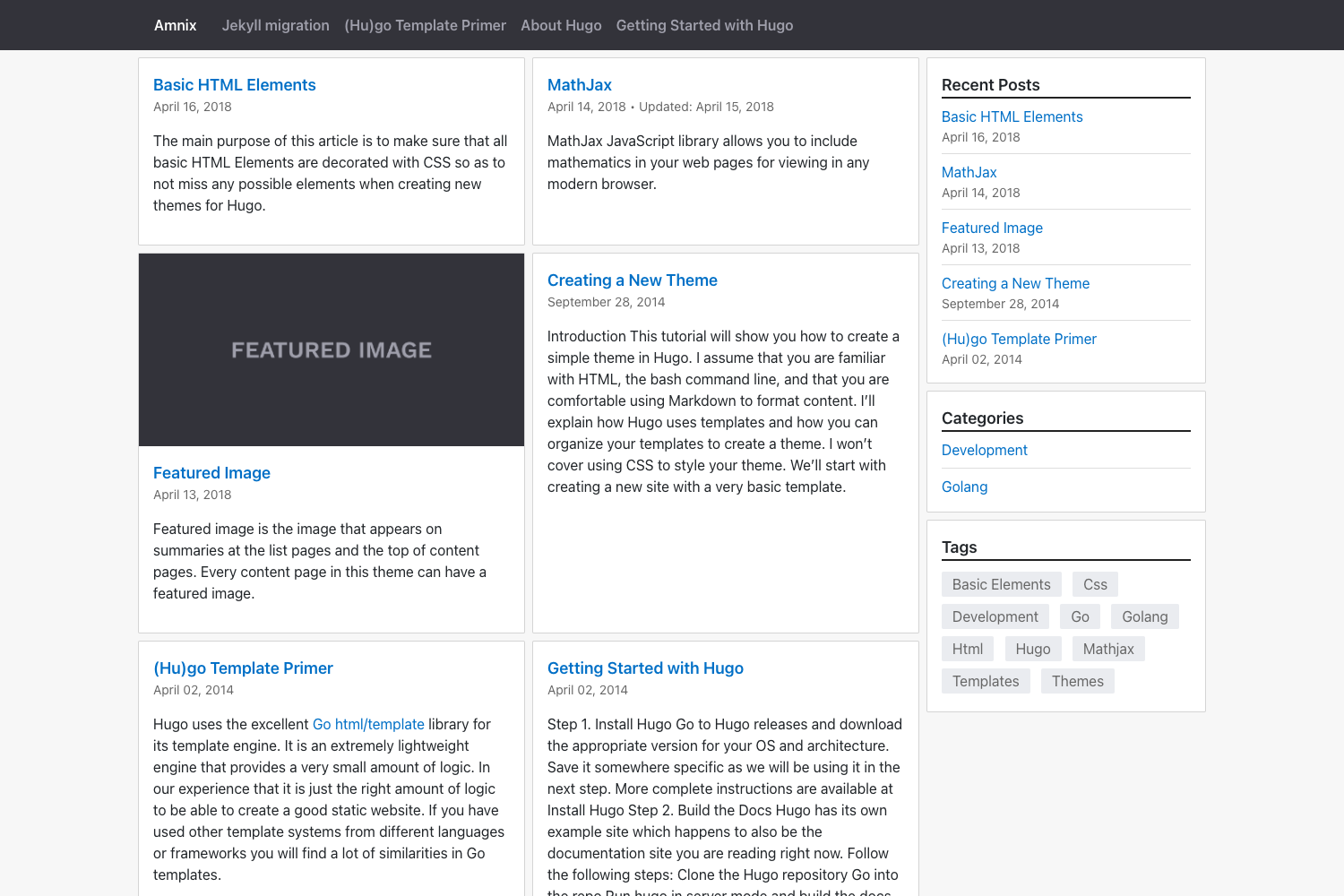
Template details
Jalpc-A
Jalpc-A is a Jekyll blog theme with AngularJS front end, featuring GitHub login, Leancloud backend, rich text editing, and comments.
About this template
Jalpc-A is a free, open-source blog theme in the Jekyll category that uses AngularJS on the front end to add login, commenting, and a rich text editor to a static Jekyll site.
What is Jalpc-A?
Jalpc-A is a Jekyll theme that pairs Jekyll's static site generation with an AngularJS single-page front end. It takes a Jekyll site as input and produces a web application with dynamic features such as GitHub OAuth login, a summernote rich text editor, and a comment system. The backend is powered by Leancloud (Parse is an alternative), and the project is maintained by JiaKunUp on GitHub. The theme is similar to the author's other Jekyll theme, Jalpc, but with the AngularJS layer.
Key Features
- GitHub login — Users sign in with their GitHub account through the Leancloud engine; logged-in usernames appear as
gh_<your_github_username>. - Leancloud backend — Stores blogs, comments, and user accounts; replace the App ID and App Key in
js/app.jsto connect your own Leancloud application. - Rich text editor — Composes posts and comments with angular-summernote, supporting styled text, images, and video; uploaded images are sent to Qiniu cloud storage.
- QR code sharing — Each blog post generates a QR code with angular-qrcode that links to the post's absolute URL, making it easy to share across devices.
- Comment system — Registered users can comment using the editor, reply to others, and delete their own comments.
- Google Analytics — Integrates by replacing the JavaScript snippet in
website.htmlwith your own tracking code. - Pagination — Uses ui-bootstrap with a custom fix so blog pages have clean URLs like
#/blogs/2and browser back/forward works between pages. - Secure connections — User account and token connections run over HTTPS to
api.leancloud.cn, with JSONP scripts for GitHub login and short URLs.
Who is it for?
- Jekyll bloggers — People who want a lightweight static blog with modern interacting features without maintaining a full server.
- AngularJS developers — Those who want to extend a Jekyll site with AngularJS and see a full integration example.
- Self-hosters — Users who host on GitHub Pages or their own Jekyll server and need a BaaS like Leancloud for user data.
What can you do with Jalpc-A?
- Personal bloggers: Publish articles with a rich text editor, share posts via QR codes, and interact with readers through comments.
- Developers: Fork the repository, customize the theme, swap in your own Google Analytics and CNAME domain, and deploy to GitHub Pages.
- Learners: Study how AngularJS controllers, services, and views work together with a Jekyll-generated static site and a cloud backend.
How does Jalpc-A work?
- Fork and clone the repository from GitHub.
- Register a Leancloud account, create an app, and copy the App ID and App Key into
js/app.js. - Run
jekyll serve --watchlocally (or use npm and remove the front matter inwebsite.html). - Deploy to GitHub Pages and replace the domain in the CNAME file for a custom domain.
Pros and cons
- Pros: Free and MIT licensed; includes login, comments, and rich editing out of the box; deployable to GitHub Pages with no server-side code.
- Cons: Depends on a third-party BaaS (Leancloud) for all data; the pagination implementation has a known page-return bug unless fixed as described; AngularJS is an older framework compared to modern alternatives.
Pricing
The theme is free and open source. No pricing tiers are mentioned in the documentation.
Alternatives
- Jalpc — the original Jekyll theme by the same author, which does not include the AngularJS front end.
FAQ
Is Jalpc-A free?
Yes, Jalpc-A is released under the MIT License, so it is free to use, modify, and distribute. You only pay for any third-party services you choose, such as a Leancloud plan or a custom domain.
Do I need a Leancloud account?
Yes, to use the login and comment features you must register with Leancloud, create an app, and set the App ID and App Key in js/app.js. Leancloud offers a free tier, but the limits are set by Leancloud, not by the theme.
Can I deploy Jalpc-A to GitHub Pages?
Yes, the documentation includes a section on using GitHub Pages. You can host the Jekyll site for free, but you need to configure the repository properly and update the CNAME file if you use a custom domain.
Can I use Parse as the backend?
The documentation says "you can use Parse as well" in the setup section, though specific instructions are given for Leancloud. Parse is a similar BaaS, so configuration would likely follow the same pattern.
How does the GitHub login work?
The login uses a separate Leancloud engine project (Jalpc-A-engine) to authenticate with GitHub. After logging in, your username on the blog is prefixed with gh_ followed by your GitHub username.