Template details
Amnix
[WIP] Responsive and configurable Hugo theme
About this template
Amnix is a responsive, configurable Hugo theme for building blog and content sites, with widget-based sidebars, multiple column layouts, and social sharing built in.
What is Amnix?
Amnix is an open-source Hugo theme created by vimux (GitHub user vimux) and licensed under MIT. It takes a Hugo site's content and configuration and produces a responsive static site with configurable home, list, and single layouts. The theme is currently marked as work in progress (WIP) and includes a live demo at amnix.netlify.app.
Key Features
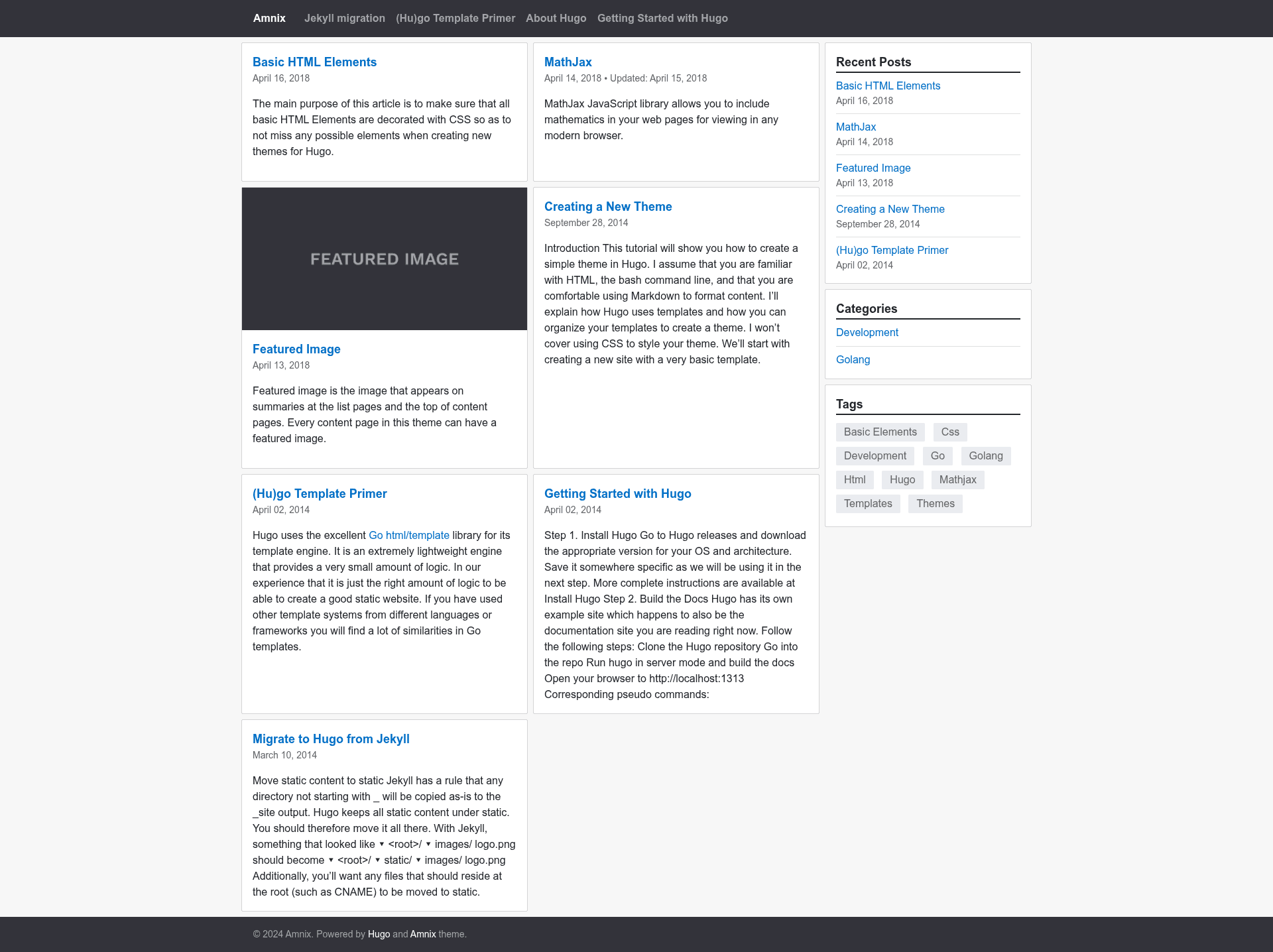
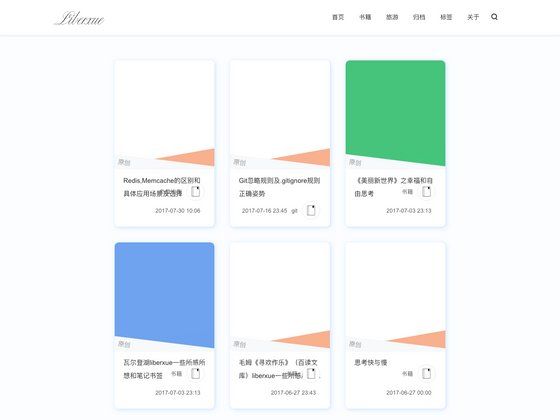
- Configurable layouts — Home, list, and single page layouts can be customized through site config, including column count (1 to 3) for card grids.
- Widget-based sidebar — Sidebar widgets include recent posts, categories, tags, and a side menu; widgets and position (right/left/off) can be set globally or per page.
- Featured images — Supports featured/thumbnail images via page bundles or front matter, with options for alt text, caption, credit, and preview-only mode.
- Breadcrumb navigation — Hierarchical breadcrumbs can be enabled globally and overridden per page.
- Meta fields and sharing — Entry meta fields (e.g., date) and share buttons for Facebook, Twitter, Reddit, Telegram, LinkedIn, VK, and Pocket.
- MathJax support — MathJax can be enabled site-wide or per page, with configurable CDN path and config string.
- Custom CSS/JS — Custom stylesheets and scripts can be injected via arrays pointing to files in the static folder.
- Web App Manifest — Generates a PWA manifest with configurable name, colors, orientation, and display mode.
Who is Amnix for?
- Bloggers — Publish articles with tags, categories, featured images, and social sharing.
- Developers — Build a personal or project site with Hugo, using a theme that is easy to override via parameters and custom partials.
- Technical writers — Create documentation-style sites using list and single layouts, side menus, and breadcrumbs.
What can you do with Amnix?
- Content creators: Set up a multi-column card layout on the home page and enable widgets like recent posts and tags to surface content.
- Portfolio owners: Use featured images and the configurable single layout to showcase projects with captions and credits.
- PWA enthusiasts: Generate a web app manifest by adding the custom MANIFEST output format and Params.Manifest values.
How does Amnix work?
Install the theme via git clone, git submodule, or ZIP download into the themes directory, then set theme = "amnix" in config.toml. Run hugo server to preview locally. Configuration is done through site params for columns, sidebar, widgets, social links, and more; page-level overrides use front matter.
FAQ
Is Amnix free?
Amnix is open source and released under the MIT License. You can use it for personal or commercial projects without cost.
Which Hugo version is required?
The theme works with standard Hugo sites; you need Hugo installed to build the site. The README links to Hugo's quick-start guide for installation.
Does Amnix support submenus in navigation?
No. The README notes that Amnix menus don't support nested items or submenus.
Can I customize the sidebar per page?
Yes. Use front matter with sidebar.position (right, left, or false) and sidebar.widgets to override global settings.
How do I enable web app manifest?
Define a MANIFEST output format in config.toml, add it to the home outputs, and optionally set [Params.Manifest] values such as name, colors, and orientation.