Template details
Jamy Page
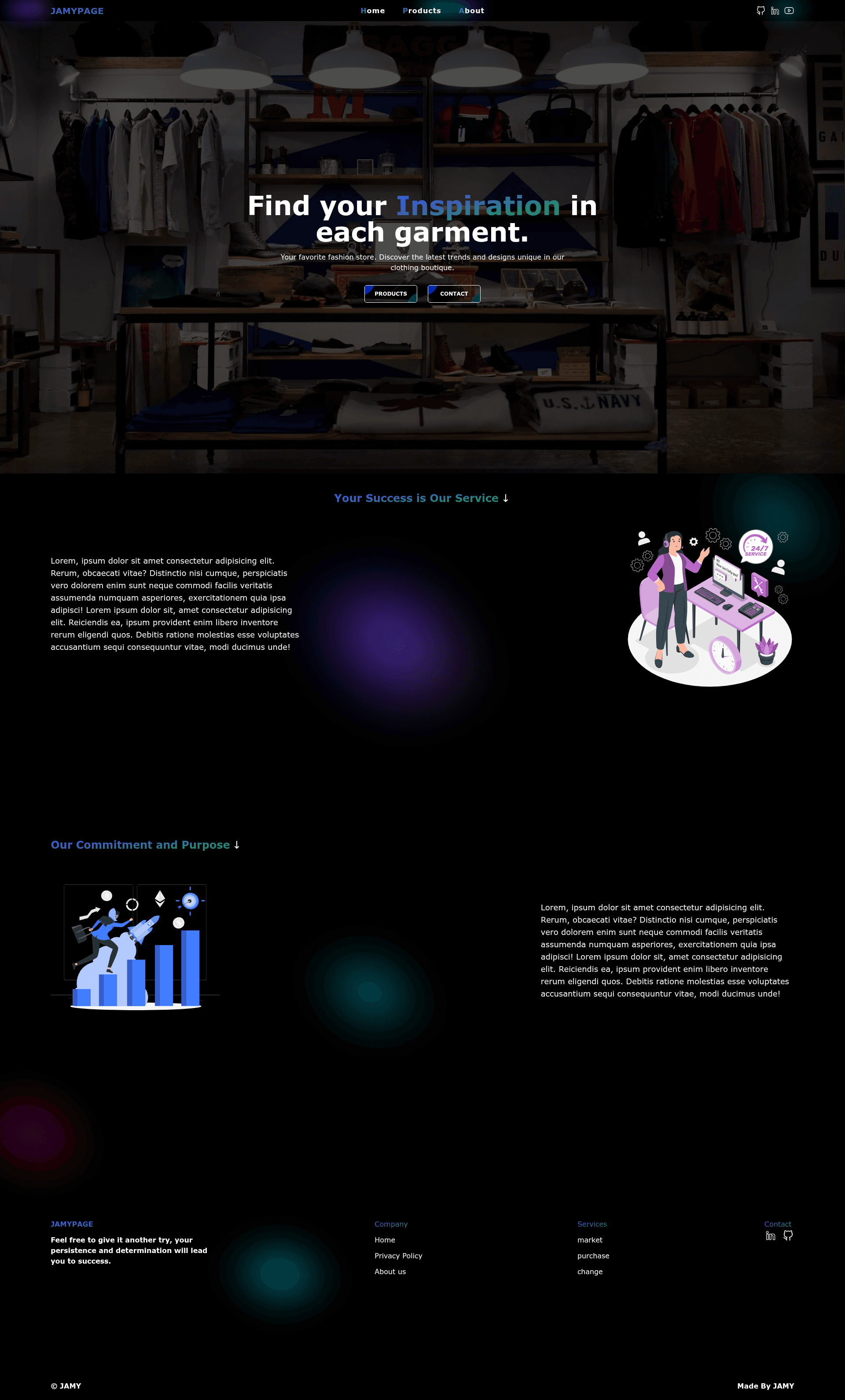
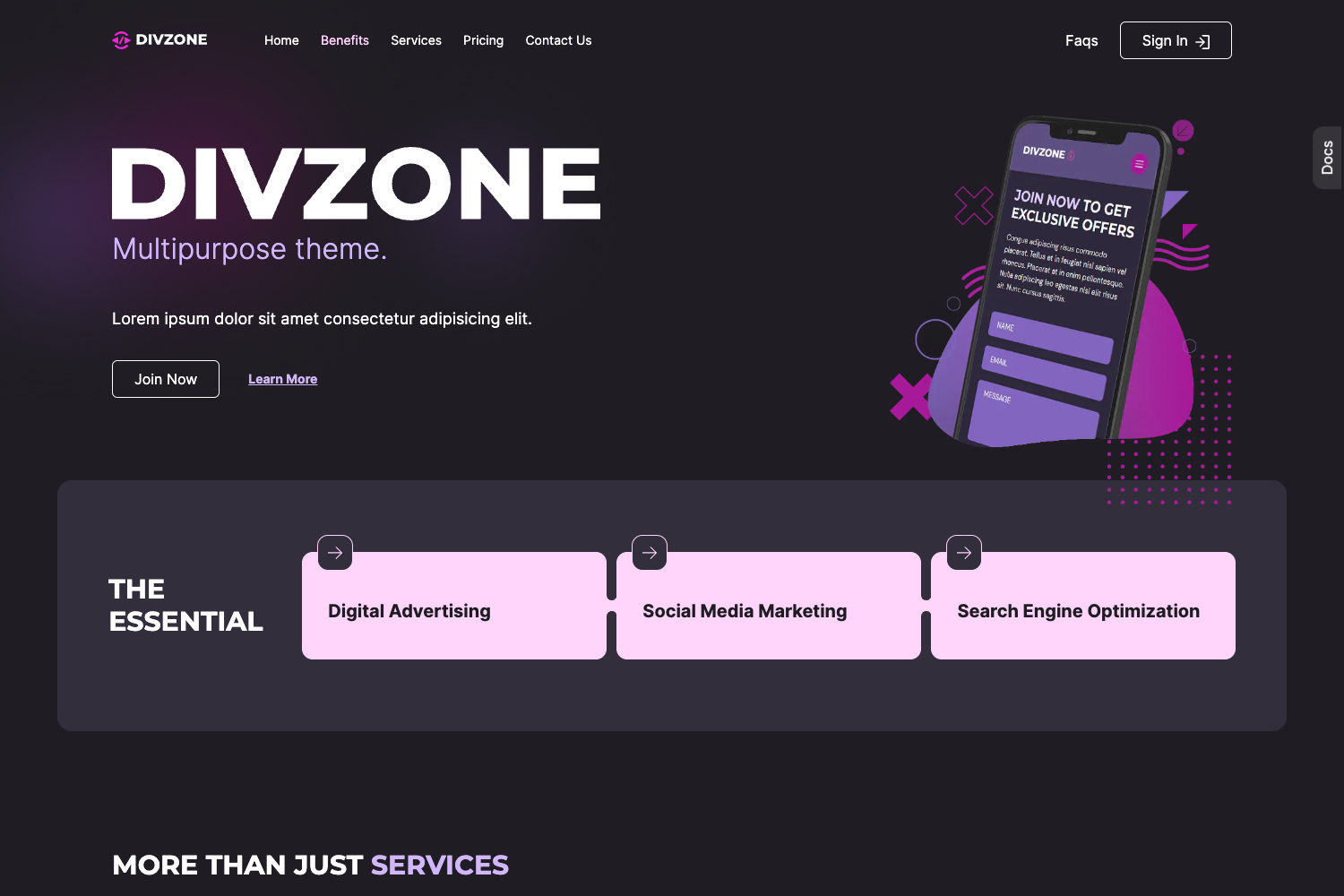
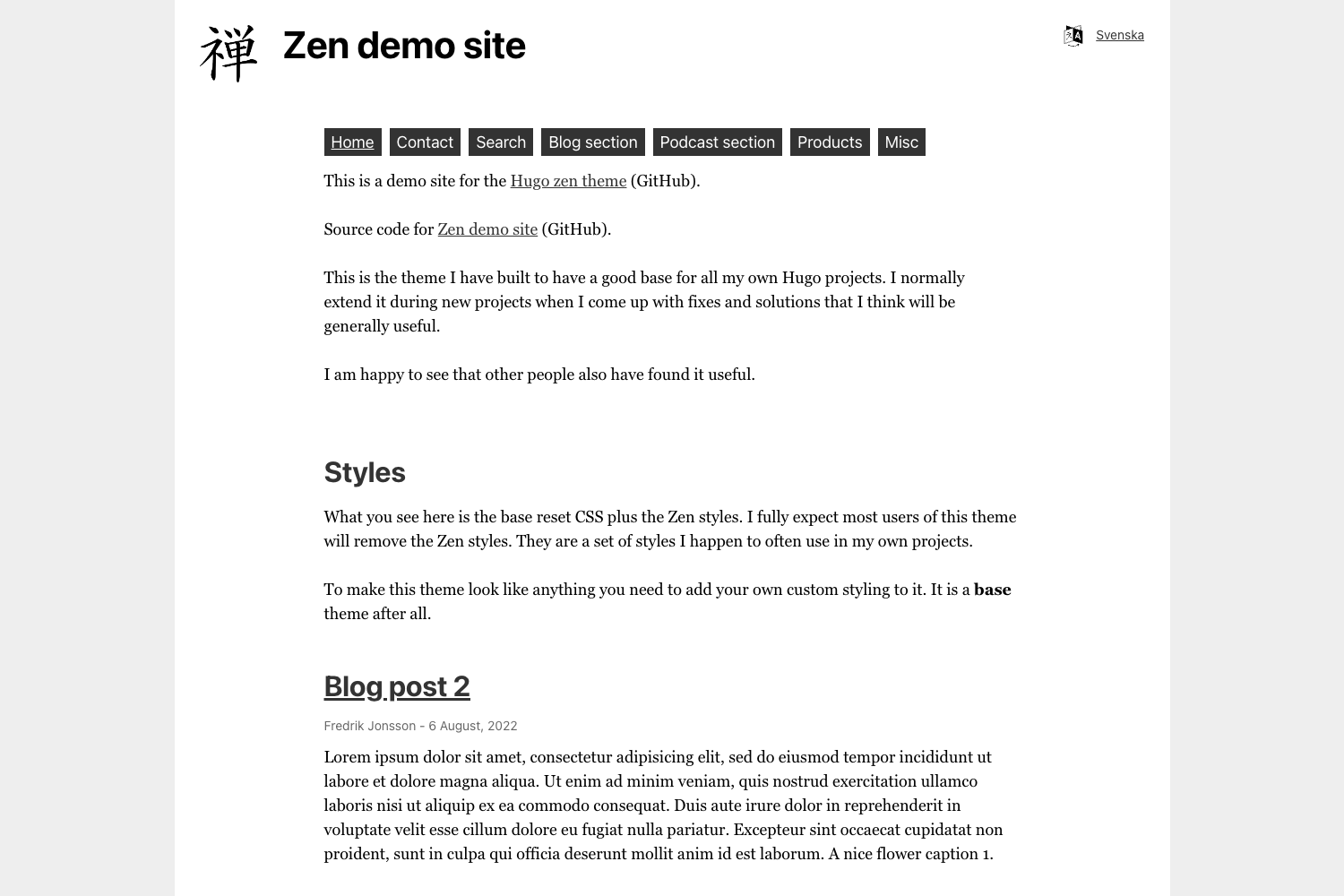
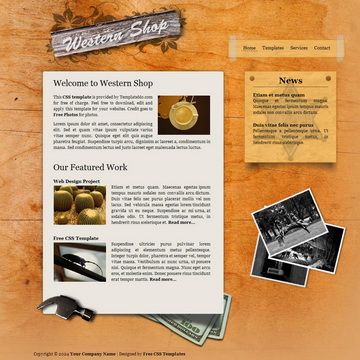
A fast Astro and Tailwind CSS website template with Home, Products, and About Us sections.
About this template
Jamy Page is a website template built on the Astro Starter Kit: Basics that produces a fast, three-section site (Home, Products, About Us) styled with Tailwind CSS.
What is Jamy Page?
Jamy Page is an Astro-based website template derived from the official Astro Starter Kit: Basics. It generates a static website with three content sections — Home, Products, and About Us — styled with Tailwind CSS. The template runs on the Astro framework and is initialized with the command npm create astro@latest -- --template basics. It is designed to showcase a business or personal brand with a responsive, mobile-friendly layout.
Key Features
- Astro framework — Uses Astro's component-based architecture, with files organized in
src/components,src/layouts, andsrc/pages, allowing for reusable UI components likeCard.astro. - Tailwind CSS styling — The template integrates Tailwind CSS for utility-first styling, enabling rapid custom design without leaving HTML.
- Three predefined sections — Home, Products, and About Us are included, giving a complete page structure out of the box.
- Development commands — Standard npm scripts are provided:
npm install,npm run devfor a local server atlocalhost:4321,npm run buildto output to./dist/, andnpm run previewto test the production build. - One-click cloud setups — Open the template directly in StackBlitz, CodeSandbox, or GitHub Codespaces via provided badges, ideal for instant preview or contribution.
- Project structure — Includes
public/favicon.svg,src/components/Card.astro,src/layouts/Layout.astro, andsrc/pages/index.astro, following Astro's recommended starter layout.
Who is it for?
- Small business owners — Launch a professional web presence quickly with a home page, product showcase, and about section without writing custom CSS or configuring a CMS.
- Astro beginners — Learn Astro's file-based routing and component model through a minimal starter that shows exactly where pages, layouts, and components live.
- Front-end developers — Use it as a foundation for client projects; the Tailwind integration and Astro CLI (
astro add,astro check) make adding features like integrations or content collections straightforward.
What can you do with it?
- Product showcases: Create a responsive grid of product cards on the Products section, using the included
Card.astrocomponent as the basis. - Personal or brand landing pages: Tailor the Home section with a hero, call-to-action, and welcome messaging, then link to the About Us section to build audience trust.
- Rapid prototyping: Spin up a working Astro + Tailwind environment in seconds via StackBlitz or CodeSandbox, then iterate on design and structure locally.
How does Jamy Page work?
After scaffolding with npm create astro@latest -- --template basics, you install dependencies with npm install. The development server launches via npm run dev at localhost:4321, and the production site is generated to ./dist/ with npm run build. The preview command npm run preview serves the built output locally.