Template details
Jekyll 2-Column Theme
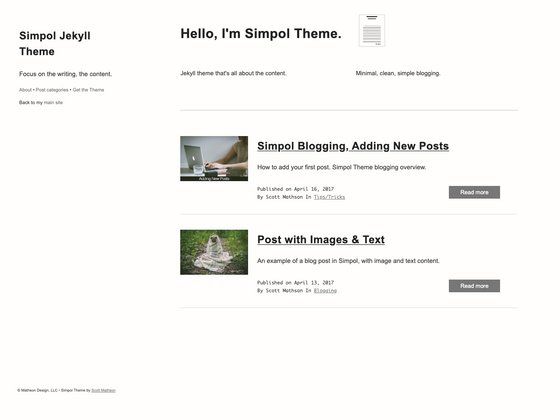
Basic Jekyll theme with a two-column layout, built with CSS.
About this template
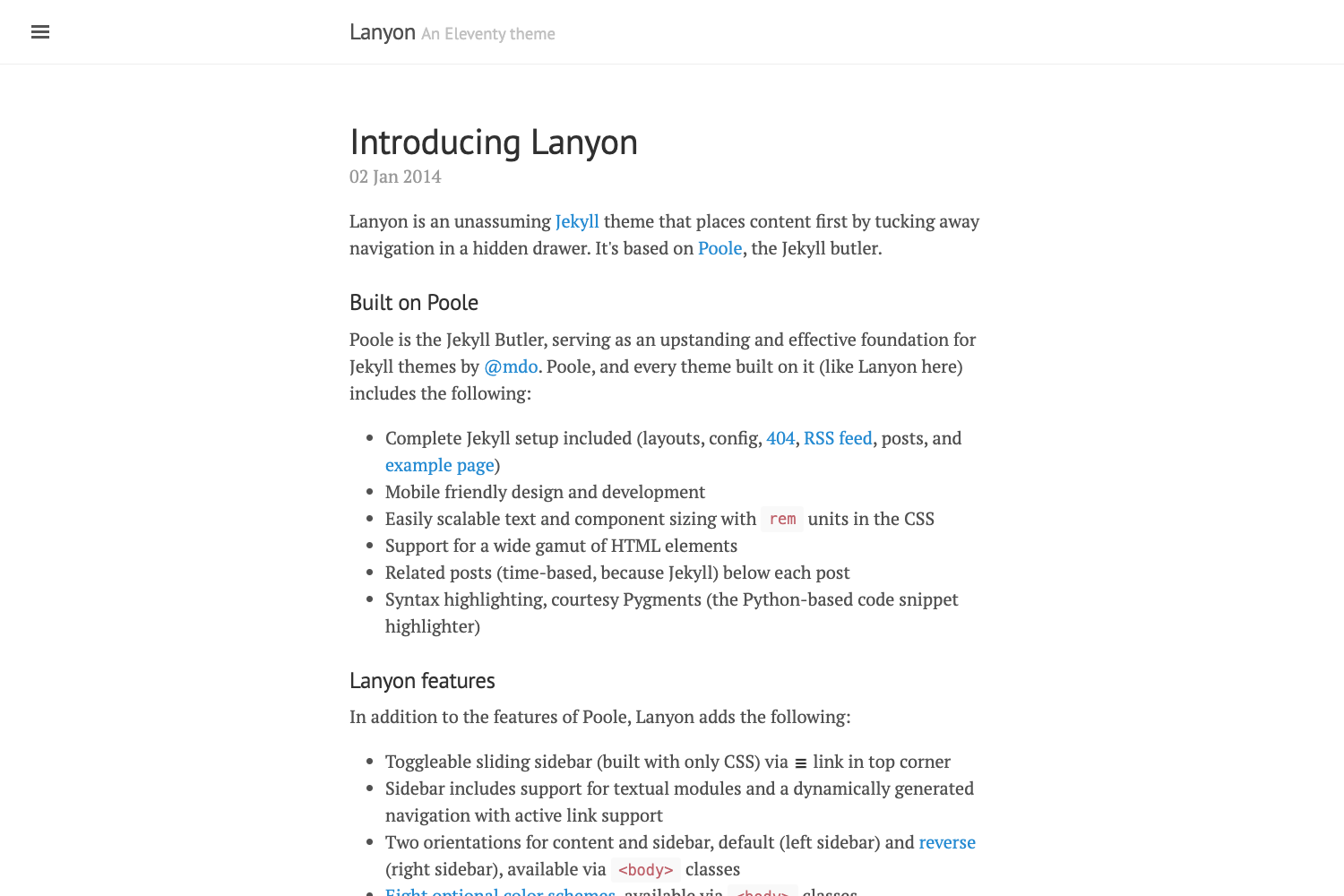
Jekyll 2-Column Theme is a basic, publicly available Jekyll theme that arranges website content into a two-column layout, with styling handled primarily through CSS.
What is Jekyll 2-Column Theme?
Jekyll 2-Column Theme is a minimal Jekyll theme hosted on GitHub by Robert Edwardes. The repository description defines it as a "Basic Jekyll Theme with 2 Column," indicating that its core function is to provide a simple structural template for Jekyll-based websites. The theme takes your Jekyll site's content—typically written in Markdown or HTML—and renders it into a static website with two vertical columns. The primary language listed for the project is CSS, so the theme's visual design is built with plain stylesheets rather than a CSS framework or preprocessor. As a Jekyll theme, it is intended to be used within Jekyll's standard directory structure and build process.
Key Features
- Two-column layout — The theme divides each page into two side-by-side columns, creating a structure suited for a main content area and a supplementary column.
- Jekyll integration — Designed for Jekyll, the theme works with Jekyll's front matter, Liquid templating, and build pipeline to generate static HTML pages.
- CSS-based styling — With CSS as the primary language, all layout, colors, and responsive behavior are implemented in CSS files, making it straightforward to restyle.
- Basic and minimal — The description calls the theme "basic," implying a lightweight starting point without complex modules or third-party dependencies.
Who is it for?
- Jekyll beginners — People who are learning Jekyll and want a simple two-column theme to study or modify for their first static site.
- Bloggers — Writers who need a clean, two-column blog layout for posts, with one column for content and the other for secondary information like recent posts or tags.
- Developers — Web developers who prefer to hand-code their own styles and want a minimal Jekyll base to customize without unused features.
What can you do with Jekyll 2-Column Theme?
- Personal blogs — Publish a personal blog with a main column for article text and a second column for an author bio or list of posts.
- Portfolio websites — Showcase projects in the wider column while keeping contact details or a short resume in the narrower column.
- Documentation hubs — Organize a manual with content in one column and a navigation index in the other.
FAQ
Is Jekyll 2-Column Theme free to use?
The repository is publicly accessible on GitHub, so the code can be cloned and used without purchase. However, the listing does not explicitly mention a license, so you should check for a LICENSE file in the repository before deploying it in your own projects.
What does this theme include?
Based on the repository description, the theme provides a basic Jekyll setup with a two-column layout. The description does not list specific components such as header, footer, sidebar, or navigation; you would need to explore the repository to see which files and templates are included.
How do I install this theme?
Jekyll themes are typically installed either by adding the theme gem to your Gemfile and _config.yml or by placing the theme files in your Jekyll site's directory. Since this repository is a plain Jekyll theme without a documented installation guide in the description, you may need to follow Jekyll's standard theme installation workflow.
What is Jekyll?
Jekyll is a static site generator written in Ruby. It converts Markdown, HTML, and Liquid templates into a ready-to-publish static website, and it is the engine behind GitHub Pages. Jekyll is commonly used for blogs, personal sites, and project documentation.