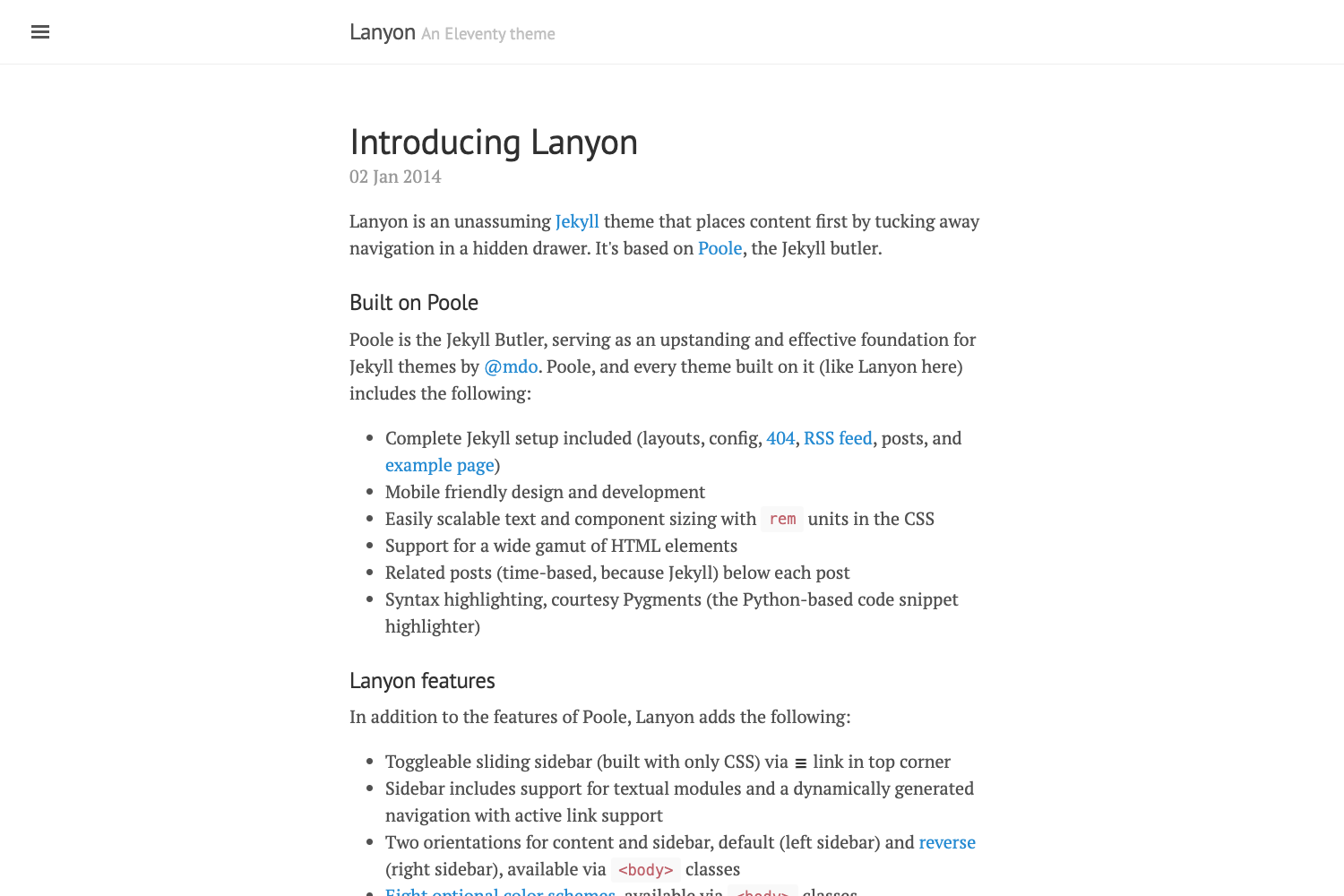
Template details
Minimal Mistakes
Minimal Mistakes is a minimal two-column Jekyll theme for blogs, portfolios, and personal sites, with nine skins and GitHub Pages support.
About this template
Minimal Mistakes
Minimal Mistakes is a flexible two-column Jekyll theme for building personal sites, blogs, and portfolios, distributed as a gem and compatible with GitHub Pages. Created by Michael Rose (mmistakes), it ships with minimal styling that you can extend and customize.
What is Minimal Mistakes?
Minimal Mistakes is a Jekyll theme that turns Markdown/Textile content into a static website with a clean two-column layout. It takes Jekyll site content (posts, pages, collections) and produces a fully styled site with support for SEO tags, social sharing, and responsive design. The theme is maintained by Michael Rose on GitHub and is released under the MIT License.
Key Features
- Theme gem — Bundled as a rubygem named
minimal-mistakes-jekyll, so installation and upgrades are managed through Bundler. - GitHub Pages compatible — Can be installed as a remote theme using the
remote_themeconfig, which avoids Gemfile changes and is whitelisted by GitHub Pages. - Sass/SCSS support — Uses Jekyll's built-in Sass preprocessor, allowing easy color and style customization via Sass variables.
- Nine skins — Includes color variations:
air,contrast,dark,dirt,mint,sunrise,aqua,neon, andplum, selectable via configuration. - Responsive layouts — Offers multiple layout options including single post, archive index, search, splash, and paginated home pages.
- SEO and social metadata — Outputs Open Graph and Twitter Card tags to improve sharing on social platforms.
- Modular components — Supports optional header images, custom sidebars, tables of contents, image galleries, related posts, breadcrumb links, and navigation lists.
- Commenting and analytics — Integrates with Disqus, Facebook, Google+, Discourse, Staticman, utterances, and giscus for comments, plus Google Analytics for tracking.
- UI localization — Provides localized UI text in English plus 30+ languages including Arabic, Chinese, French, German, Japanese, Korean, Spanish, and Vietnamese.
Who is it for?
- Personal bloggers — Need a fast, minimalist theme for publishing posts with categories, tags, and pagination.
- Portfolio owners — Want a two-column layout with galleries, header images, and project showcase pages.
- Technical writers — Use the theme for documentation sites, with syntax highlighting, tables of contents, and navigation lists.
- GitHub Pages users — Prefer a remote theme that works with GitHub Pages without extra dependencies.
What can you do with Minimal Mistakes?
- Publish a personal blog — Create posts in Markdown, organize them with categories and tags, and enable pagination for the home page.
- Showcase a portfolio — Build project pages with galleries and large header images, and link to external demos.
- Create a documentation site — Use collections to structure docs, add a table of contents to each page, and enable breadcrumb navigation.
- Localize your site — Change the UI strings to any of the 30+ supported languages with a single config setting.
How does Minimal Mistakes work?
You can install it three ways: as a gem, as a remote theme, or by forking the repository. For a gem install, add gem "minimal-mistakes-jekyll" to your Gemfile, run bundle, and set theme: minimal-mistakes-jekyll in _config.yml. To use it with GitHub Pages, add remote_theme: mmistakes/minimal-mistakes@4.24.0 to your config and include the jekyll-include-cache plugin in your plugins array. For the fastest start, use the official remote theme starter repository on GitHub.
Is Minimal Mistakes free?
Yes, Minimal Mistakes is open source under the MIT License, so it is free to use, modify, and redistribute, including for commercial projects. The theme's documentation and demo site are also publicly accessible.
Does Minimal Mistakes support comments and analytics?
Yes. The theme integrates with several comment providers — Disqus, Facebook, Google+, Discourse, Staticman, utterances, and giscus — and includes Google Analytics support. You enable these by setting the appropriate keys in _config.yml.
Can I use Minimal Mistakes with GitHub Pages?
Yes, GitHub Pages fully supports Minimal Mistakes via the remote theme method. You only need a Gemfile with the github-pages gem and jekyll-include-cache, plus a remote_theme field in _config.yml. The theme's own documentation and demo are hosted on GitHub Pages.