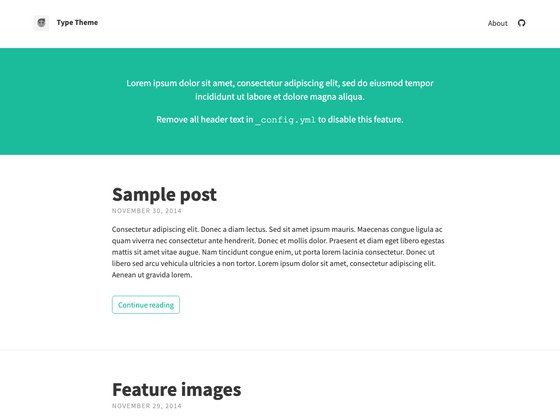
Template details
EYins
Minimalist, high-performance Hexo theme with multi-language support and Sass-based customization.
About this template
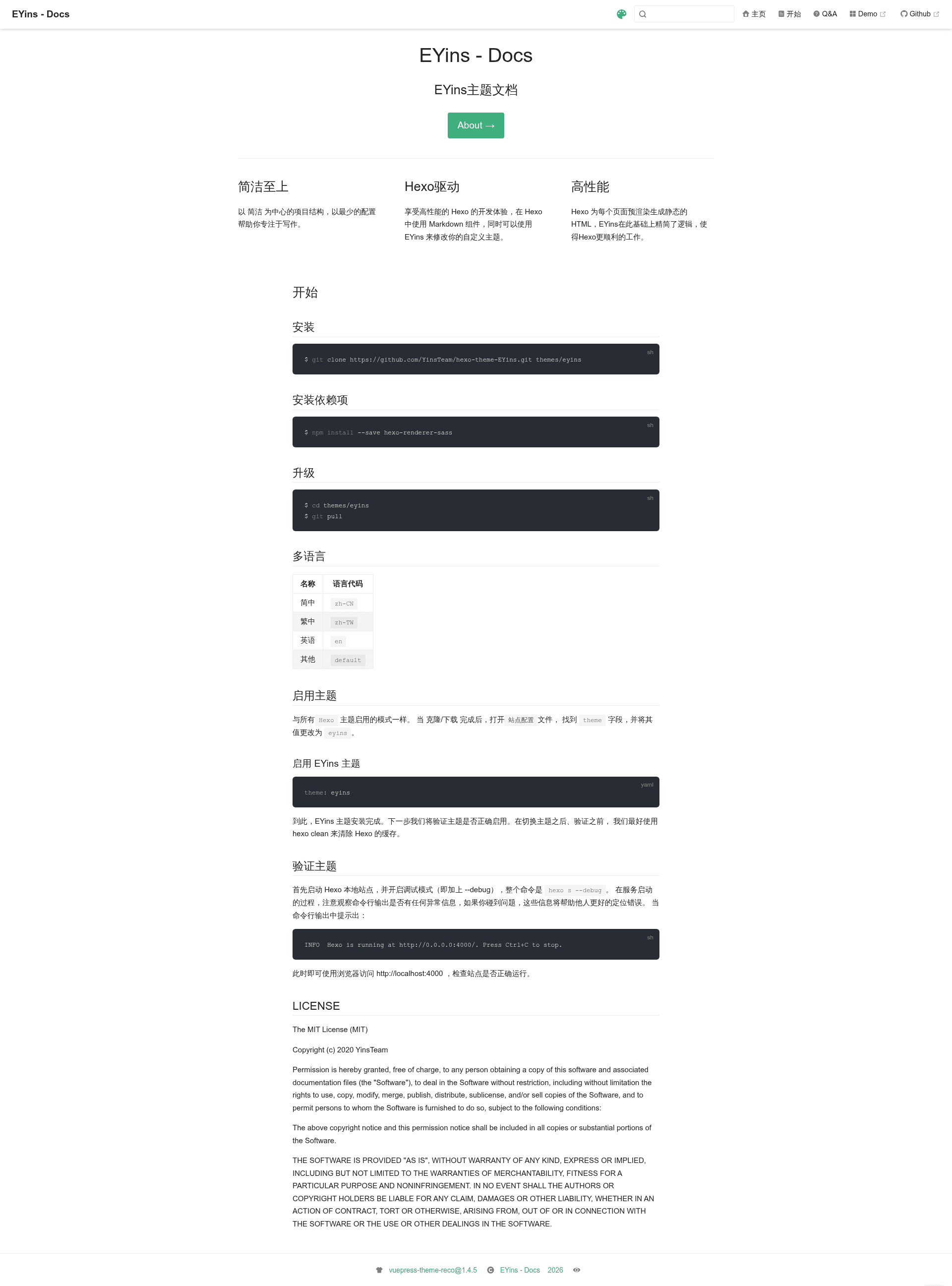
EYins is a minimalist Hexo theme created by YinsTeam for building fast, quiet static blogs with minimal configuration. It takes Markdown content from Hexo and pre-renders it into static HTML, while trimming unnecessary logic to help Hexo run smoothly.
What is EYins?
EYins is a Hexo blog theme developed by YinsTeam and released under the MIT License. It is built on the Hexo static site generator, which means it consumes Markdown files and generates pre-rendered static HTML pages as output. The theme's core design goal is simplicity: its project structure is centered on minimal configuration so writers can focus on content rather than setup. Because it runs on Hexo, you get all standard Hexo workflows, including the ability to use Markdown components and modify the theme through EYins' own customization logic.
Key Features
- Simplicity first — The theme keeps the project structure minimal, requiring only a few configuration steps to start writing.
- Hexo-driven — Built on Hexo, giving you the full Hexo development experience, including Markdown components and custom theme logic from EYins.
- High performance — Hexo pre-renders static HTML for every page, and EYins simplifies that logic to make Hexo work more smoothly.
- Sass styling — The theme uses Sass for styles; you install the required
hexo-renderer-sasspackage via npm to compile stylesheets. - Multi-language support — Ships with locale files for Simplified Chinese (zh-CN), Traditional Chinese (zh-TW), English (en), and a default fallback, selectable from the site's language setting.
- Git-based installation and upgrades — Install by cloning
https://github.com/YinsTeam/hexo-theme-EYins.gitinto thethemes/eyinsdirectory; upgrade by runninggit pullinside that directory.
Who is it for?
- Minimalist bloggers — Anyone who wants a clean, fast blog without spending hours on theme configuration will find EYins ready to go after a single theme switch.
- Existing Hexo users — Users already comfortable with Hexo can adopt EYins by changing the
themefield toeyinsin the site config file, then runninghexo clean. - Chinese and Traditional Chinese writers — The theme provides native zh-CN and zh-TW translations, so switching the site language is a one-line change.
What can you do with EYins?
- Launch a personal blog — Clone the theme, install the Sass renderer, set
theme: eyins, runhexo clean, and verify the site withhexo s --debugat http://localhost:4000. - Localize your site — Choose between Simplified Chinese, Traditional Chinese, and English by setting the language code in your site configuration.
- Customize the theme — Use the EYins customization logic described in the docs to adapt the theme's behavior and appearance to your needs.
How does EYins work?
- Install the theme with
git clone https://github.com/YinsTeam/hexo-theme-EYins.git themes/eyins. - Install the required dependency with
npm install --save hexo-renderer-sass. - Set
theme: eyinsin the site configuration file. - Run
hexo cleanto clear the cache, thenhexo s --debugto check that the site runs without errors and is accessible at http://localhost:4000.