Template details
Jekyll Blog Demo
Starter for a static website or blog - built with Jekyll, a minimal theme and GH Pages
About this template
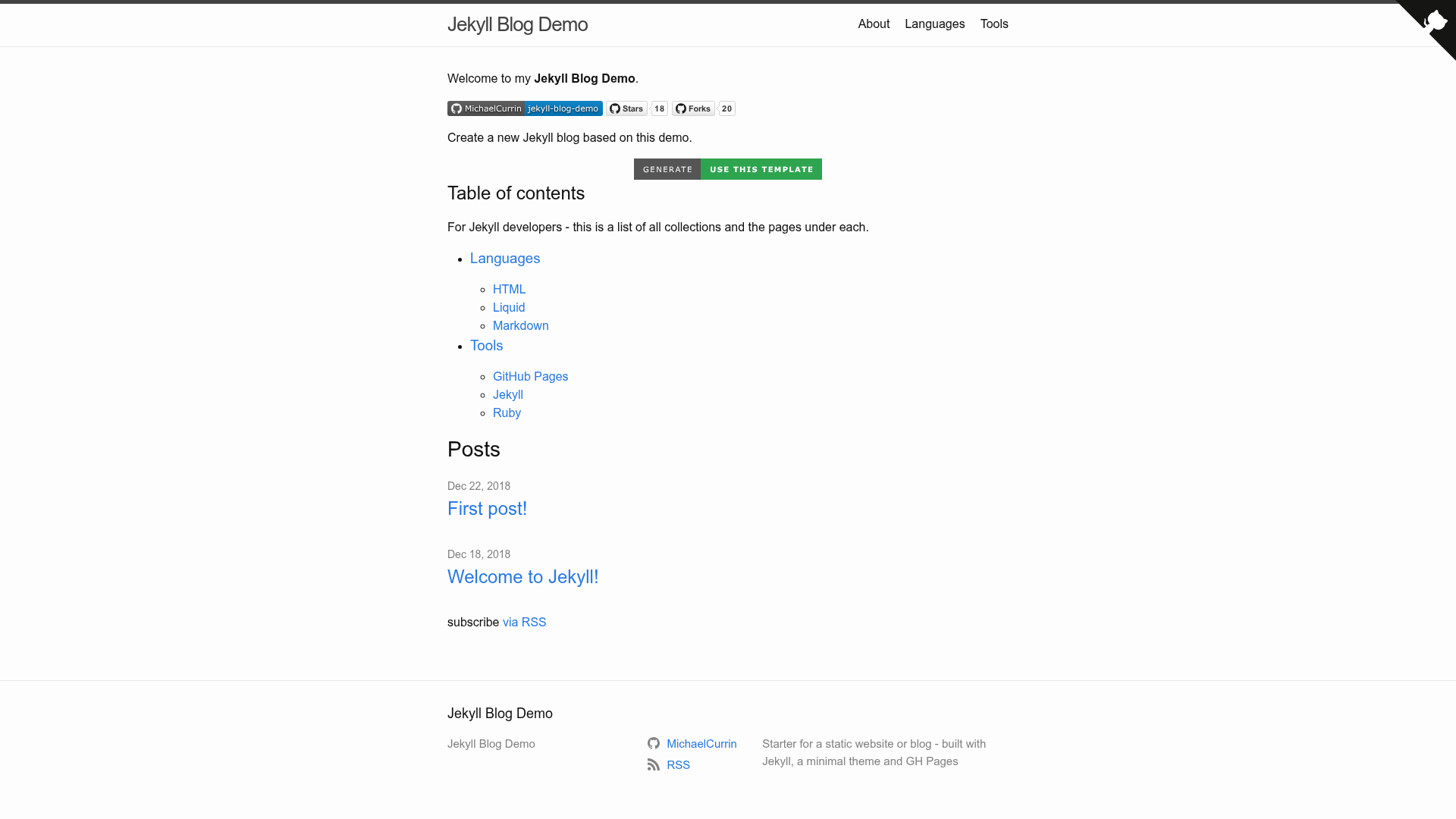
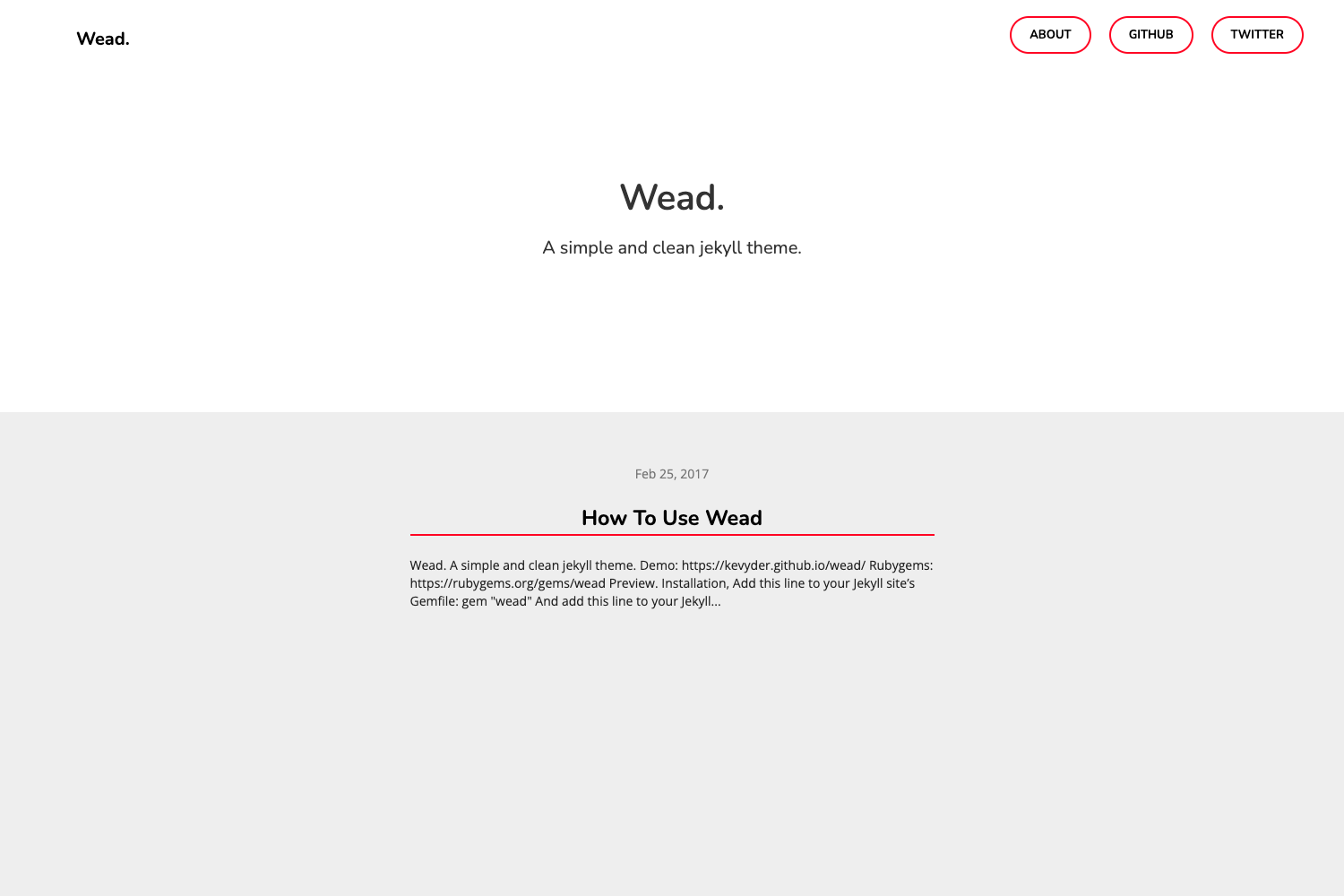
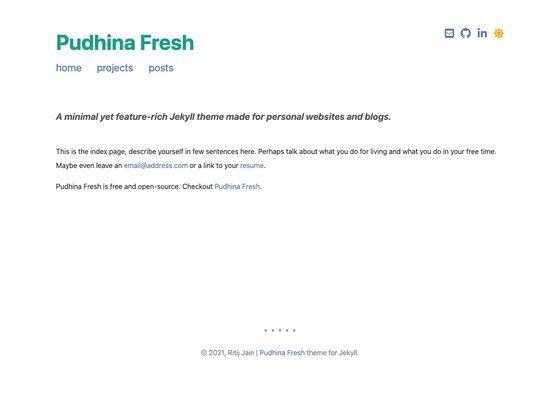
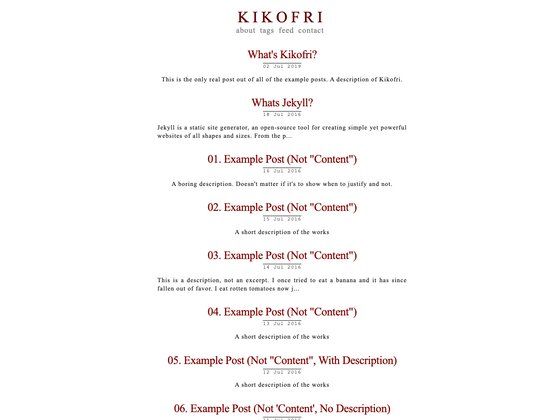
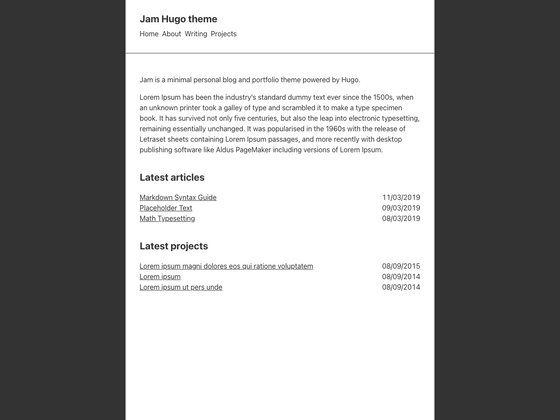
Jekyll Blog Demo is a GitHub template that scaffolds a static blog or website using Jekyll 3.9, the Minima 2.5 theme, and GitHub Pages hosting.
What is Jekyll Blog Demo?
Jekyll Blog Demo is a starter template for building a static website or blog with Jekyll, a Ruby-based static site generator. It takes Markdown content and a configuration file as inputs and produces a fully static website ready to deploy on GitHub Pages. The template includes the Minima theme, Jekyll 3.9, and requires Ruby version 2.6 or higher. It was created by Michael Currin and is released under the MIT license.
What makes Jekyll Blog Demo stand out?
- GitHub Pages ready — The template is pre-configured to deploy directly to GitHub Pages, with a live demo site linked from the repository page.
- SEO and feed support — Includes
sitemap.xmlandrobots.txtgenerated by thejekyll-sitemapplugin, plus an Atom feed at/feed.xmlfromjekyll-feed. - Minimal theme — Uses Minima 2.5, Jekyll's default theme, for a clean and responsive layout out of the box.
- One-click template generation — A "Use this template" button on GitHub lets you create a new repository with the same structure in a single step.
- Documentation included — A
/docs/directory provides project documentation covering installation, configuration, and local development. - MIT licensed — Released under the MIT license, allowing free reuse, modification, and distribution.
- Simple customization — To personalize the site, you only need to set your own
urlandbaseurlvalues in the Jekyll config file.
Who should use Jekyll Blog Demo?
- Developers starting a blog — Use the template to spin up a minimal blog hosted on GitHub Pages without configuring a full site from scratch.
- Open-source maintainers — Create a project documentation site or changelog page using the same static site structure.
- Static site beginners — Learn how Jekyll organizes layouts, posts, and configuration by exploring a working example.
What can you do with Jekyll Blog Demo?
- Publish a personal blog: Write posts in Markdown and push to GitHub to have them rendered as static HTML pages automatically.
- Create a lightweight project site: Use the built-in sitemap, feed, and robots.txt to make your content discoverable by search engines and feed readers.
- Rapid prototyping: Generate a new GitHub repository from the template and customize the config for a quick static site experiment.
How does Jekyll Blog Demo work?
Start by clicking "Use this template" on the GitHub repository page to create your own copy. Next, edit the _config.yml file with your site's url and baseurl values. Then either run the site locally with Ruby and Jekyll installed, or push the repository to GitHub and let GitHub Pages build and host it automatically. The included documentation walks through these steps in detail.
Pricing
Free — the template is open source under the MIT license.
FAQ
Is Jekyll Blog Demo free?
Yes, the template is completely free to use. It is open source under the MIT license, so you can use, modify, and redistribute it without restrictions.
What technologies does Jekyll Blog Demo use?
It uses Jekyll 3.9, the Minima 2.5 theme, and requires Ruby version 2.6 or higher. The site is hosted on GitHub Pages and uses the jekyll-sitemap and jekyll-feed plugins for SEO and syndication.
How do I deploy my site with this template?
After generating a repository from the template, set your custom url and baseurl in _config.yml. Then push your content to GitHub and enable GitHub Pages for the repository; GitHub Pages will automatically build and serve the static site.
Does the template include an RSS feed?
Yes, the template includes an Atom feed at /feed.xml, generated by the jekyll-feed plugin. This feed allows readers to subscribe to your blog posts using their favorite feed reader.