Template details
Gatsby Starter Quiet
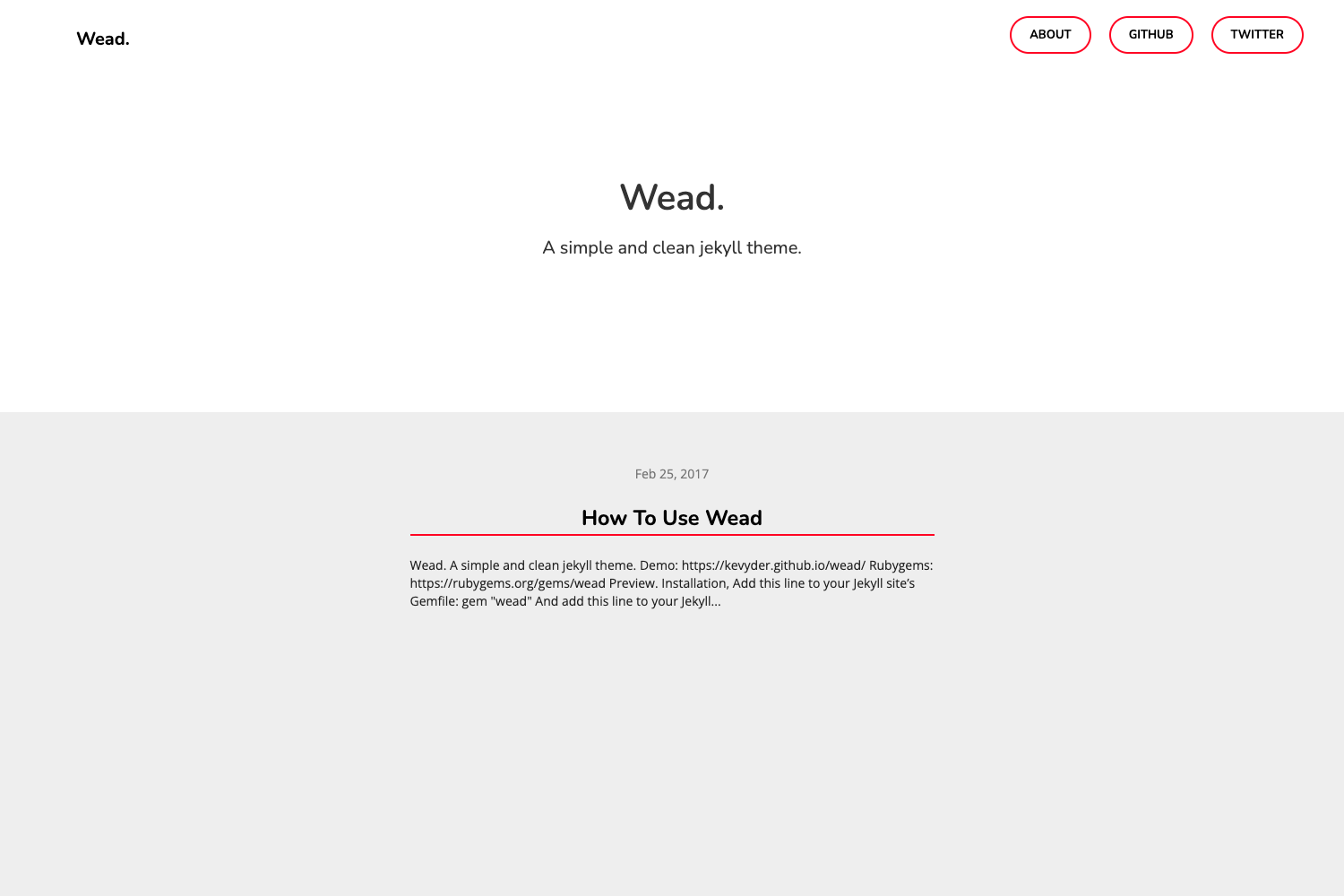
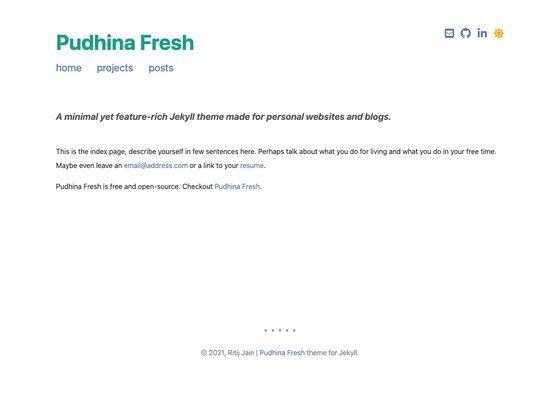
A Gatsby blog starter with TypeScript, system theme switching, RSS, SCSS, and custom theme support.
About this template
Gatsby Starter Quiet is a blog boilerplate for the static site generator Gatsby that converts Markdown posts into a production-ready blog with TypeScript, system dark-mode support, RSS, and automated deployment workflows. It is built on React and Gatsby, styled with SCSS, and configured through a YAML file that lets you switch between two built-in layout templates.
What is Gatsby Starter Quiet?
Gatsby Starter Quiet is a starter project that gives you a complete blog structure: source files in src, Markdown content in posts, and configuration files such as gatsby-config.js, gatsby-node.js, and gatsby-ssr.js. It accepts Markdown files as input and outputs a static blog with pages for post lists, post details, and tags, plus a sitemap at /site.xml and an RSS feed at /feed.xml. The project is authored by zhouyuexie and published to GitHub, and it includes TypeScript and SCSS configurations out of the box.
Key Features
- System theme switching — Uses CSS3 media queries to automatically switch to dark mode when the visitor's operating system is in dark mode.
- TypeScript support — Core code is written in TypeScript, with
tsconfig.jsonandtslint.jsonincluded for type checking and linting. - RSS and sitemap — Automatically generates an RSS feed and an XML sitemap for content syndication and SEO.
- SCSS styling — Stylesheets are written in SCSS, and the theme can be changed by loading a different layout template.
- Markdown drafts — Markdown files can be marked as drafts, and they will not appear in the production build.
- Markdown image lazy loading — Images referenced in Markdown posts are lazy loaded to improve performance.
- Travis CI integration — Includes
generate_rsa.shand.travis.ymlto set up continuous build and automatic deployment. - Custom fonts and icons — Bundles FiraCode for code blocks and FontAwesome for icons.
Who is it for?
- Personal bloggers who want a fast static blog and don't want to assemble a Gatsby setup from scratch.
- TypeScript developers who need a working TypeScript + Gatsby configuration with linting and commit message checks.
- Deployment-minded teams that want built-in Travis CI integration and a deploy script to push the built site to a server.
- Theme designers interested in building custom Gatsby blog layouts using the provided template-switching mechanism.
What can you do with it?
- Launch a blog quickly — Run
gatsby new my-blog-starter https://github.com/zhouyuexie/gatsby-starter-quiet, thengatsby devto start editing posts athttp://localhost:8000. - Deploy to your own server — Edit
deploy.shwith server details and runyarn deploy, or configure Travis CI for push-triggered deployment. - Switch layouts without coding — Set
activeLayouttosampleinsrc/data/config.ymlto use the alternative sample layout for list pages. - Maintain code quality — Use the bundled commitlint setup to enforce conventional commit messages in your team.
How does it work?
Start by creating a new Gatsby project with the gatsby new CLI command and this repository's URL. The development server at http://localhost:8000 provides hot reload for editing templates and posts. Production builds run with yarn build, outputting everything to a public/ folder. The optional yarn local command serves a production-like build locally without hot reload.