Template details
Kikofri
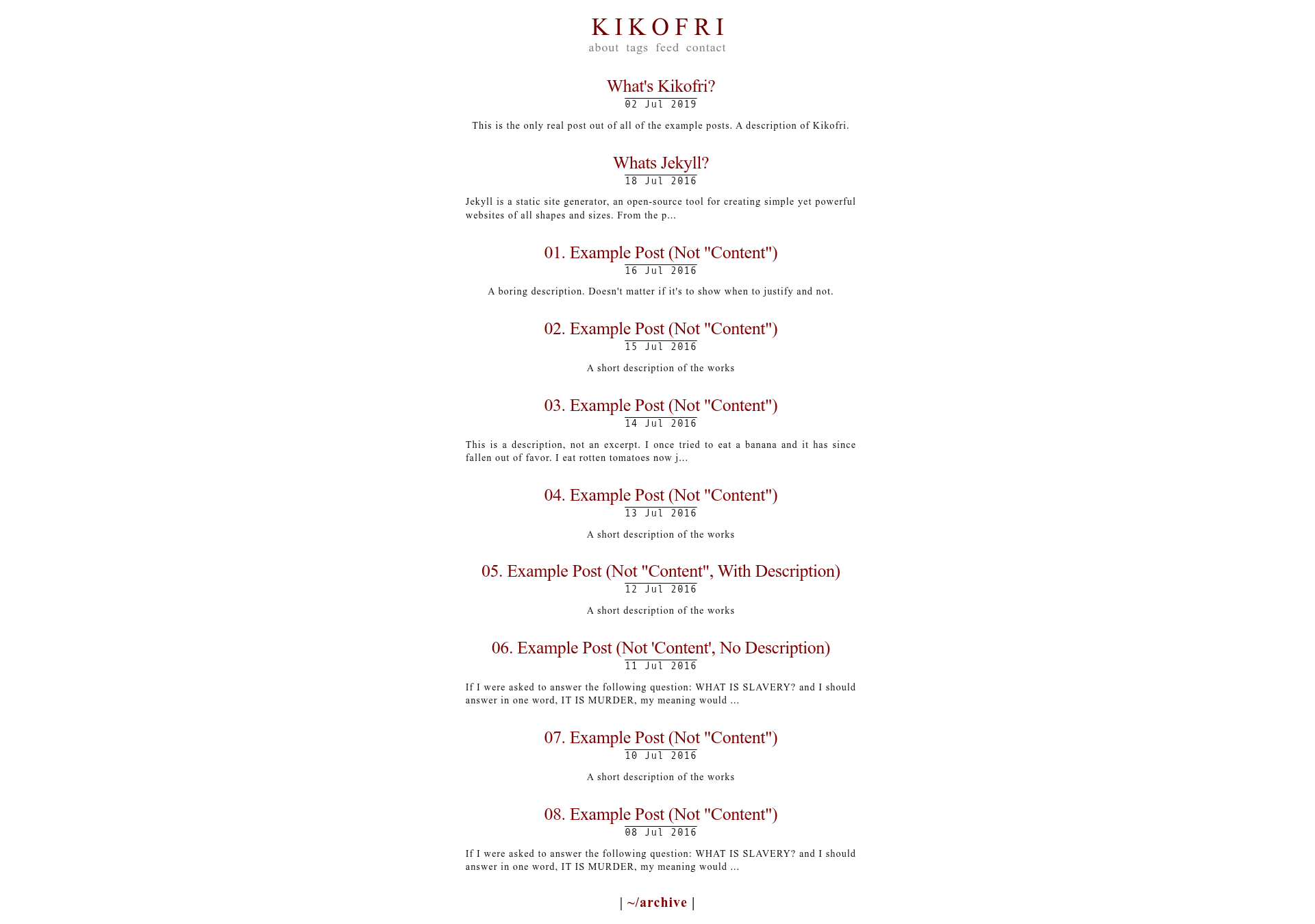
A minimal Jekyll theme forked from Kiko, designed to be ugly and old-school, with liquid micros and case-based tag sorting.
About this template
Kikofri is a minimal, deliberately ugly Jekyll theme forked from the Kiko theme, built for static blogs and personal sites that run on Jekyll and GitHub Pages.
What is Kikofri?
Kikofri is a Jekyll theme created by kxxvii as a fork of the Kiko theme. It takes standard Jekyll site content — posts, pages, and front matter — and renders a bare-bones, old-school HTML site with no JavaScript framework and no CSS framework. The theme is released under the Apache License 2.0 and is intended for developers who want a foundation to hack on rather than a polished product.
Key Features
- Fork of Kiko — Kikofri inherits the Kiko theme's structure and then strips it down further; the README describes it as "an assortment of hacks filtered through web-design choices from the turn of the millennium."
- Micros liquid tweaks — A custom liquid syntax,
µ#[link][reference]#µ, creates Wikipedia-style references without extra plugins; the author calls these "micros." - Case-based tag sorting — Posts' front-matter tags are sorted under /tags by the case of the first letter: uppercase sorts first, lowercase sorts last, and consistent case gives alphabetical order.
- Minimal setup — Run locally with
jekyll safter cloning, or deploy to GitHub Pages by addinggh-pagesto the Gemfile. - Simple customization — Change the site name and navigation in
_config.yml, editabout.md, and create posts with front matter fields liketitle,description,author, andlayout. - Strict line-length contribution rule — Contributors are asked to keep lines to 79 characters, following PEP 8 recommendations, and to "keep it ugly."
Who is it for?
- Jekyll users who want a no-frills starting point for a static site and are comfortable editing liquid templates and configuration files.
- Bloggers with a retro or anti-design aesthetic who prefer a deliberately ugly, old-school look over modern template-driven layouts.
- Theme tinkerers who like to fork and modify open-source themes; the Apache 2.0 license permits reuse and modification.
What can you do with Kikofri?
- Launch a personal blog — Add posts as Markdown files under
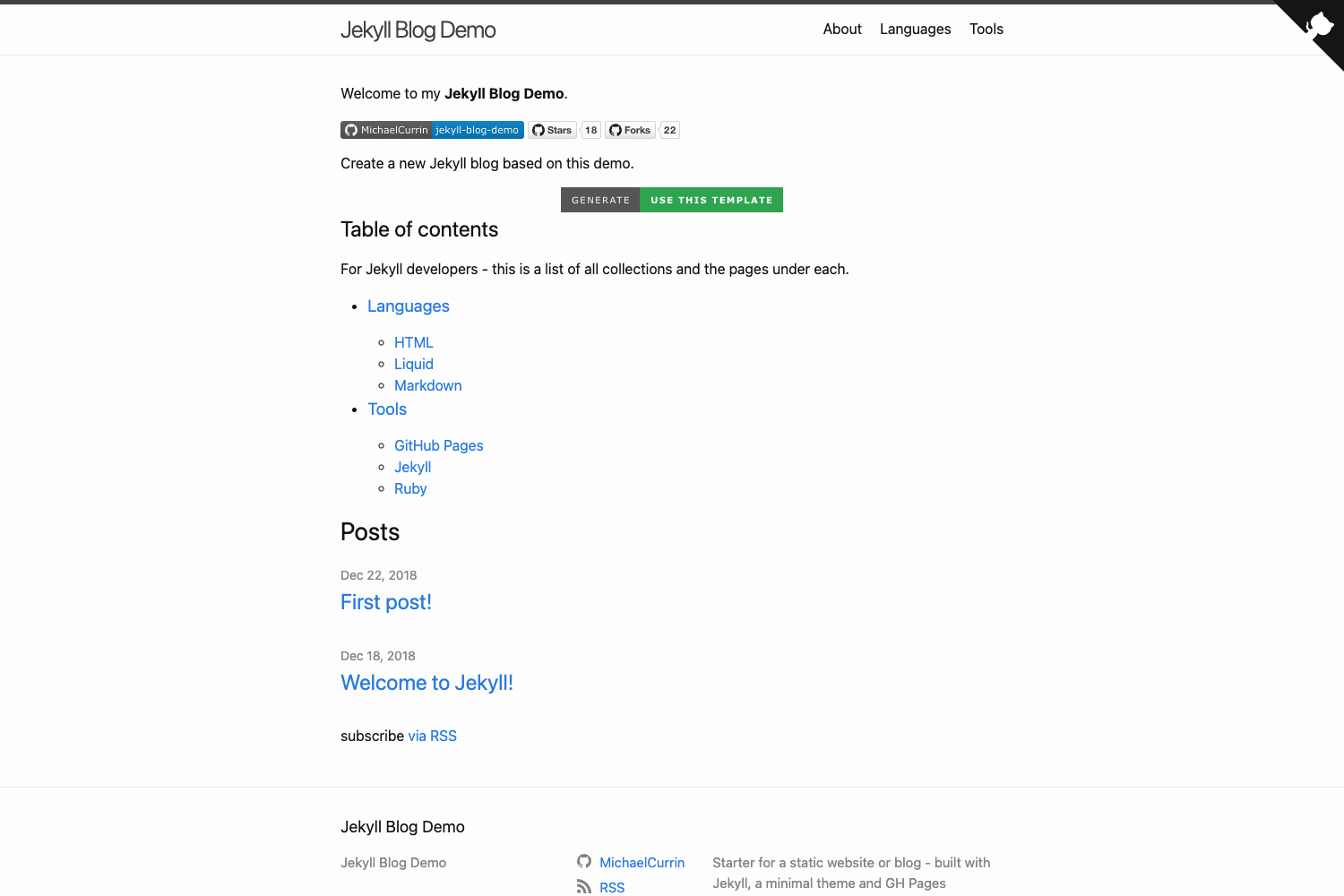
_postswith front matter, and the theme renders them as a list with descriptions. - Build a GitHub Pages site — Push the theme to a GitHub repository, add
gh-pagesto the Gemfile, and get a live static site from thegh-pagesbranch. - Experiment with liquid hacks — Use the built-in micros syntax and tag sorting to create a custom reference system without installing additional plugins.
How does Kikofri work?
- Fork or clone the repository.
- Run
jekyll sto start the local development server. - If that fails, follow the "General pointers" in the README, including consulting Jekyll's documentation.
- Edit
_config.ymlfor site name and navigation, updateabout.md, and delete example posts and images. - Create posts under
_postswith the required front matter (e.g.,title,description,author,layout).
FAQ
Is Kikofri free?
Yes, Kikofri is open source and released under the Apache License 2.0. You can use, modify, and distribute it, including for commercial projects, as long as you retain the original copyright notice.
How do I install Kikofri?
Fork or clone the repository from GitHub, then run jekyll s to serve it locally. For GitHub Pages deployment, add gh-pages to your Gemfile and follow Jekyll's standard GitHub Pages setup.
Does Kikofri support tags?
Yes, tags are supported. The theme categorizes posts under /tags, and sorting is controlled by the case of the first letter of each tag in the post's front matter: uppercase for top placement, lowercase for bottom, and consistent case for alphabetical order.
Can I customize the look of Kikofri?
Yes. The README explains that you can change the site name and navigation in _config.yml, modify about.md, and remove example content. However, the theme deliberately has no CSS framework or UI kit, so visual changes require editing the bundled stylesheet or templates manually.