Template details
New Will
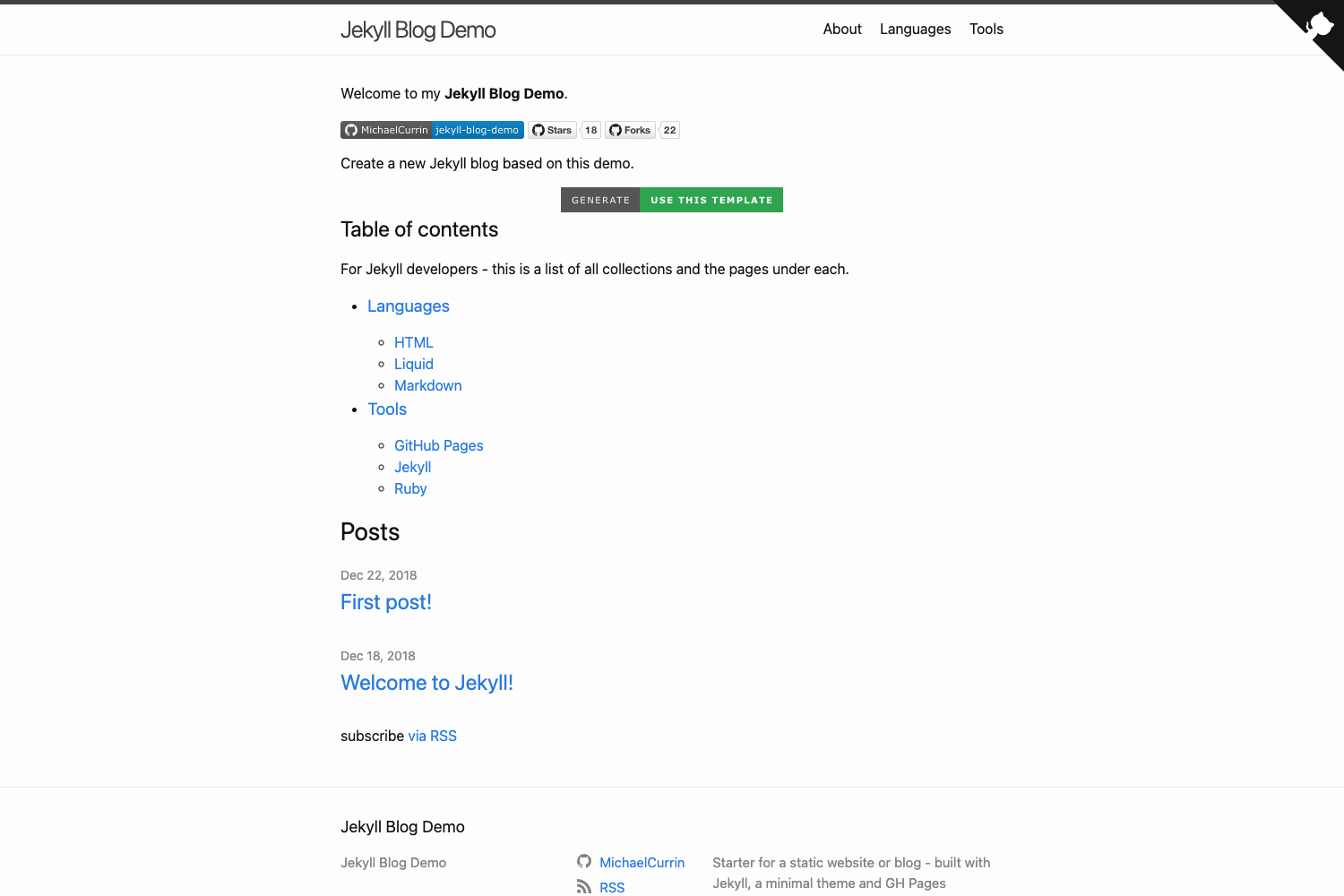
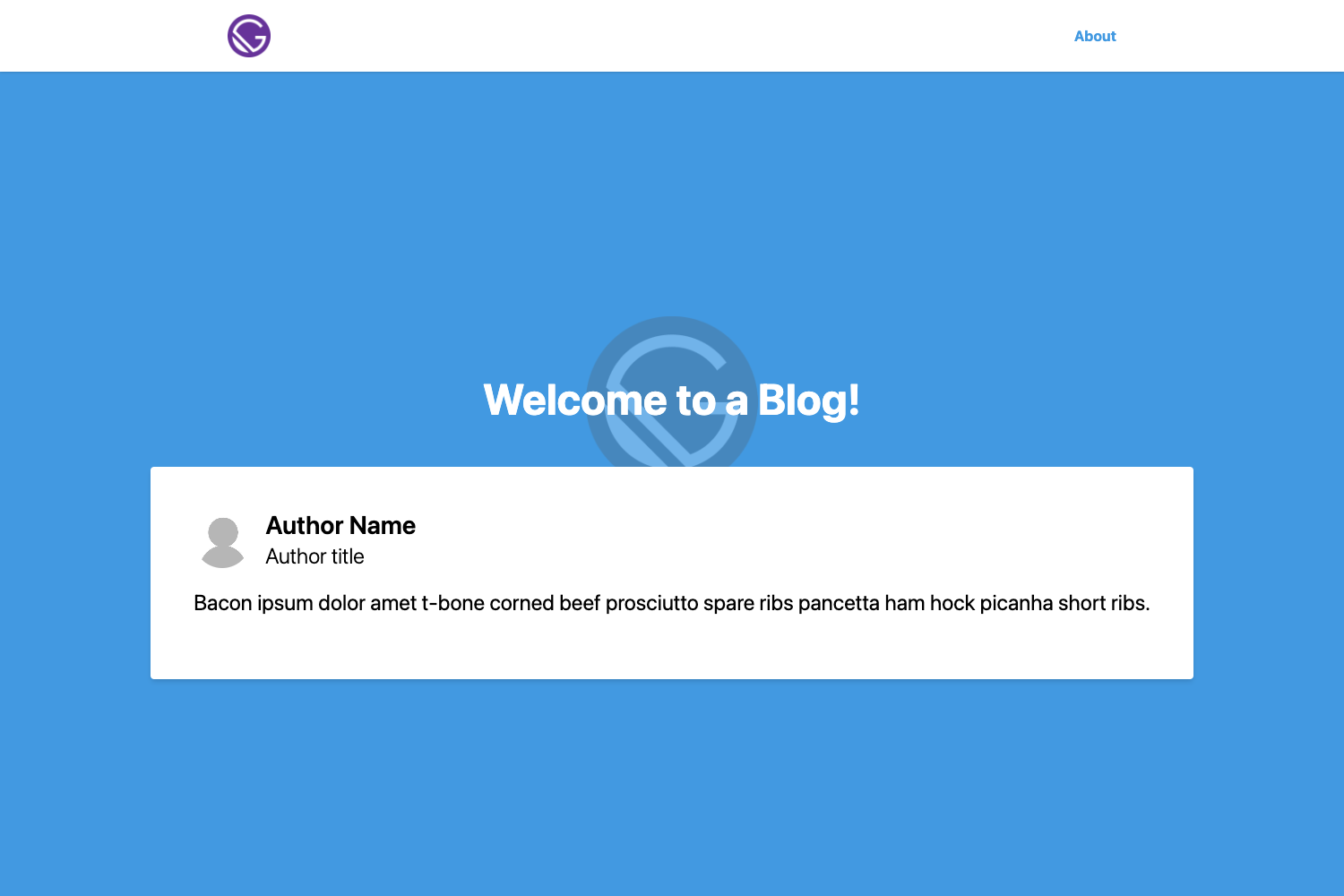
A clean and simple Jekyll blog theme
About this template
New Will is a clean and simple Jekyll blog theme, forked from willianjusten's will-jekyll-template after the original project stopped being maintained, and extended with additional JavaScript tools. The theme is built for Linux and macOS; the project's README explicitly states that Windows setup instructions are not provided. It turns Jekyll markdown posts and YAML configuration into a static blog with search, categorized post lists, and a Gulp-based build pipeline.
What is New Will?
New Will is a Jekyll blog theme that takes Jekyll markdown files from the _posts/ directory and configuration from _config.yml as input, and produces a static blog site as output. The template runs on the Jekyll static site generator and uses Gulp for building and live-reloading during development. The project is a fork of willianjusten's will-jekyll-template, with the fork adding JavaScript tooling and maintenance after the original repository stopped receiving updates.
Key Features
- Gulp-based build system — Uses Gulp (pinned to version 3.9.1 to avoid errors) to build the site, install dependencies via npm, and automatically open the blog in a browser during development.
- Built-in search — Integrates simpleJekyllSearch via src/js/simpleJekyllSearch.js, which requires the search.json file to be served at a URL matching the user's GitHub Pages domain.
- Post scaffolding script — Provides initpost.sh to generate a new post as a markdown file in _posts/ with a date-based filename (YYYY-MM-DD-post-title.md) and front matter templates for title, date, image, description, tags, categories, and twitter_text.
- Customizable theme colors — Stores color variables and responsive breakpoints in src/styl/_variables.styl (Stylus), letting users change the main color, hover color, background, text color, and code highlight color before building.
- Author photo and favicon replacement — The author photo is set by replacing assets/img/blog-author.jpg with a file of the same name (recommended under 500x500 pixels), and the blog favicon is swapped via assets/icons/favico.ico and favico-16x16.ico.
- Footer credit edit — The _includes/footer.html file includes a link to the site owner's GitHub profile, which can be changed by editing line 2.
- About page — about.html must be edited manually and requires basic HTML knowledge.
Who is it for?
New Will is aimed at developers and bloggers who already have Ruby and Jekyll installed or are willing to install them, since setup requires Ruby, the Jekyll gem, NPM, and Gulp. It suits people who want a minimal, self-hosted blog on GitHub Pages and who are comfortable editing Stylus variables, HTML includes, and configuration files. The theme is also a starting point for Jekyll users who want to study a working theme that combines Jekyll with Gulp and simpleJekyllSearch, or who need a maintained fork of the abandoned will-jekyll-template.
What can you do with New Will?
- Personal bloggers on GitHub Pages: Configure _config.yml with your site title, URL, and social links, then publish a static blog under your GitHub account (the README references a deployment at https://t6y4sun.github.io).
- Developers wanting a searchable blog: Wire up simpleJekyllSearch by editing the JSON file URL so readers can search post content.
- Theme customizers: Edit src/styl/_variables.styl to change the color scheme and then run gulp to regenerate the site with the new palette.
How does New Will work?
New Will follows a standard Jekyll workflow with a Gulp wrapper. You install Ruby, Jekyll (via gem install jekyll), NPM, and Gulp 3.9.1 globally, then fill out _config.yml with site and user settings. To write a post, run . initpost.sh -c "title" to generate a markdown file in _posts/. Finally, run npm install followed by gulp; Gulp builds the site and opens the blog in a browser automatically.
FAQ
Is New Will free?
Yes. The repository is a fork of the open-source will-jekyll-template by willianjusten and carries the same licensing; you can use, modify, and redistribute it, and the README invites visitors to star the original project.
What are the system requirements for New Will?
You need Ruby, the Jekyll gem, NPM, and Gulp installed. The README installs Ruby via sudo apt install ruby on Linux or sudo brew install ruby on Mac, and requires Gulp to be exactly version 3.9.1 or lower, because newer Gulp versions cause errors.
Does New Will support Windows?
The README states that setup instructions are provided only for Linux and macOS, and that Windows instructions are currently not available. Windows users would need to adapt the shell commands themselves.
How do I change the theme's colors?
Open src/styl/_variables.styl and edit the Stylus variables such as main, hover, sec, lightGray, texts, and colorcode. Then rebuild the site with gulp; the changes are compiled into the generated CSS.
How do I add a new blog post?
Use the initpost.sh script: run . initpost.sh -c "Post Title" from the repository root. This creates a markdown file in _posts/ with the current date in the filename and a front matter block containing title, date, image, description, tags, categories, and twitter_text fields for you to complete.