Template details
Jekyll Directory
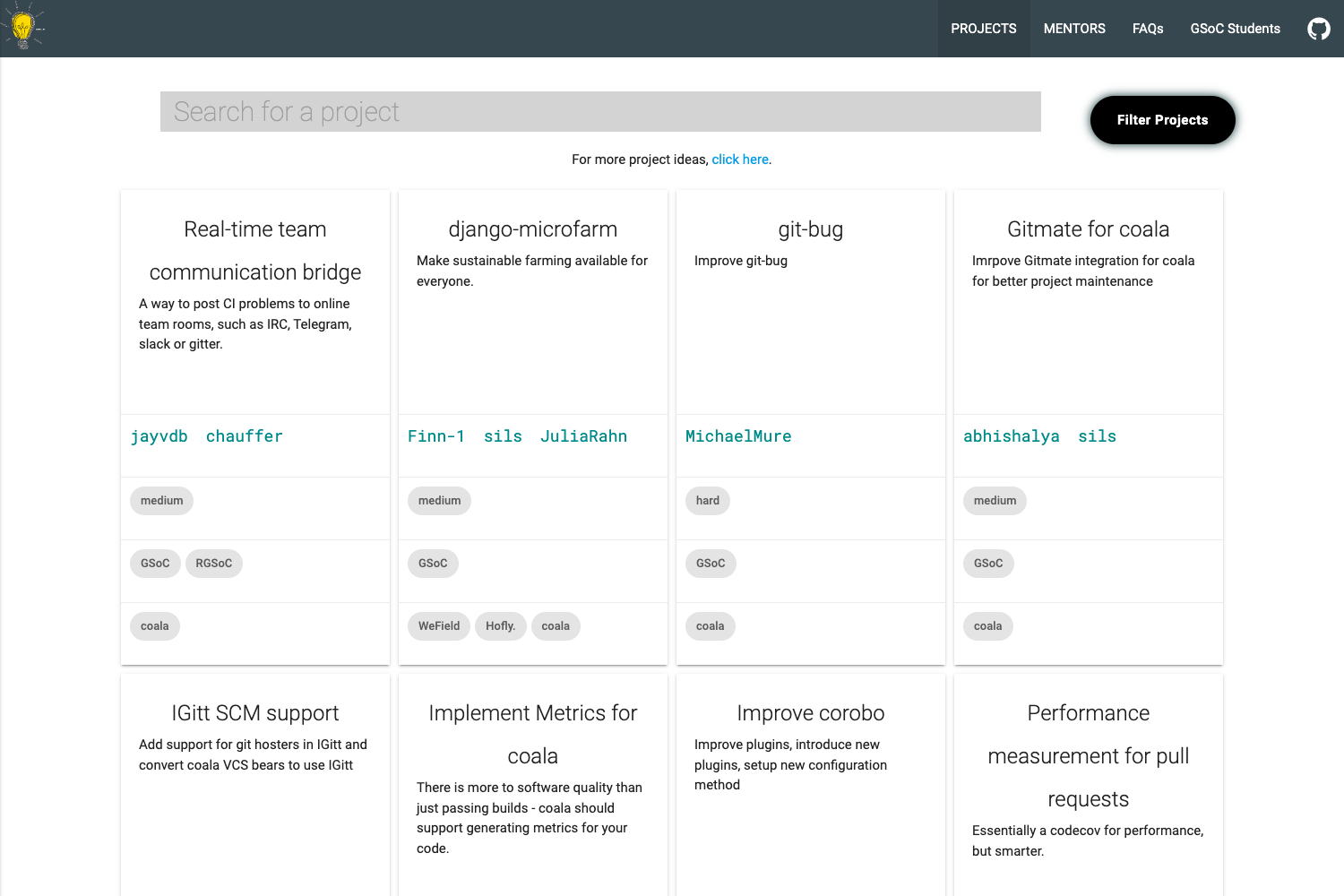
Community-driven directory for discovering Jekyll plugins and themes, built with Jekyll and accepting pull requests.
About this template
The Jekyll Directory is a community-maintained, Jekyll-powered website that proposes to be the central discovery hub for Jekyll plugins and themes, accepting contributions through GitHub pull requests.
What is the Jekyll Directory?
The Jekyll Directory is a static website built with Jekyll that serves as a proposal for a plugin and theme registry for the Jekyll ecosystem. It takes as input markdown files with YAML front-matter that describe each plugin or theme, and produces a browsable directory. The site is hosted on GitHub under the jekyll/plugins repository and is open-source. At present it is only a proposal, not an official Jekyll feature.
Key Features
- Jekyll-powered static site — The directory itself is built with Jekyll, meaning it compiles to plain HTML and can be hosted on GitHub Pages or any static host.
- PR-based contribution — New plugins and themes are added by forking the repository, creating a feature branch, adding a markdown file in
_pluginsor_themes, and submitting a pull request; the listing appears after the PR is merged. - Structured listing metadata — Each entry uses YAML front-matter with fields for title, description, author, git clone URL, and repository URL, making entries machine-readable.
- Gem-first philosophy — Plugins are expected to be distributed as RubyGems so Jekyll can autoload them, and themes are also encouraged to be gems so users can install and update them easily; Jekyll’s
new-themecommand scaffolds gem-based themes since v3.2. - CI integration — The repository includes a Travis CI build status badge, indicating automated build checks on pull requests.
- Organized folders — Two dedicated content folders,
_pluginsand_themes, keep the two listing types separate. - Community curation — Contributions are reviewed and merged by maintainers, ensuring quality and relevance.
- Open source — The source is available on GitHub, so anyone can propose changes or improvements.
Who is it for?
- Jekyll users — People building Jekyll sites who want to discover third-party plugins and themes to extend their projects.
- Plugin developers — Ruby developers who have built a Jekyll plugin and want a place to list it and reach a wider audience.
- Theme designers — Designers and developers who create Jekyll themes and want to distribute them as gems, with an easy way for users to find them.
- Community maintainers — Jekyll community members who want to help curate the plugin and theme ecosystem by reviewing submissions.
What can you do with the Jekyll Directory?
- Add a plugin listing — Fork the repo, add a markdown file such as
my-cool-plugin.markdownin_plugins, fill in front-matter fields like title, description, author, git, and repository, and submit a pull request. - Add a theme listing — Follow the same workflow in the
_themesfolder to list a theme with its gem details. - Browse the directory — Visit the site to find plugins and themes, each with a description and links to the source repository.
- Package as a gem — Use the guidance to convert existing plugins and themes into RubyGems, taking advantage of Jekyll's automatic plugin loading and the
jekyll new-themegenerator.
How does the Jekyll Directory work?
Contributing to the directory follows a straightforward GitHub workflow: fork the repository, create a feature branch named after the plugin or theme, add a new markdown file with YAML front-matter in the appropriate folder, and open a pull request. Once a maintainer merges the pull request, the listing is published on the site. There is no direct editing of the live site; all changes go through code review.
FAQ
Is the Jekyll Directory part of Jekyll itself?
No. The page explicitly states it is just a proposal and does not represent any functionality of Jekyll at present. It is a separate repository under the jekyll organization that aims to become an official directory in the future.
How do I add my plugin or theme to the directory?
Fork the repository, create a feature branch, add a markdown file in either _plugins or _themes, and fill in the required front-matter fields: title, description, author, git URL, and repository URL. Then submit a pull request to the repo; your entry is added after the PR is merged.
Do plugins and themes need to be RubyGems?
The project encourages it. Ruby-based plugins should be distributed as gems to simplify versioning and allow Jekyll to autoload them, which would eventually make the _plugins folder obsolete. Themes are also encouraged to be gems, and Jekyll provides the jekyll new-theme command to scaffold gem-based themes since v3.2.
Is the directory free to use?
Yes, the repository is open source and the site is generated with Jekyll. There is no mention of any paid tiers, usage fees, or premium listings; contributing and browsing are free.