Template details
vitepress-nav-template
VitePress-based personal frontend navigation template with built-in nav module, visitor stats, giscus comments, and dark/light mode.
About this template
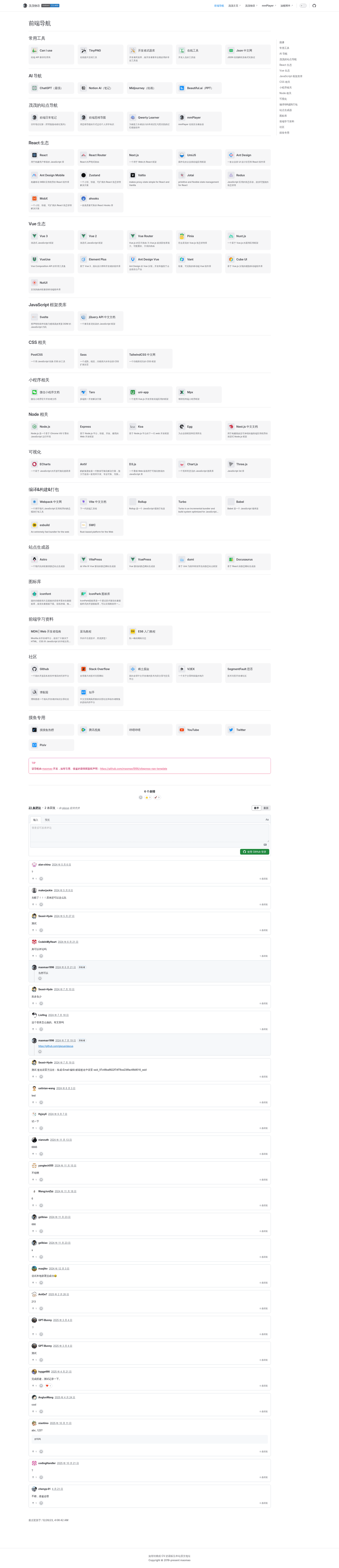
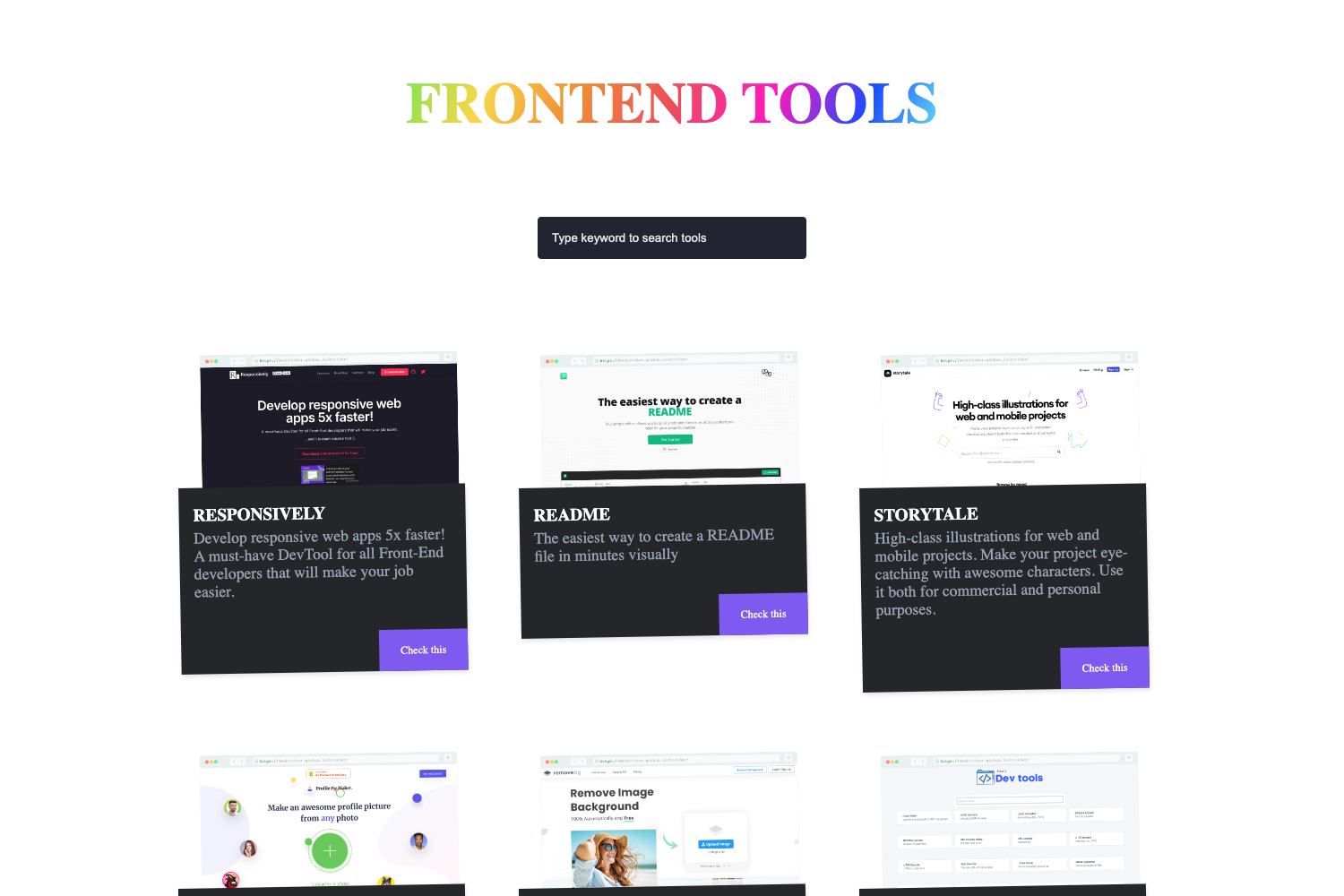
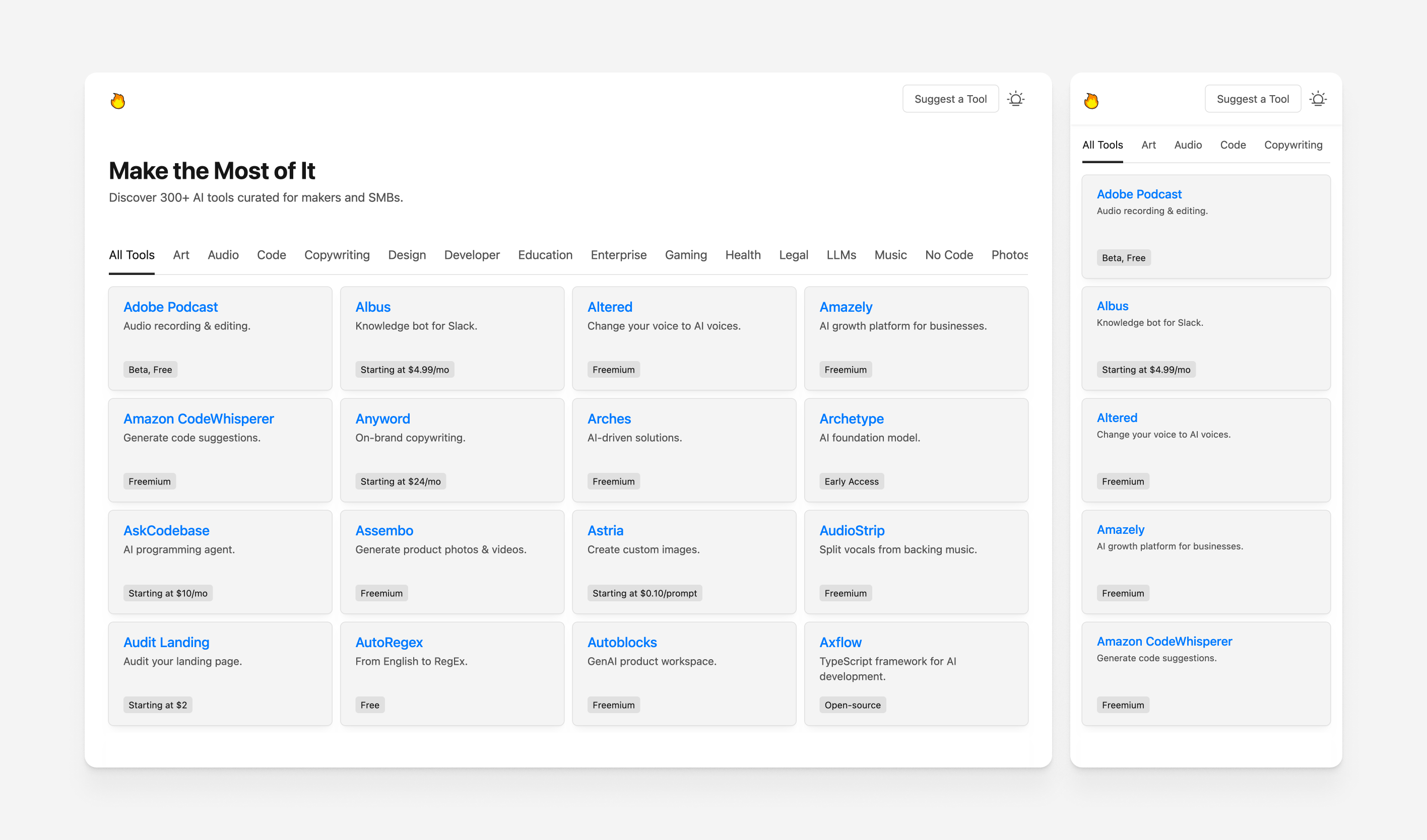
vitepress-nav-template is a VitePress-based personal frontend navigation page template that turns a simple config file into a link-collection website with built-in visitor statistics, giscus comment support, and dark/light mode.
What is vitepress-nav-template?
vitepress-nav-template is a static site template built on VitePress, the Vue-powered documentation site generator. It provides a ready-to-use frontend navigation module for curating and displaying links to tools, articles, and resources. You clone the repository, edit the navigation configuration, and run the build to produce a deployable static site. The project is maintained by maomao1996 and ships with Chinese as the default language, along with a base tutorial in guide.md and a link to the author's blog.
Key Features
- Ready-made navigation module — The template includes a prebuilt frontend navigation section so you can add links without building the page structure from scratch.
- Visitor statistics — Enable per-page view counts by setting a badgeId in the themeConfig.visitor section of docs/.vitepress/config.ts.
- giscus comments — Integrate GitHub Discussions-backed comments on any page by filling in the repo, repoId, category, and categoryId values in themeConfig.comment.
- Dark/light mode — Automatic color scheme switching is built in, matching the system preference.
- Tailwind CSS support — Tailwind is wired into the template for utility-first styling of custom components.
- Vue example source viewer — Uses vite-plugin-markdown-preview to display Vue component source code directly in markdown pages.
- GitHub Pages deployment — Includes a GitHub Actions workflow that builds the site and publishes to the gh-pages branch; also supports custom domains via an APP_BASE_PATH variable.
- layout-class helper — A layout-class option simplifies adding custom styles without overriding the default layout.
Who is it for?
- Frontend developers who want a personal, searchable hub for the tools, docs, and libraries they use daily.
- Technical bloggers who need a navigation or resource page alongside their VitePress-powered blog or documentation site.
- Open-source maintainers who want to showcase a curated list of community resources with discussion enabled per entry.
What can you do with it?
- Build a personal link hub: Collect your favorite frontend websites, APIs, and cheat sheets into one clean navigation page with category sections.
- Add community discussions: Attach a giscus-comment-enabled page to each link or category so readers can suggest additions or share notes.
- Deploy a resource directory: Use the template as a lightweight directory for your audience, then deploy it to Netlify, Vercel, or Cloudflare Pages with a single build command.
How does it work?
To start locally, install Node.js 20 or higher, run corepack enable, then pnpm install and pnpm dev, and open http://localhost:8732. For production, set the build command to npm run build and the output directory to dist on your hosting provider; for GitHub Pages, enable Actions and select the gh-pages branch in the Pages settings.
FAQ
How do I enable visitor statistics on my VitePress nav site?
Open docs/.vitepress/config.ts and add a visitor object under themeConfig with a badgeId string, for example 'yourname.your-template'. Each page view will then be counted and the badge prefix will be used for individual pages.
How do I set up giscus comments?
Generate your giscus configuration at giscus.app, then fill in the repo, repoId, category, and categoryId values under themeConfig.comment. To disable comments on a specific page, add comment: false to that page's frontmatter.
Can I use a custom domain with GitHub Pages?
Yes. When using a custom domain, modify the APP_BASE_PATH variable in .github/workflows/deploy.yml to "/" so asset paths resolve correctly, then point your domain to the Pages site.
What Node.js version is required?
The project recommends Node.js version 20 or higher. Both the local development workflow via corepack and the CI/build process on Netlify, Vercel, and Cloudflare Pages assume this version.
Is this template free?
Yes, the template is publicly available on GitHub and free to use, with the request that you preserve the copyright notice to the original author maomao1996 if you reuse or adapt the navigation module.