Template details
jekyll-ga
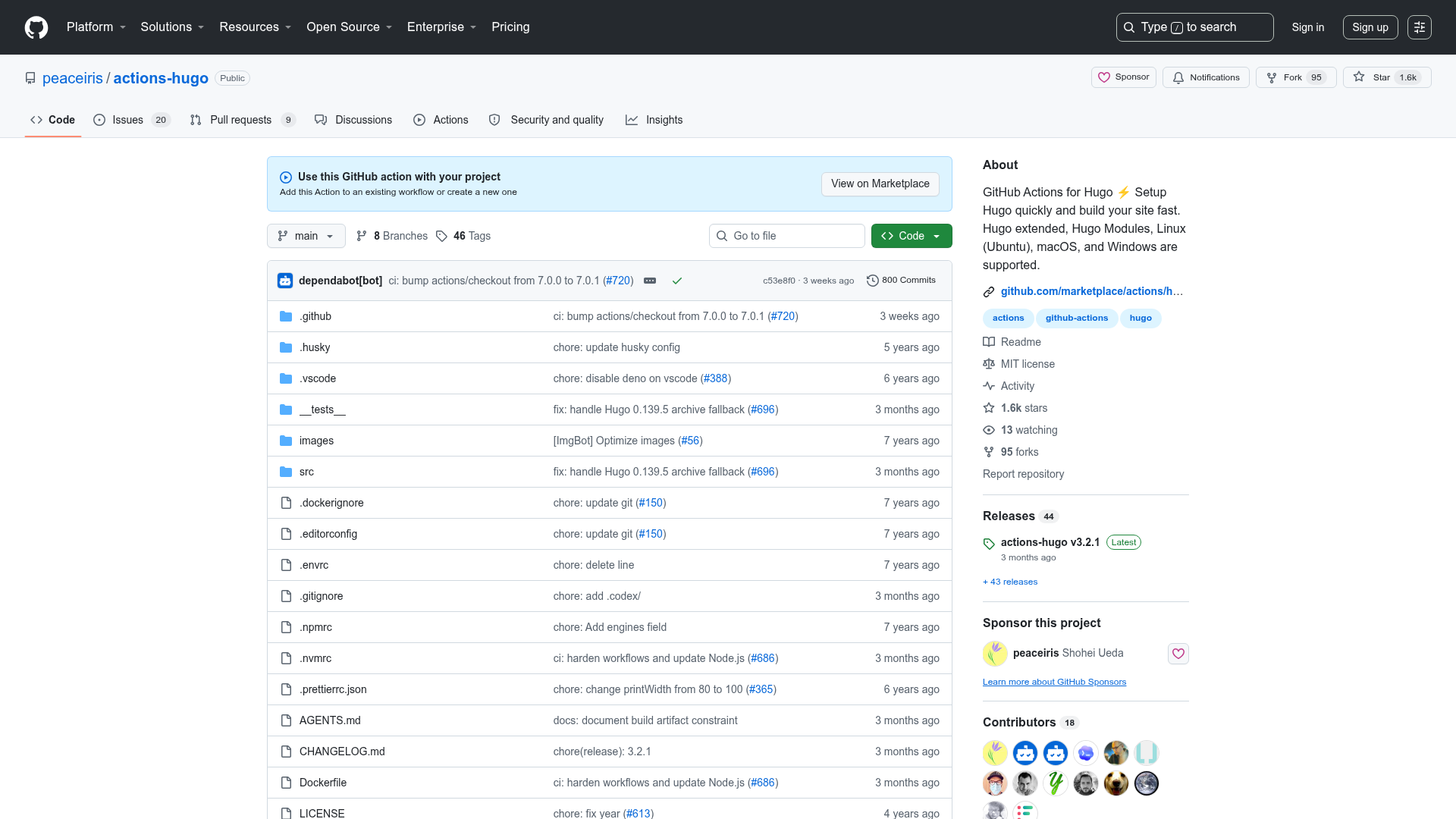
A Jekyll plugin that downloads Google Analytics data for each post and enables sorting by pageviews or visits.
About this template
jekyll-ga is an open-source Jekyll plugin that downloads Google Analytics data and attaches the configured metric to every post's metadata as post._ga, enabling popularity-based sorting and display in any Jekyll site.
What is jekyll-ga?
jekyll-ga is a Jekyll plugin that connects to the Google Analytics API, retrieves a single metric over a configurable date range, and stores that value on each post's metadata. It requires a Google Analytics service account, a private key file, and a profile ID, all specified in a jekyll_ga block in _config.yml. The plugin runs during the Jekyll build process, and the resulting post._ga value can be printed in Liquid templates or used to reorder posts. It is distributed as a single Ruby file named jekyll-ga.rb that is copied into a site's /_plugins/ directory, and it depends on the chronic and google-api-client Ruby gems.
Key Features
- Post metadata injection — The Google Analytics metric is exposed as
post._gaon every post, ready to be rendered in Liquid templates. - Configurable sorting — Setting
sort: trueorders posts by the metric value first and then reverse-chronologically, replacing the default date ordering. - Flexible date ranges —
startandendare parsed by the Chronic gem, accepting natural phrases likenow,yesterday,last month, or2 weeks ago. - Custom metrics — Any Google Analytics metric (for example
ga:pageviewsorga:visits) can be used, with the dimension always set toga:pagePath. - Optional query filters —
segmentandfiltersparameters can be added to the API request to narrow down the data. - Jekyll-Sort integration — When
sortis disabled, the_gametric can be used with the Jekyll-Sort plugin to build a separatesite.posts_popularcollection. - Simple configuration — All settings live in a single
jekyll_gablock in_config.yml, covering credentials, profile, date range, metric, and sort options.
Who is it for?
- Blog authors who want to surface their most popular posts by attaching pageview counts to each post's metadata.
- Content curators who need a "popular posts" or "trending" section sorted by Google Analytics metrics rather than publication date.
- Jekyll site developers who want to integrate analytics data into templates or build custom archives without manually exporting CSV data from Google Analytics.
What can you do with jekyll-ga?
- Build a most-read list: Sort posts by
ga:pageviewsand output them as asite.posts_popularlist using Jekyll-Sort, while keeping the main blog in chronological order. - Show pageview counts on each post: Print
post._gain a template to display the metric beside titles, tags, or excerpts. - Filter by segments or filters: Use the optional
segmentandfilterskeys to analyze a subset of traffic, such as a specific channel or landing page.
How does jekyll-ga work?
The plugin runs inside the Jekyll build and requires a Google Analytics service account. Setup involves installing the chronic and google-api-client gems, copying jekyll-ga.rb into /_plugins/, creating a service account in the Google API console, downloading the private key, and adding the service account email as a user in Google Analytics. After filling in the jekyll_ga configuration block in _config.yml, the plugin queries the Analytics API with the specified profile ID, date range, metric, and optional filters, assigns the response value to each matching post path, and attaches it as _ga.
Pros and cons
- Pros: Adds live analytics data directly into Jekyll's data model; sorting order is controllable with one flag; uses standard Google Analytics metrics and dimensions.
- Cons: Only verified against Jekyll 0.12.0 and Ruby 1.8.7, so compatibility with newer versions is unproven; requires manual Google service account setup and storing a private key file; only one metric can be fetched per build, and the dimension is fixed to
ga:pagePath.
FAQ
How do I find my Google Analytics profileID?
Go to the Google Analytics report page and look at the URL. The number after the p near the end of the URL is the profileID you add to the jekyll_ga configuration block.
What metrics can I use with jekyll-ga?
You can use any single Google Analytics metric, such as ga:pageviews or ga:visits. The dimension is always ga:pagePath. Google's Query Explorer is recommended for experimenting with available metrics.
Does jekyll-ga work with newer Jekyll versions?
The plugin is only tested with Jekyll 0.12.0 and Ruby 1.8.7, and compatibility with other versions is not guaranteed, though it may work.
Can I use jekyll-ga with Jekyll-Sort?
Yes. Set sort: false in the jekyll_ga configuration and define a Jekyll-Sort rule that sorts posts by the _ga key, creating a separate site.posts_popular list.