Template details
Jekyll Kieta Theme
Clean knowledge sharing jekyll theme
About this template
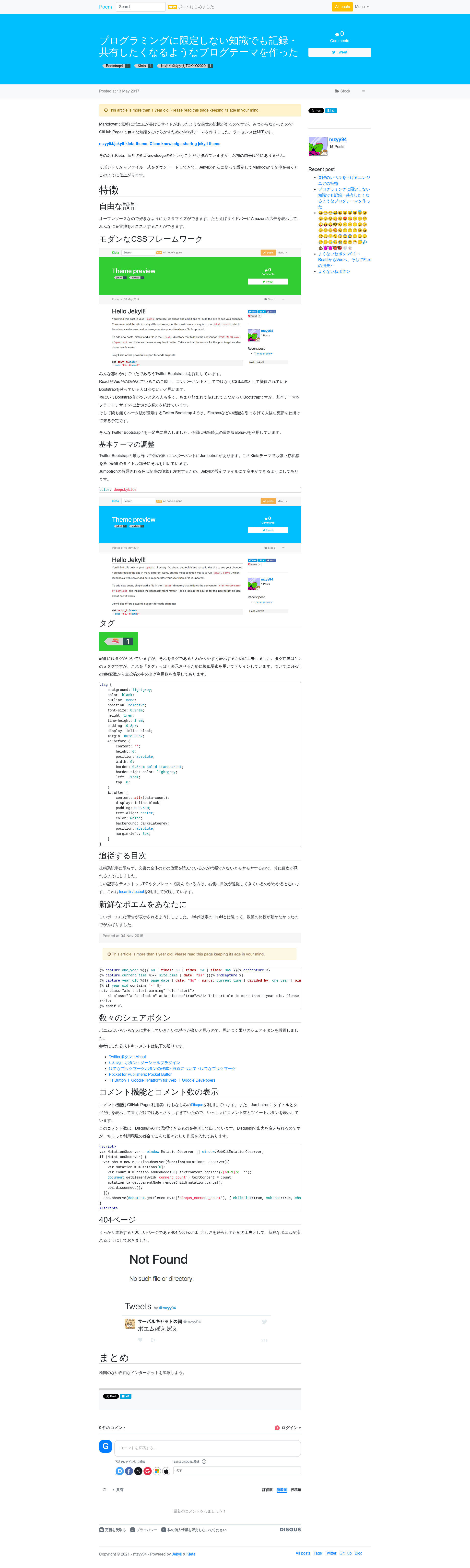
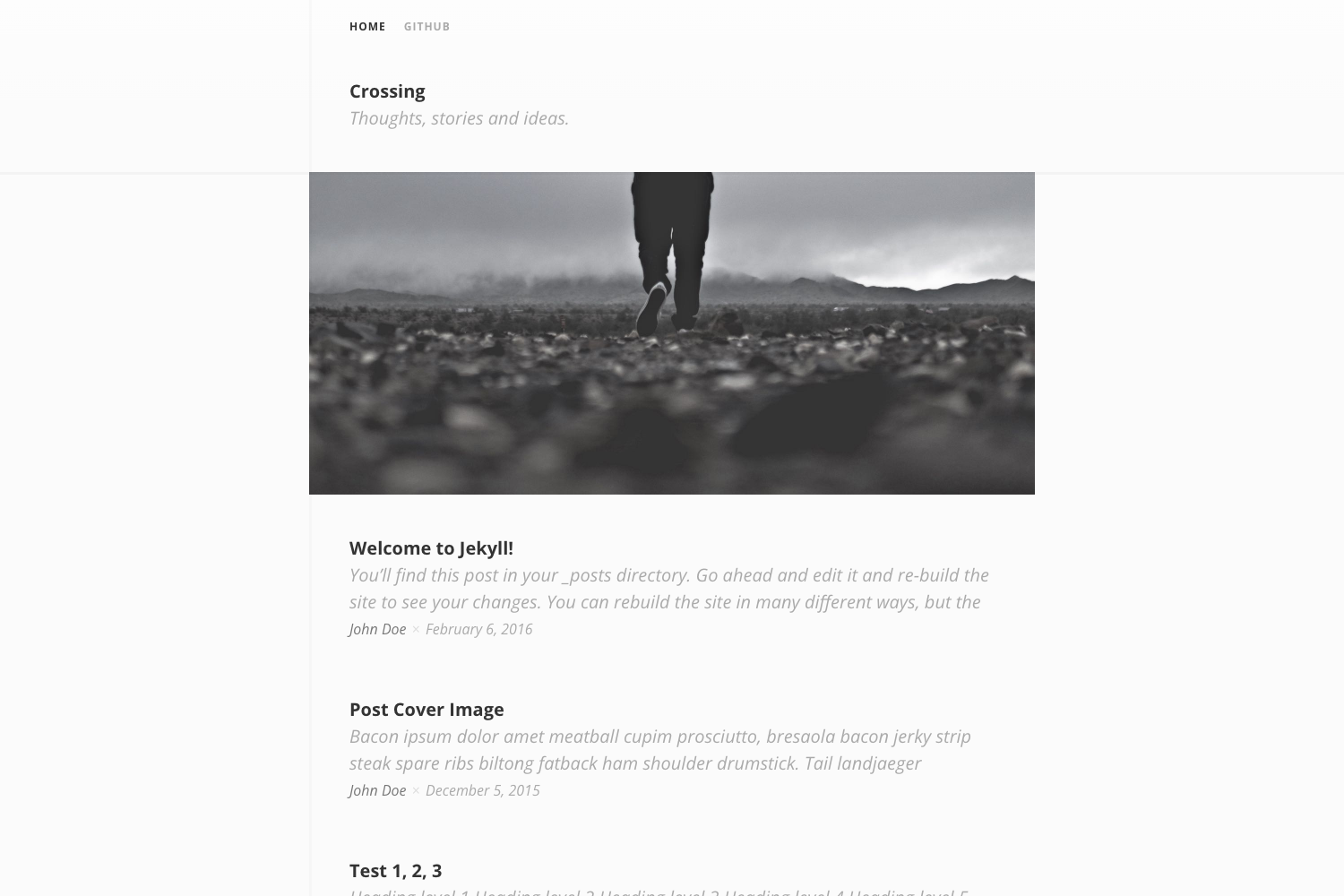
Jekyll Kieta Theme is a clean, open-source Jekyll theme for knowledge sharing and personal blogging, designed to be installed as a remote theme on GitHub Pages and configured through a single _config.yml file.
What is Jekyll Kieta Theme?
Jekyll Kieta Theme is a minimal Jekyll theme created by GitHub user mzyy94, distributed under the MIT License. It takes Jekyll Markdown posts and independent pages as input and produces a static, search-engine-optimized website with an Atom feed, sitemap, and Disqus comment support. The theme is installed by setting remote_theme: mzyy94/jekyll-kieta-theme in your repository's _config.yml, making it work directly with GitHub Pages without vendored files.
Key Features
- Remote theme installation — Add
remote_theme: mzyy94/jekyll-kieta-themeto_config.ymland GitHub Pages builds the site from the theme repository automatically. - Configurable site metadata — Set
title,subtitle,author,twitter.username, and acolorvalue (for examplelimegreen) to customize branding without touching HTML. - Disqus comments — Enable discussion on posts by adding your Disqus shortname to the
disqusvariable. - Jekyll SEO tag — Built-in metadata generation for better search-engine discovery via the
jekyll-seo-tagplugin. - Pagination —
jekyll-paginatesupport with configurable page size andpaginate_path, so long blogs can split across pages. - Markdown and emoji — kramdown with GFM input and the
jemojiplugin render GitHub-flavored Markdown and emoji natively. - Mentions and social —
jekyll-mentionsturns@usernameat-mentions into Twitter profile links based on the configuredjekyll-mentionsURL (defaulthttps://twitter.com). - Feeds and sitemap —
jekyll-feedgenerates an Atom feed at/atom.xml, andjekyll-sitemapproduces asitemap.xmlfor search engines. - Sass styling — The theme's stylesheets live in
_sass, which is one of the directories included when the theme is released.
Who is it for?
Jekyll Kieta Theme suits developers and writers who want a minimal, hackable Jekyll blog without maintaining a custom design. It works well for technical bloggers who need GFM syntax, emoji, and pagination, and for GitHub Pages users who want a no-frills knowledge base with comments and SEO metadata. It is also a good starting point for Jekyll theme developers, since the repository includes a standard development setup with bundle install and bundle exec jekyll serve.
What can you do with Jekyll Kieta Theme?
- Personal bloggers — Publish Markdown posts to a clean, single-color-accent site with Atom feed and Disqus comments.
- Technical writers — Use GFM input, auto-generated heading IDs, and table-of-contents levels from kramdown to structure long documentation-style articles.
- GitHub Pages users — Deploy a site by pushing Markdown to the configured branch (
masterby default) without any build setup on your machine. - Theme developers — Fork or study the theme to learn how Jekyll layout, includes, and Sass files are organized, since only
_layouts,_includes, and_sassare released.
How does Jekyll Kieta Theme work?
To use it, create a _config.yml in the root of your repository with the settings shown in the README, including remote_theme, permalink, and plugins. Then add posts to _posts or create standalone pages just like any Jekyll site. If you want to develop the theme locally, run bundle install and bundle exec jekyll serve, then open http://localhost:4000 to preview changes as they regenerate.
Pricing
Jekyll Kieta Theme is free and open source under the MIT License, so you can use it on personal or commercial projects without restrictions.
FAQ
How do I install Jekyll Kieta Theme?
Add the lines shown in the README to your _config.yml, including remote_theme: mzyy94/jekyll-kieta-theme, then push the repository to GitHub Pages with your chosen branch setting. The theme is fetched automatically during the Pages build.
Does Jekyll Kieta Theme support comments?
Yes. Set the disqus variable in _config.yml to your Disqus shortname. The theme will include the Disqus embed on post pages. It does not support other comment systems out of the box.
How do I change the accent color?
Set color in _config.yml to any CSS color name such as limegreen, tomato, or steelblue. The README shows color: limegreen as the default example.
Can I use Jekyll Kieta Theme without GitHub Pages?
Yes. The theme is a standard Jekyll theme, so you can build it locally with bundle exec jekyll serve or deploy it to any static host. The remote theme syntax works on GitHub Pages, but for other hosts you would vendor the theme files into your repository.
What Markdown features are enabled?
The default kramdown configuration enables GFM input, auto-generated IDs, smart quotes, footnotes, and hard wrapping, which covers most GitHub-flavored Markdown including tables and strikethrough. Emoji are supported through the jemoji plugin.