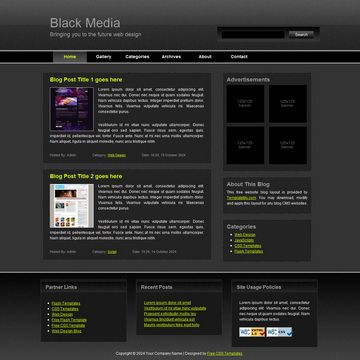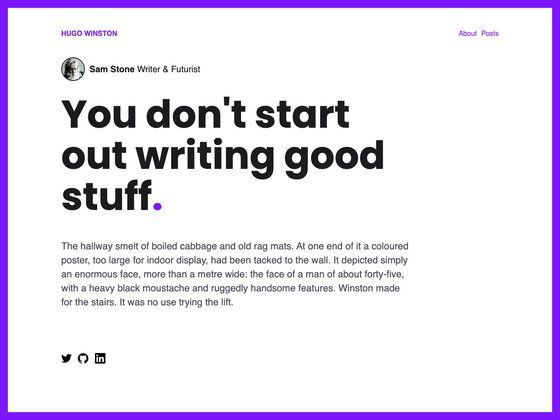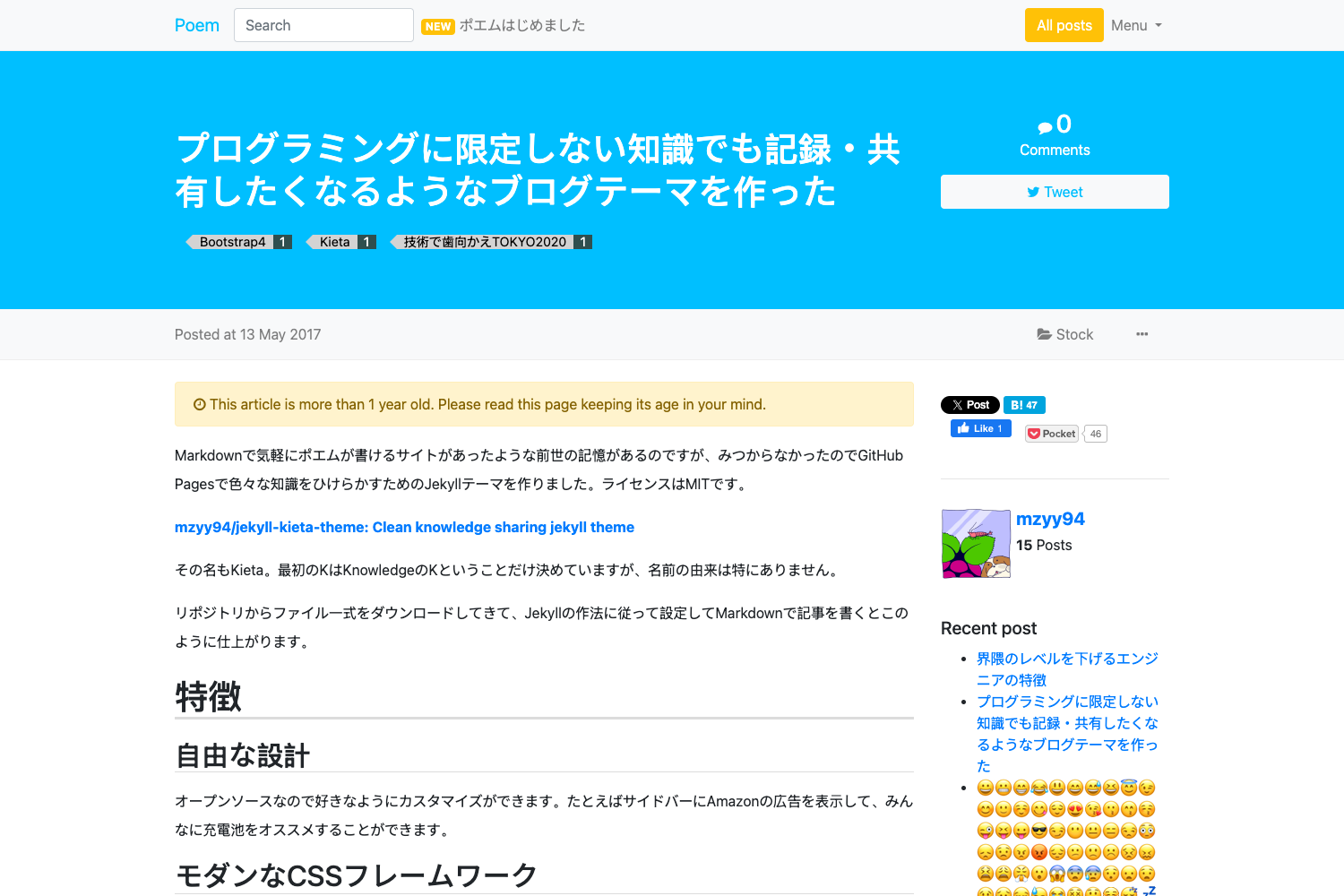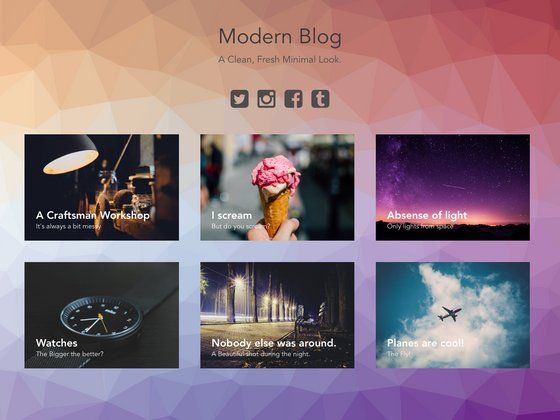
Template details
Crossing Jekyll
A free Jekyll blog theme with cover images, author bios, and social meta tags.
About this template
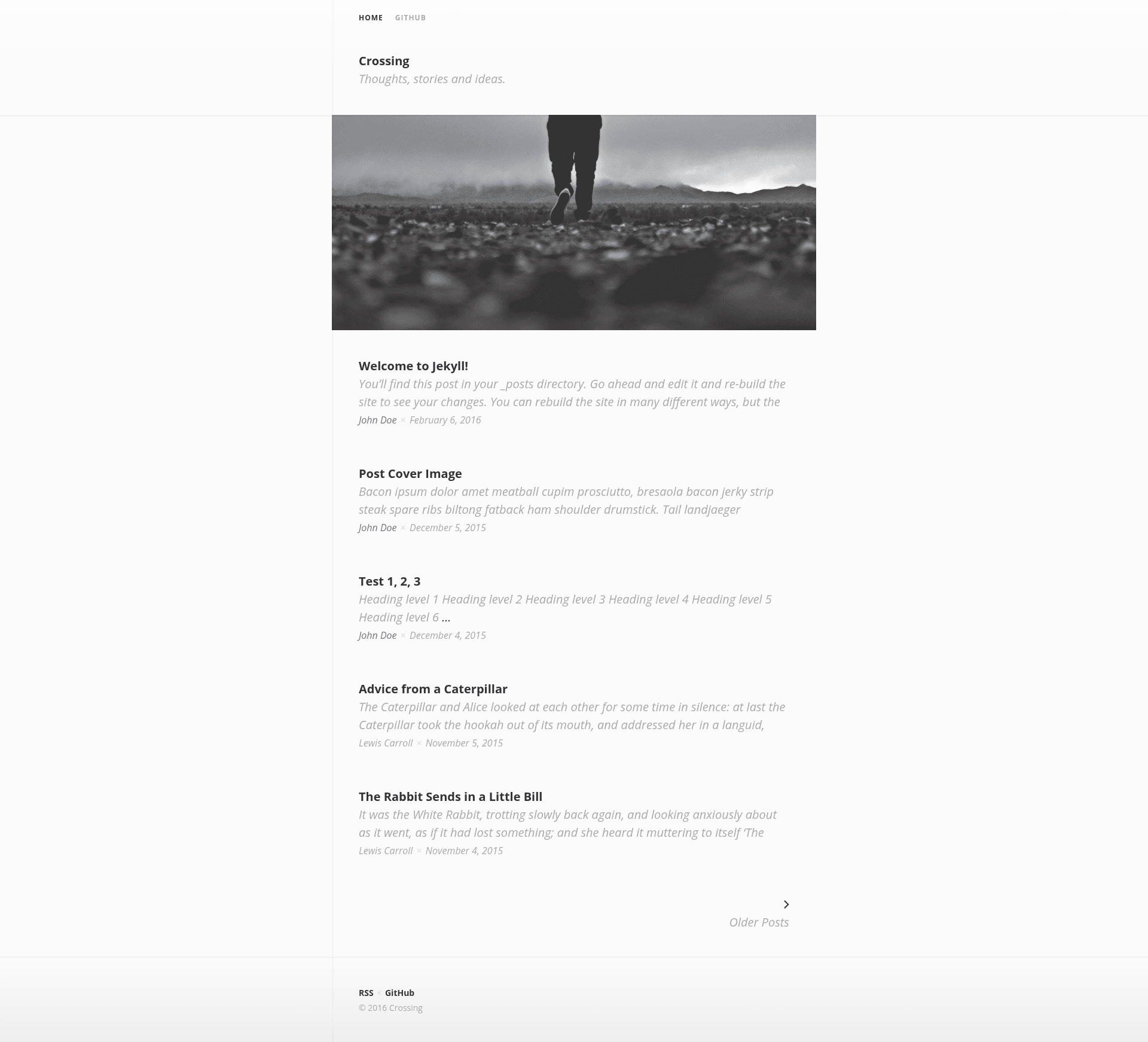
Crossing is a free and open-source Jekyll theme for personal blogs that adds cover images, author bylines, and social meta tags to static websites built with Jekyll.
What is Crossing?
Crossing is a Jekyll theme maintained on GitHub by the user barepants, available under a CC0 public-domain license. It runs on Jekyll, a static site generator that turns Markdown and Liquid template files into a complete static website. The theme takes configuration in _config.yml and per-post YAML front matter as input, and outputs a blog with post cover images, author bios, and Open Graph / Twitter Card meta tags. A live demo is hosted at https://barepants.github.io/crossing-jekyll/ and the source can be downloaded from the repository's gh-pages branch.
Key Features
- Cover images: Set a site-wide cover image via the
imagekey in _config.yml, or per-post cover images in the YAML front matter of each post. - Author bylines and bios: Define authors in _config.yml with name, website, bio, and avatar; reference one per post with the
authorfront matter key, and a bio block appears at the bottom when a bio exists. - Open Graph and Twitter Cards: The theme automatically generates og: and twitter: meta tags for social sharing, with a fallback
og_imagesetting in _config.yml for pages without their own image. - Meta descriptions: Uses
page.excerptas the meta description for posts (the first paragraph by default) and supports a manualexcerptfront matter key for pages. - Unsplash demo imagery: The demo site uses photos from Unsplash to show how cover images look in context.
- CC0 license: Released under the CC0 public-domain license, so you can copy, modify, and distribute the theme without restriction.
Who is it for?
Crossing is aimed at individual bloggers and developers who want a minimal Jekyll theme with built-in social sharing metadata. Bloggers who write long-form posts can use the author bio feature to establish credibility, and developers can fork the repository and customize the Liquid templates without worrying about licensing constraints. The simple configuration makes it approachable for people new to Jekyll.
What can you do with it?
- Personal bloggers: Publish a static blog with per-post cover images and a consistent site-wide cover, then share posts on social media with correctly generated Open Graph and Twitter Card previews.
- Independent writers: Add an author bio and avatar so each post has attribution and a short bio at the bottom.
- Jekyll learners: Study a concise Jekyll theme that demonstrates _config.yml options, front matter, metadata generation, and social meta tag integration in a small codebase.
How does Crossing work?
After cloning or downloading the theme, you configure global settings in _config.yml, including the site image and optional author definitions. Each post then declares its own image, author, and excerpt in front matter, and Jekyll builds the static site. Social meta tags are generated automatically from these settings and from page.excerpt, with no extra plugins required.
FAQ
Is Crossing free?
Yes. Crossing is licensed under CC0, which means it is free to use, modify, and distribute for any purpose, including commercial projects. You do not need to attribute the original author, though linking back is appreciated.
How do I set a cover image for a post?
Add an image key in the post's YAML front matter and set it to the URL or path of the image, for example image: /images/post-image.jpg. If no page-level image is set, the site-wide image from _config.yml is used as a fallback for social meta tags.
What social meta tags does Crossing generate?
Crossing generates Open Graph tags (like og:title, og:description, og:image) and Twitter Card tags automatically for posts and pages. You can optionally set a fallback og_image in _config.yml for pages without their own image, and a twitter_site value for your Twitter username.
How do I add an author bio to my posts?
Define an author in _config.yml under the authors key with name, website, bio, and avatar. Then in the post's front matter, set author to that author's key (for example, author: johndoe). The bio appears at the bottom of the post only if a bio is defined.
Does Crossing require plugins?
No. The theme uses standard Jekyll features and Liquid templates to generate cover images, author data, and social meta tags. It does not rely on external plugins, which simplifies deployment on GitHub Pages.