Template details
Hexo Theme Stun
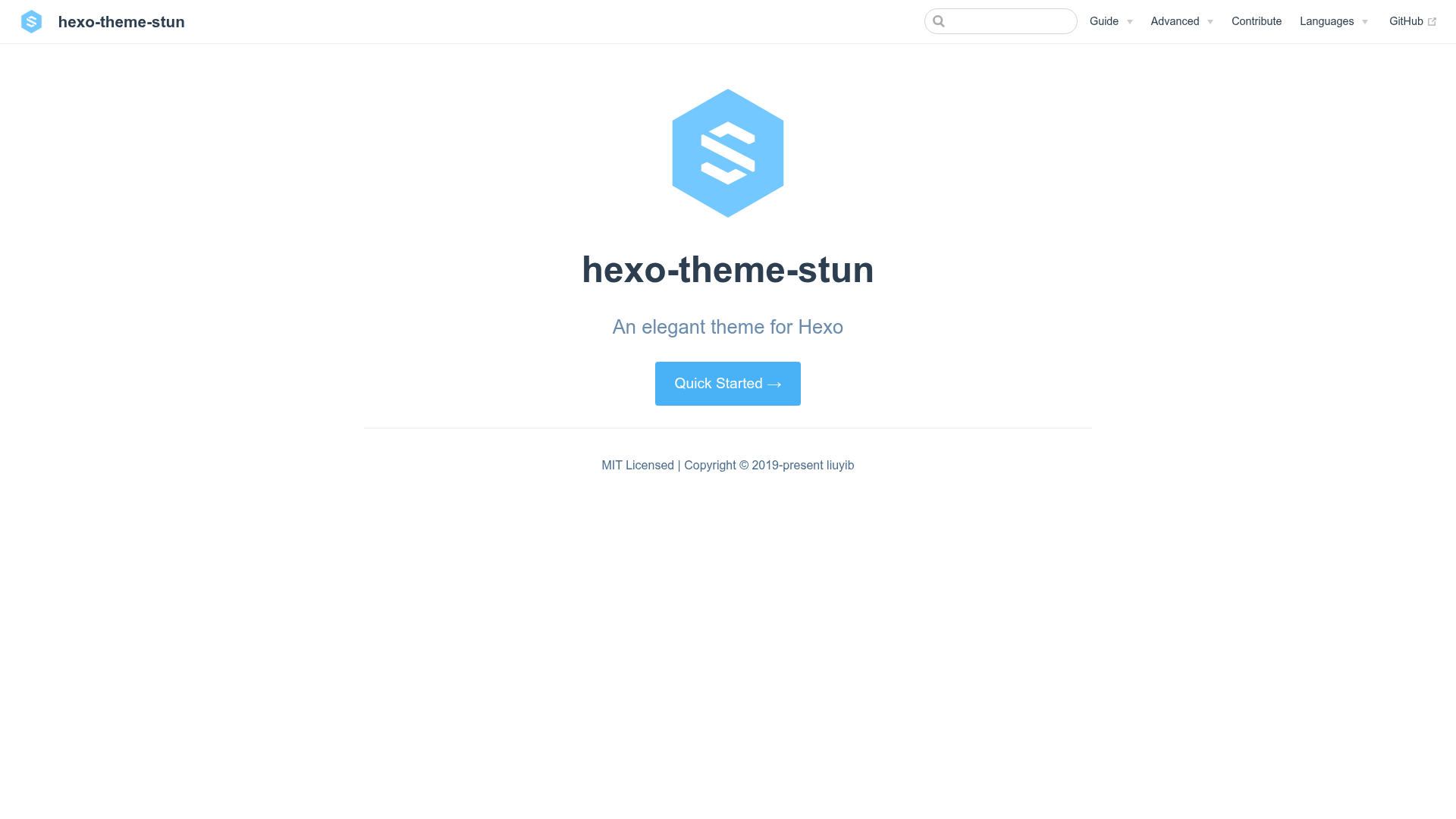
An elegant, feature-rich Hexo blog theme with responsive design, PWA, and lazy loading; now unmaintained.
About this template
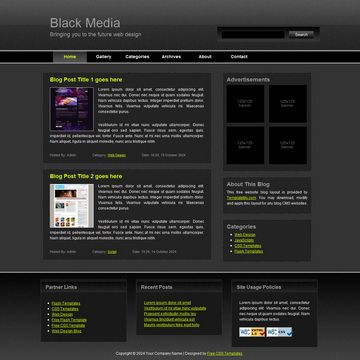
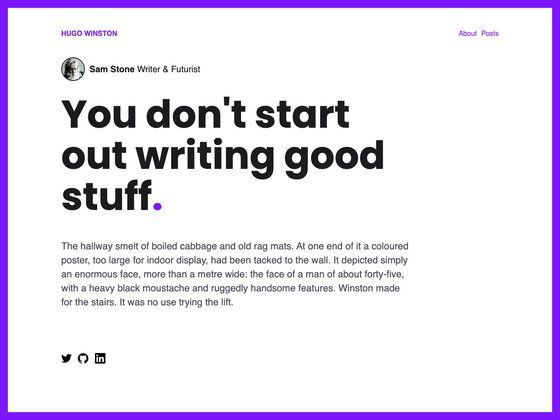
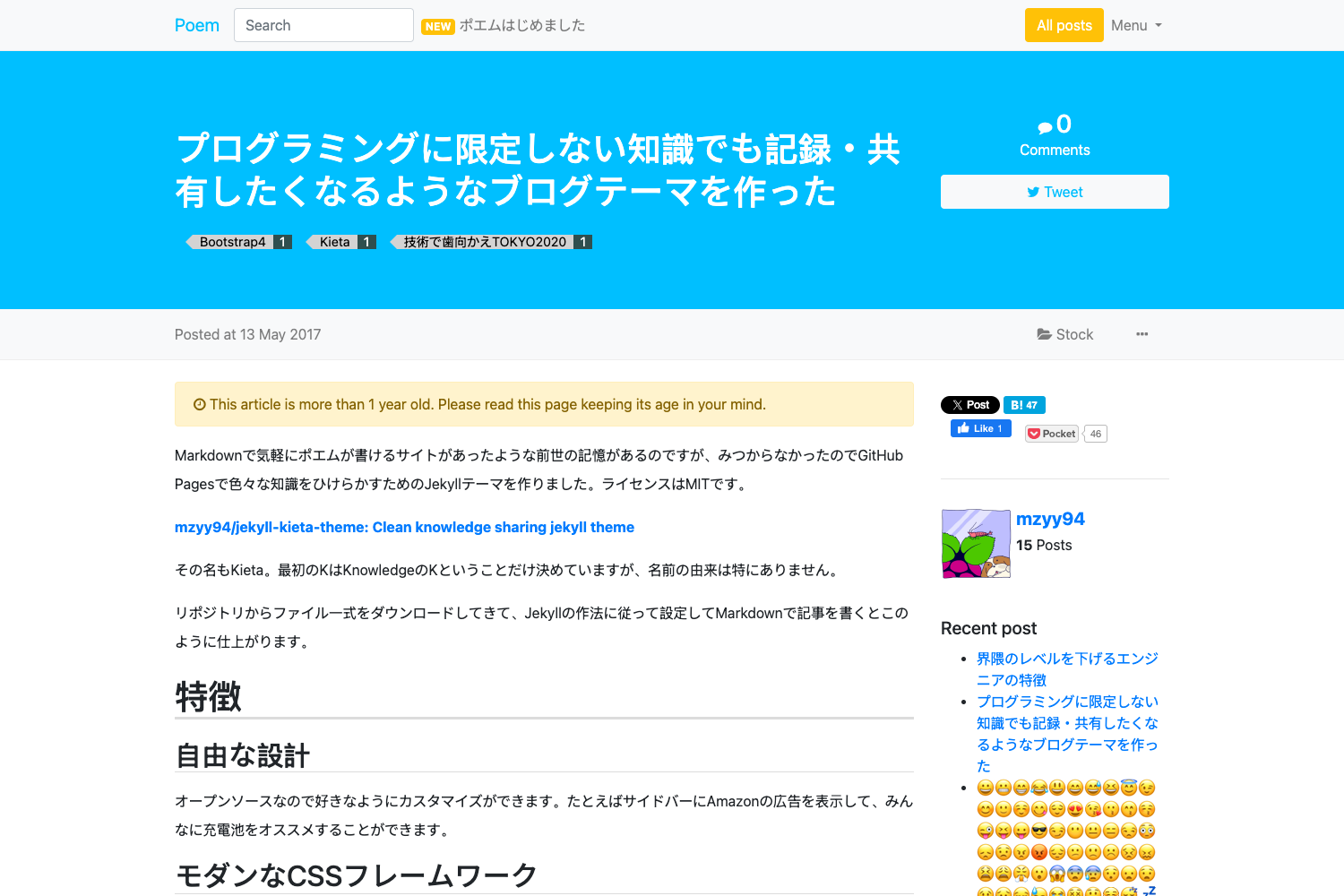
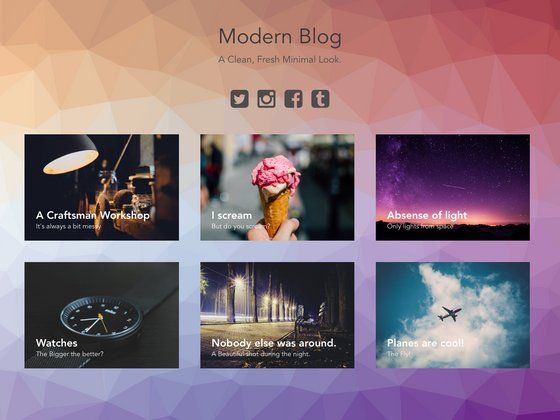
Hexo Theme Stun is a free, MIT-licensed Hexo blog theme built for creating clean, fast, and highly customizable personal blogs; the project is now unmaintained, and its author recommends switching to the NexT theme for ongoing support.
What is Hexo Theme Stun?
Hexo Theme Stun is an open-source theme for the Hexo static site generator. It takes standard Hexo configuration and Markdown posts as input and produces a fully styled, responsive blog website as output. The theme was created by developer liuyib and distributed under the MIT license. It requires Hexo version 4.0 or higher, and installation includes the hexo-renderer-pug package to compile its Pug templates.
Key Features
- Responsive design — The layout adapts to desktop and mobile screens out of the box.
- Secondary navigation menu — Supports a two-level menu structure, documented in the advanced configuration docs.
- Image lazy loading — Images are loaded only when they scroll into view, improving page speed.
- Pjax support — Uses jquery-pjax for faster page transitions.
- PWA support — Progressive Web App features are available, including offline capabilities.
- Fancybox integration — Enables lightbox-style image viewing with the Fancybox library.
- Quicklink — Integrates GoogleChromeLabs' Quicklink to preload links in the viewport.
- Math formulas — Supports both MathJax and KaTeX for rendering mathematical notation.
- Multiple comment systems — Gitalk, Valine, Livere, Disqus, and Utterances can be enabled.
- Waterfall gallery page — A masonry-style photo gallery page is built in.
- Google AdSense — One-click AdSense integration is included.
- Code highlighting — Multiple color schemes are configurable.
- Background effects — Optional ribbon and other visual effects are documented.
Who is it for?
- Personal bloggers — Publish Markdown posts in Hexo and get a polished, responsive site without writing HTML or CSS.
- Developers who use Hexo — The theme offers deep configuration options and support for AdSense, PWA, and multiple comment services.
- Photographers — The built-in waterfall gallery page makes it easy to display image collections.
What can you do with Stun?
- Launch a personal blog — Set
theme: stunin_config.yml, runhexo clean && hexo s, and start writing posts. - Add a photo gallery — Use the waterfall-flow gallery page to showcase images in a masonry layout.
- Monetize with AdSense — Enable Google AdSense from the theme settings without extra plugin code.
- Enable fast browsing — Combine Pjax, lazy loading, and Quicklink to reduce load times on long posts.
How does Stun work?
Installation is done by cloning the repository into the themes/stun directory of a Hexo project, then installing hexo-renderer-pug via npm. After that, set the theme in the Hexo configuration file and restart the server with hexo clean && hexo s. Updates are pulled with git pull inside the theme folder.
Pros and cons
- Pros — Free and open source (MIT), feature-rich (PWA, lazy loading, multiple comment systems), and highly customizable through extensive configuration docs.
- Cons — The project is no longer maintained, so bugs and compatibility issues with newer Hexo versions may not be fixed; Internet Explorer is not supported.
Alternatives
- NexT — Actively maintained Hexo theme recommended by the Stun author as a replacement; also open source and feature-rich.
FAQ
Is Hexo Theme Stun free?
Yes, Stun is open source under the MIT license, so it is free to use and modify for personal or commercial projects.
Is Stun still maintained?
No. The README carries a warning that the project is unmaintained; the author suggests using the NexT theme instead.
Which comment systems does Stun support?
Stun supports Gitalk, Valine, Livere, Disqus, and Utterances. Each can be enabled through the theme's configuration file.
Does Stun support mathematical formulas?
Yes. You can choose between MathJax and KaTeX to render equations in your posts.
Which browsers are supported?
Stun works on Edge 12+, Firefox 41+, Chrome 45+, Safari 10+, and Opera 32+. Internet Explorer is not supported.