Template details
Jekyll Materiallize
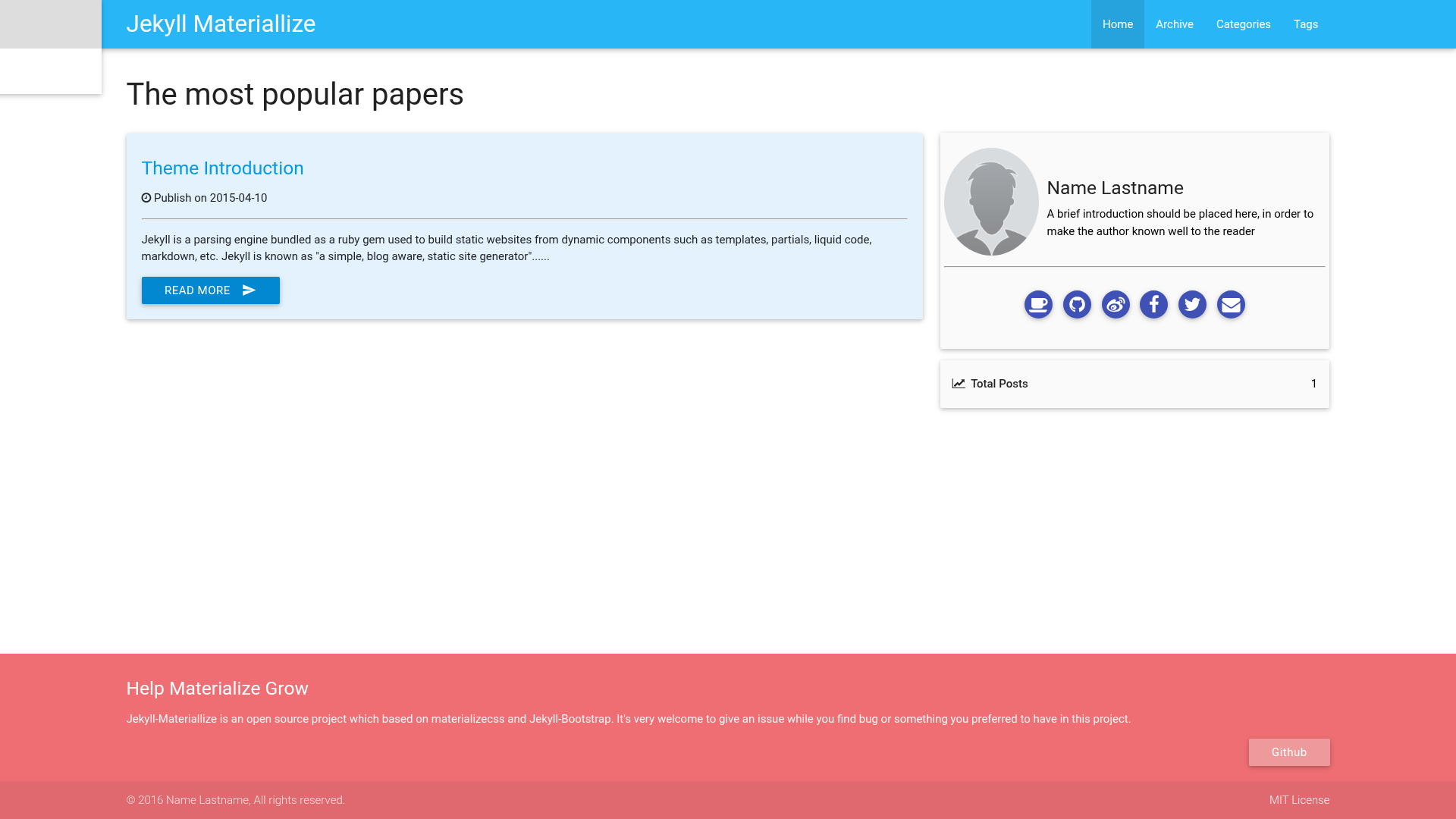
A Jekyll blog theme based on the Materialize CSS framework, producing a Material Design-styled static blog.
About this template
jekyll-materiallize is a Jekyll blog theme that styles a static blog with the Materialize CSS framework, turning standard Jekyll Markdown posts into a Material Design-looking site. The theme is published as a public GitHub repository (15 stars) and documented through an introduction post at leftstick.github.io that explains how to create a blog with it.
What is jekyll-materiallize?
jekyll-materiallize is a blog theme built for Jekyll, the static site generator, with its visual design based on Materialize, a CSS framework implementing Google's Material Design guidelines. Its input is Jekyll's standard content set — Markdown posts, Liquid templates, and site configuration — and its output is a static HTML blog that can be hosted on any web server or static hosting service without a database. The theme is distributed on GitHub by the user leftstick, and the repository links to an introduction post at leftstick.github.io as its usage documentation.
Key Features
- Jekyll platform — Runs on Jekyll, so posts are authored in Markdown and the site compiles into plain HTML files with no database, server-side processing, or user accounts.
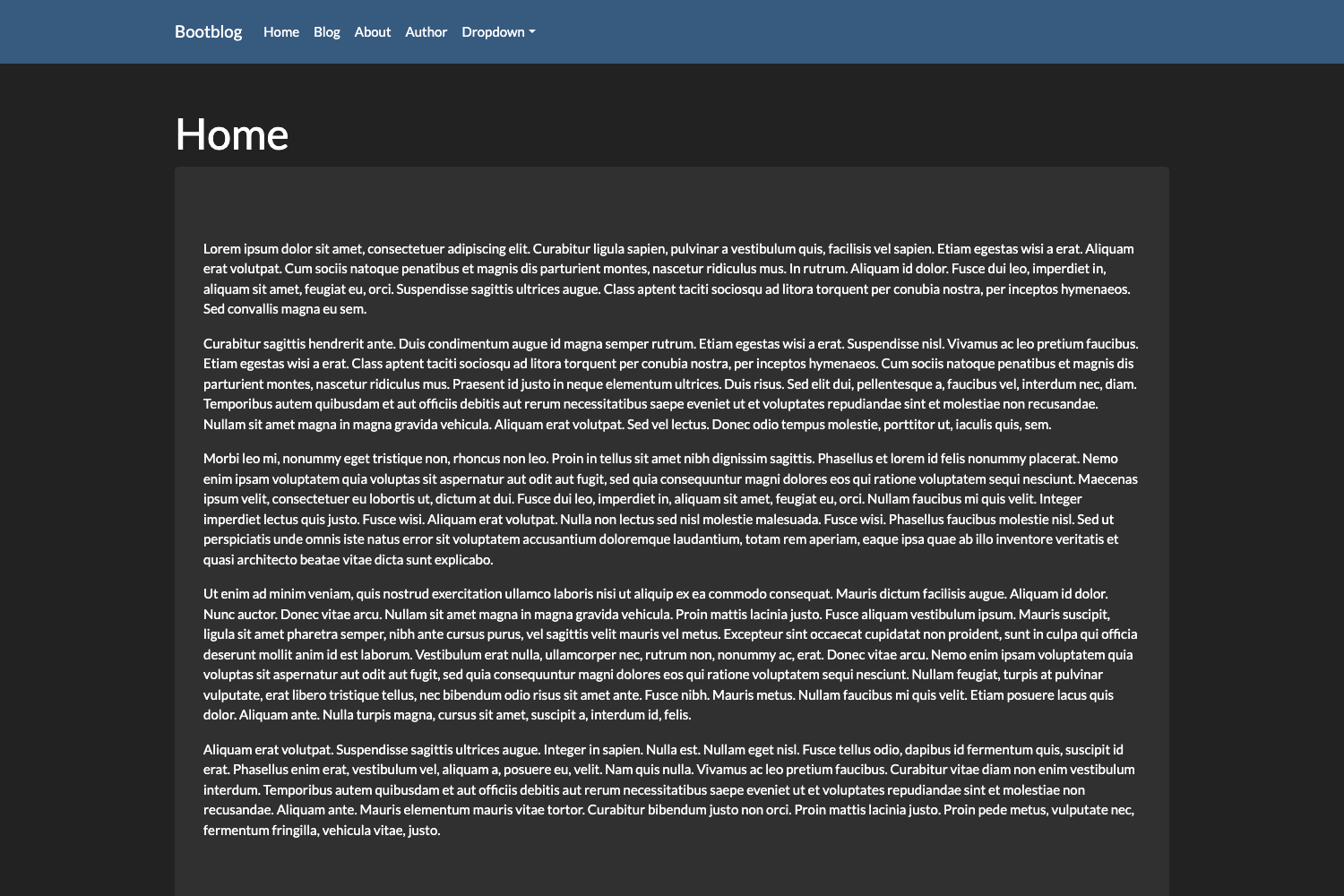
- Materialize CSS foundation — The interface is built from Materialize components such as cards, navbars, buttons, and typography, giving the blog a Material Design appearance without hand-written CSS.
- Documentation included — The repository links to an introduction post at leftstick.github.io that covers creating a blog, serving as the starting point for new users.
- Publicly hosted source — The theme lives in a public GitHub repository with 15 stars, so anyone can clone, fork, or inspect the code to adapt it.
Who is it for?
- Jekyll bloggers who want a Material Design aesthetic without maintaining their own CSS, since the theme wires in Materialize's components for them.
- Static-site users who prefer authoring Markdown and publishing through Git rather than operating a database-backed CMS, because the theme outputs plain HTML.
- Developers learning Jekyll themes who can clone the repository and study a minimal, documented example of a Jekyll blog theme.
What can you do with jekyll-materiallize?
- Launch a personal blog: clone the repository, add posts as Markdown files, and run Jekyll's build to generate a Material Design-styled static site.
- Customize the design: fork the GitHub repository and modify templates or Materialize usage to change colors, layout, and components.
- Host anywhere static: deploy the generated HTML to any static hosting service, with no runtime dependencies beyond a web server.
Alternatives
- Minimal Mistakes — a widely used Jekyll theme offering a large set of layout and skin options.
- Chirpy — a Jekyll theme optimized for technical blogging.
FAQ
Is jekyll-materiallize free?
Yes. The theme is distributed as a public GitHub repository, so it can be downloaded, cloned, and used for free without a license purchase or subscription.
What CSS framework does jekyll-materiallize use?
The theme is based on Materialize, a CSS framework that implements Google's Material Design components. This is the source of the "materiallize" name, and it determines the cards, buttons, and typography seen in the blog.
Does jekyll-materiallize require Jekyll?
Yes. The theme is built for Jekyll, the static site generator, so posts are written in Markdown and the site must be built with Jekyll to produce the final HTML output.
Where can I find documentation for jekyll-materiallize?
The repository links to an introduction post hosted at leftstick.github.io under the path "tech/2016/03/10/create-blog", which explains how to set up and create a blog using the theme.