Template details
Vienna
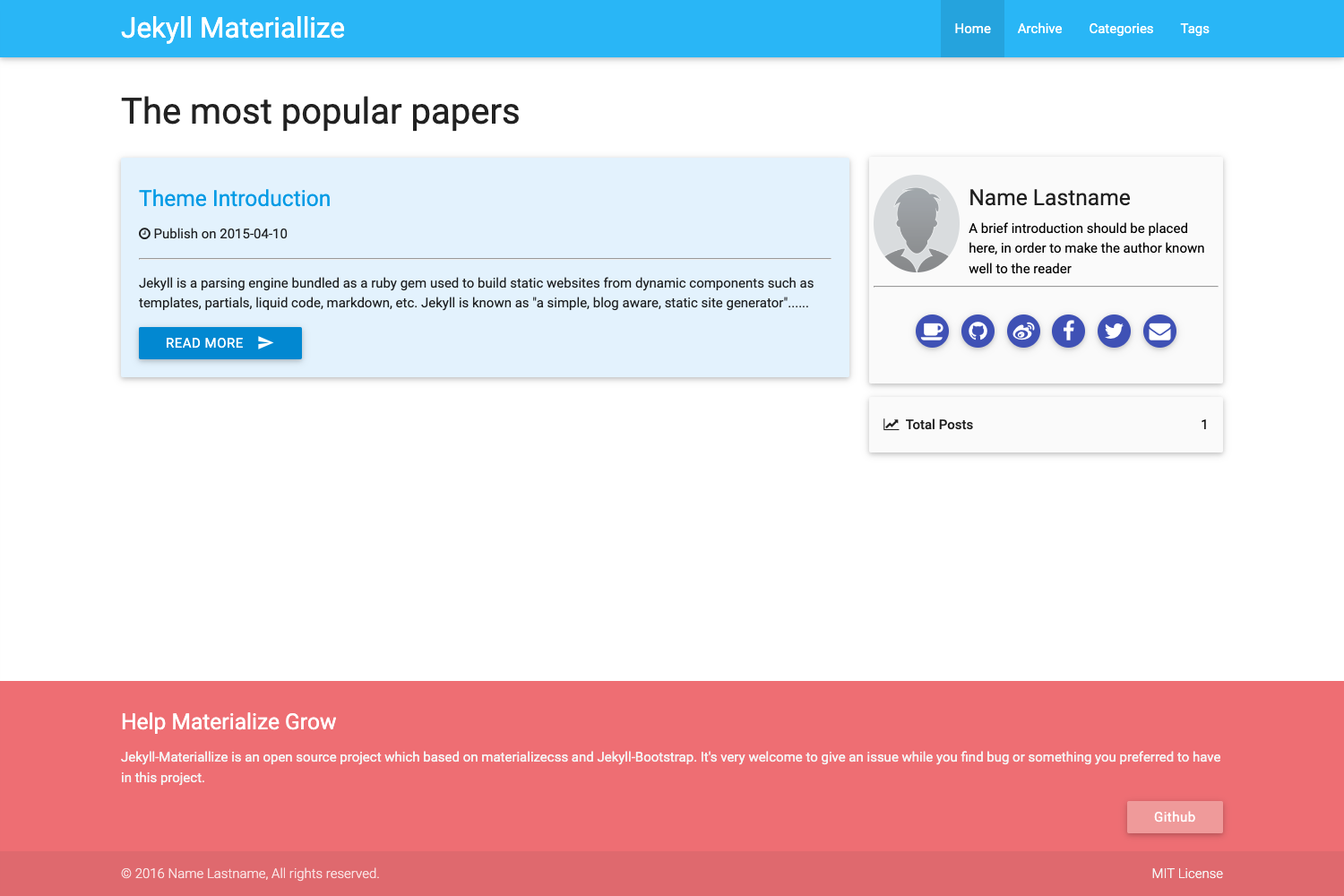
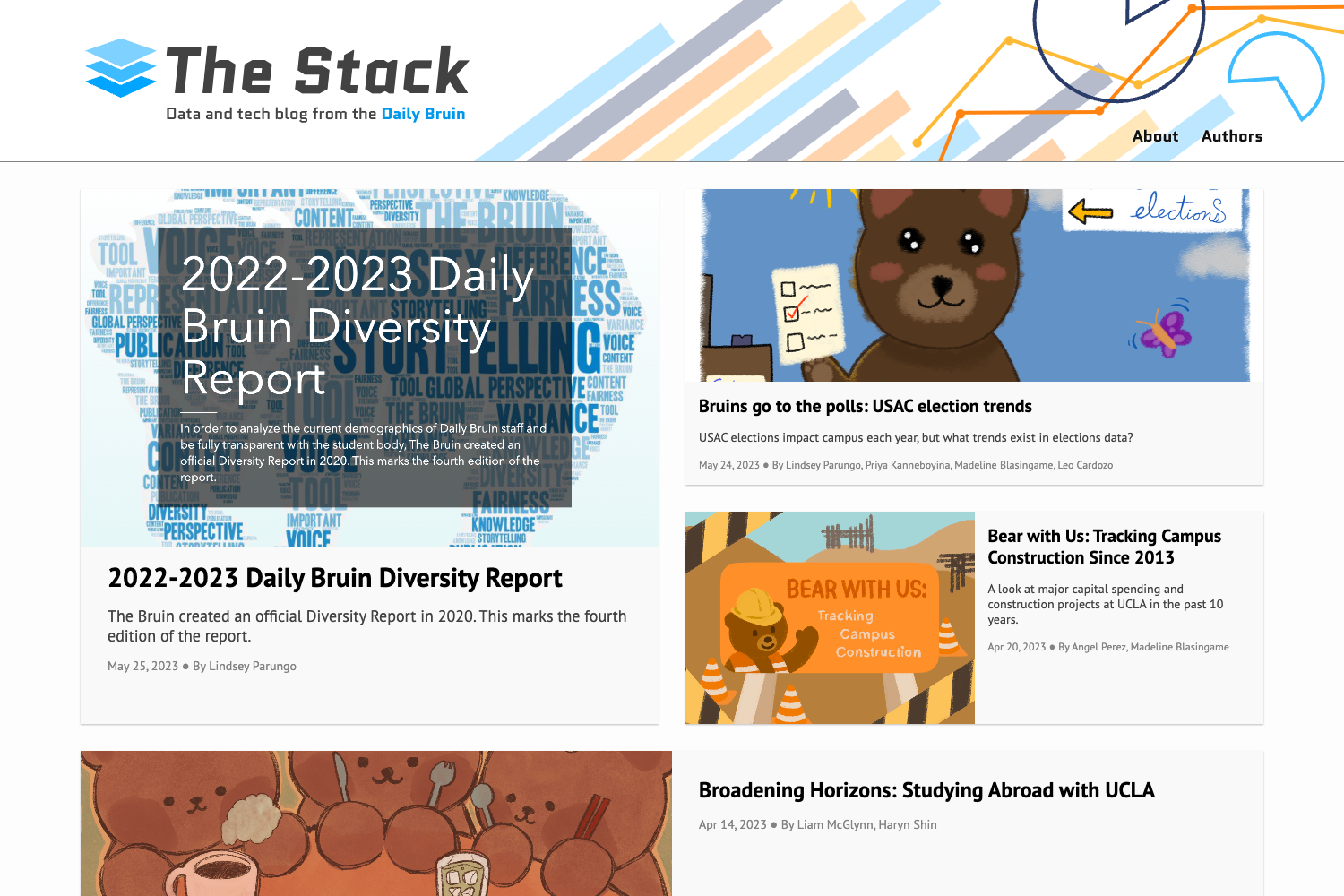
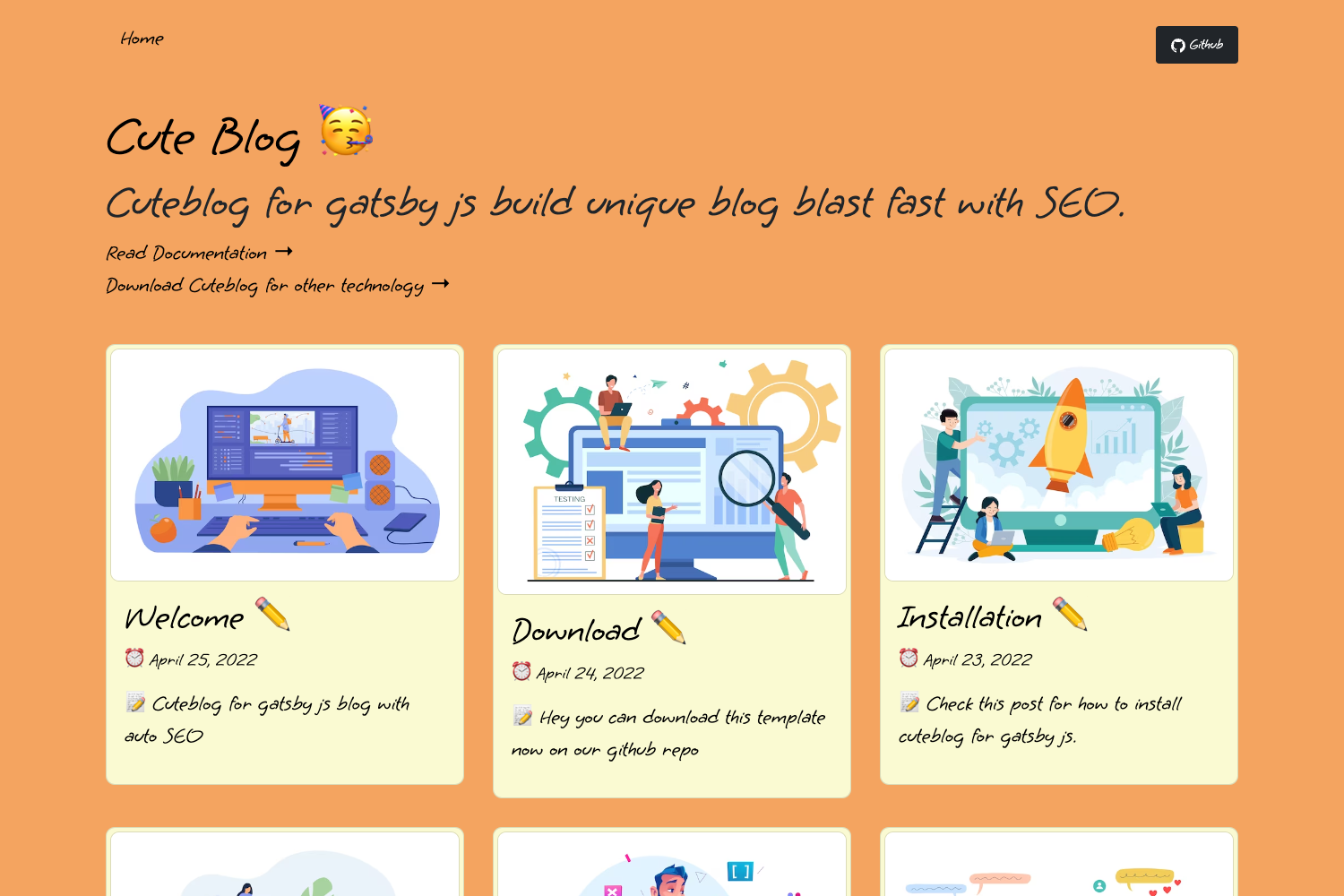
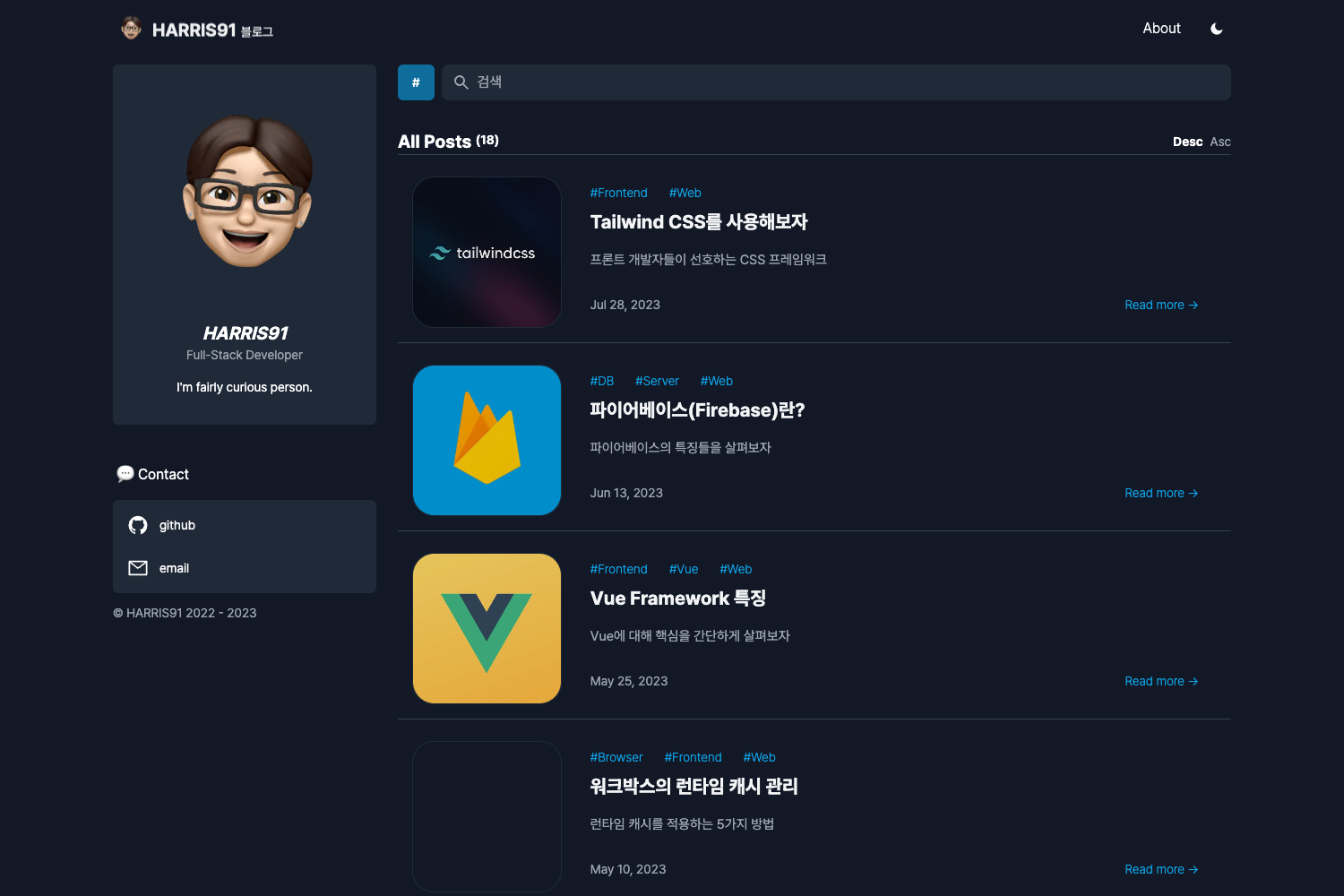
A simple and clean blog theme for Hugo with client-side code highlighting, social links, and analytics.
About this template
Vienna is a minimal Hugo blog theme that turns Markdown content into a responsive blog with client-side source code highlighting, tag support, and configurable social links.
What is Vienna?
Vienna is a free, open-source blog theme for Hugo, the static site generator, developed by keichi and included in the official spf13/hugoThemes repository. It takes Hugo content files written in Markdown and renders them as a clean, responsive blog with a simple layout. The theme supports tags, social links, and analytics, and is installed by cloning the GitHub repository into your Hugo site's themes directory.
Key Features
- Simple and clean design — A minimal layout that focuses on readability, with no sidebars or extra widgets.
- Client-side source code highlighting — Code blocks are highlighted in the browser using a client-side library, available for Hugo's markdown rendering.
- Social links — Add links to Twitter, Facebook, GitHub, LinkedIn, Instagram, Keybase, GitLab, Reddit, Hacker News, Stack Overflow, and Google+ through the
config.tomlparameters; the icons appear in the header and footer. - Tag support — Posts can be categorized with tags, which are rendered as clickable links.
- Analytics integration — Supports both Google Analytics (via
ga_api_key) and Mixpanel (viamixpanel_api_key) by adding your API key to the theme's configuration. - Responsive design — The layout adapts to mobile and desktop screens, ensuring the blog is readable on any device.
- Font Awesome icons — Social and UI icons are provided by Font Awesome, giving a consistent visual style.
- Author area — Display an avatar, bio, and contact link in the footer using the
avatar,bio, andcontactparameters.
Who is it for?
Vienna is ideal for personal bloggers who want a clean, distraction-free platform to publish Markdown posts. Developers who prefer Hugo's static generation workflow and need code highlighting for technical articles. Minimalist writers who want to show their social profiles and integrate analytics without configuring a complex theme.
What can you do with Vienna?
- Personal bloggers: Publish Markdown posts with tags, dates, and optional per-post date hiding via
noshowdate = truein front matter. - Developers: Build a technical blog with client-side code highlighting, and link to your GitHub, Stack Overflow, or Hacker News profiles from the header or footer.
- Writers with social presence: Display links to your social accounts and a short bio with an avatar, making the blog feel personal without extra plugins.
How does Vienna work?
Install Vienna by cloning https://github.com/keichi/vienna into your Hugo site's themes directory. Then configure config.toml with your site title, URL, social usernames, and analytics keys. To preview the site, run hugo server -t vienna -w -D; to generate static files, run hugo -t vienna. The theme automatically picks up Markdown content from your content folder and renders it using its templates.
Pricing
Vienna is free to use; it's an open-source theme that you can clone from GitHub and deploy on unlimited sites without paying a license fee.
FAQ
Is Vienna free?
Yes, Vienna is free and open source. You can clone it from https://github.com/keichi/vienna and use it on as many Hugo sites as you like.
How do I configure social links in Vienna?
In your site's config.toml, add parameters such as twitter, github, and linkedin under the [params] section. These usernames then appear as Font Awesome icons in the site's header and footer.
Does Vienna support Google Analytics?
Yes. Set ga_api_key in config.toml to your Google Analytics tracking ID, and the theme will include the tracking script on every page. Mixpanel is also supported via mixpanel_api_key.
Can I hide the date on a specific post?
Yes. Add noshowdate = true to the front matter of a post, and the theme will omit the date from that post's display.