Template details
Jekyll Now
Build a Jekyll blog in minutes on GitHub Pages without touching the command line.
About this template
Jekyll Now is a fork-first Jekyll blog template for GitHub Pages that lets you publish a static blog without ever touching the command line. It eliminates the usual Jekyll setup work — no Ruby, no rvm/rbenv, no gem dependencies — so a complete blog can be up in a few minutes.
What is Jekyll Now?
Jekyll Now is a Jekyll-based blog template that runs entirely on GitHub Pages, created by Barry Clark and open-sourced on GitHub. As input it takes a GitHub user repository; as output it produces a minimal, responsive static blog at username.github.io. All setup and posting can be done from the GitHub.com browser interface, although optional local development is also documented.
Key Features
- Command-line-free fork-first workflow — Fork the repo, rename it to yourusername.github.io, and the blog is live on GitHub Pages.
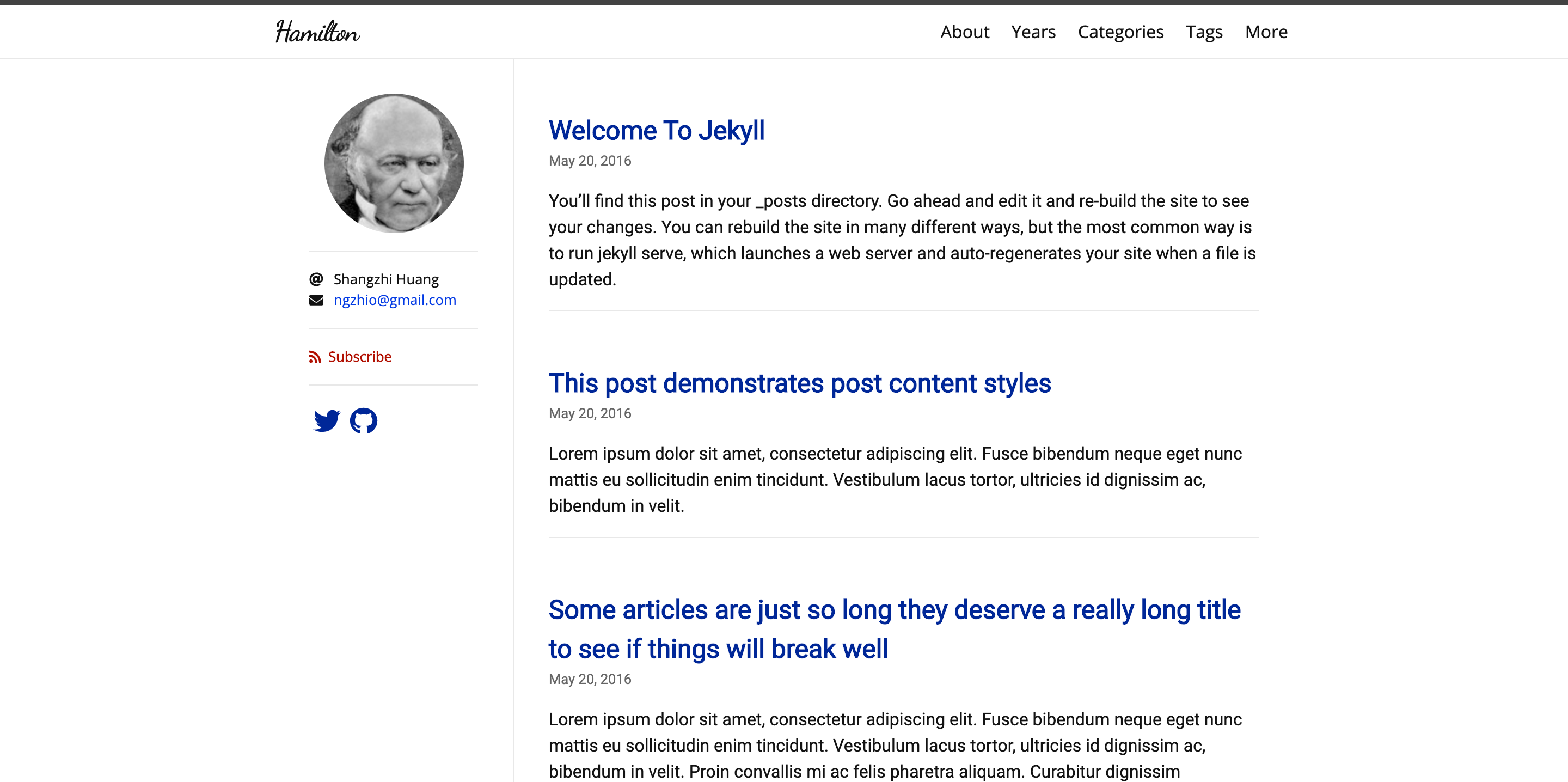
- Fully responsive base theme — The mobile-optimized theme is demonstrated at jekyllnow.com.
- Sass/CoffeeScript support — Uses Jekyll 2.0 features to compile Sass and CoffeeScript without extra configuration.
- Markdown blogging with front matter — Posts live in the
_postsfolder with filenames in year-month-day-title.md format, and each post requires a front matter block. - Syntax highlighting — Code blocks are highlighted using Pygments with the Solarized Light theme.
- Disqus commenting and Google Analytics — Both are enabled by editing values in the
_config.ymlfile. - SVG social icons — A footer icon set is included and toggled through
_config.yml. - Three HTTP requests — The theme loads with just 3 requests, including the avatar.
Who is it for?
- New bloggers who avoid the command line — They can fork the repo, edit
_config.yml, and write posts entirely through GitHub.com's file editor. - Windows users — Setting up Jekyll locally is historically painful on Windows, and this template avoids that setup completely.
- Developers needing a quick personal site — They can publish a username.github.io page in minutes and later customize or move to local development.
- People evaluating Jekyll — The fork-first approach is reversible; if you don't like it, you can simply delete the forked repository.
What can you do with Jekyll Now?
- Indie writers: publish a personal blog with Markdown posts, syntax highlighting, and a responsive theme using only the GitHub web interface.
- Developers: host a portfolio or project blog at their GitHub Pages username URL with free hosting and no separate server to manage.
- Teams: use the forked theme as a starting point for a company or project blog, then extend it locally with
gem install github-pagesandjekyll serve.
How does Jekyll Now work?
Fork the repository and rename it to yourgithubusername.github.io. Next, edit the _config.yml file to set your site name, description, avatar, and toggle Google Analytics, Disqus, and social icons. Finally, edit the file at _posts/2014-3-3-Hello-World.md to publish your first post; any change to the repository forces GitHub Pages to rebuild the site with Jekyll.
Alternatives
- Hyde — A Jekyll theme by MDO, also set up to be forked.
- Minimal Mistakes — A Jekyll theme by Michael Rose.
- Skinny Bones — Another Jekyll theme by Michael Rose.
FAQ
Do I need to install Ruby or Jekyll to use Jekyll Now?
No. The whole point of Jekyll Now is to eliminate local setup. You create the blog by forking the repository and editing files on GitHub.com; GitHub Pages runs Jekyll for you.
How do I publish a new blog post?
Create a Markdown file in the _posts folder with the filename format year-month-day-title.md, and include front matter at the top. You can add a file by clicking the plus icon in the _posts folder on GitHub.com.
Can I test the blog locally?
Yes. Install Jekyll and the GitHub Pages plugins with gem install github-pages, clone your fork, run jekyll serve, and view the site at http://127.0.0.1:4000/.
How do I use my own domain?
The Smashing Magazine walkthrough linked in the README covers setting up a custom domain along with importing from WordPress and theming with Liquid templates.
Is Jekyll Now free to use?
Yes. The template is open source and hosted on GitHub. Hosting on GitHub Pages is free for public repositories.