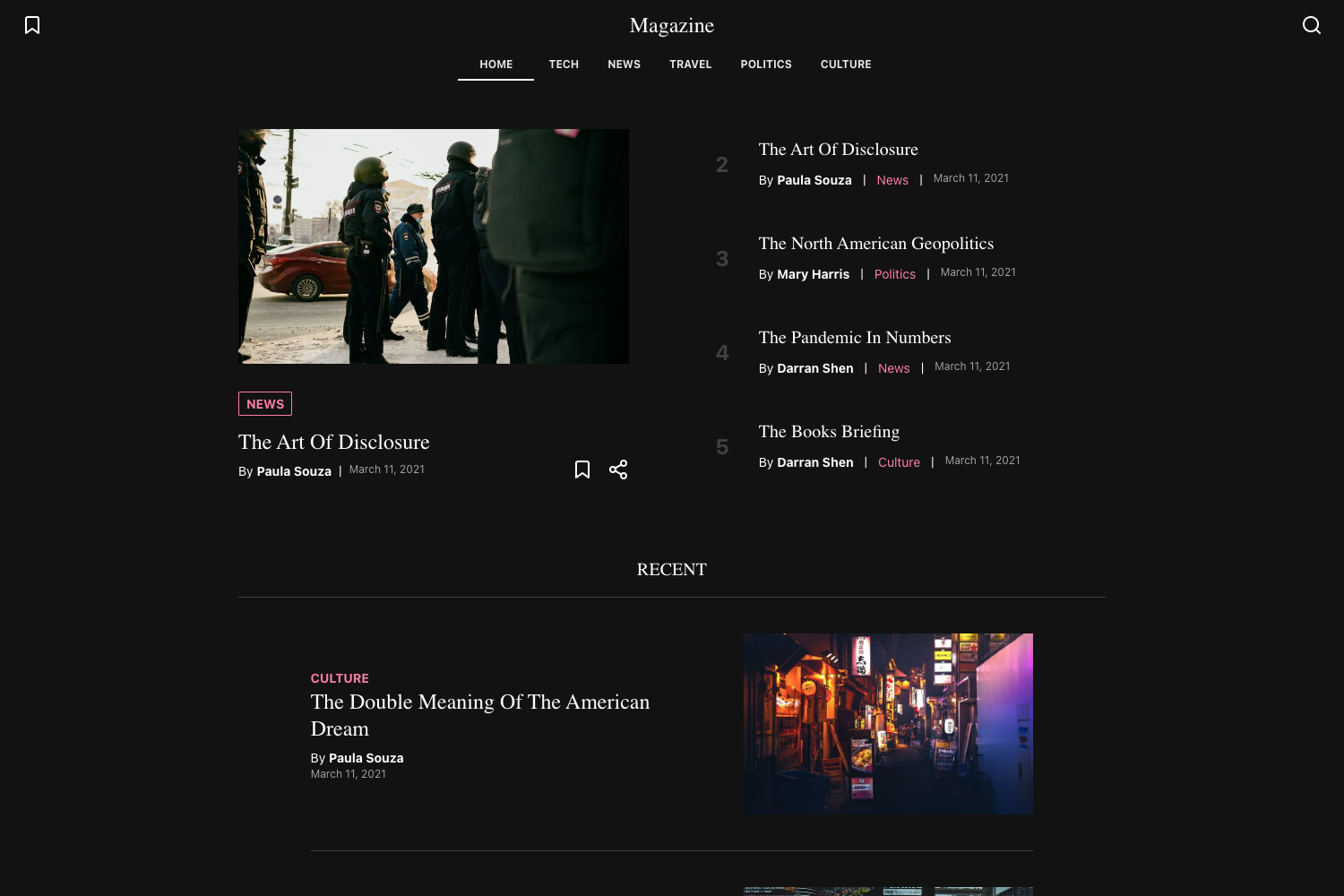
Template details
Simple Next.js Blog
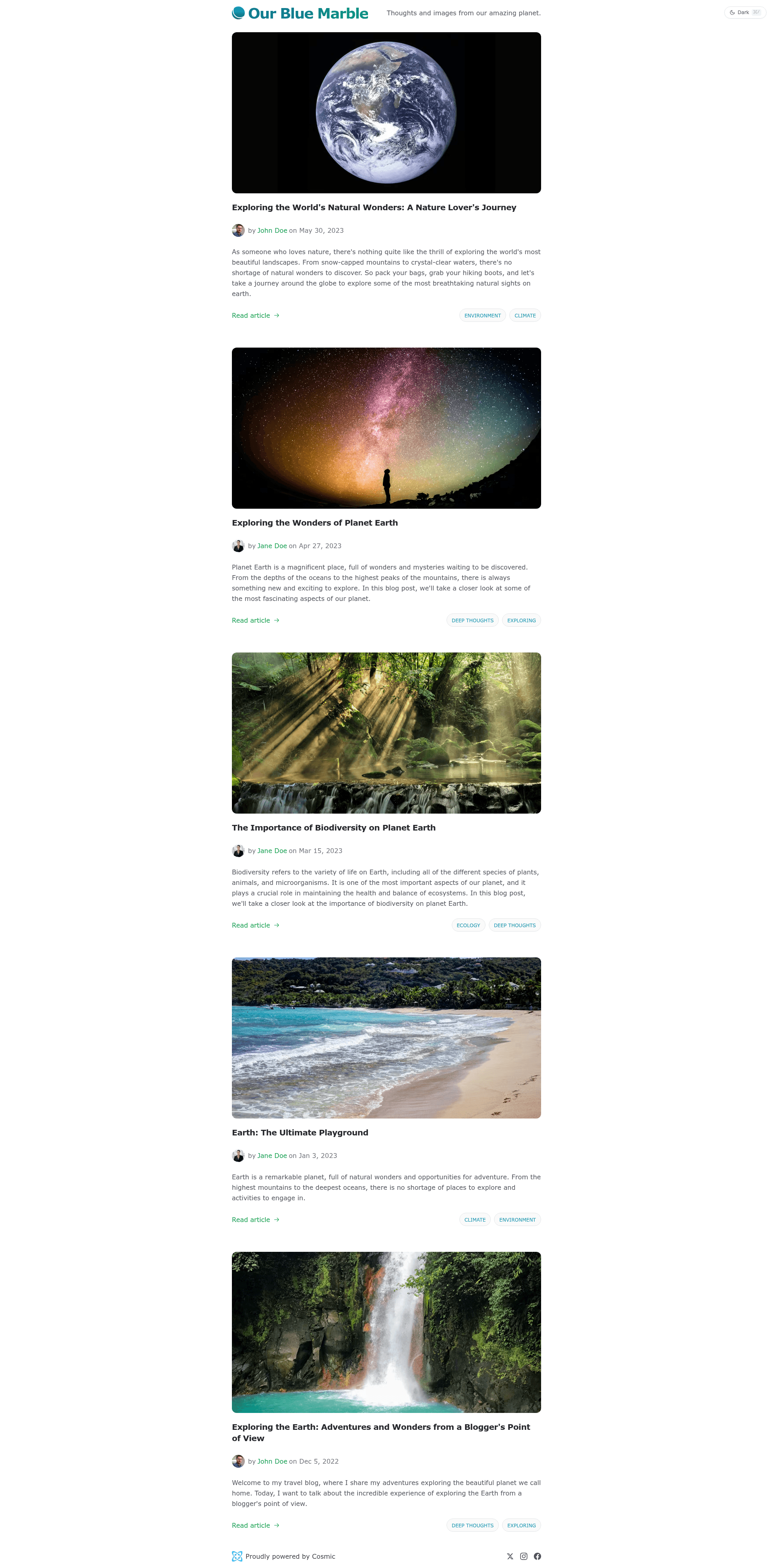
A simple blog powered by Next.js and the Cosmic headless CMS
About this template
Simple Next.js Blog is a starter template for building a blog site with Next.js and the Cosmic headless CMS. It pairs the React-based Next.js 16 framework with Cosmic's content API so developers can pull posts from a Cosmic bucket and render them as a fast, deploy-ready blog. The template is published by Cosmic and available on GitHub, with a live demo hosted on Vercel.
What is Simple Next.js Blog?
Simple Next.js Blog is a blog starter template that uses Next.js 16 and the Cosmic JavaScript SDK to fetch content from a Cosmic bucket. It takes a Cosmic bucket slug and read key as input, then outputs a server-rendered blog site that can be deployed to Vercel. The template was created by Cosmic, the headless CMS company, and is available as an open-source GitHub repository.
Key Features
- Next.js 16 — Built on Next.js 16, the template uses the new Partial Prerendering rendering model to optimize performance and user experience.
- Cosmic integration — Connects to the Cosmic headless CMS through the official Cosmic JavaScript SDK, with content fetched from any Cosmic bucket.
- Partial Prerendering — Leverages Next.js's new rendering model via the Vercel blog post linked in the readme, combining static and dynamic rendering.
- One-click Vercel deployment — Includes a Deploy to Vercel button that imports the repository and prompts for the required Cosmic environment variables.
- Simple environment setup — Configuration uses a
.env.localfile withCOSMIC_BUCKET_SLUGandCOSMIC_READ_KEY, copied from.env.example. - Live demo — A working demo is available at https://cosmic-nextjs-blog.vercel.app/, showing the template in production.
- Performance-focused — The readme highlights that the template is "Optimized for speed and performance," supported by the Partial Prerendering setup.
Who is it for?
- Developers starting a new blog project who want a minimal, CMS-backed starter without building from scratch.
- Next.js users who want a reference implementation of Next.js 16 partial prerendering in a real project.
- Cosmic users who want to run a blog connected directly to their Cosmic bucket and deploy it on Vercel.
- Content teams who need a straightforward blog site where posts are managed through Cosmic's dashboard.
What can you do with Simple Next.js Blog?
- Set up a blog in minutes: Clone the repository, create a
.env.local, add your Cosmic bucket slug and read key, then runyarn devto start locally. - Deploy to Vercel: Use the one-click deploy button with the same environment variables to publish the blog to a live URL.
- Manage content in Cosmic: Create and edit blog posts in a Cosmic bucket, and the template will fetch and display them through the Cosmic SDK.
- Learn partial prerendering: Explore how Next.js 16's partial prerendering is applied in a real blog template by reading the linked Vercel article.
How does Simple Next.js Blog work?
The setup process starts by installing the Simple Next.js Blog template from the Cosmic marketplace, then cloning the GitHub repository locally. Next, you copy .env.example to .env.local and fill in your bucket slug and read key from Bucket Settings > API Access in the Cosmic dashboard. After running yarn and yarn dev, the site runs at http://localhost:3000; deploying to Vercel only requires importing the repo and setting the same environment variables.
FAQ
What environment variables do I need?
You need a Cosmic bucket slug and a read key. In the Cosmic dashboard, go to Bucket Settings > API Access to find these values, then add them to .env.local as COSMIC_BUCKET_SLUG and COSMIC_READ_KEY.
Do I need a Cosmic account?
Yes, the template fetches content from a Cosmic bucket, so you must log in to Cosmic and install the template from its marketplace. The free tier is available, but this readme does not state pricing details.
How do I run the blog locally?
Clone the repo, copy .env.example to .env.local, add your Cosmic API keys, then run yarn to install dependencies and yarn dev to start the development server on port 3000.
How do I deploy to Vercel?
Use the provided Deploy to Vercel button, which imports the GitHub repository and asks for COSMIC_BUCKET_SLUG and COSMIC_READ_KEY as environment variables. After the build completes, your blog is live on a Vercel URL.