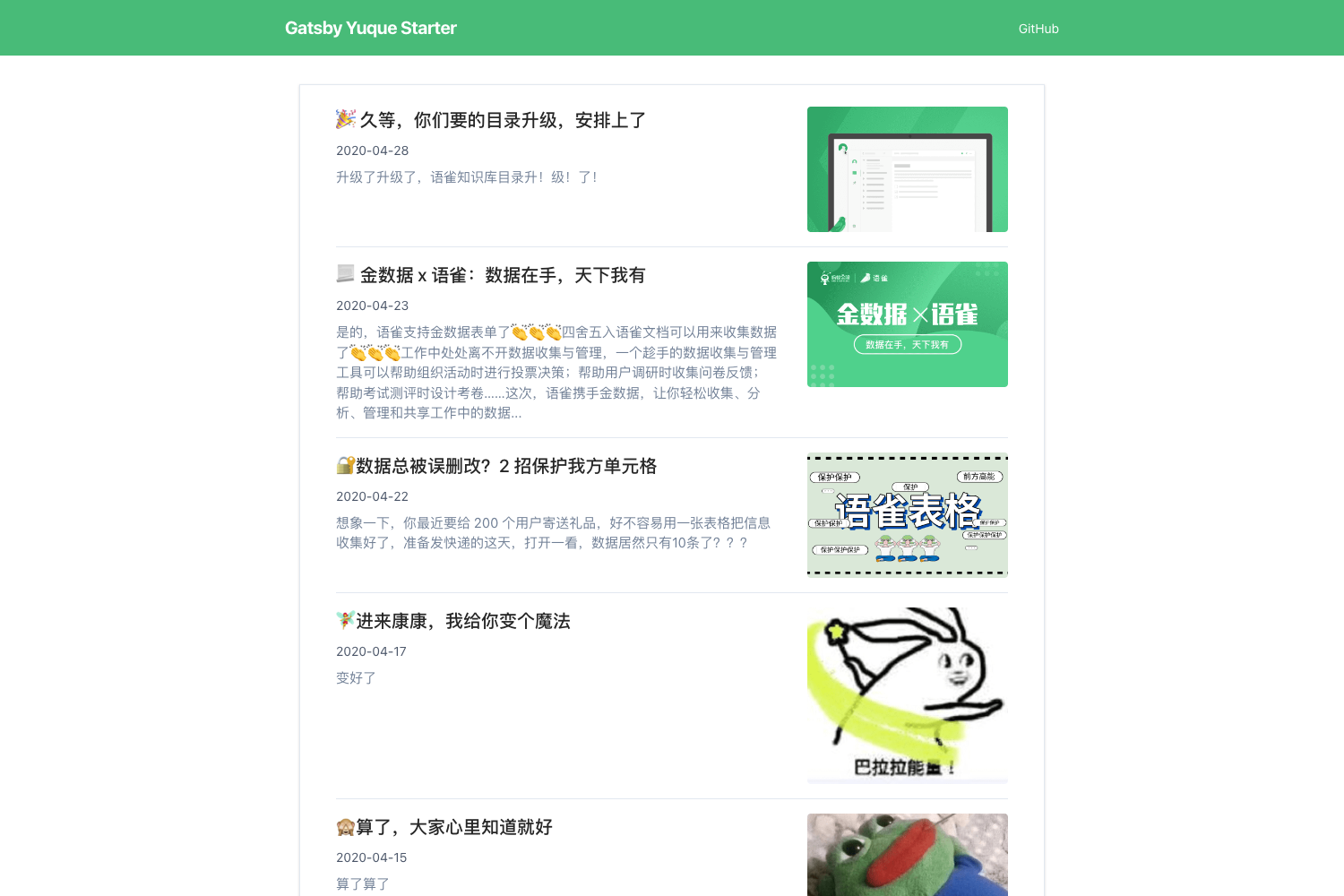
Template details
Jekyll Theme Quarkyll
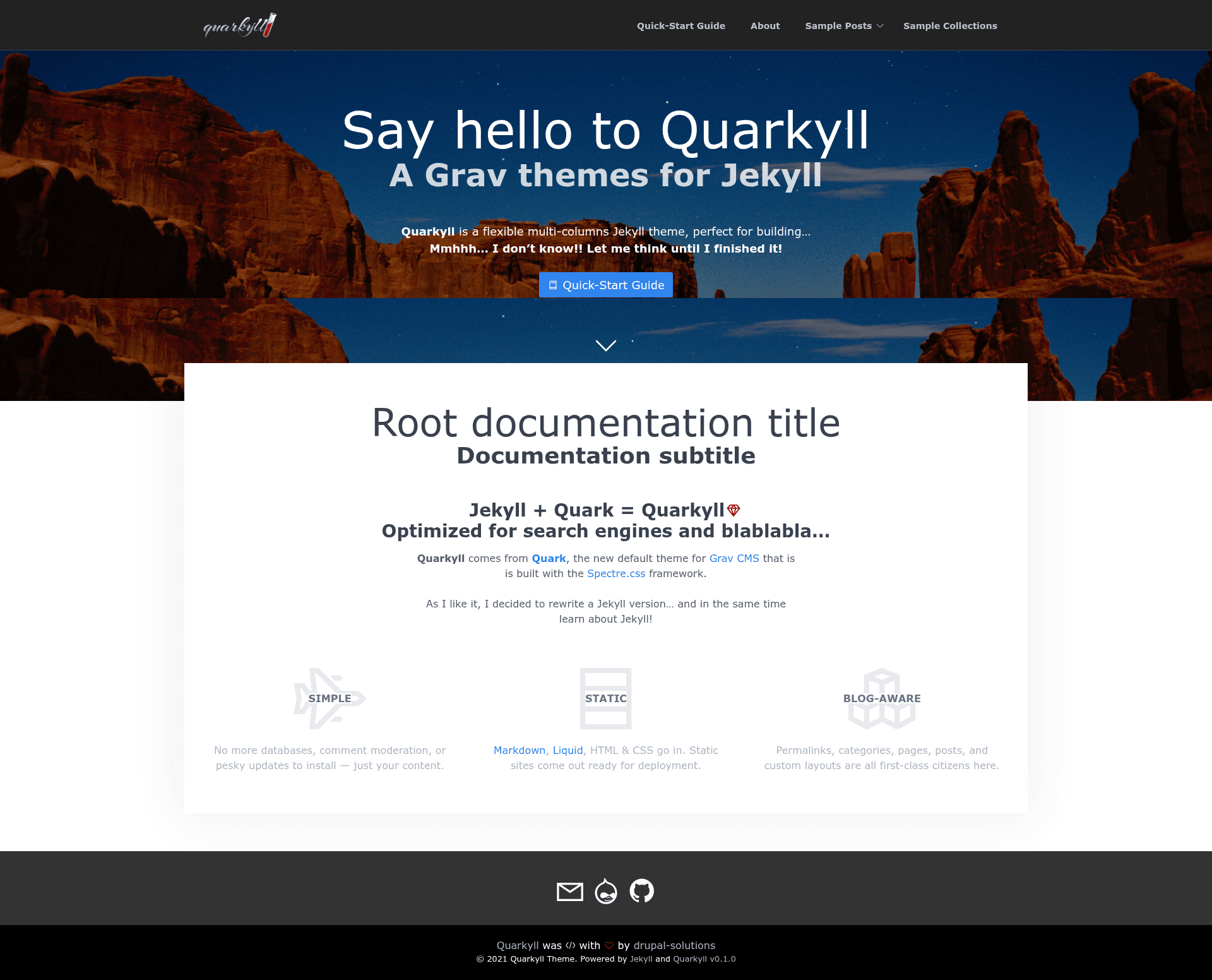
A Jekyll theme based on the Grav CMS default theme Quark, offering a flexible two-column layout; currently in development.
About this template
Jekyll Theme Quarkyll is a development-stage Jekyll theme that adapts Quark, the default theme of the Grav CMS, for use with Jekyll static sites. It is created by Enzo Di Resta (drupix) and distributed as a Ruby gem under the MIT License, providing a flexible two-column layout that mirrors the design and structure of the original Quark theme.
What is Jekyll Theme Quarkyll?
Jekyll Theme Quarkyll is a Jekyll theme that ports the Grav CMS default theme Quark to the Jekyll static site generator. It takes standard Jekyll content (pages, posts, data files) and renders it through a two-column, flexible layout using the theme's templates and assets. The theme is maintained by Enzo Di Resta (drupix) on GitHub and is explicitly marked as under development, not yet ready for production.
Key Features
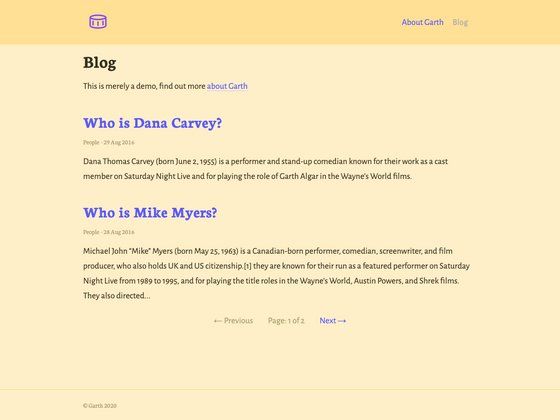
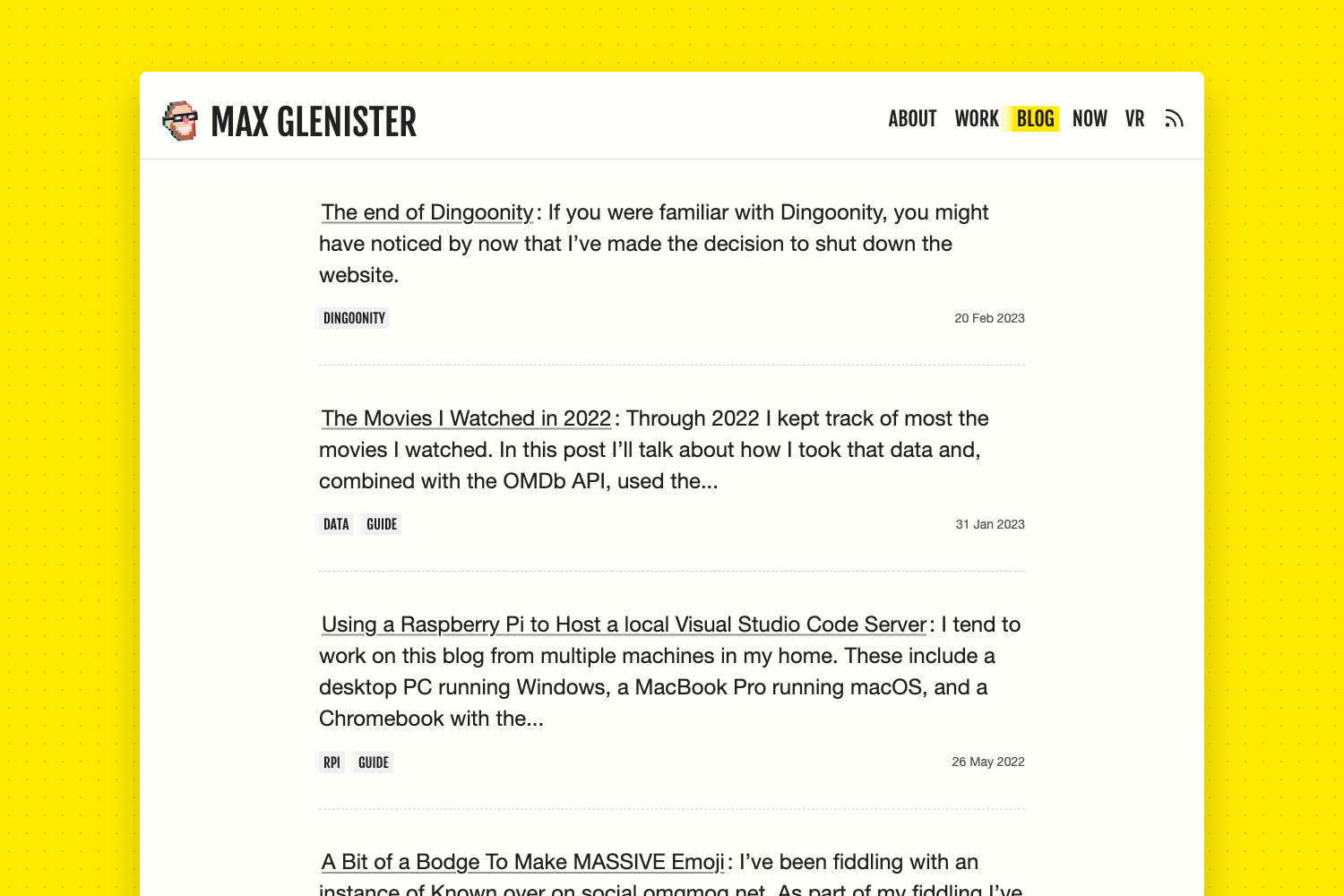
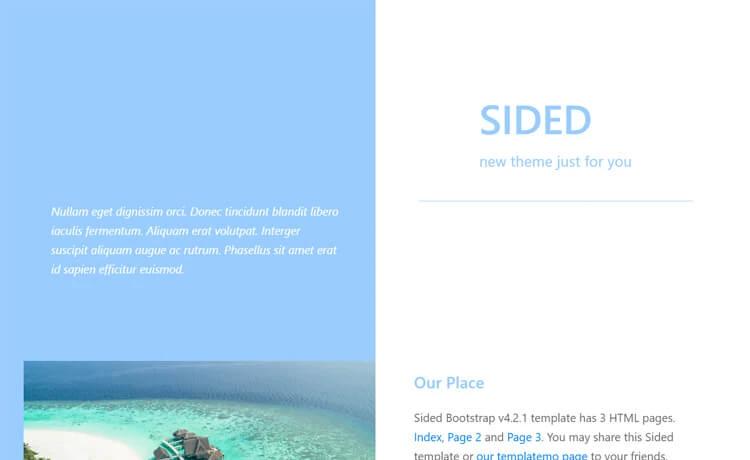
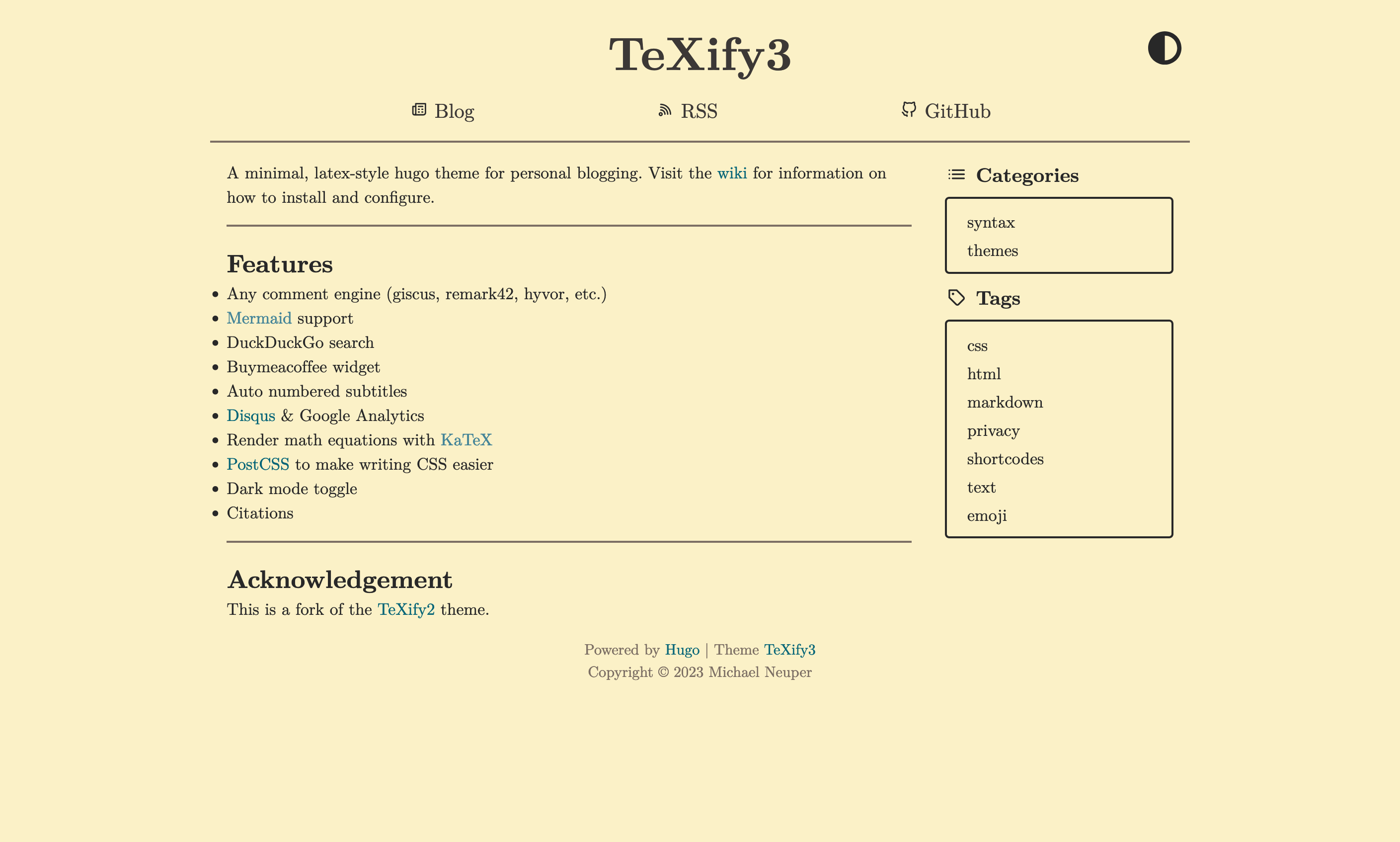
- Two-column layout — The theme provides a flexible two-column design that adapts to different content structures, suitable for blogs, portfolios, or general content sites.
- Based on Quark — Ports the default Grav CMS theme (Quark) to Jekyll, giving Jekyll users the visual style and layout patterns originally built for Grav.
- Spectre.css integration — Uses Spectre.css as its CSS framework, offering lightweight, responsive grid utilities and UI components without heavy dependencies.
- Icons8 Line Awesome icons — Bundles Line Awesome, an open-source icon set distributed under the MIT License, for adding vector icons to navigation and content.
- jQuery and jquery.treemenu.js — Includes jQuery and the jquery.treemenu.js plugin, enabling tree-style navigation menus in the theme.
- Unsplash photographs — Ships with demo images from Unsplash to showcase layout examples, useful during theme testing and development.
- Gem installation — Installable like any Jekyll theme by adding gem "jekyll-theme-quarkyll" to a site's Gemfile and setting theme: jekyll-theme-quarkyll in _config.yml, then running bundle.
- Standard Jekyll theme structure — Follows Jekyll's convention with _layouts, _includes, _sass, and assets directories, which are tracked and bundled when the theme is released.
Who is it for?
- Jekyll developers — Developers who want a starting point based on the familiar Quark design from Grav will use this theme to scaffold new static sites with Jekyll.
- Bloggers and content publishers — The two-column layout suits blogs or content-driven sites where an article area and a sidebar or secondary column are needed.
- Jekyll theme learners — Those studying how to port a theme from another static-site platform can read Quarkyll's source and follow the development workflow documented in the repository.
What can you do with Jekyll Theme Quarkyll?
- Set up a new Jekyll site quickly — Add the gem to your Gemfile and configure the theme in _config.yml to apply the Quark-inspired layout to your pages and posts.
- Develop and preview the theme — Clone the repository, run bundle install and bundle exec jekyll serve, then view the theme at localhost:4000 with automatic regeneration on changes.
- Customize the theme — Modify files under _layouts, _includes, _sass, and assets to create a bespoke site based on the theme's structure.
How does Jekyll Theme Quarkyll work?
To install Quarkyll, add gem "jekyll-theme-quarkyll" to your Jekyll site's Gemfile and set theme: jekyll-theme-quarkyll in _config.yml, then run bundle to fetch dependencies. For development, clone the repository, run bundle install to set up the environment, and start a local Jekyll server with bundle exec jekyll serve; the site regenerates automatically as you edit theme files and content.
FAQ
Is Jekyll Theme Quarkyll ready for production?
No. The theme is under development and carries a warning that it is not yet ready for production. It should be used for experimentation or prototyping, not for live production sites.
Is Jekyll Theme Quarkyll free?
Yes. The theme is released under the MIT License, which permits free use, modification, and distribution. It also incorporates other MIT-licensed components, including Spectre.css and Icons8 Line Awesome.
Does Jekyll Theme Quarkyll work with GitHub Pages?
The repository lists GitHub Pages as a topic, suggesting intended compatibility. However, as a pre-release gem-based theme, it has not been formally tested for GitHub Pages yet. Once a stable version is released, it would be installed via the Gemfile and theme setting typically used on GitHub Pages.
What is the relationship to Quark?
Quark is the default theme for Grav CMS. Quarkyll is a Jekyll theme that adapts Quark's design and structure for Jekyll, with the original Quark theme credited in the license. This makes the visual style of Quark available to Jekyll users.
Who created Jekyll Theme Quarkyll?
Enzo Di Resta, known on GitHub as drupix, created the theme. He maintains the project at github.com/drupix/jekyll-theme-quarkyll and credits Minimal Mistakes as a learning source for building Jekyll themes.